The best vibe coding hardware ideas are projects where the hard part is code on a ready-made board: rebuilt smart TV home screens, desk companions that react to your AI coding sessions, e-ink and touchscreen dashboards, handheld gadgets, music controllers and old devices given new jobs. Below are real examples, each with parts, difficulty and a starter prompt.
How to pick an idea
The ideas that work best with Claude, ChatGPT or Cursor share three things: a board you can buy (an ESP32, a Raspberry Pi, or a device you already own), very little wiring, and a clear moment when it's done. Every build on Afterware has an AI-buildability score; look for a 4 or 5.
1. Rebuild a screen you already own
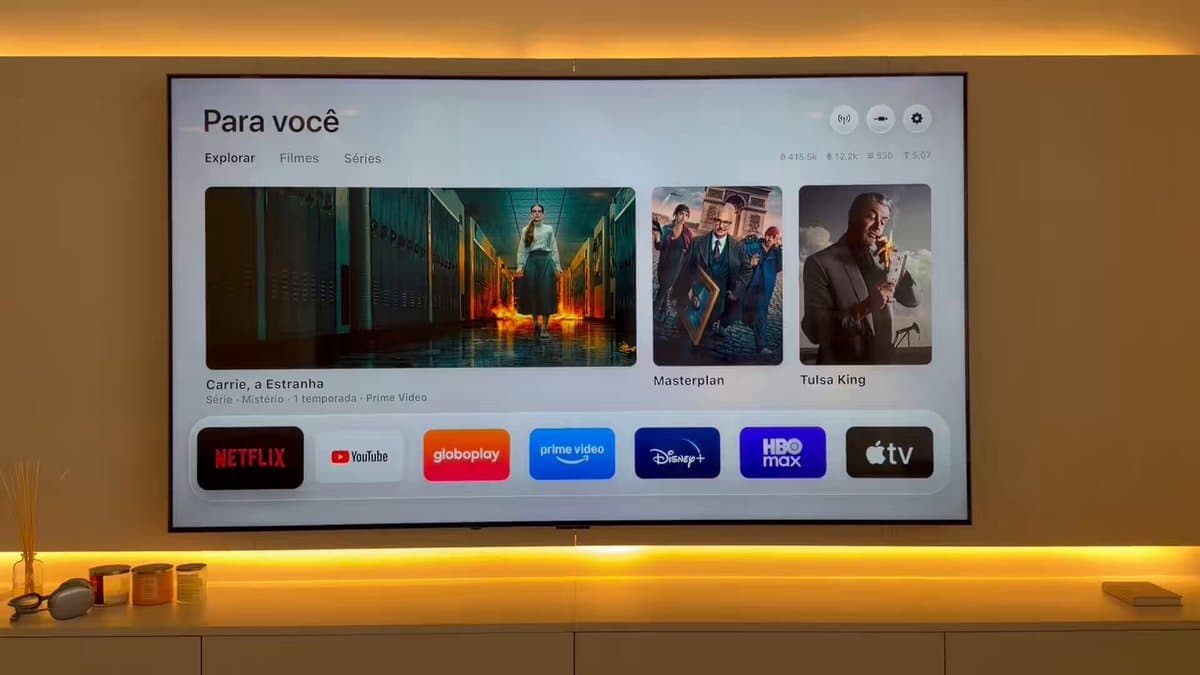
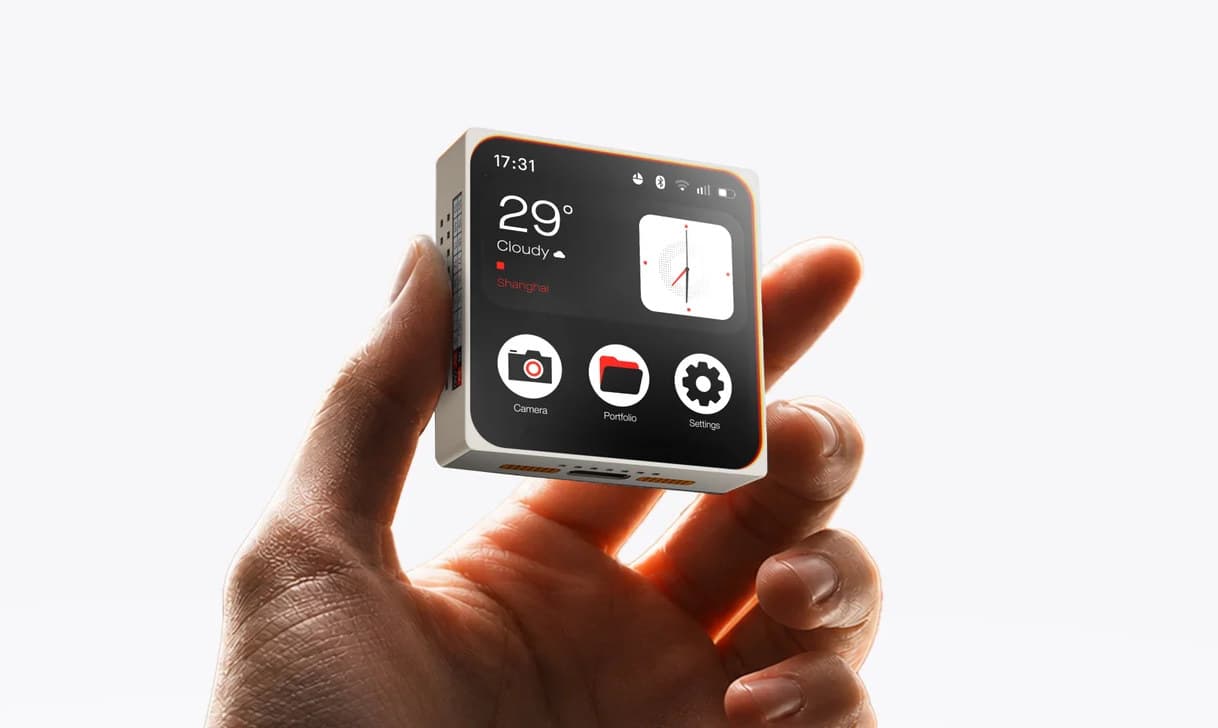
The fastest-growing idea right now. Smart TVs, printer screens and gadget displays are small computers you can reprogram.
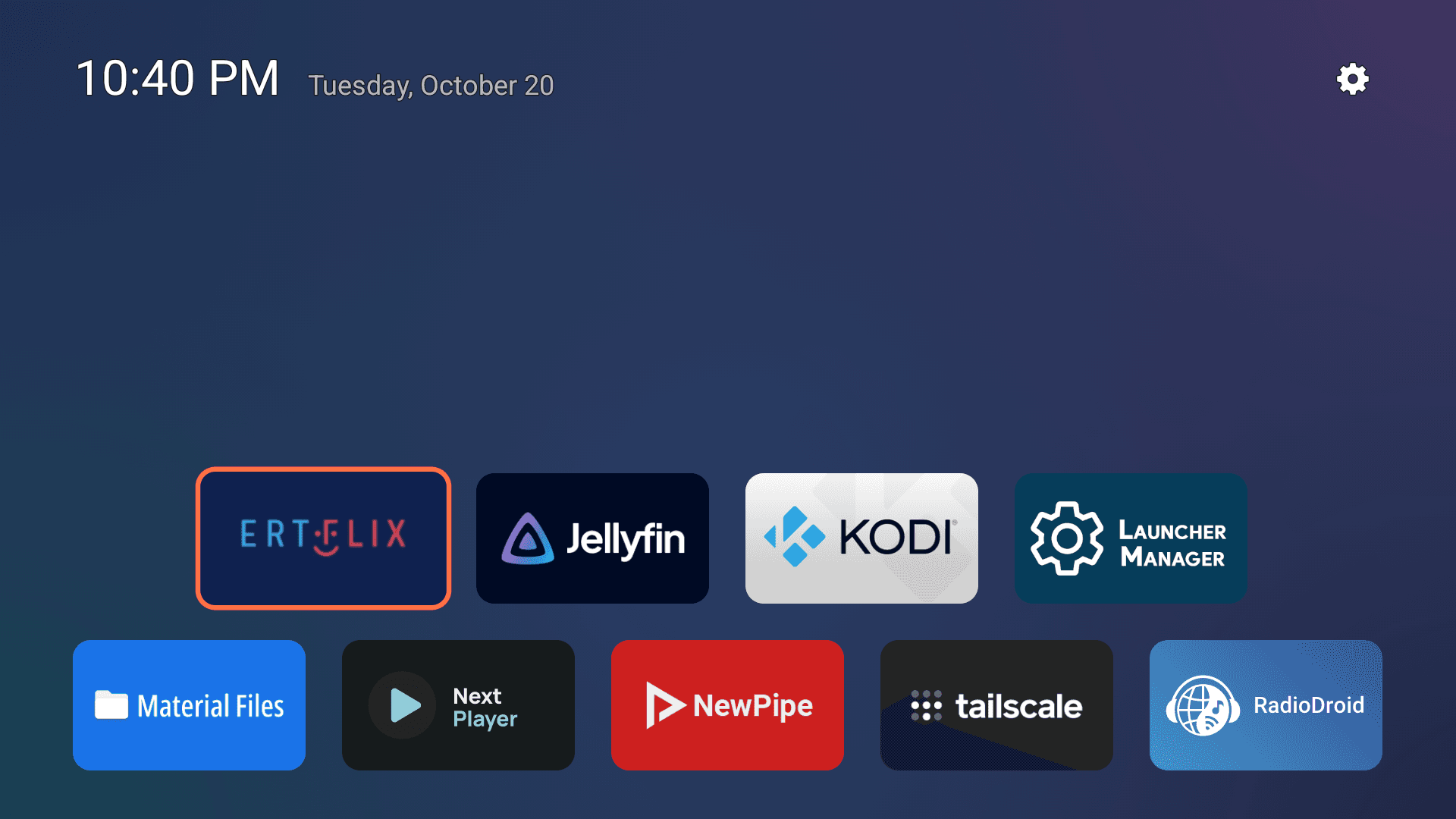
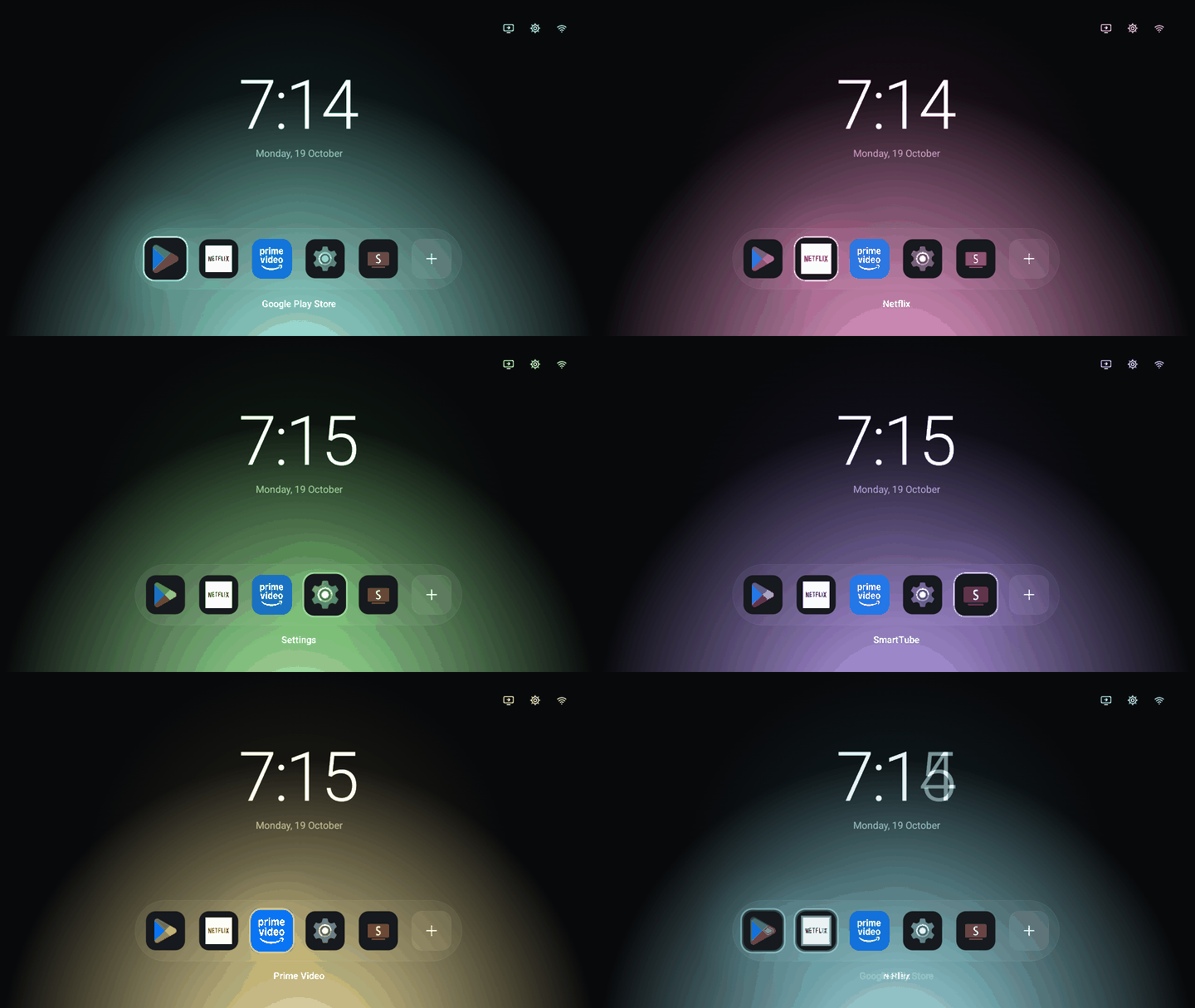
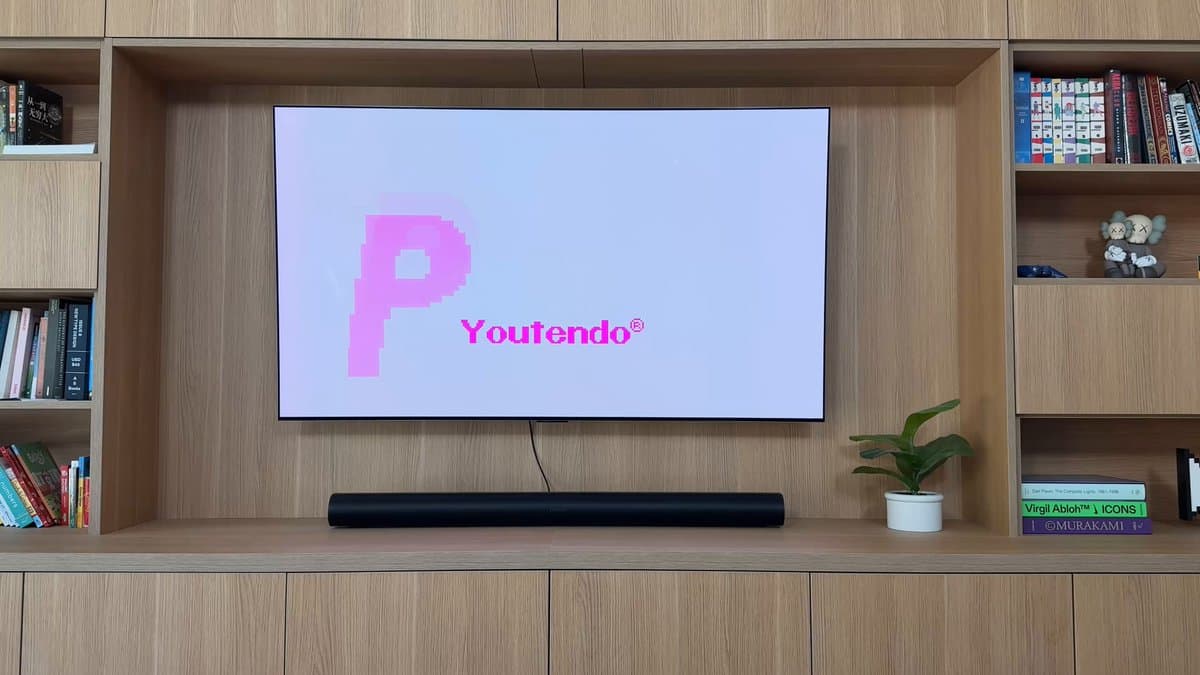
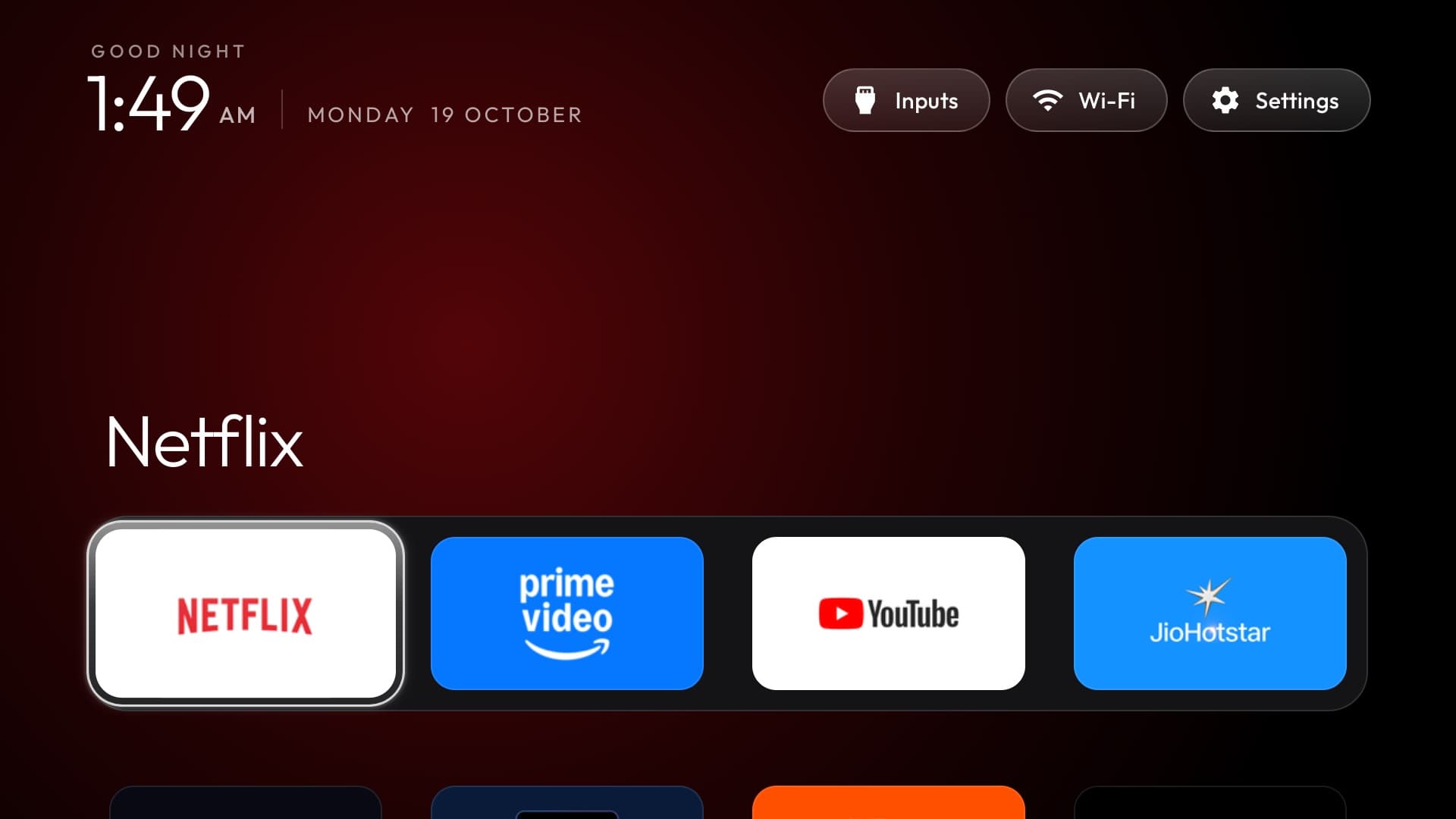
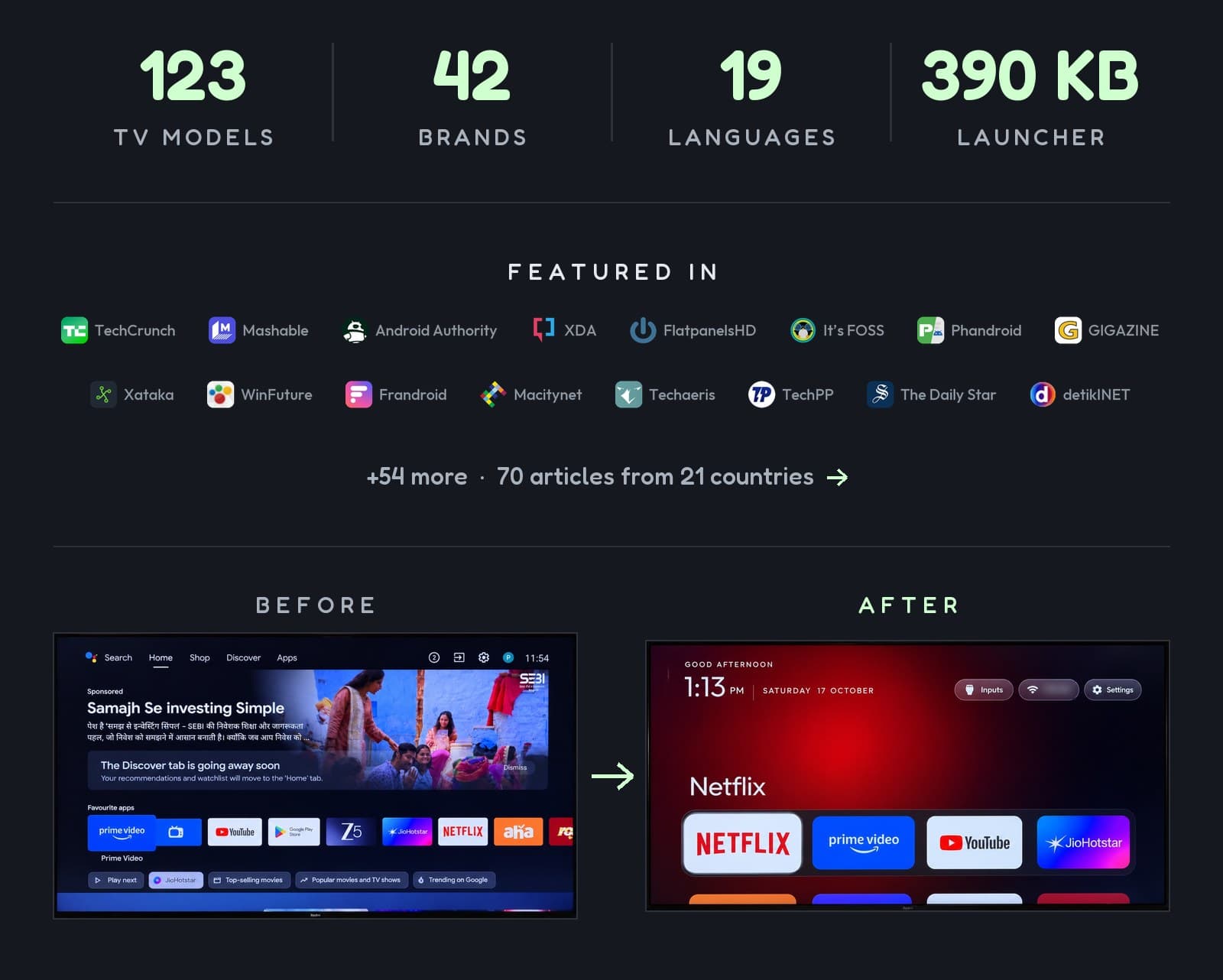
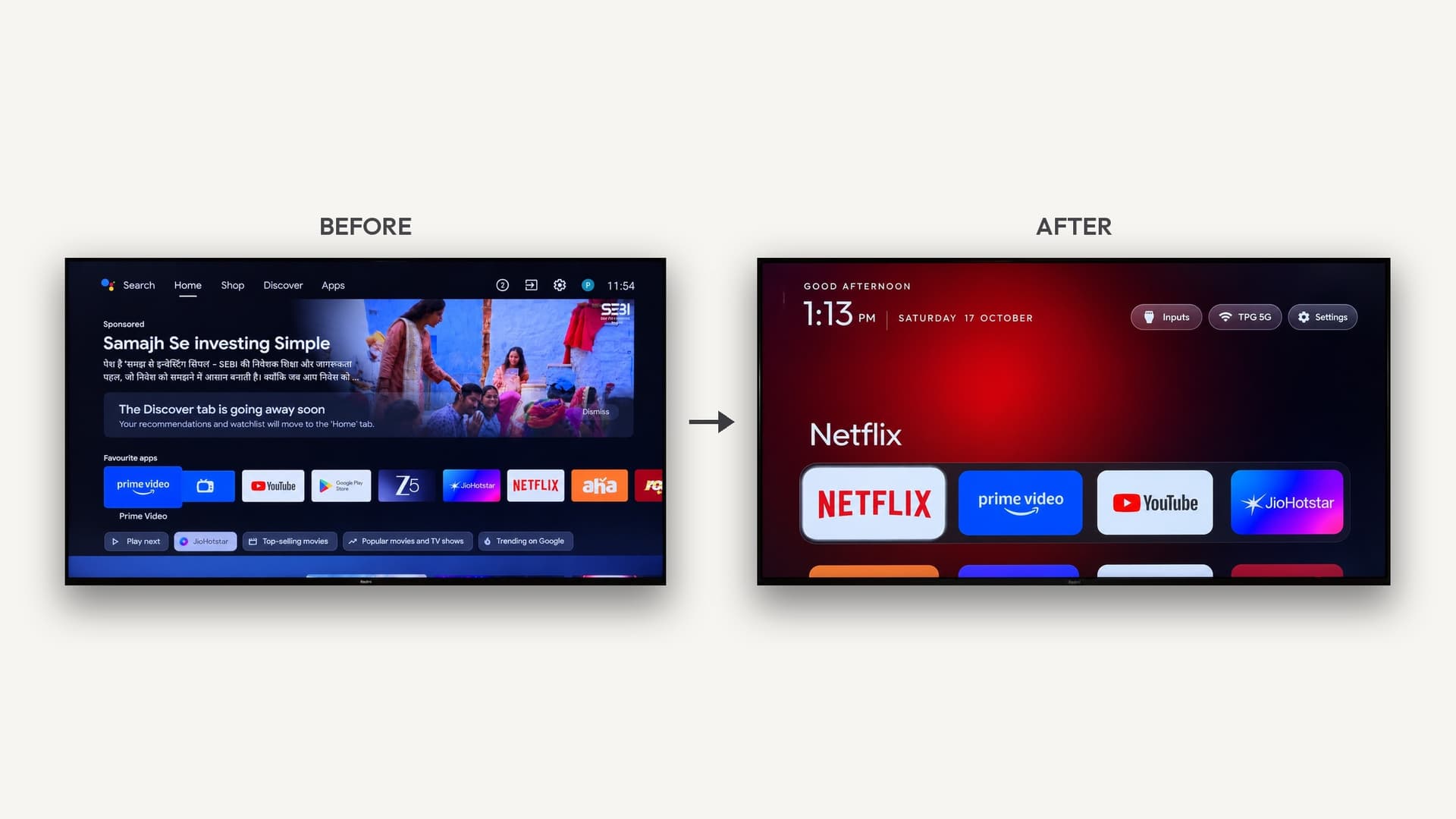
- An ad-free TV home screen. CleanYourTV, KonnectTV and dumbtv strip ads and tracking from Android and Fire TVs. How-to: remove smart TV ads with AI.
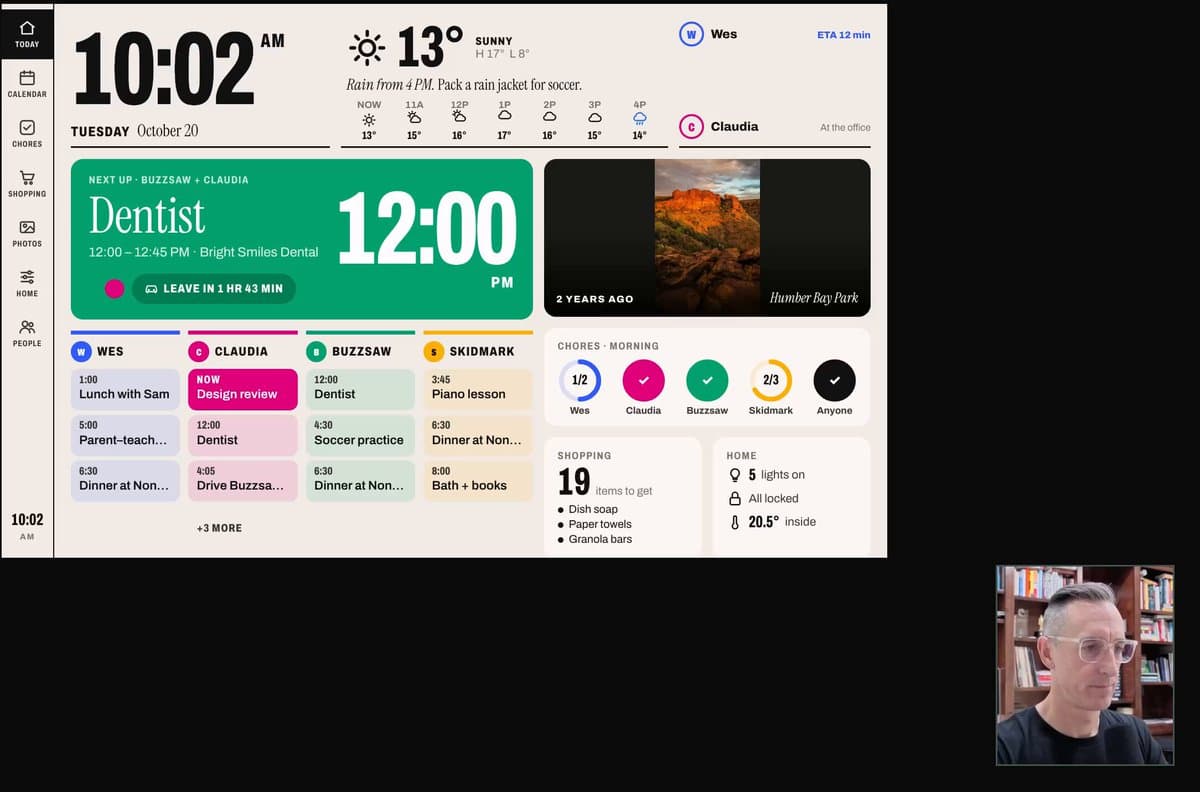
- A home screen nobody else has. A live 3D model of an apartment, or a Pokemon-style town where apps live inside buildings. More in Smart TVs, rebuilt with AI.
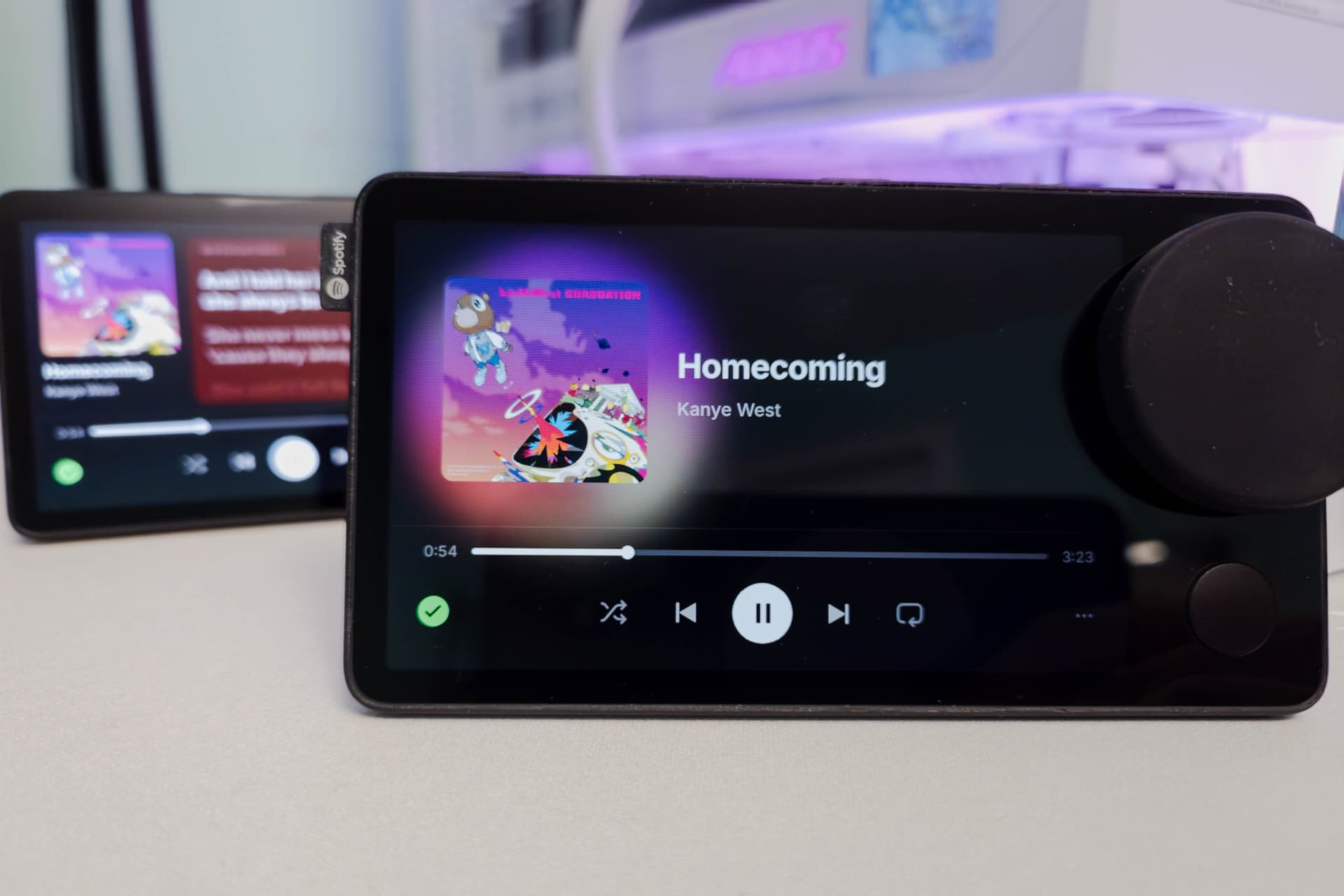
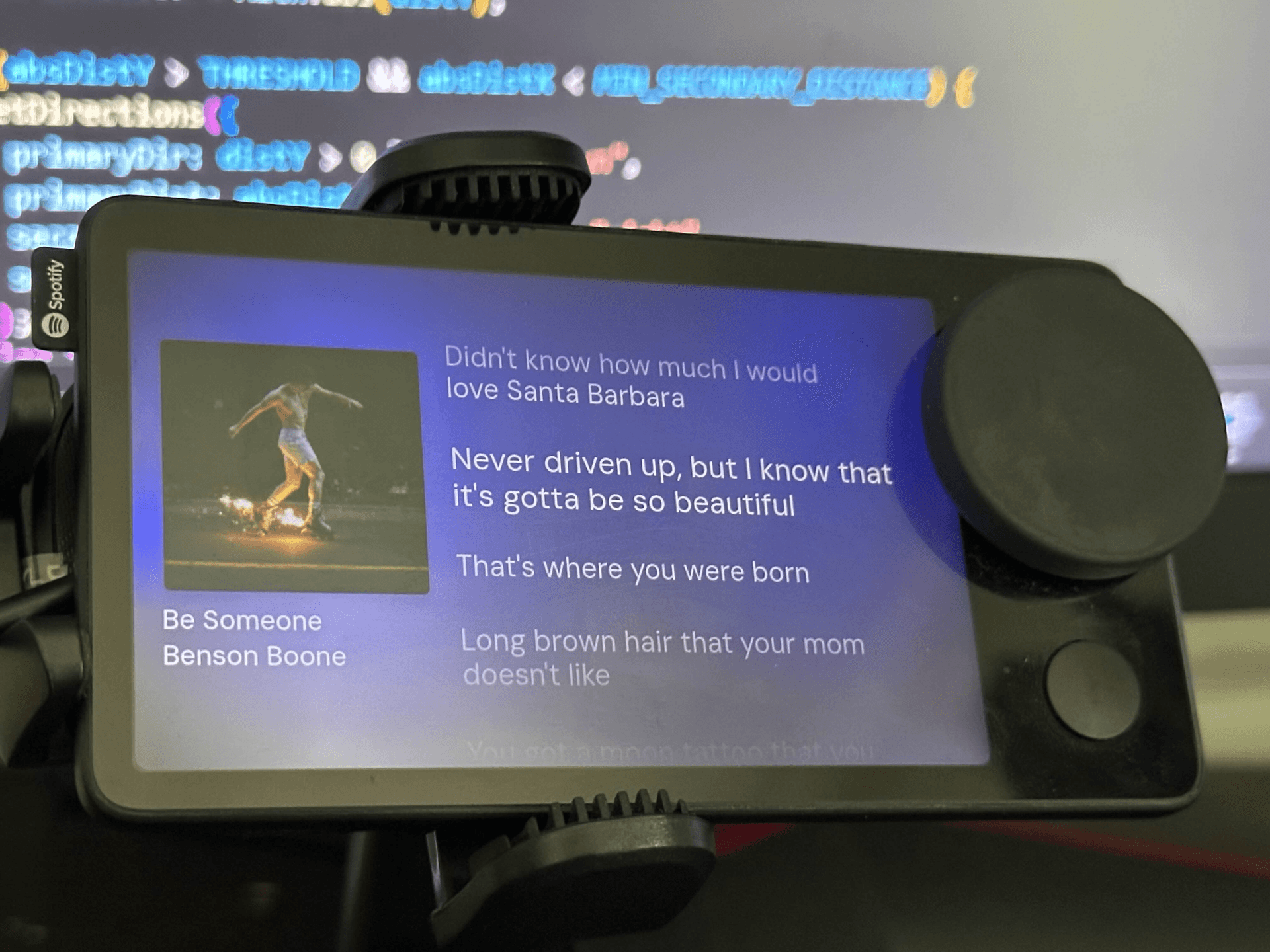
- A discontinued gadget brought back. The Spotify Car Thing lives again with Mira and DeskThing. Guide: Revive a Spotify Car Thing.
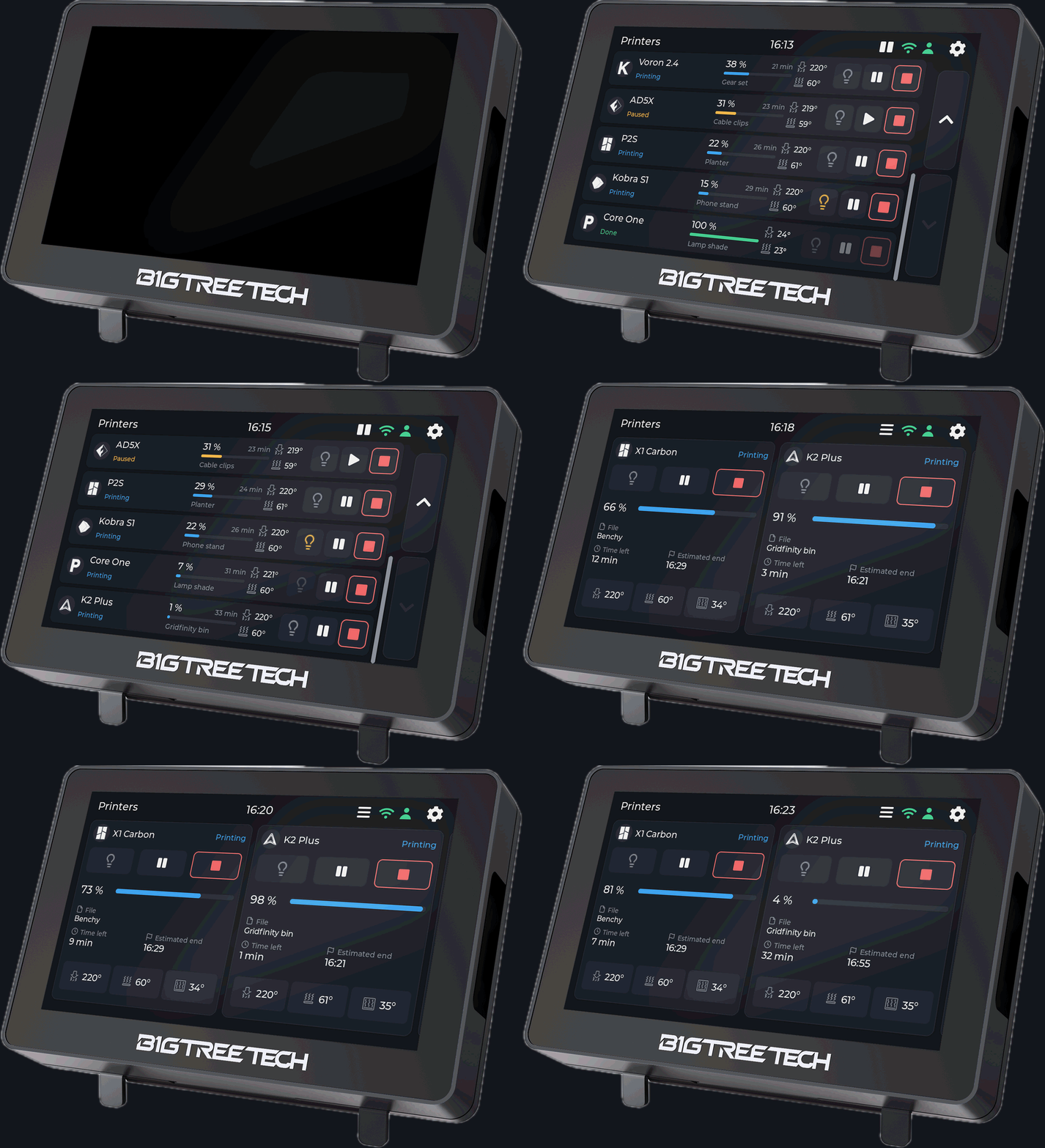
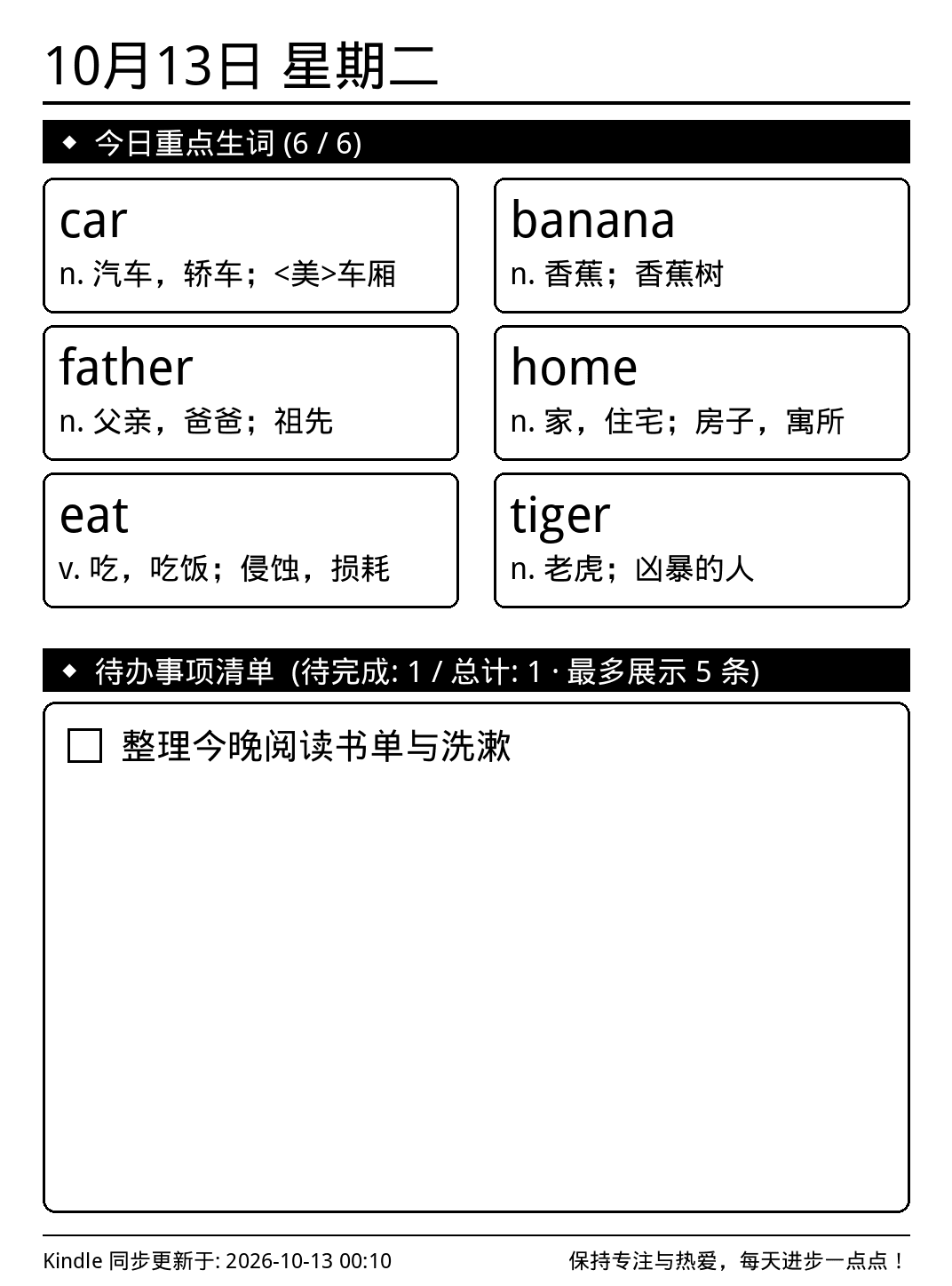
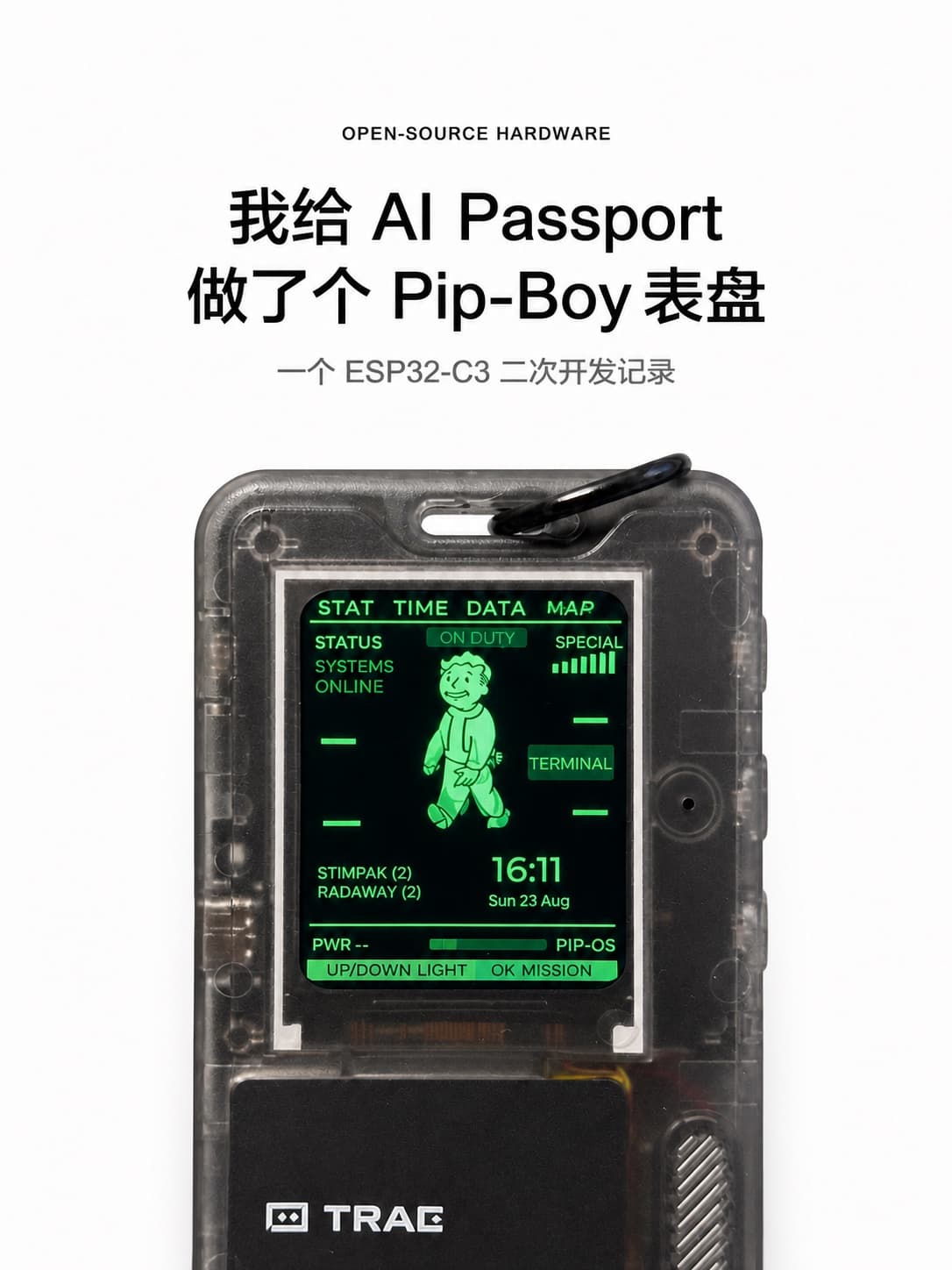
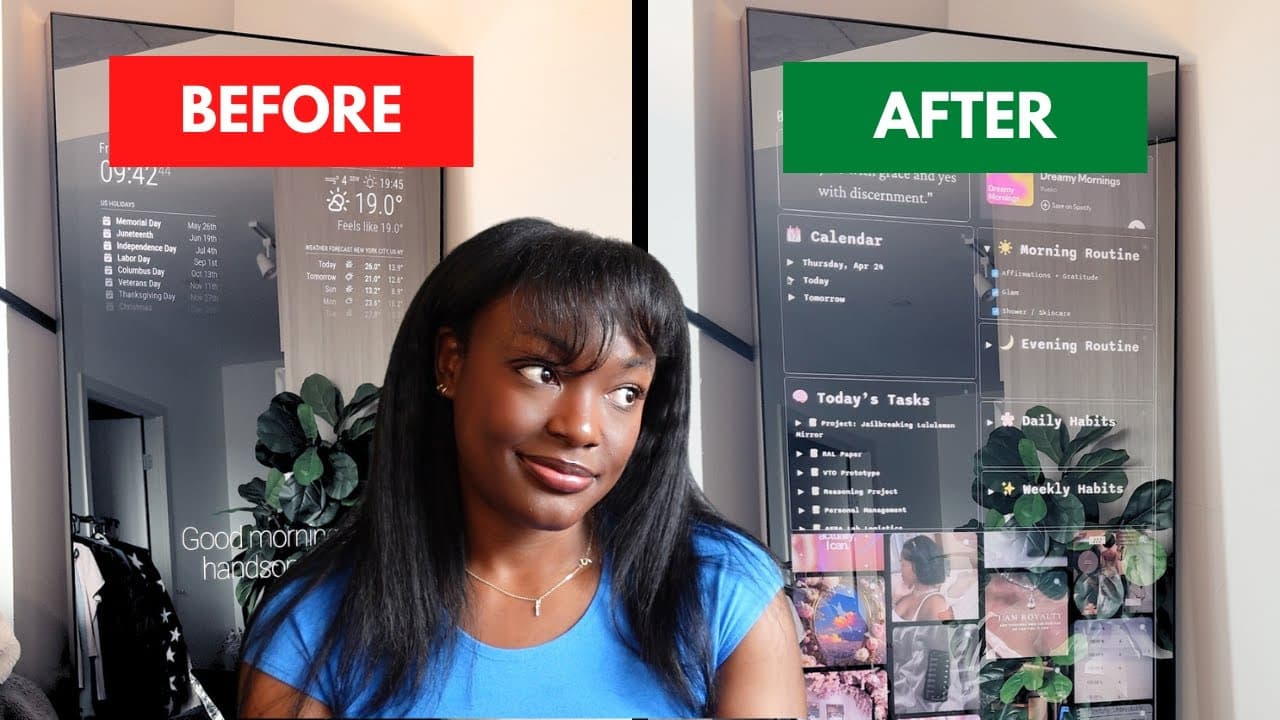
- A gadget screen with a new job. A 3D printer touchscreen turned into a multi-printer monitor, or an AI toy turned into a Pip-Boy clock.
2. A desk companion for your AI coding sessions
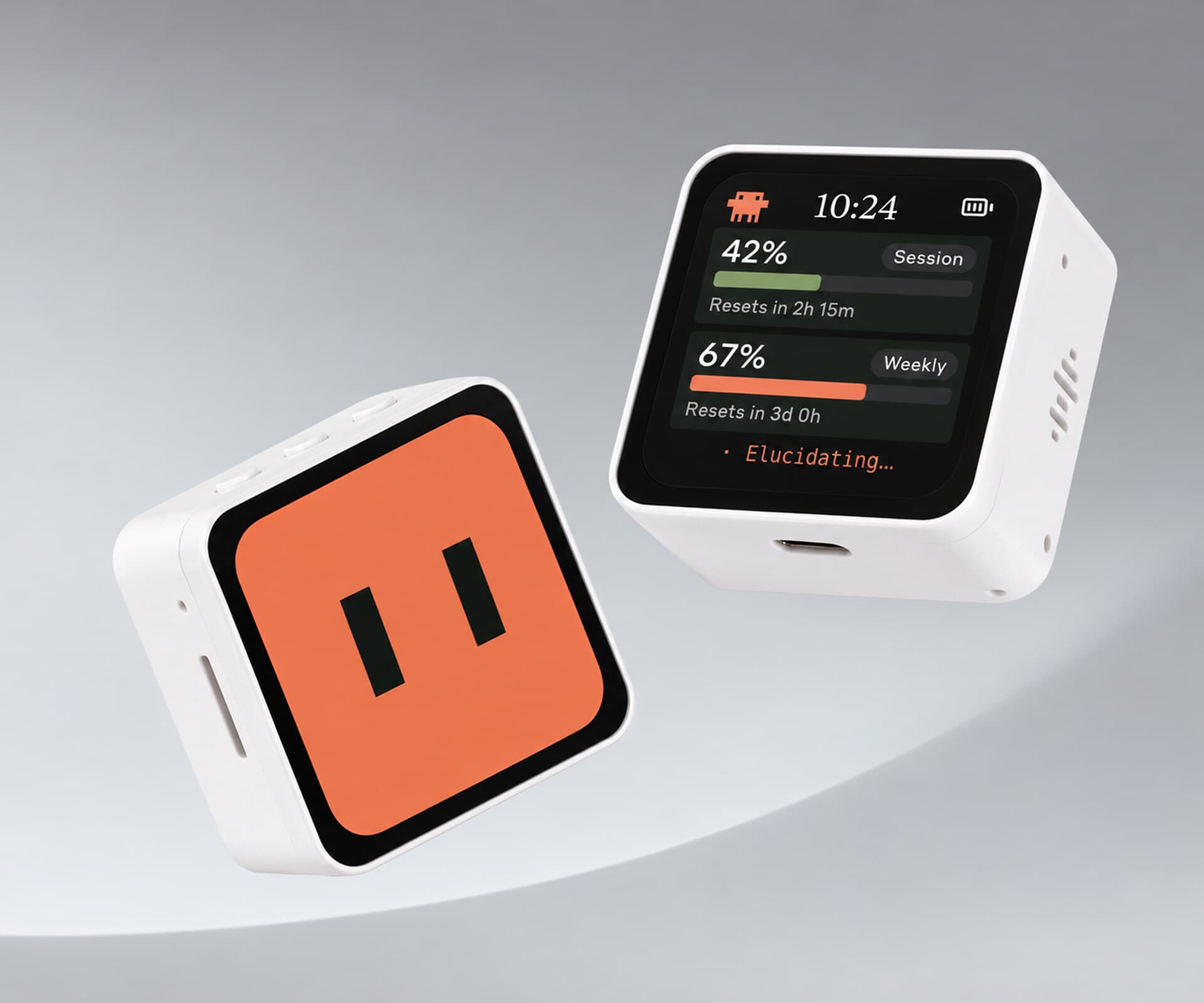
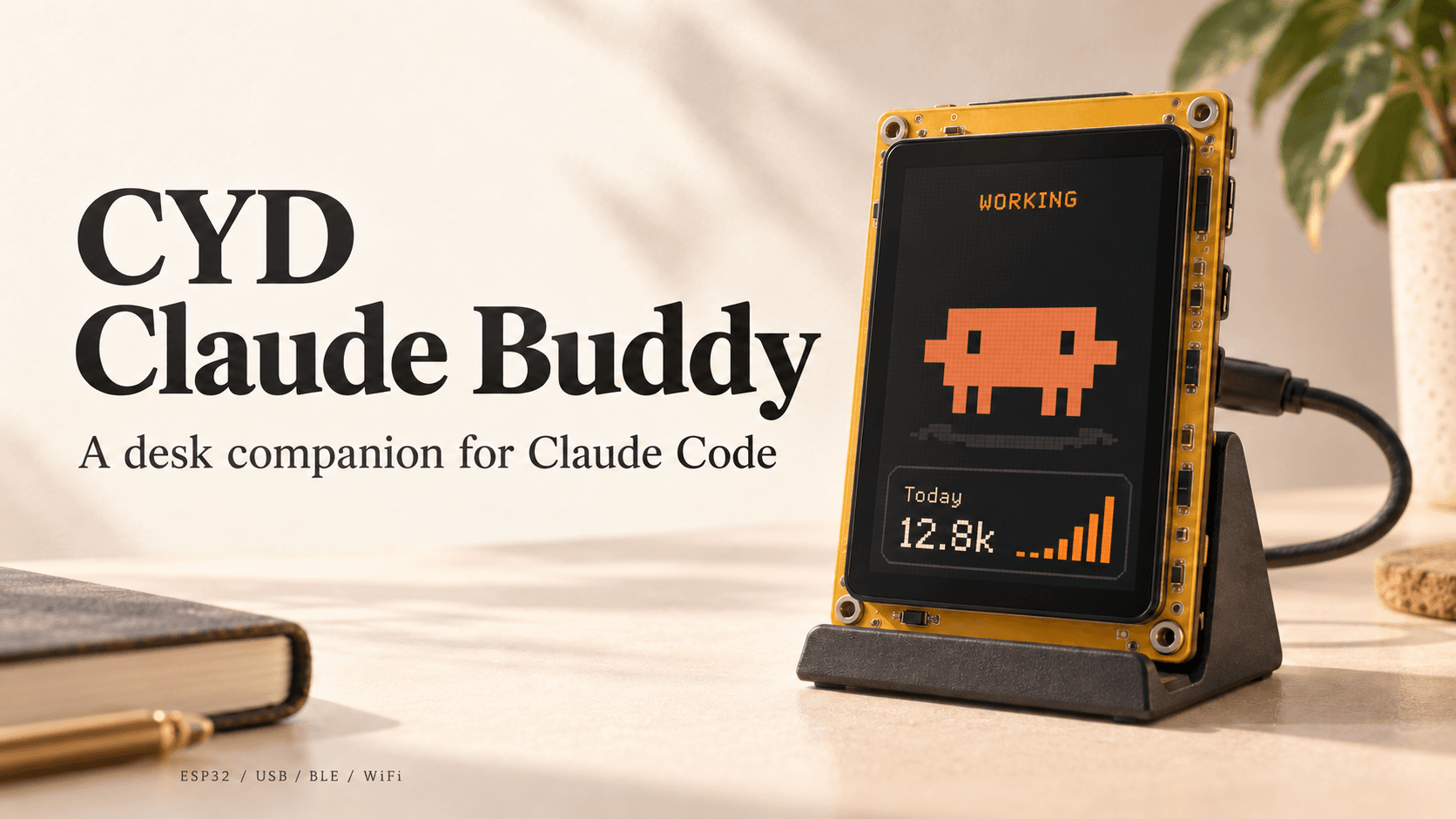
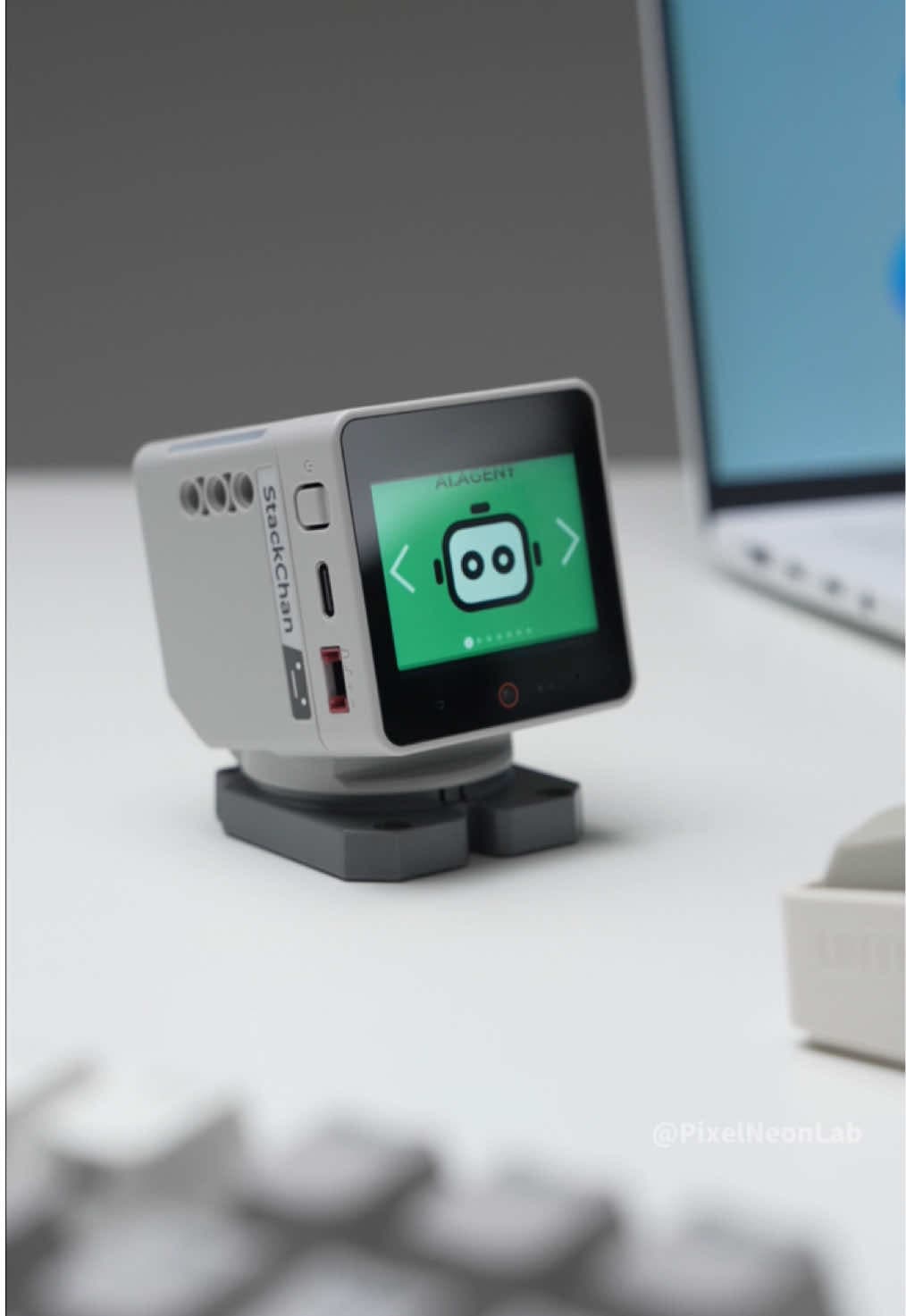
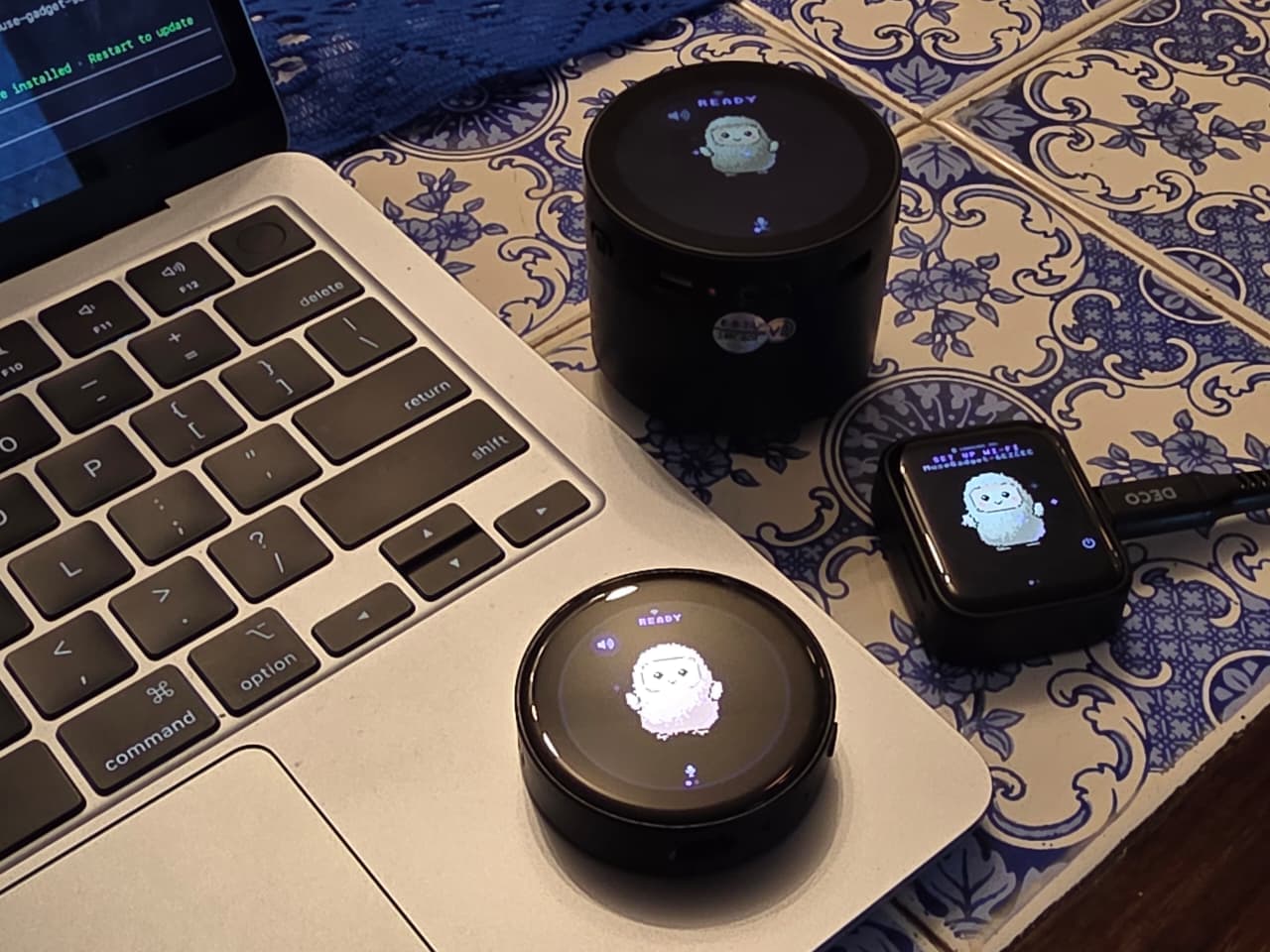
Little devices that show what Claude Code is doing have become their own genre.
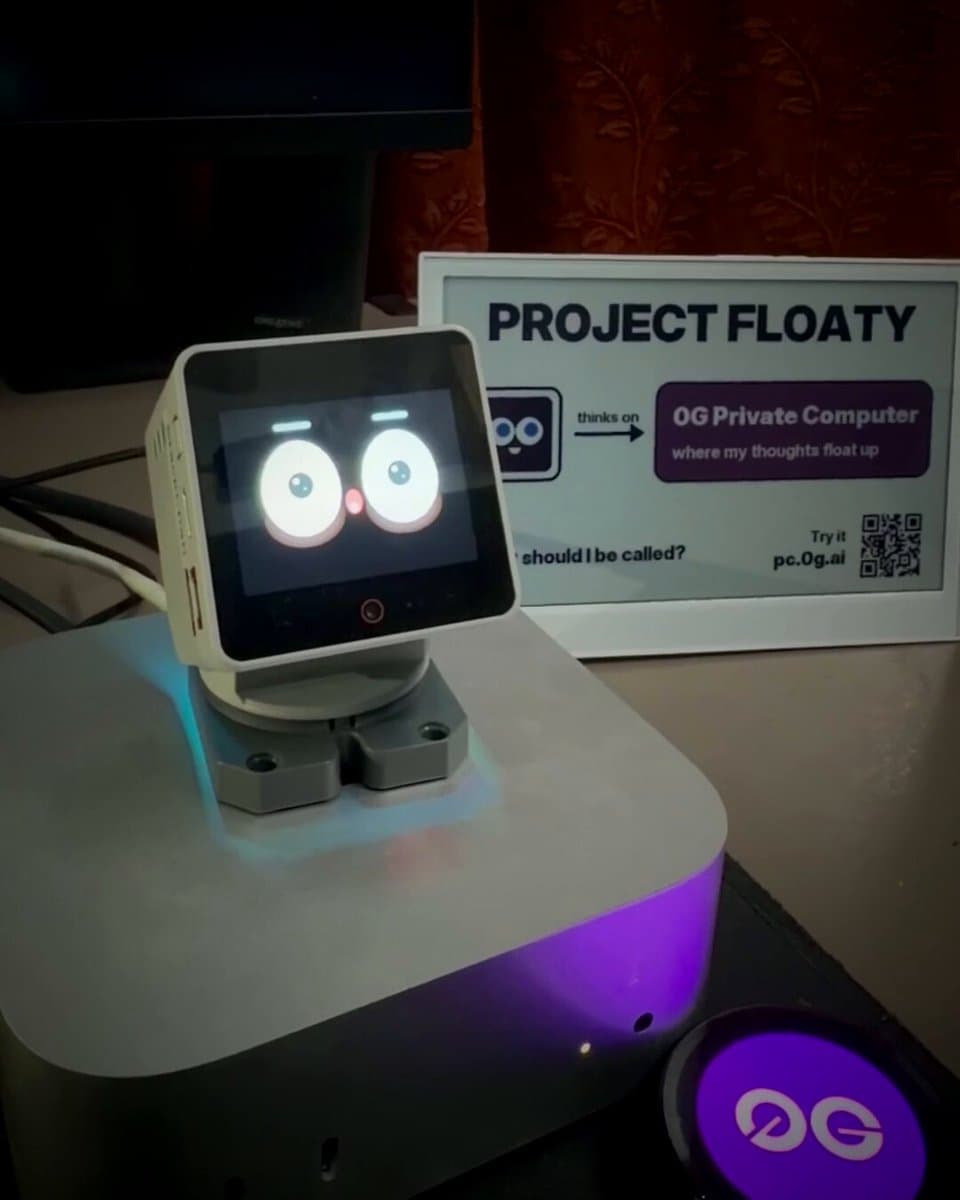
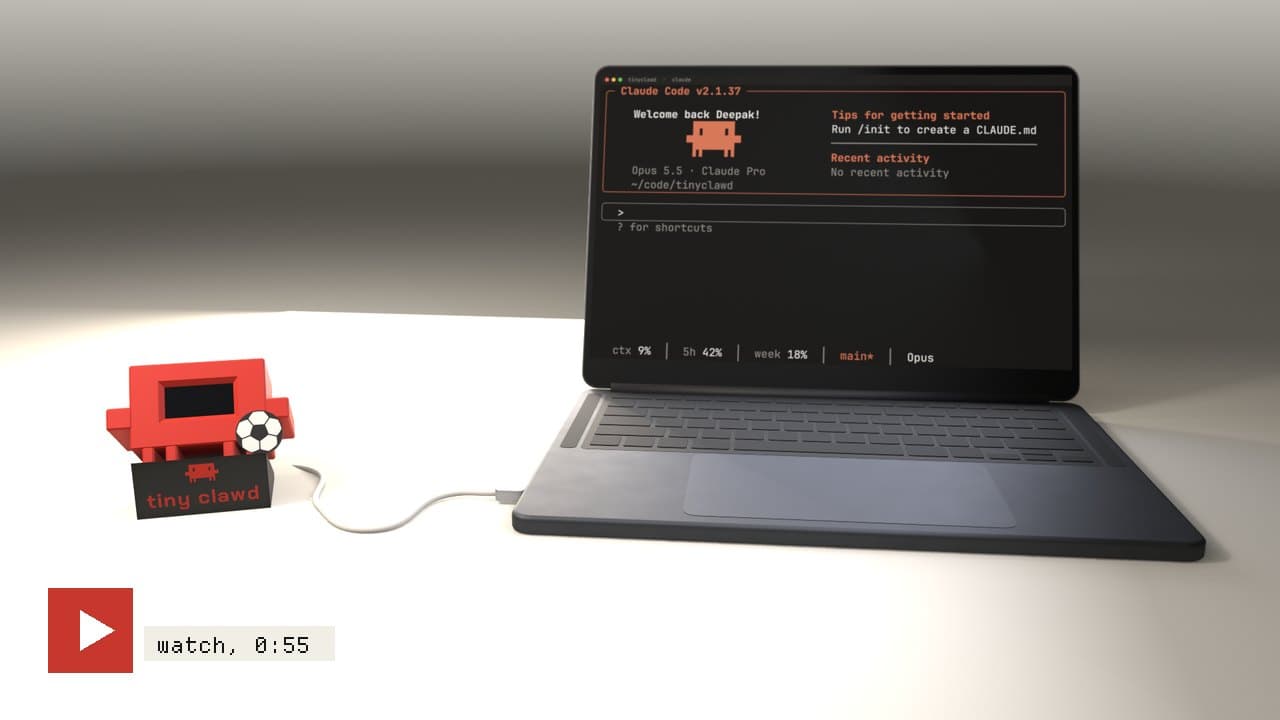
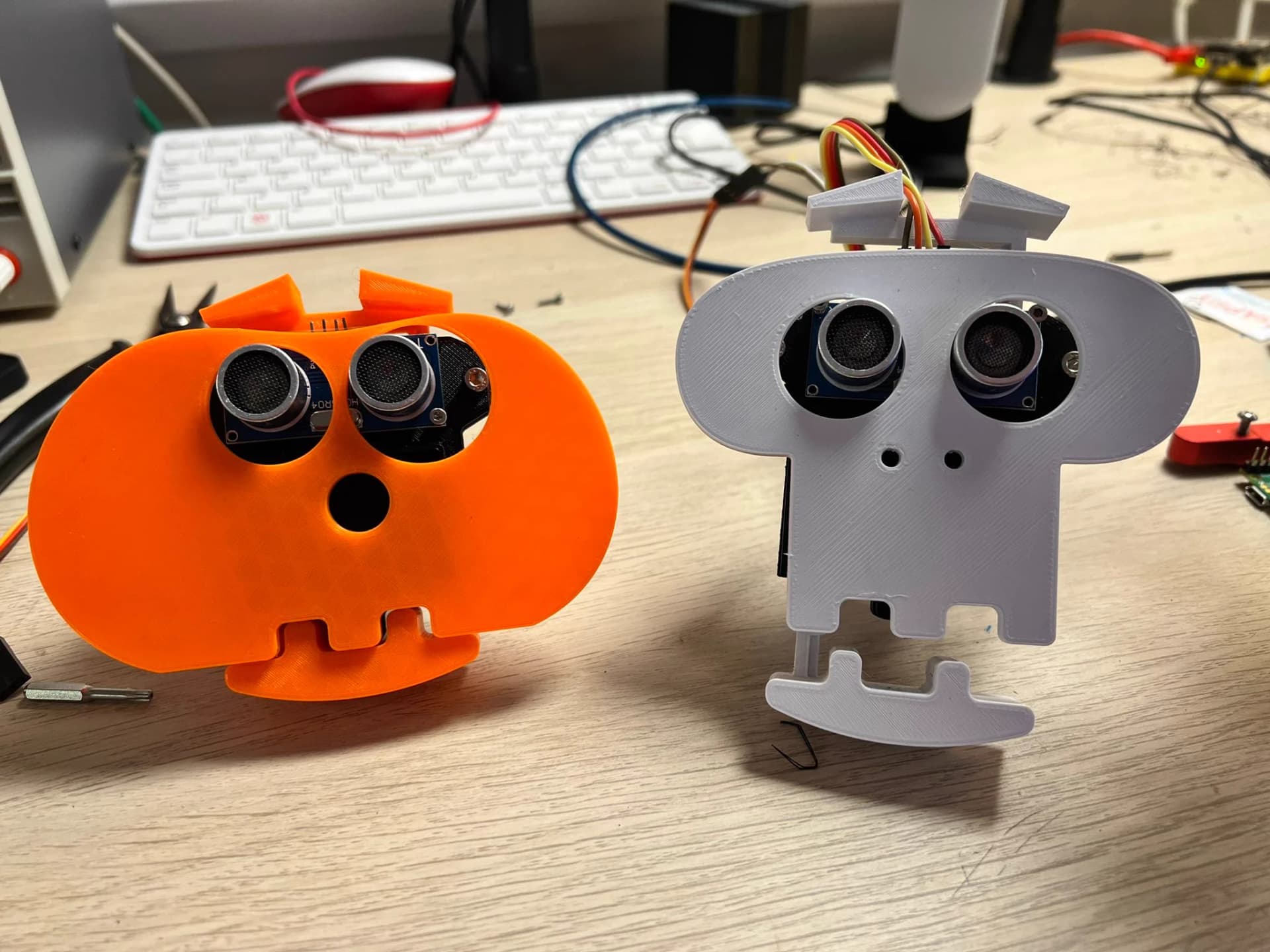
- Tiny Clawd: a 3D printed desk pet whose face mirrors Claude Code's activity
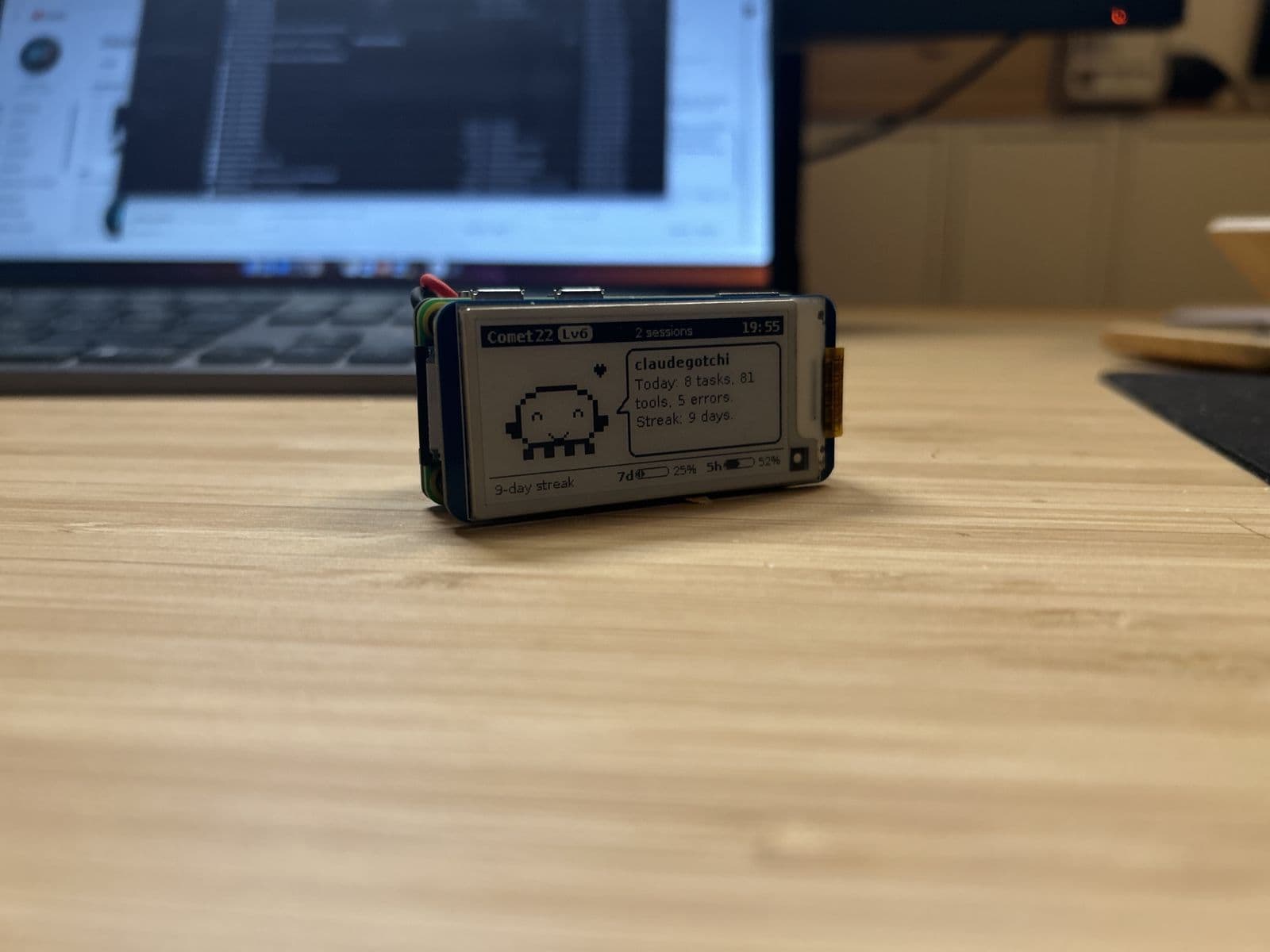
- Tokibot: an e-ink critter that eats the tokens your agents burn
- FUMI: a Tamagotchi-style AI companion
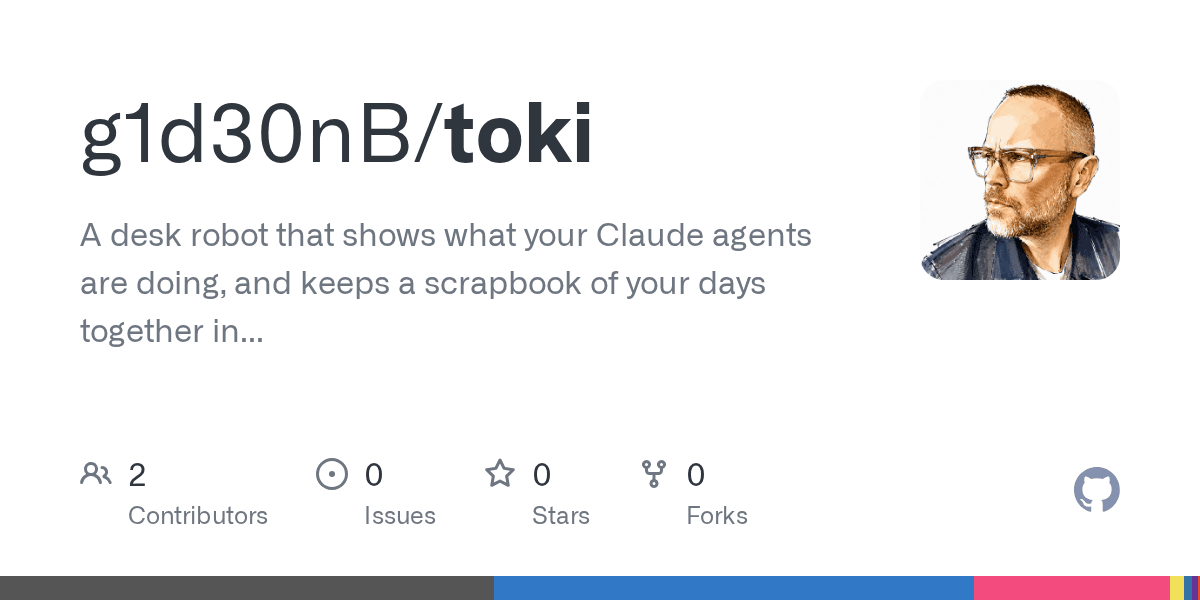
- Clawdmeter: an AMOLED usage meter, and Toki, a desk robot you approve Claude from
Full comparison: Claude Code desk companions.
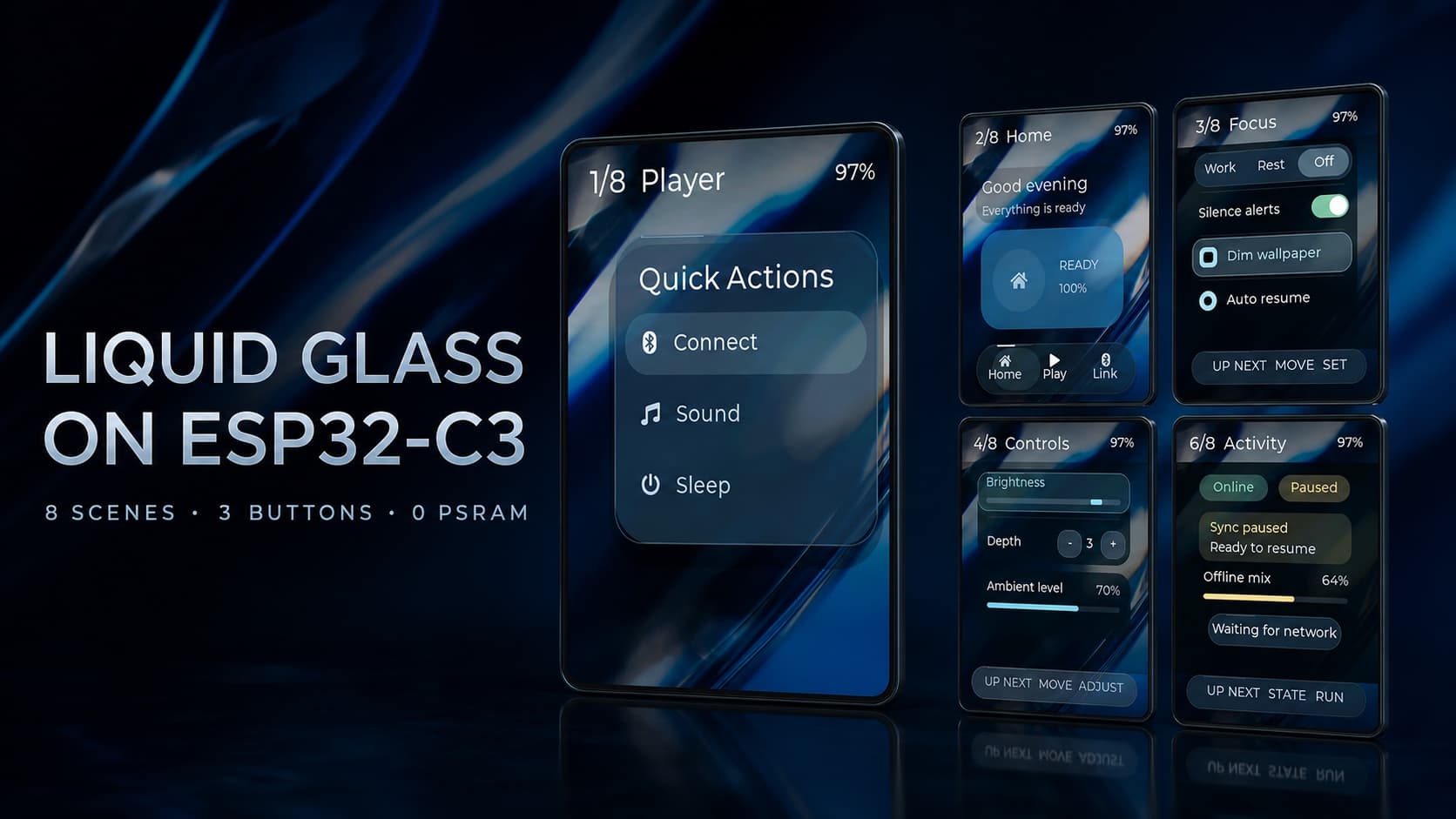
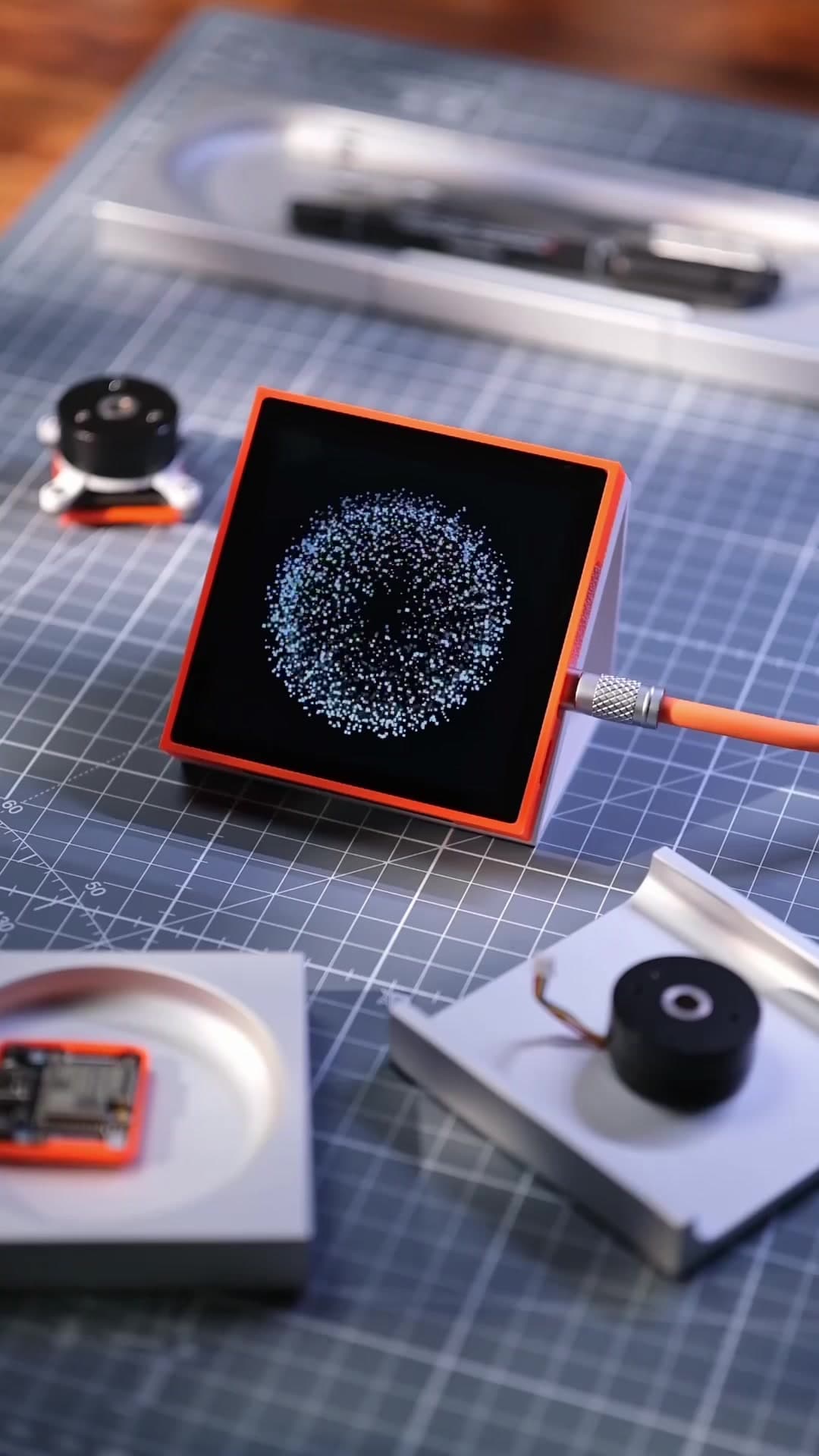
Good first version: a small screen on an ESP32 that shows your usage or session status.
3. Dashboards and displays
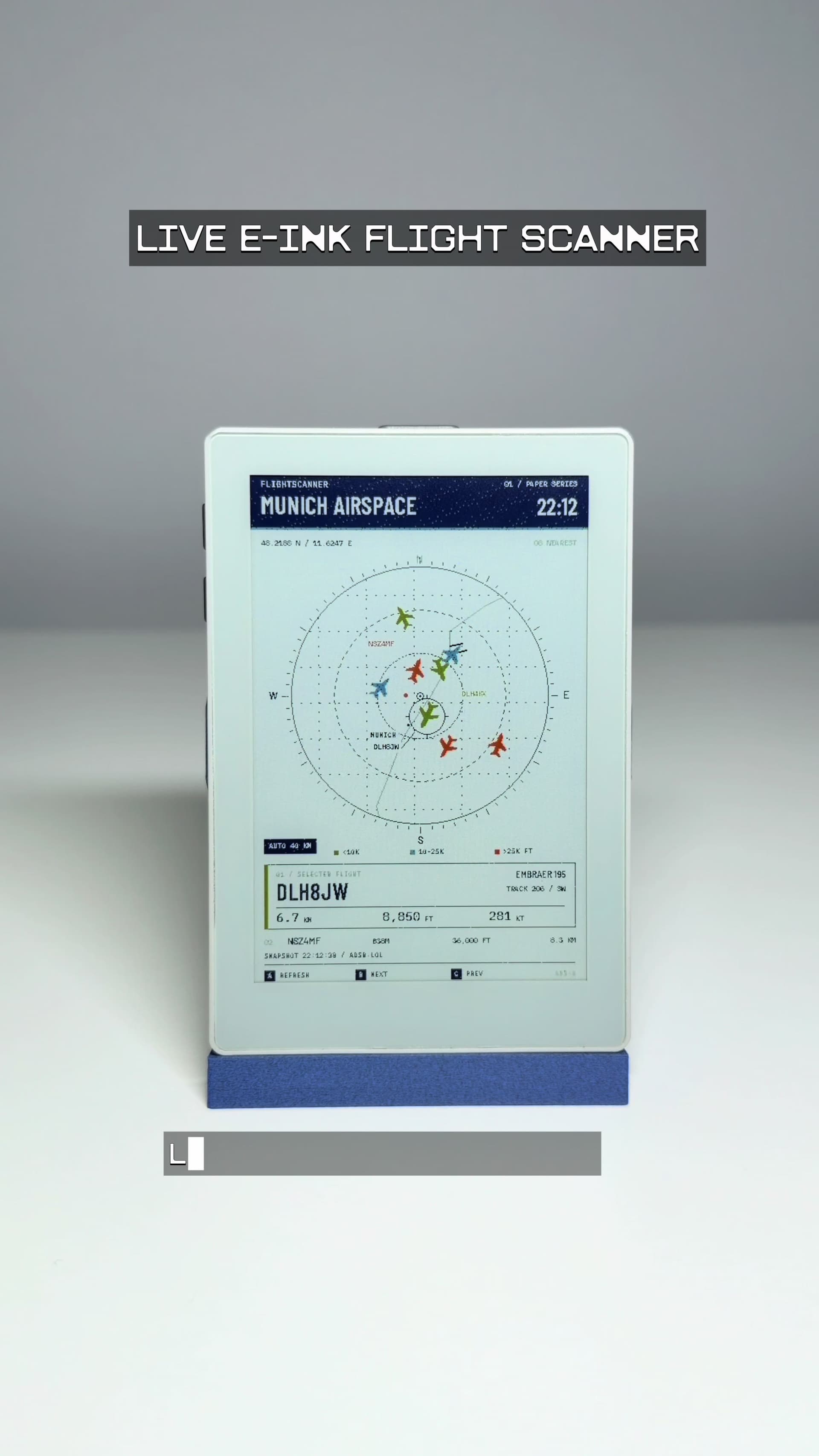
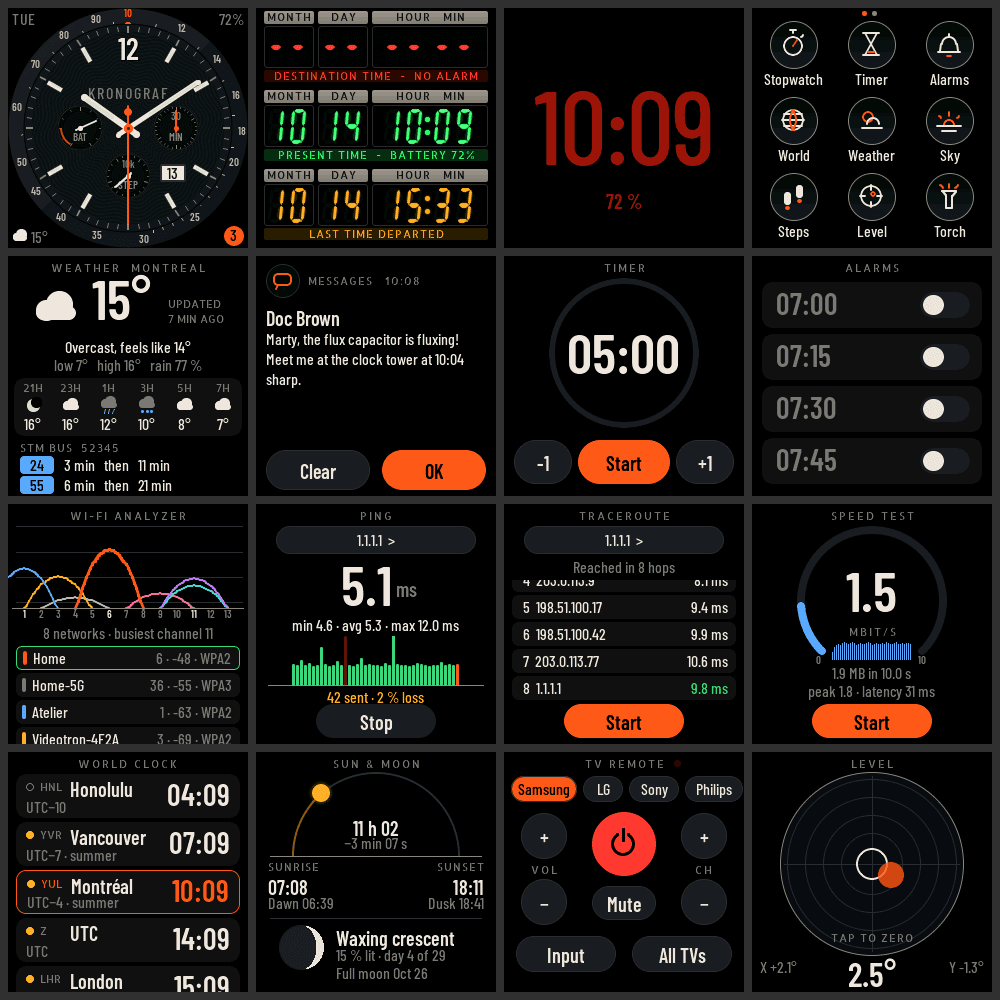
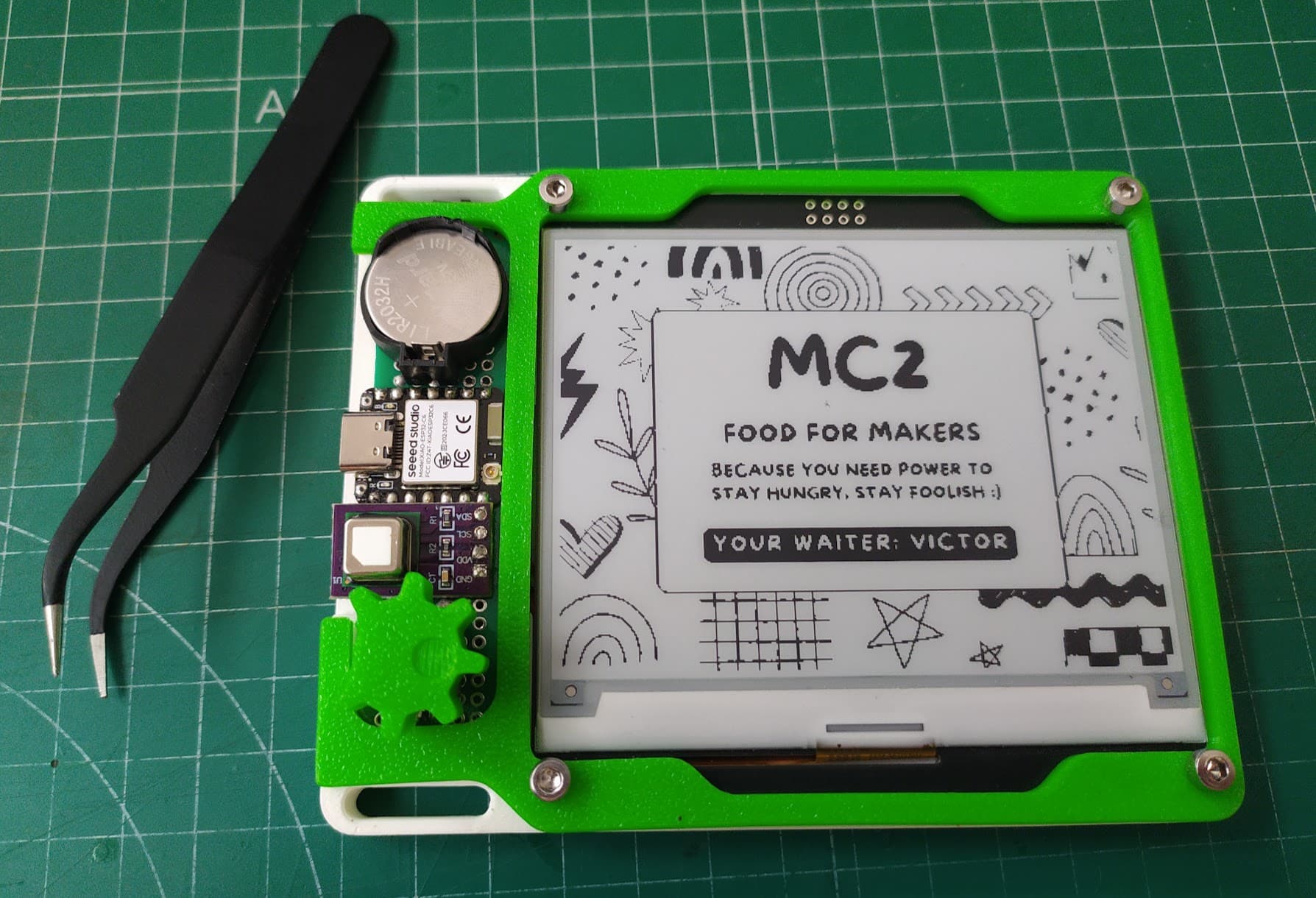
- Weather, calendar or transit boards on e-ink or a small color screen
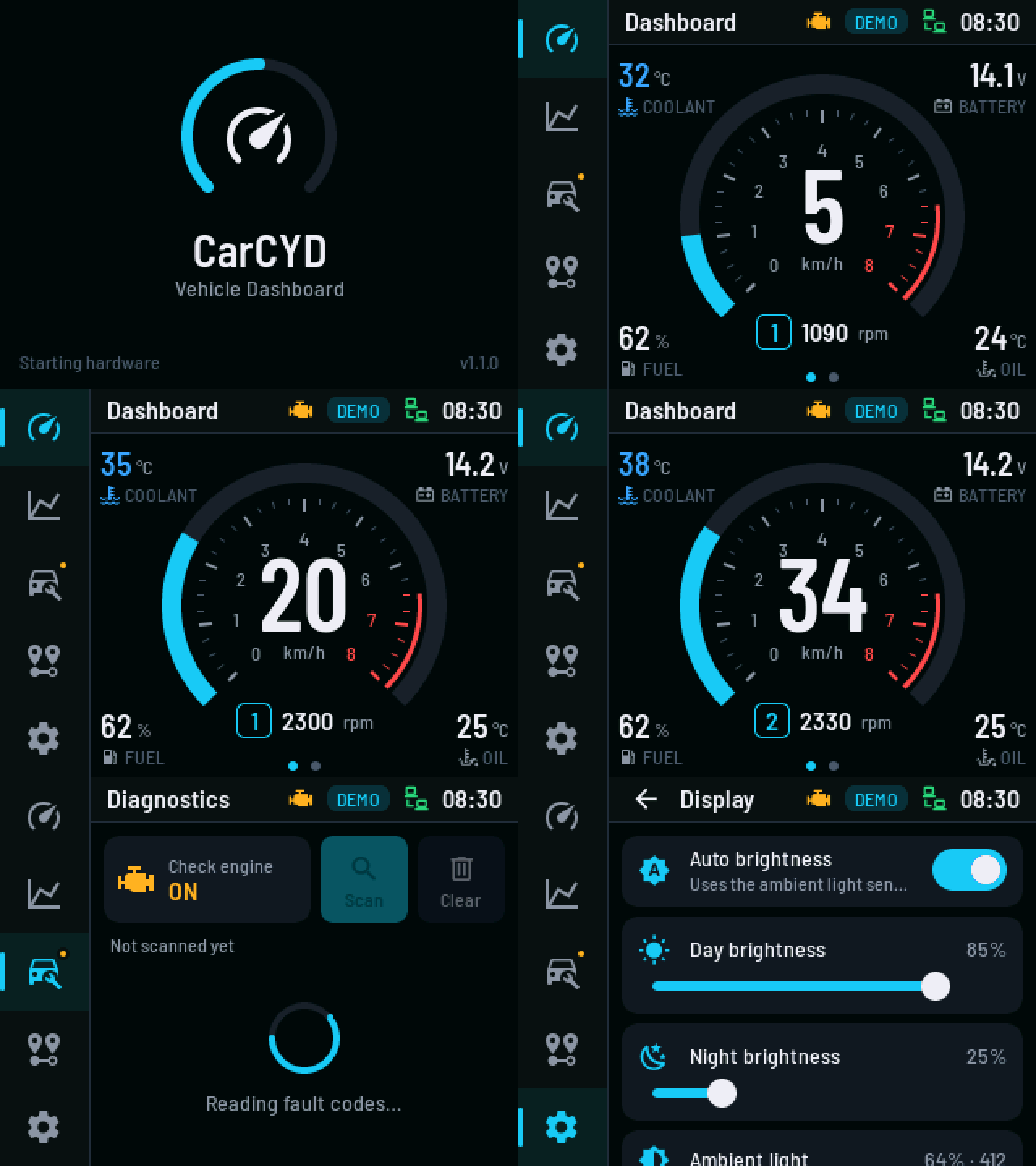
- A car gauge cluster on the cheap ESP32 touchscreen board known as the Cheap Yellow Display (example)
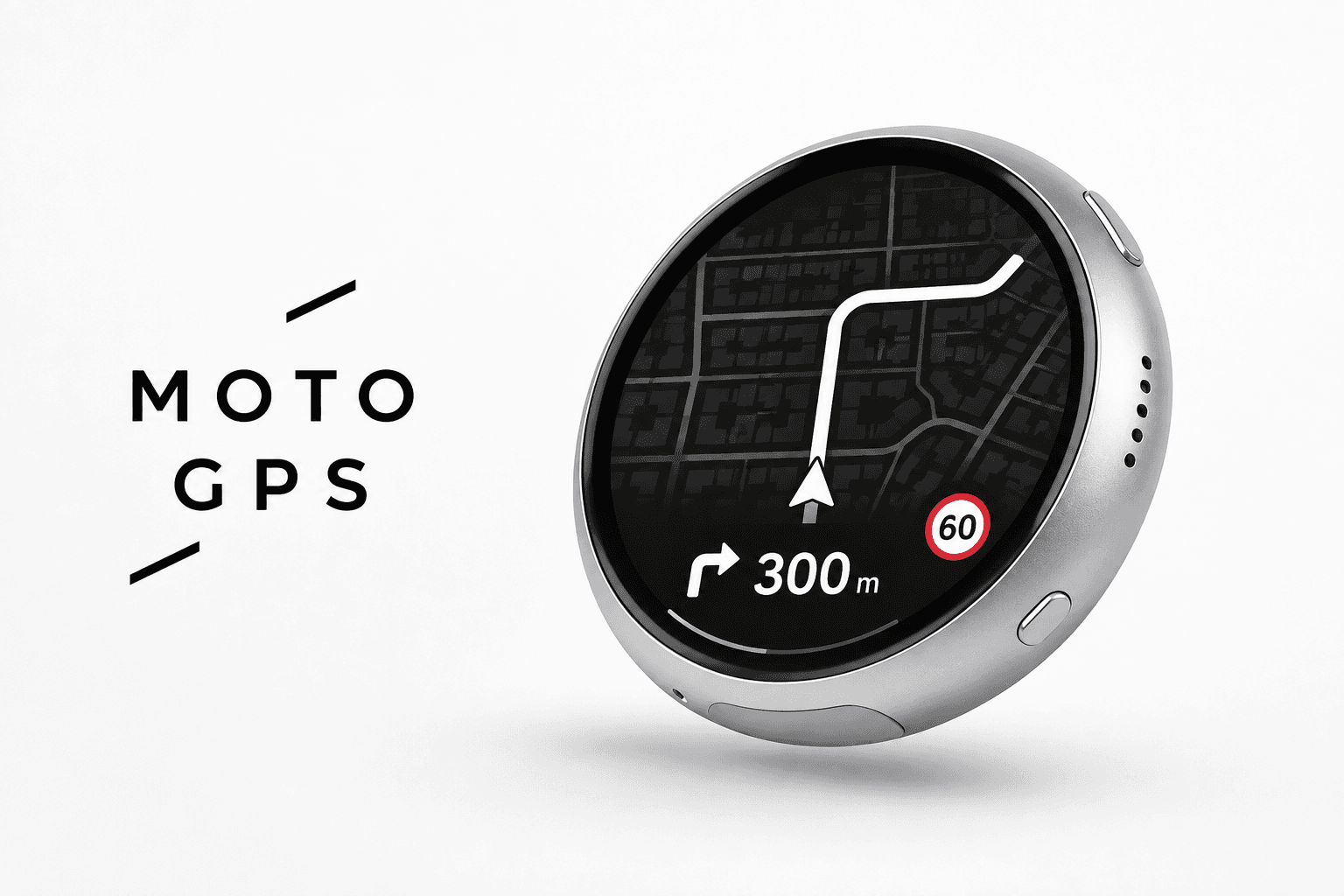
- A navigation display for a bike or motorcycle (round AMOLED example)
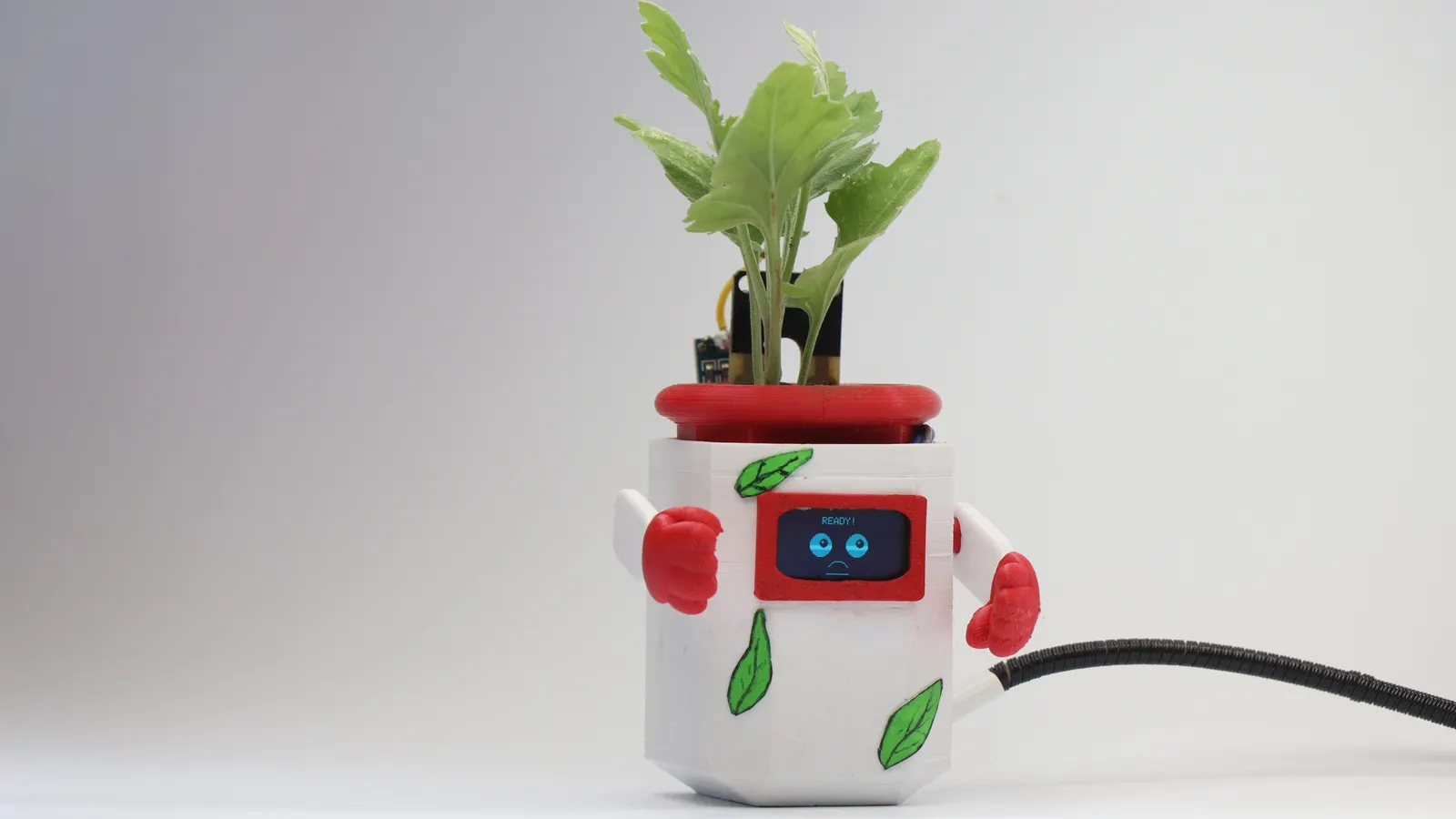
- An air quality or plant monitor (robot planter, Atmosis)
4. Handhelds and pocket computers
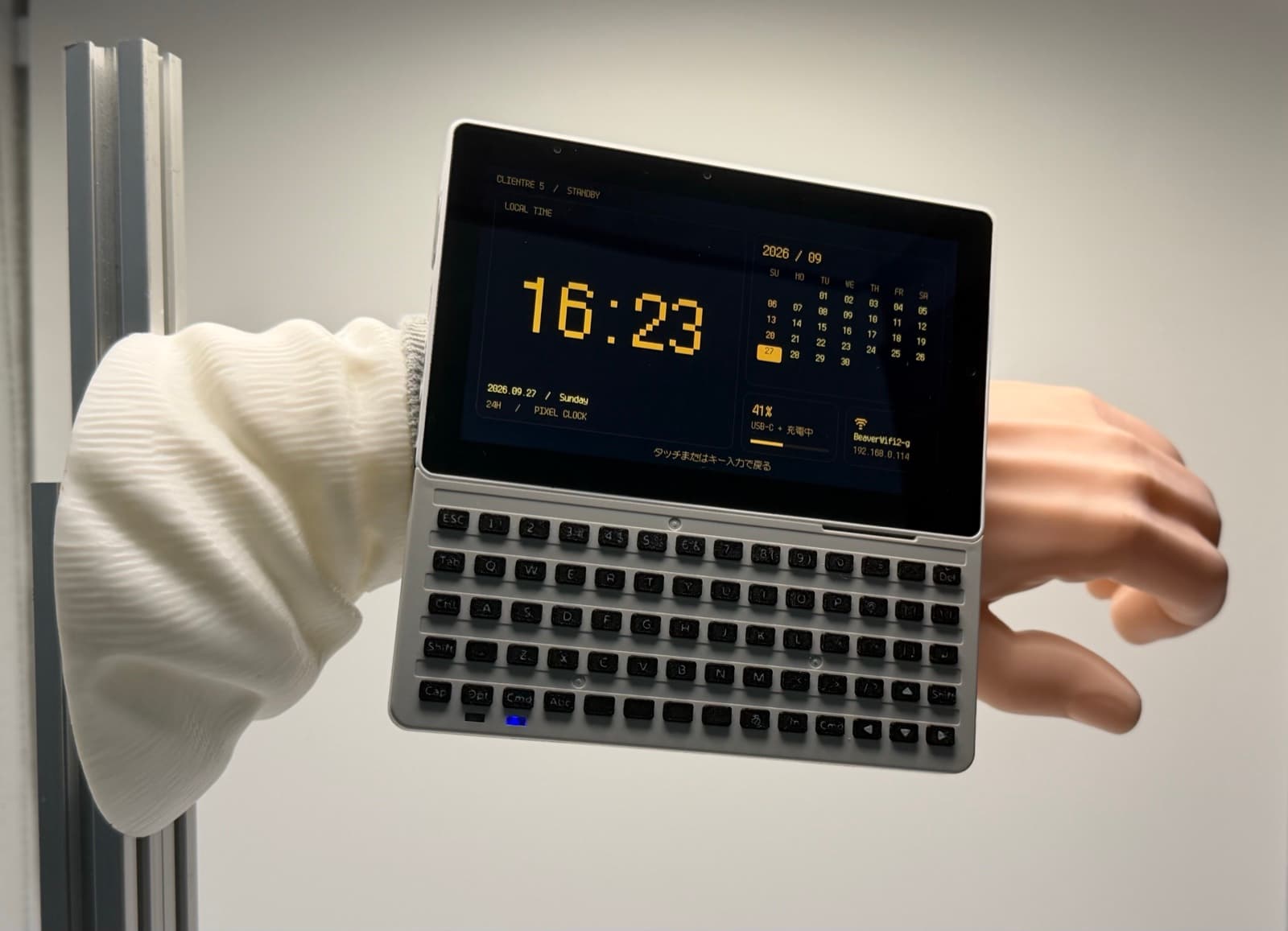
- A pocket SSH terminal on an M5Stack Tab5
- Aviation firmware for a smartwatch
- A live flight-tracking globe on a retro handheld
- A Star Trek-style e-ink tricorder
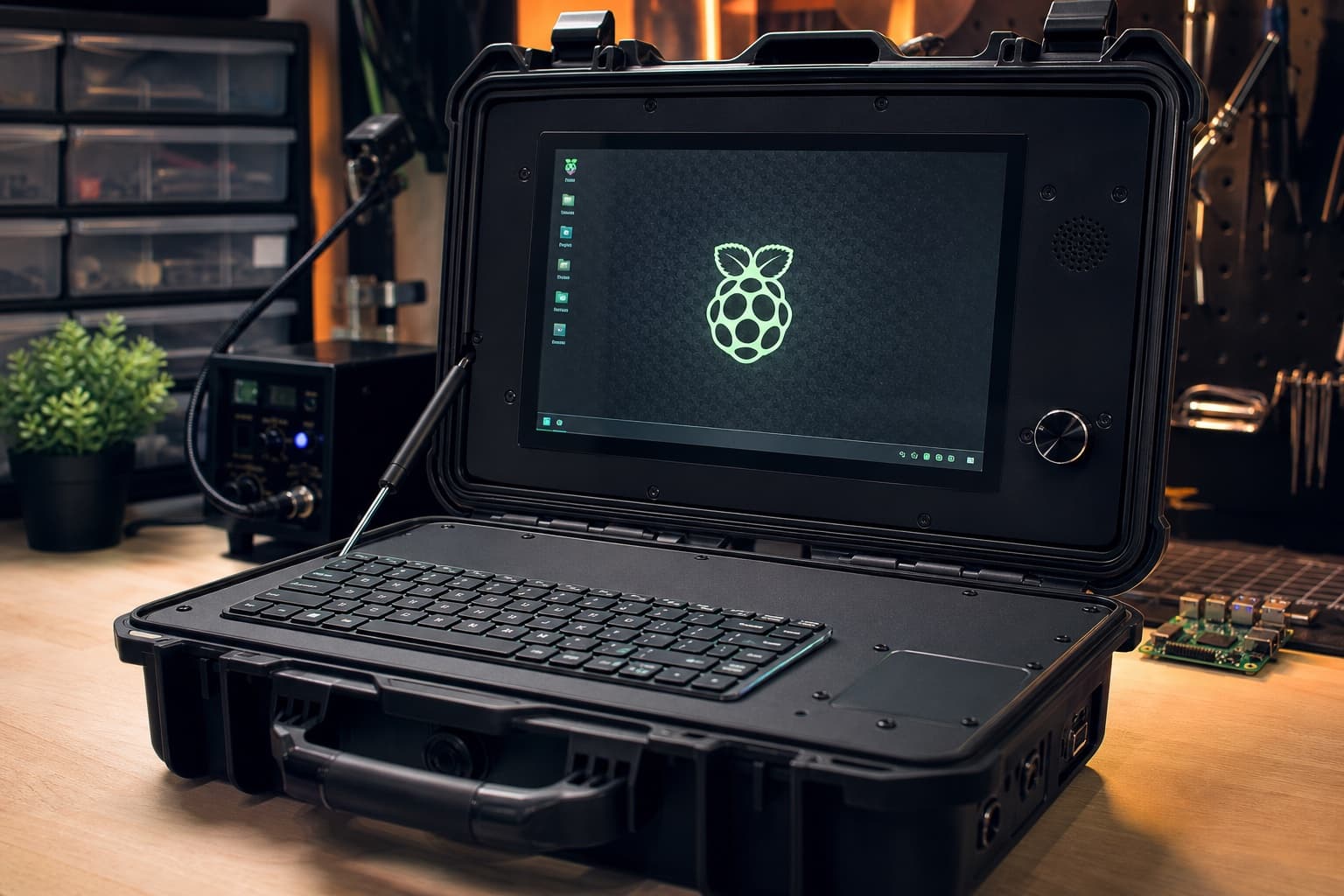
- A Raspberry Pi 5 cyberdeck in a hard case
5. Music and controllers
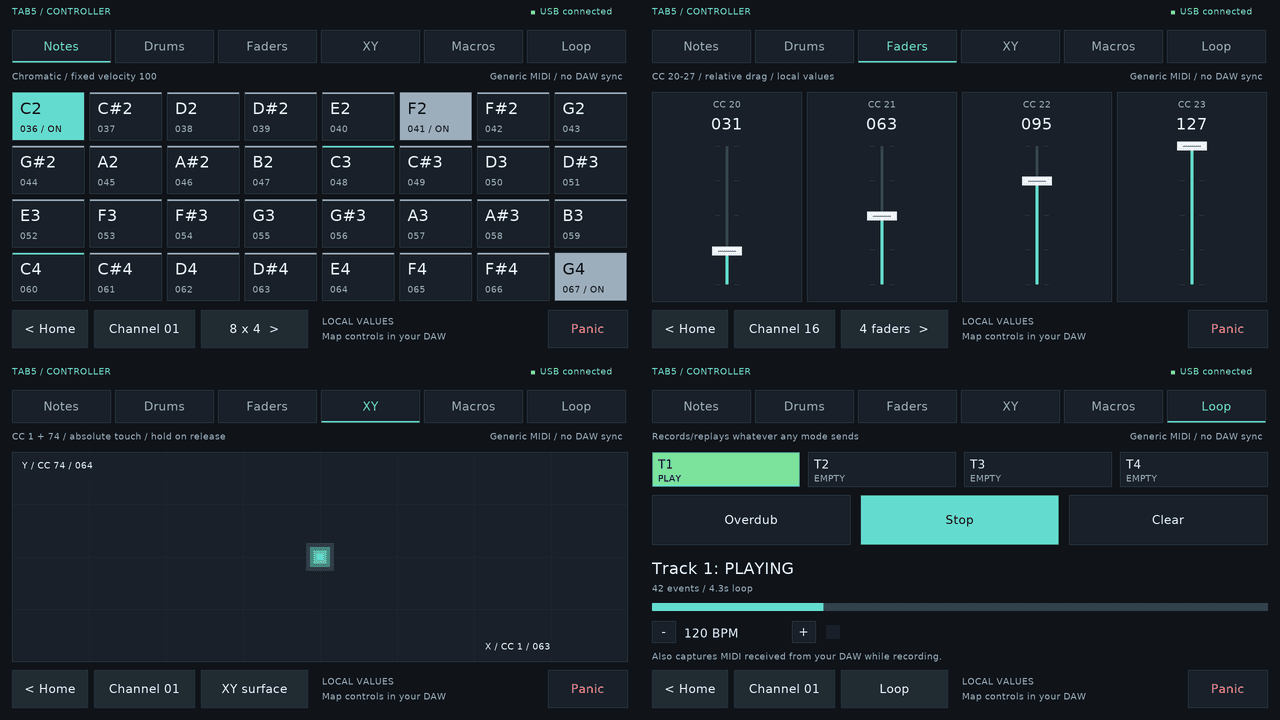
- A touchscreen turned into a MIDI grid
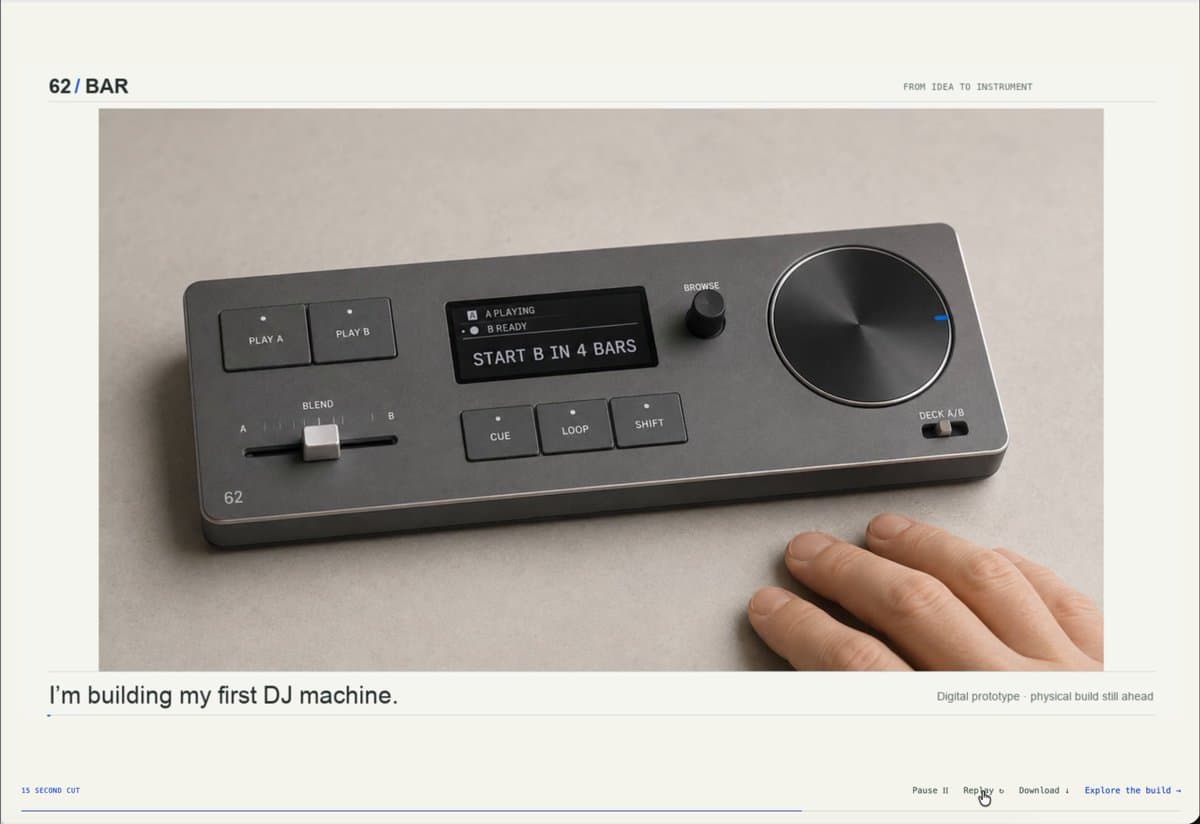
- A DJ controller designed and sourced by an AI agent
- Macro pads and volume knobs: a few buttons and an ESP32-S3 acting as a USB keyboard
6. Your whole house, over Wi-Fi
Lights, plugs, speakers and TVs already on your network can be controlled and automated without buying anything. See How to vibe code your home over Wi-Fi.
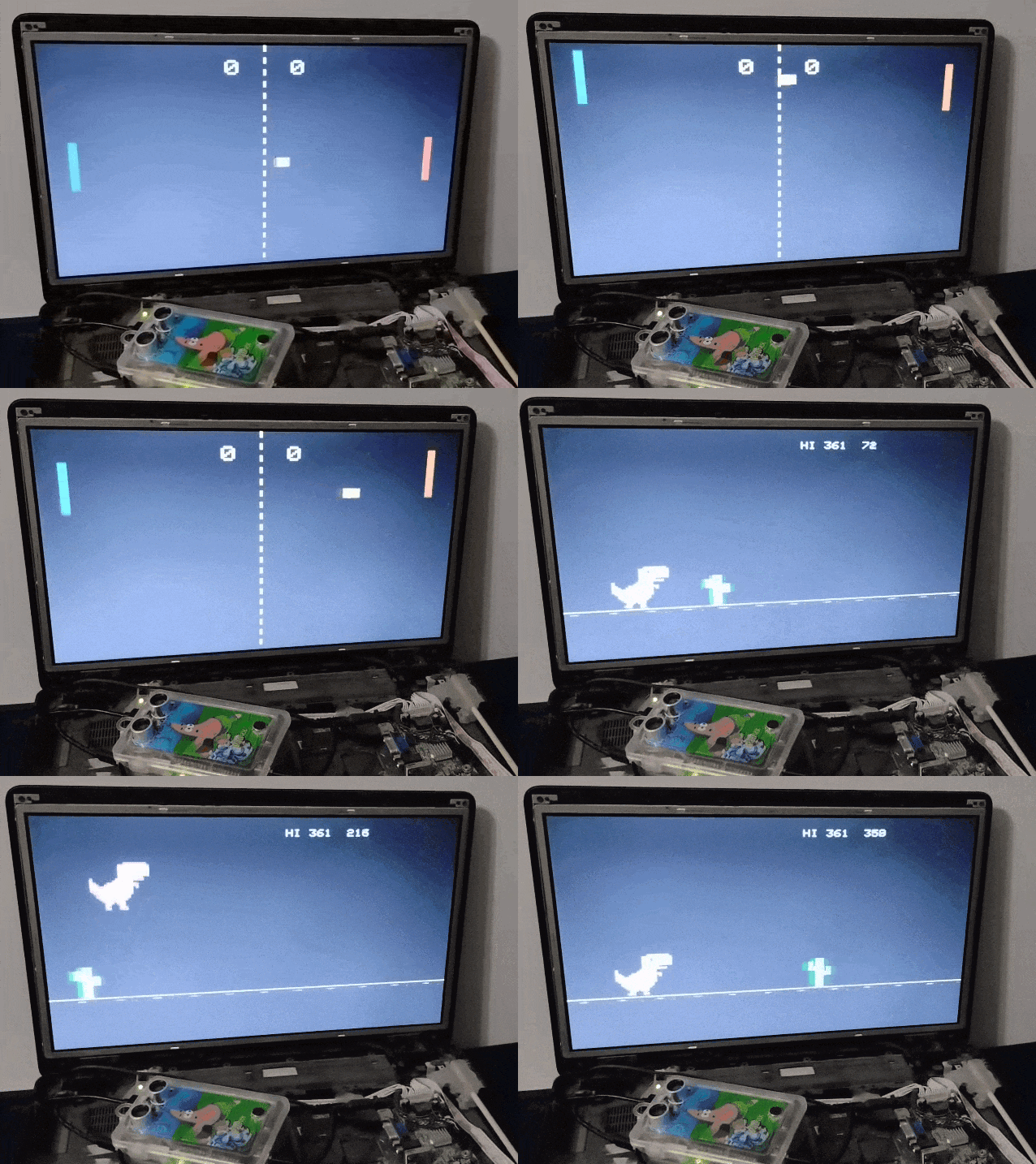
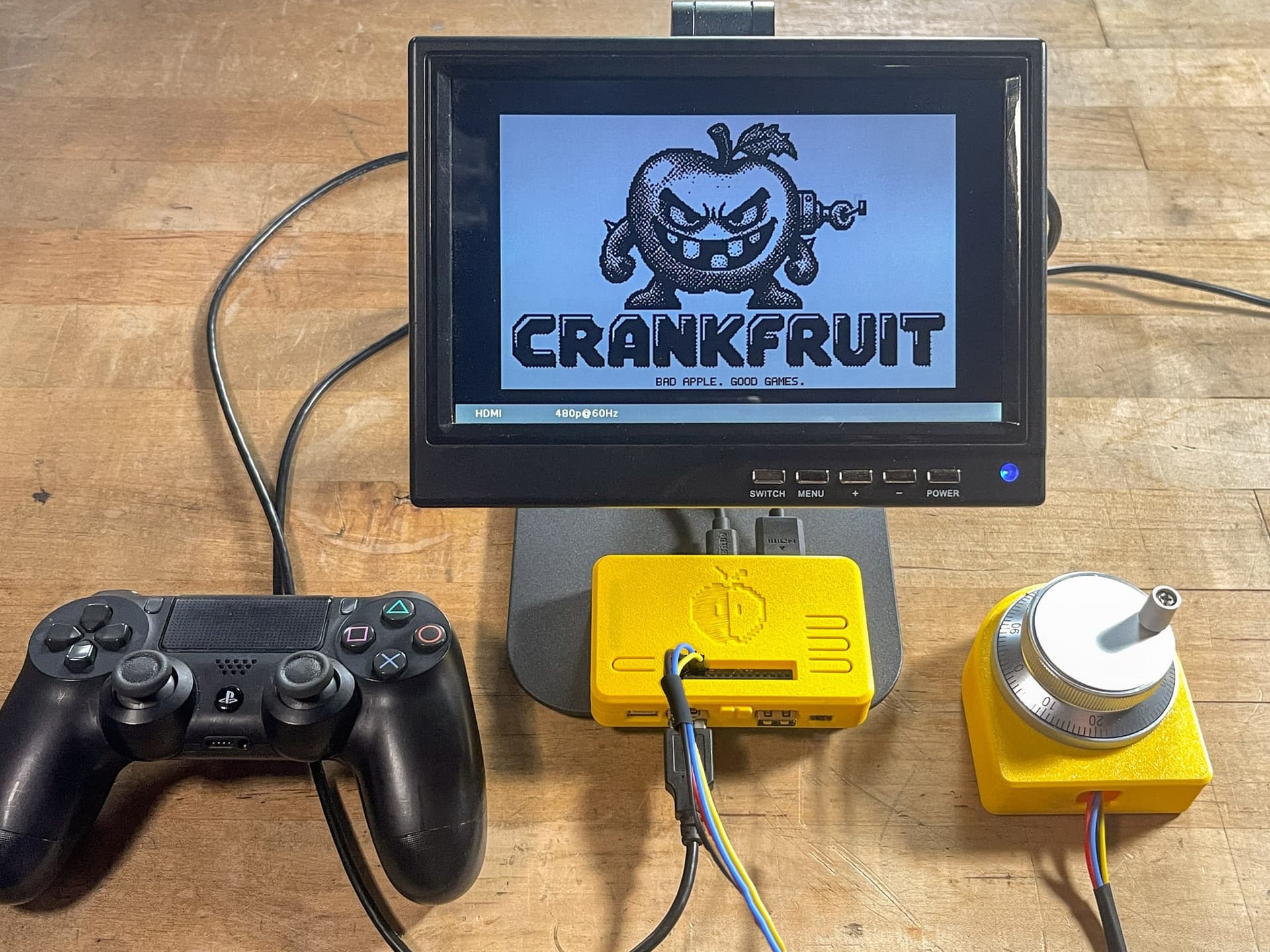
7. Small games and retro builds
Where Claude can't carry you
Custom circuit boards, tight mechanical fits, and anything with mains power or big batteries still need hands-on skill. See Can you vibe code a PCB?.
Getting started
Pick one idea, check its parts and difficulty, and copy its starter prompt. If you're starting from scratch, read What you need to start vibe coding hardware and Best first ESP32 projects.
Every build below scores 4 or 5 for AI-buildability.