Best first ESP32 projects for vibe coders (no soldering)
The best first ESP32 project uses one board, one display or sensor and no soldering: a weather or calendar display, a desk clock, or a sensor that reports to your phone. The ESP32 is cheap, has Wi-Fi and Bluetooth built in, and is so widely used that AI coding tools write reliable code for it.
What makes a good first build
- One board, one or two modules, plugged together with cables or already built in
- A clear finish line, like "it shows the weather" or "it beeps when the plant is dry"
- Mostly software, so the AI can do the heavy lifting. Look for an AI-buildability score of 4 or 5
- USB power only, no batteries or motors yet
Six first projects that work well
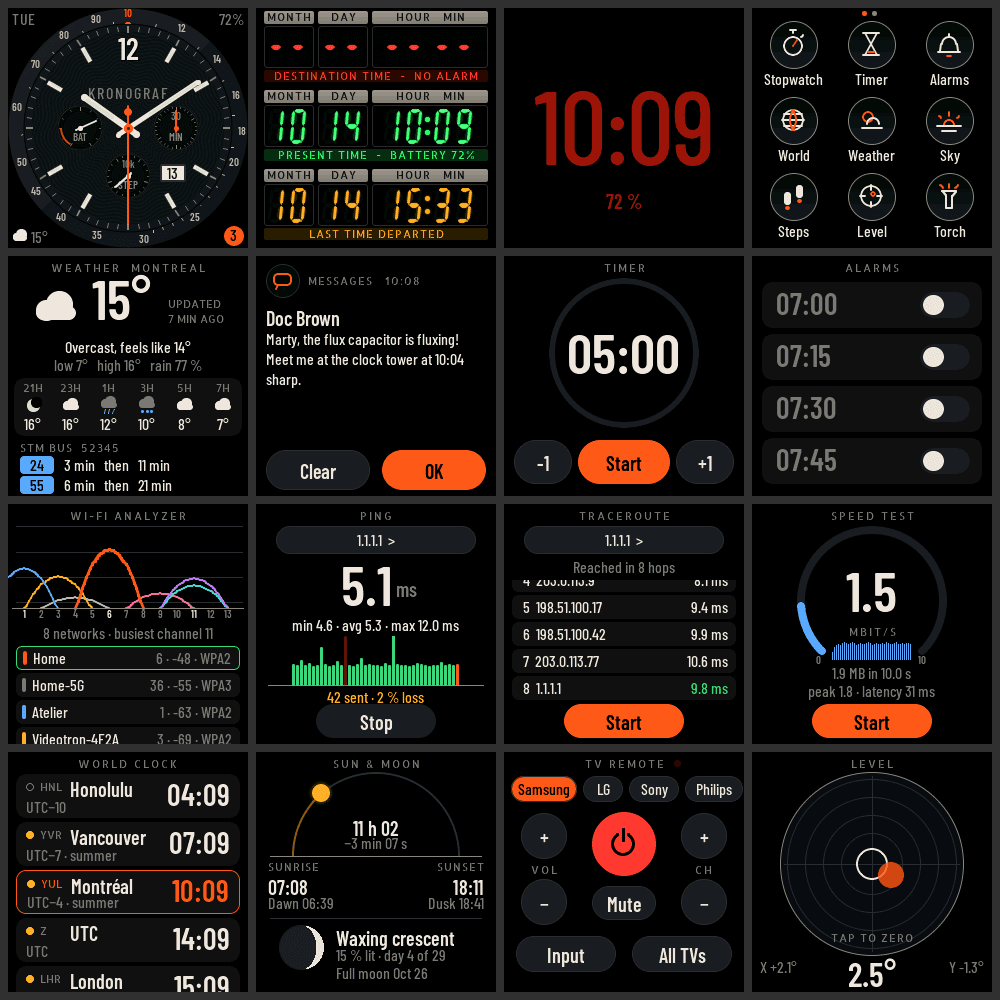
- Weather or calendar display. An ESP32 with a small color screen or e-ink panel pulls a free weather API or your calendar over Wi-Fi. The classic first win.
- Desk clock with extras. Time from the internet, plus the date, temperature or a countdown. Easy to keep adding features.
- Plant or room sensor. A soil moisture or temperature and humidity sensor that sends readings to your phone or a simple web page.
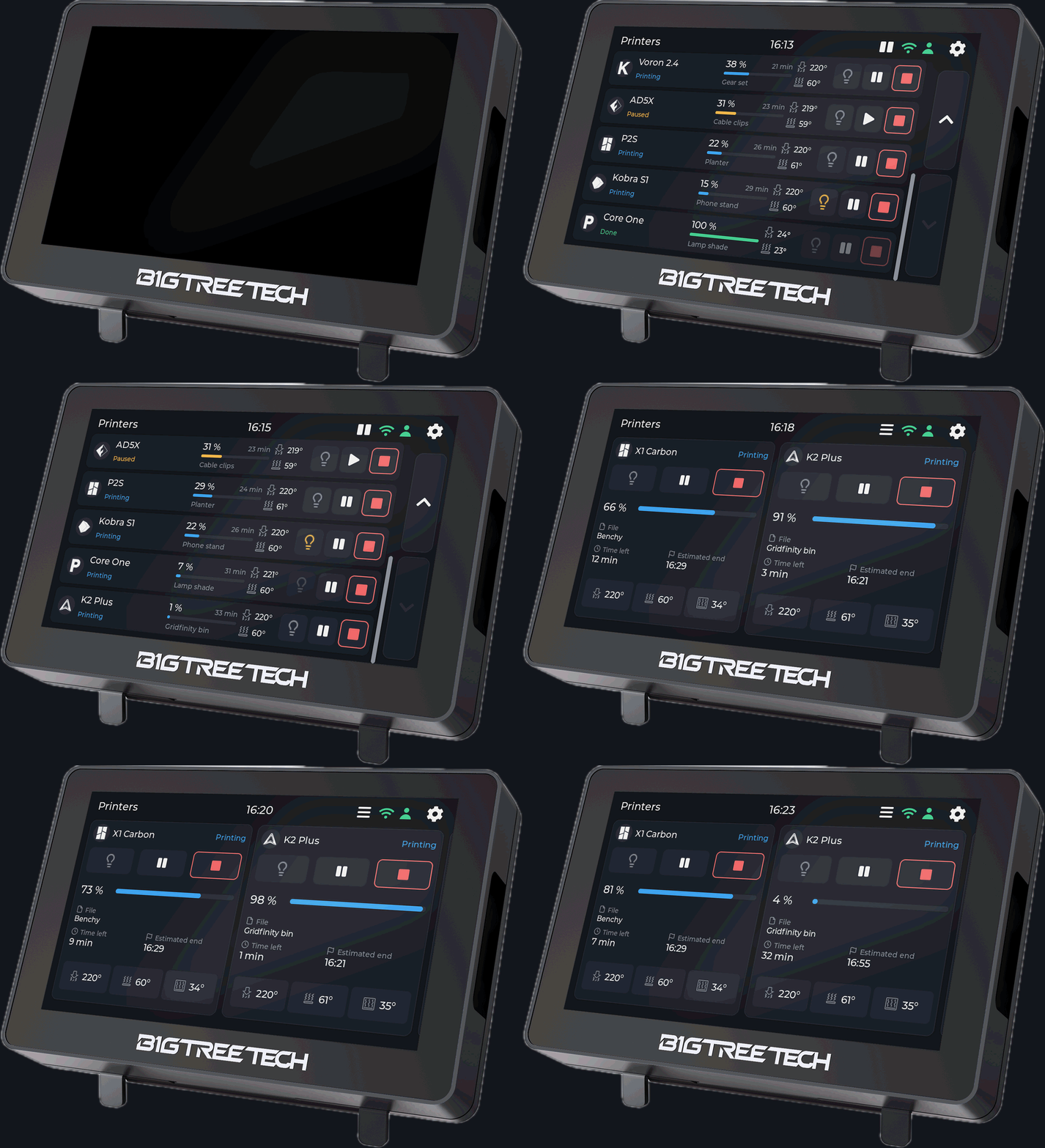
- Usage or stats dashboard. Show something you check every day: your GitHub streak, a store's sales, transit times, AI usage.
- Macro pad or button box. A few buttons or a knob that trigger shortcuts on your computer over Bluetooth or USB. An ESP32-S3 can act as a keyboard.
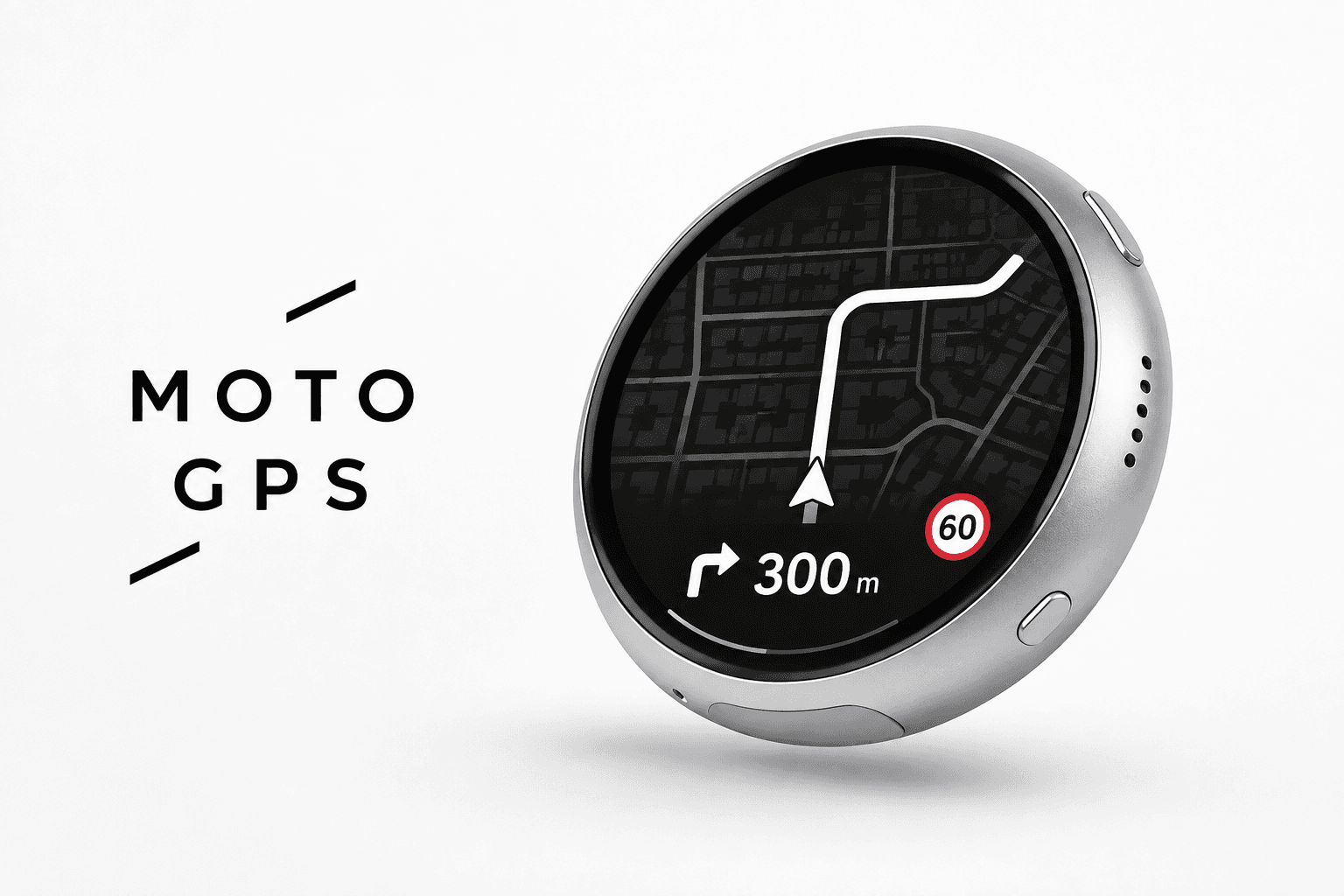
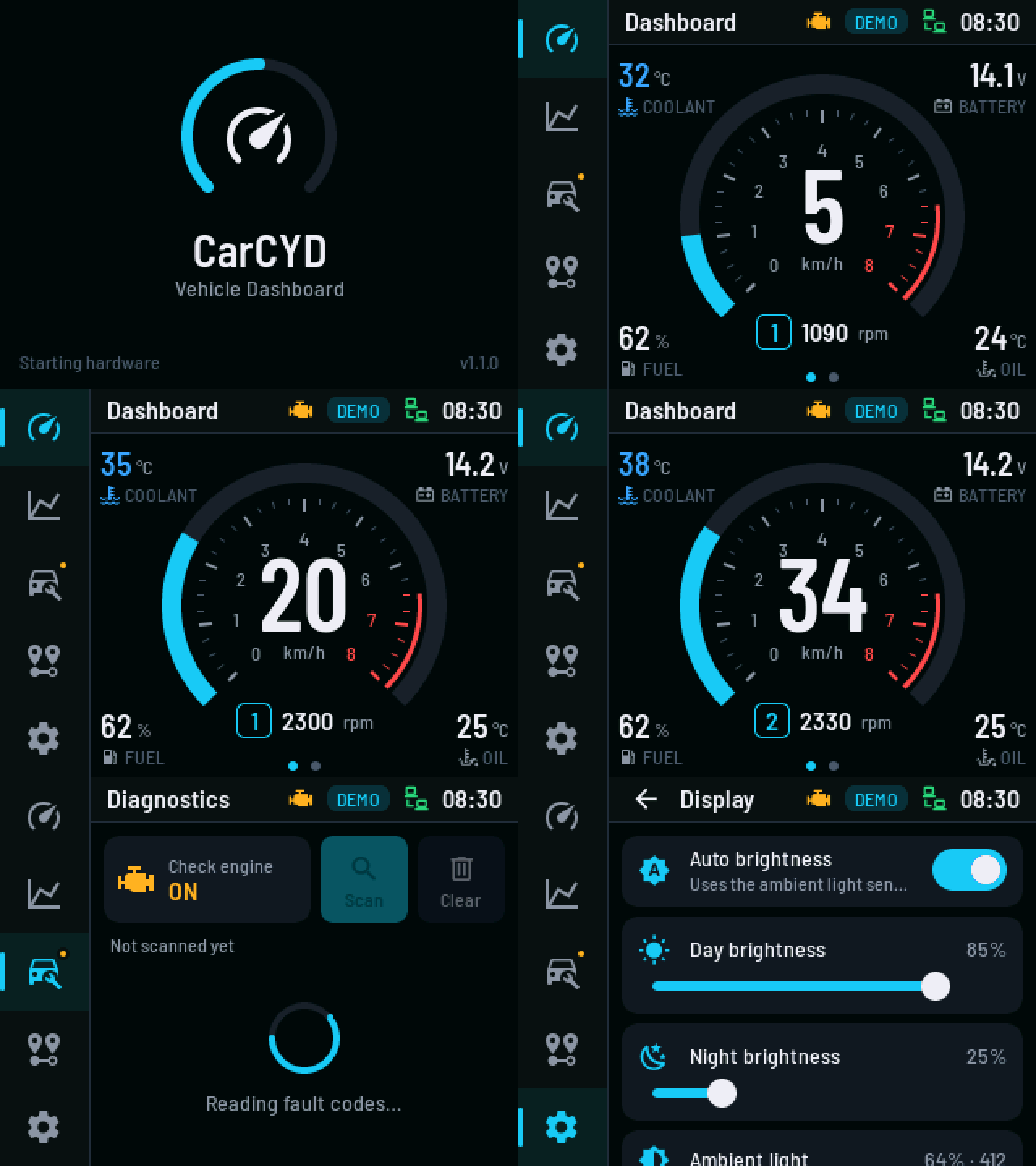
- Old screen, new job. A gauge cluster, a mini TV or a status light built from a cheap display module.
Which ESP32 to buy
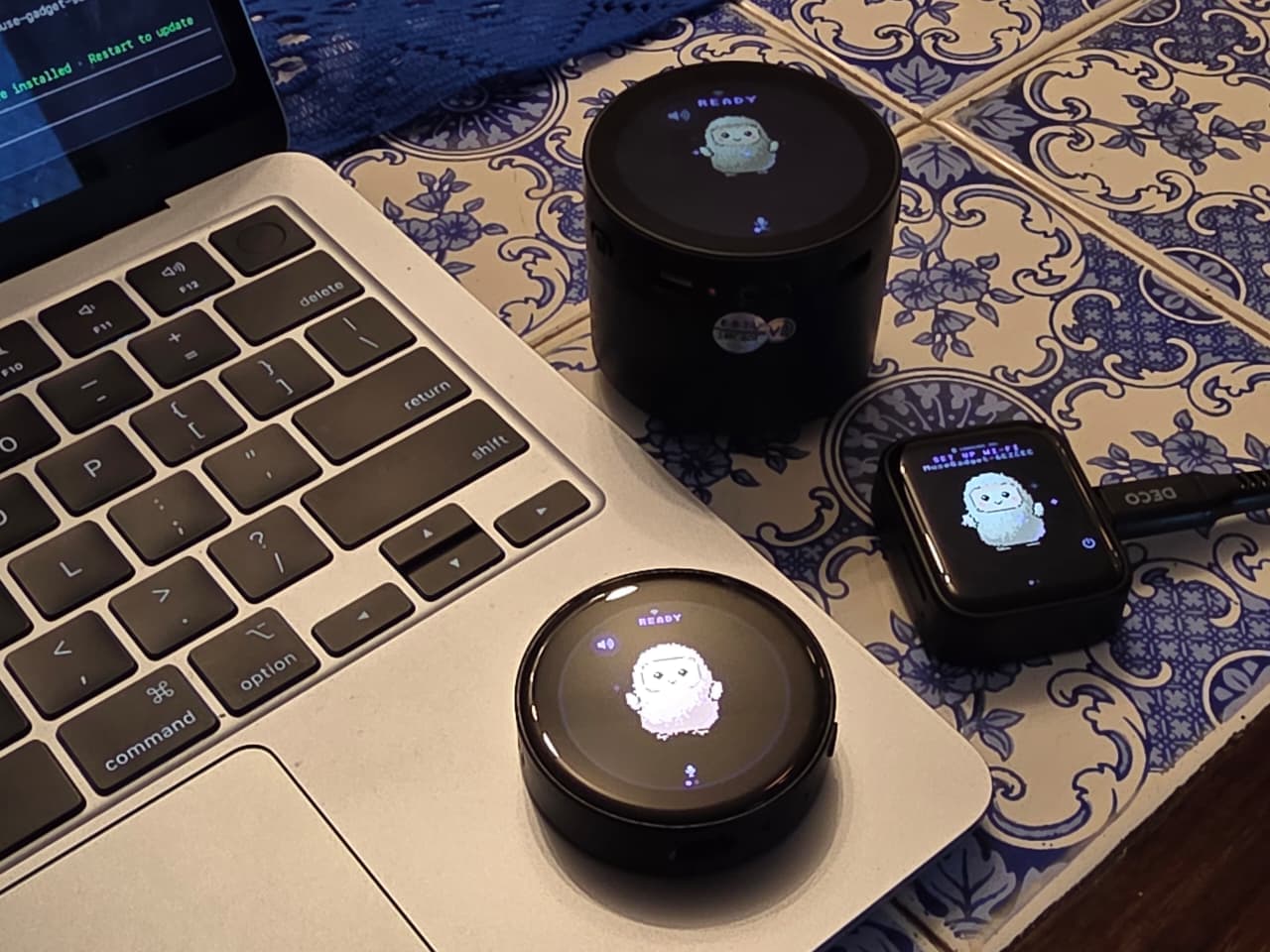
- A board with a screen built in is the easiest start. The popular "Cheap Yellow Display" (an ESP32 with a 2.8 inch touchscreen) and similar boards remove all the wiring.
- An ESP32-S3 dev board is the best general pick. It's fast, has plenty of memory and can act as a USB keyboard or mouse.
- A classic ESP32 dev board is cheapest and has the most example code online.
Buy two. You'll learn faster if a mistake doesn't stop you for a week.
Software setup
- Arduino IDE is the simplest place to start: install it, add ESP32 board support, pick your board and upload.
- PlatformIO in VS Code or Cursor is better once projects grow, and works well with AI coding tools editing your files.
- ESPHome is worth a look for sensors that should show up in Home Assistant, with almost no code.
How to work with the AI
- Tell it the exact board, module and pins you have, and what you want the device to do
- Ask for a minimal first version, then add one feature at a time
- Upload, open the serial monitor, and paste any error or output back in
- Ask it to explain anything you don't understand, especially wiring
Every ESP32 build on Afterware has a starter prompt you can copy to begin.
Common first problems
- Board not detected: many USB cables are charge-only. Use a data cable, and install the USB driver if your board needs one.
- Upload fails: hold the BOOT button while uploading, then release.
- Wrong board selected: pick the exact board in your tool's board list.
- Nothing on the screen: the display pins or driver in the code don't match your board. Give the AI the board's exact name.
- Voltage: ESP32 pins are 3.3 volts. Don't connect 5 volt signals straight to them.
Next steps
- What do I need to start vibe coding hardware?
- What is vibe hardware?
- What hardware can I build with Claude?
Every ESP32 build on Afterware is listed below, with parts, time and cost estimates and a starter prompt.