What you need to start vibe coding hardware
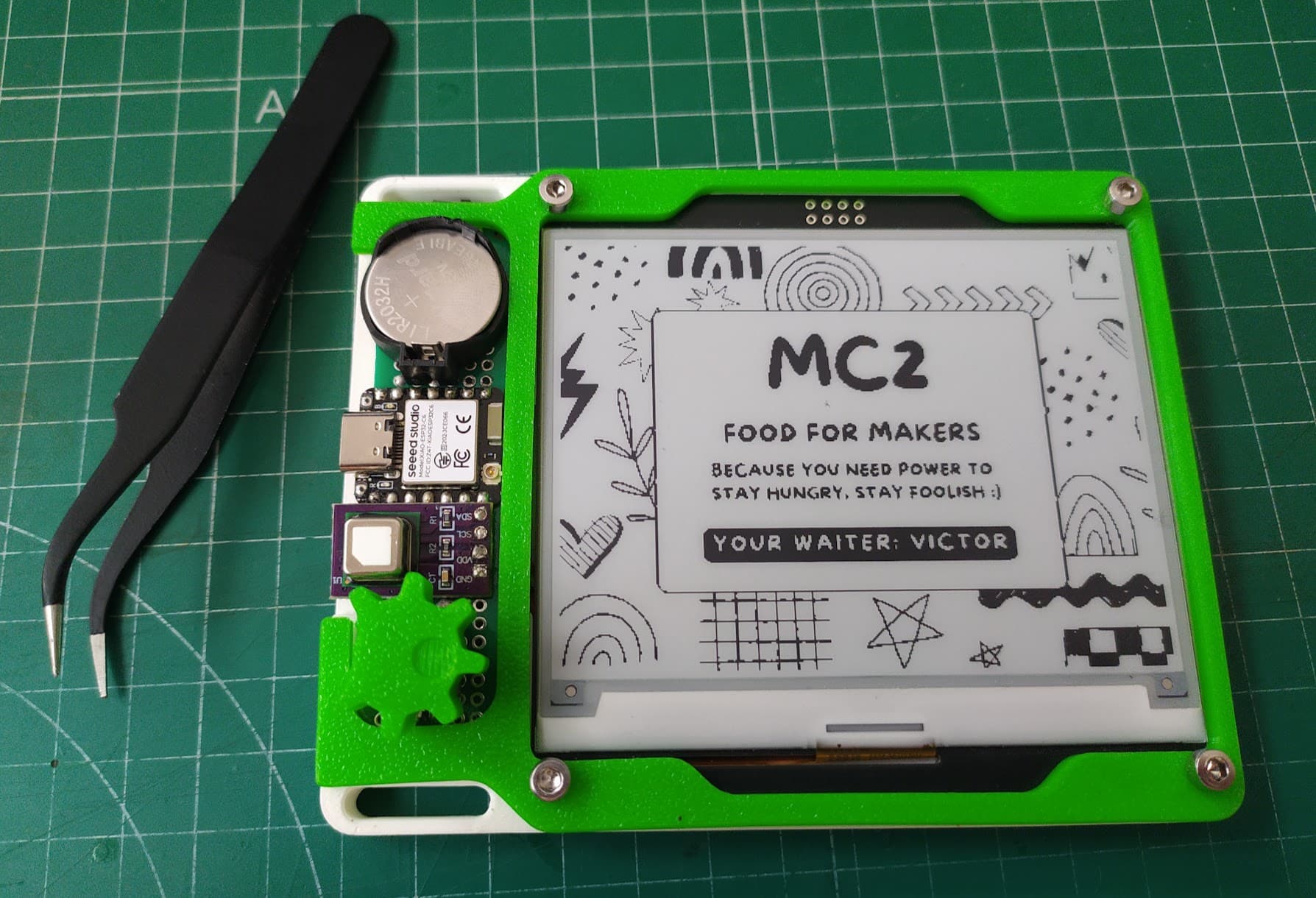
To start vibe coding hardware you need an AI coding tool, a cheap development board such as an ESP32 or Raspberry Pi Pico, a USB data cable, the board's free software, and the display or sensor your project uses. A first kit often costs $30 to $50. A soldering iron and 3D printer help later but aren't needed to start.
The starter kit
- An AI coding tool. Claude, ChatGPT, Cursor or similar. A chat window works; a coding tool that can edit your project files works better.
- A development board. An ESP32 or a Raspberry Pi Pico W. Both are a few dollars to around $20 and have Wi-Fi.
- A USB data cable. Many cables only charge. If your computer can't see the board, the cable is the first suspect.
- One module for your project. A small screen, an e-ink panel, a sensor, buttons or a knob.
- Free software to upload code. The Arduino IDE to start, or PlatformIO once projects grow.
That's enough for most first builds. Budget roughly $30 to $50 including a spare board.
Choosing your first board
- ESP32: the default for anything with Wi-Fi or Bluetooth. Huge community, lots of example code, so AI writes it well. Boards with a screen built in skip the wiring entirely.
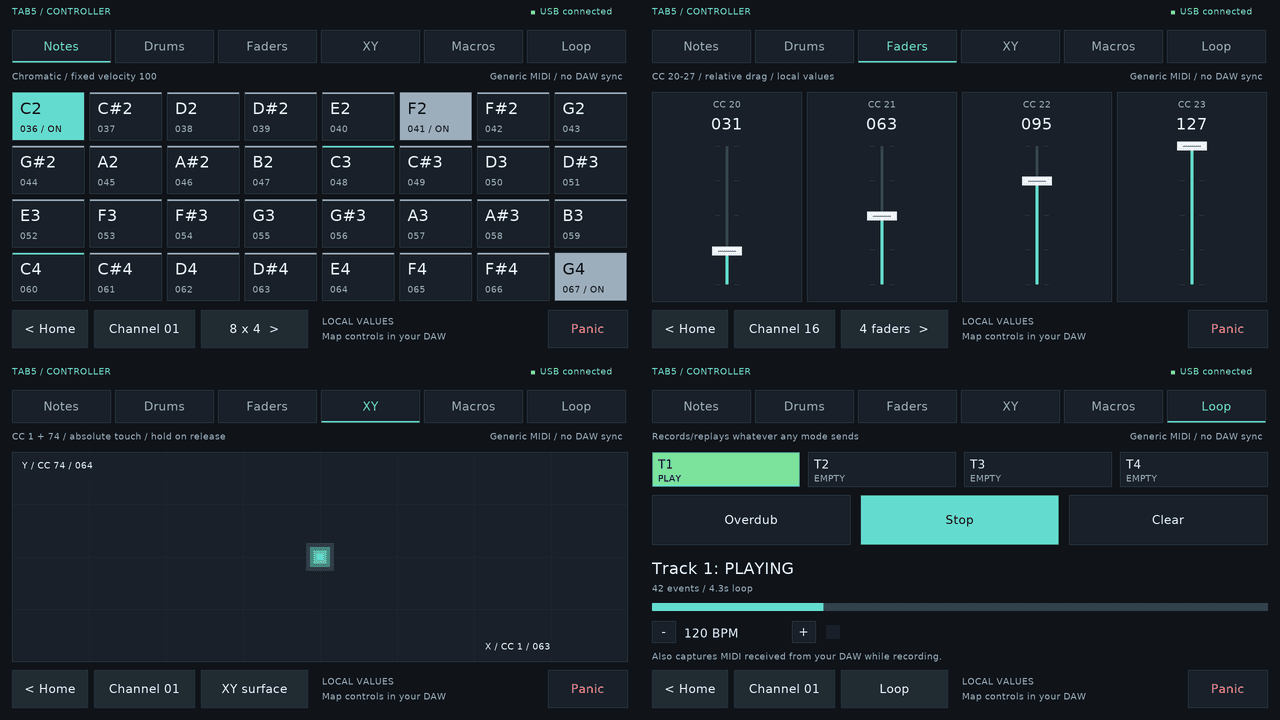
- ESP32-S3: a newer ESP32 that can also act as a USB keyboard or mouse, good for macro pads and controllers.
- Raspberry Pi Pico W: cheap, simple and well documented, and runs MicroPython if you'd rather read Python than C++.
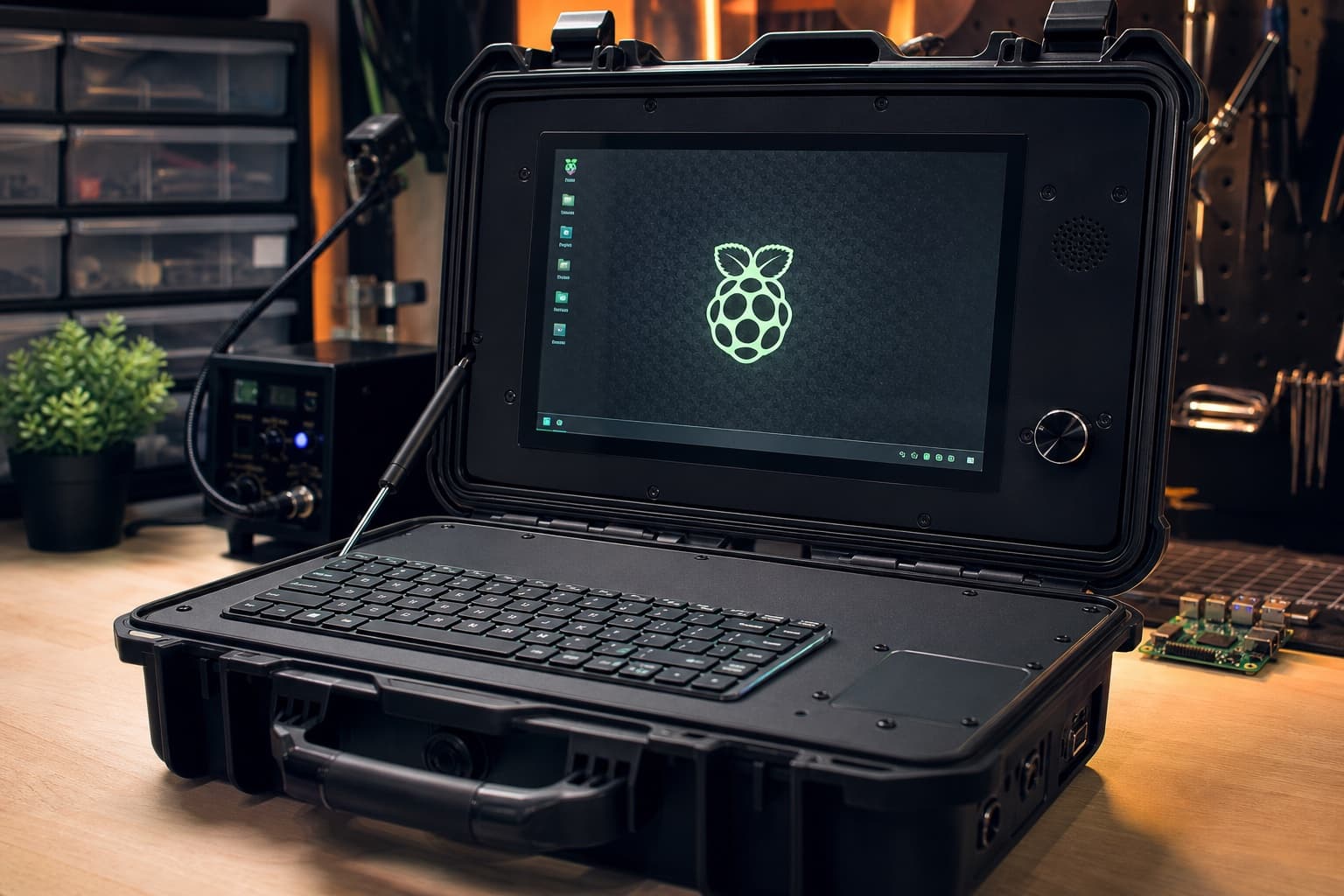
- Raspberry Pi (Zero, 4 or 5): a full Linux computer. Use it when you need a real operating system, a desktop app or a camera, like a cyberdeck or a media player.
- Arduino Uno and friends: fine for learning, but most projects now start on an ESP32 or Pico.
Parts that make the first build easy
- Plug-together modules with Qwiic, STEMMA QT or Grove connectors, so you don't need to solder
- A breadboard and jumper wires for modules without those connectors
- A spare board, because you'll learn faster if one mistake doesn't stop you
Nice to have later
- A soldering iron for permanent connections and headers
- A multimeter to check voltage and find bad connections
- A 3D printer or a printing service for enclosures. AI can write simple models in OpenSCAD
- A small bench power supply once you work with motors or batteries
Setting up in an afternoon
- Install the Arduino IDE and add your board's support package
- Plug in the board with a data cable and upload the built-in "Blink" example
- Tell your AI coding tool your exact board, module and what you want to build
- Upload its first version, open the serial monitor, and paste any errors back
- Add one feature at a time until it does what you want
Skills that help (you can learn them as you go)
- Reading a board's pinout diagram
- Knowing that most of these boards use 3.3 volt logic
- Copying an error message exactly into the AI instead of describing it
Where to go next
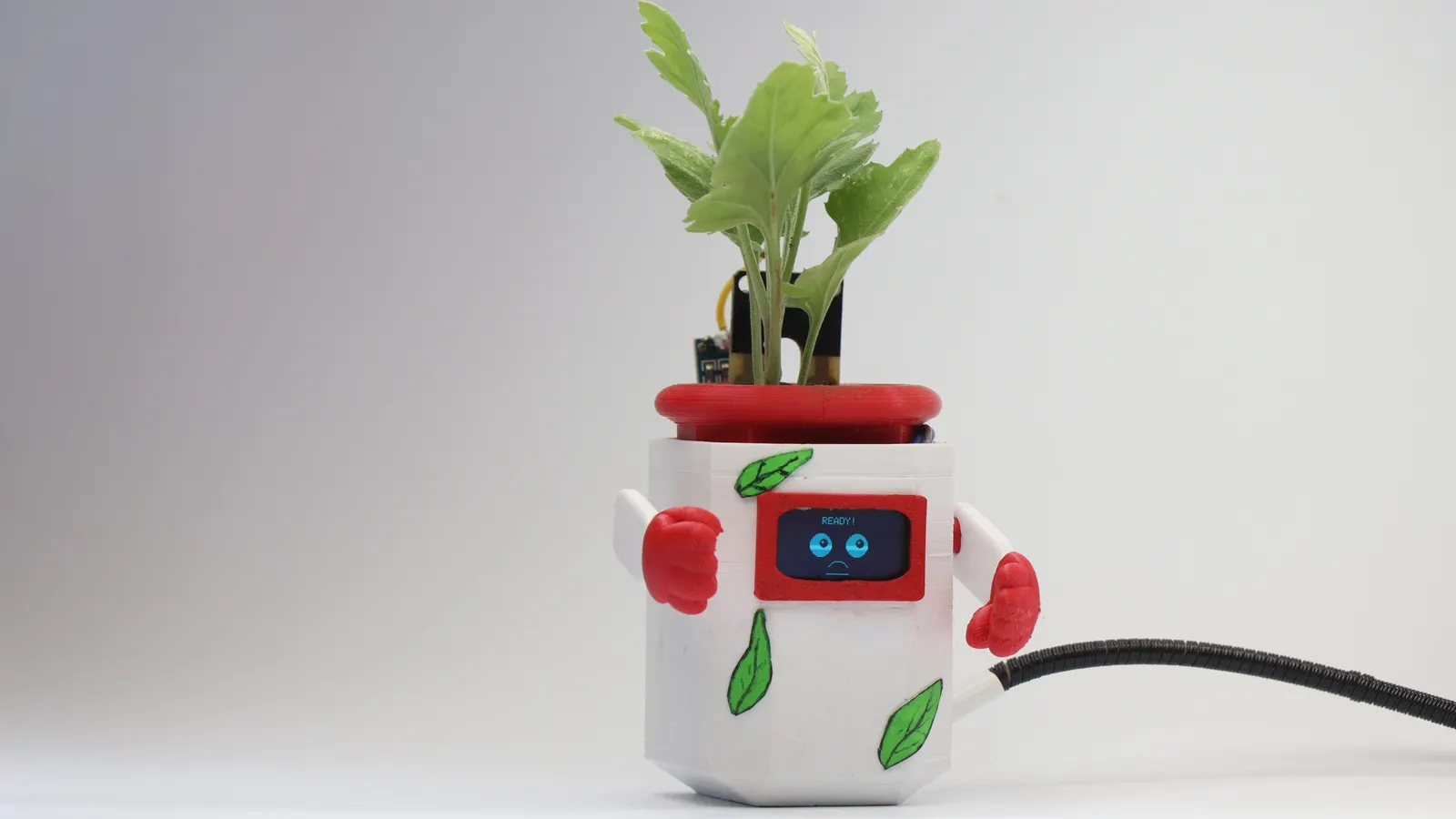
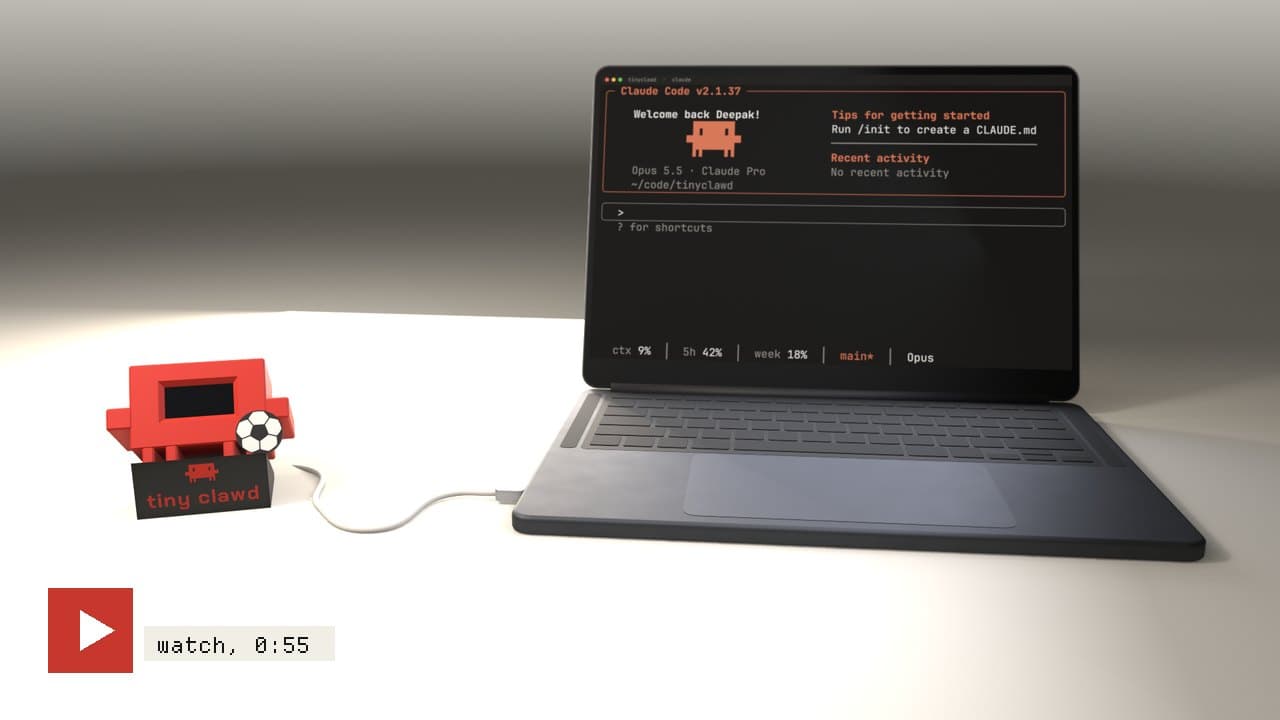
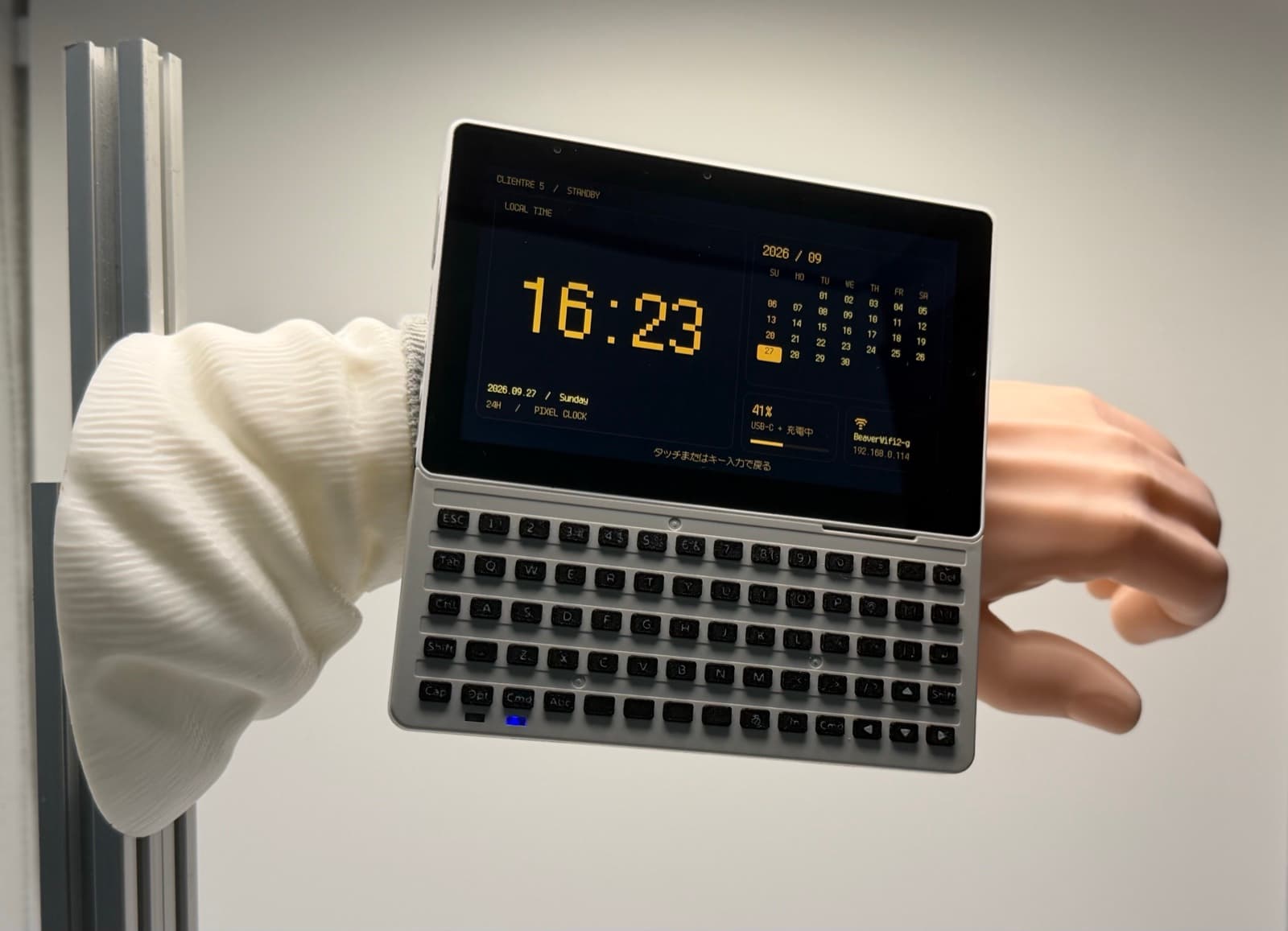
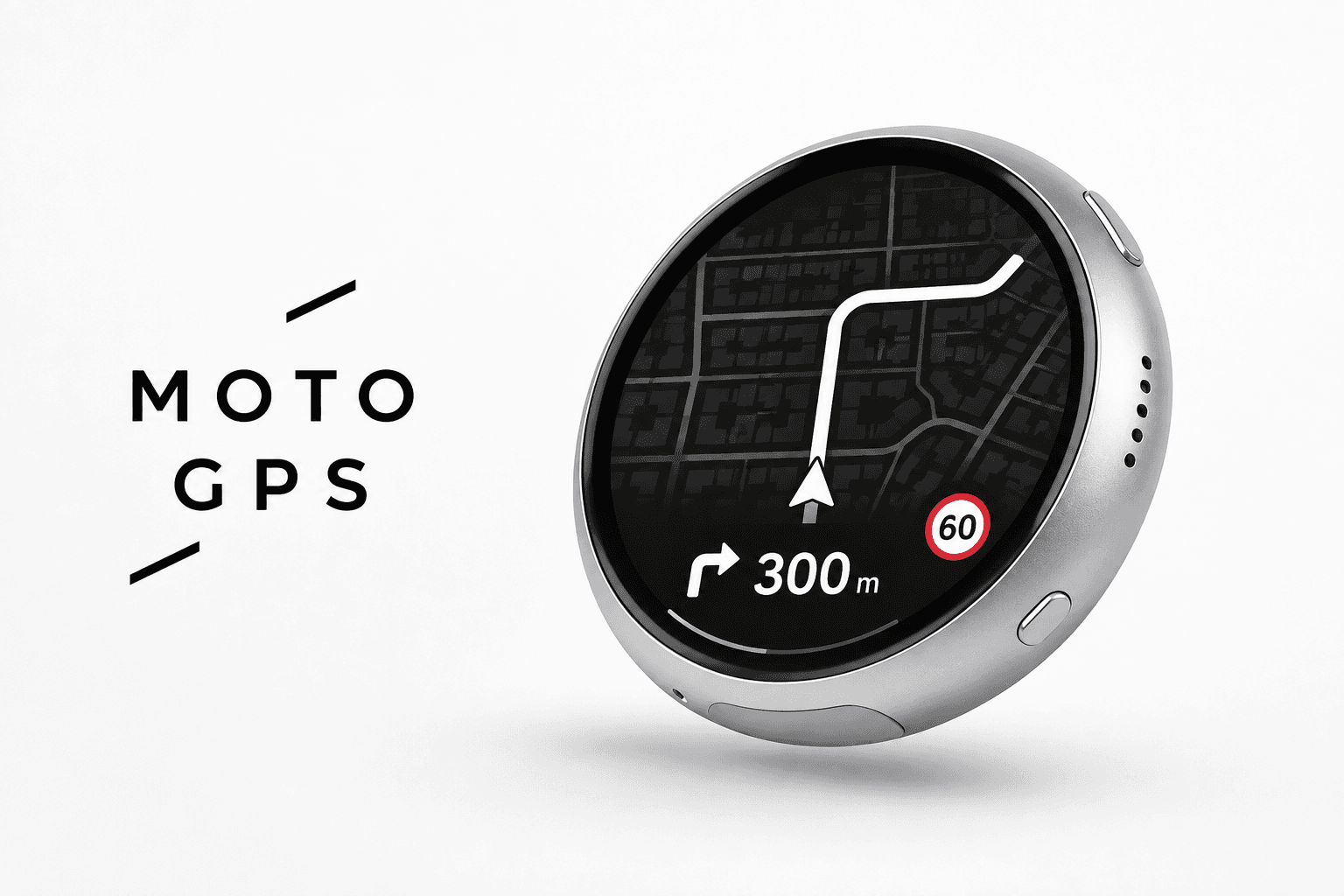
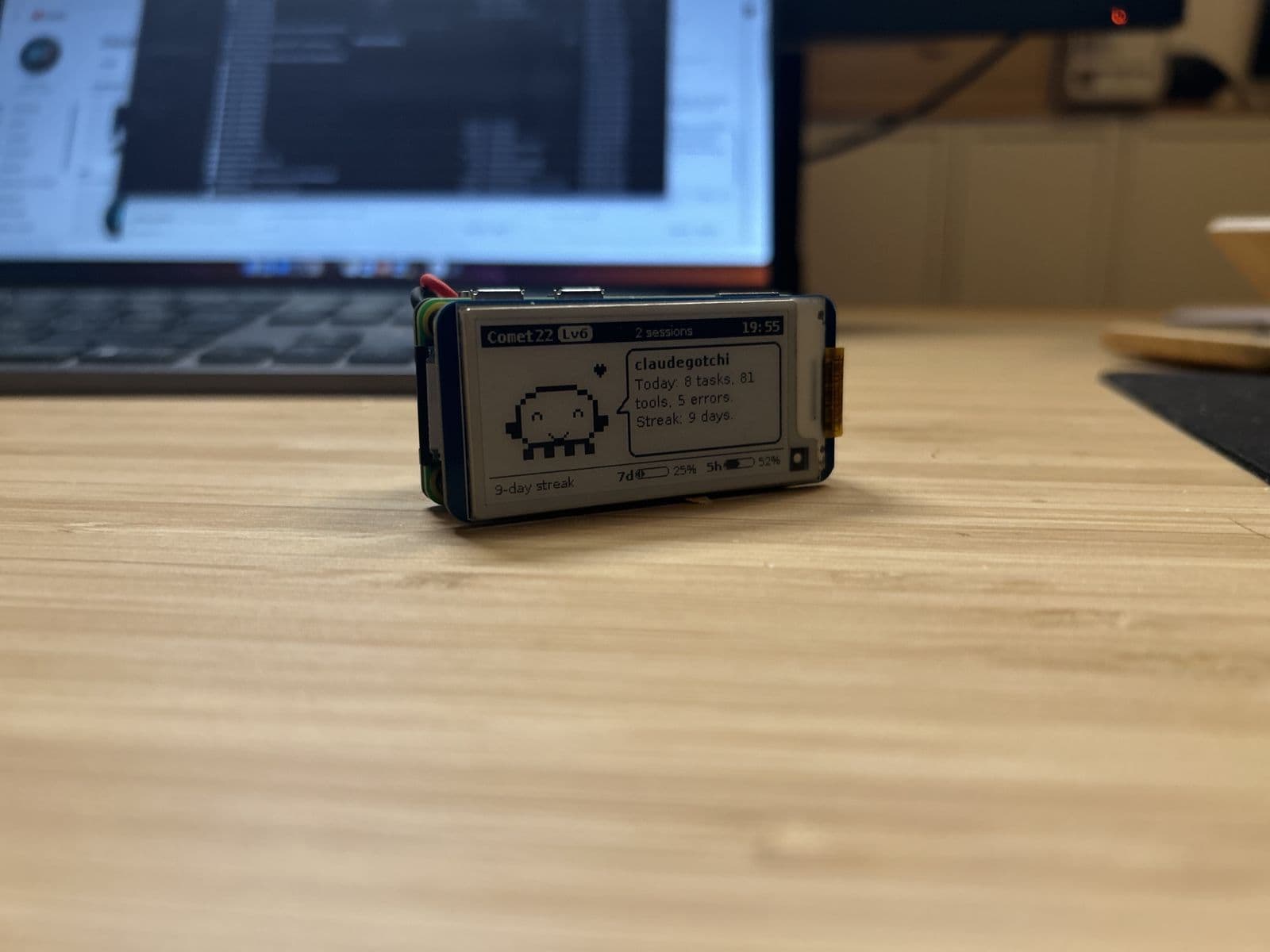
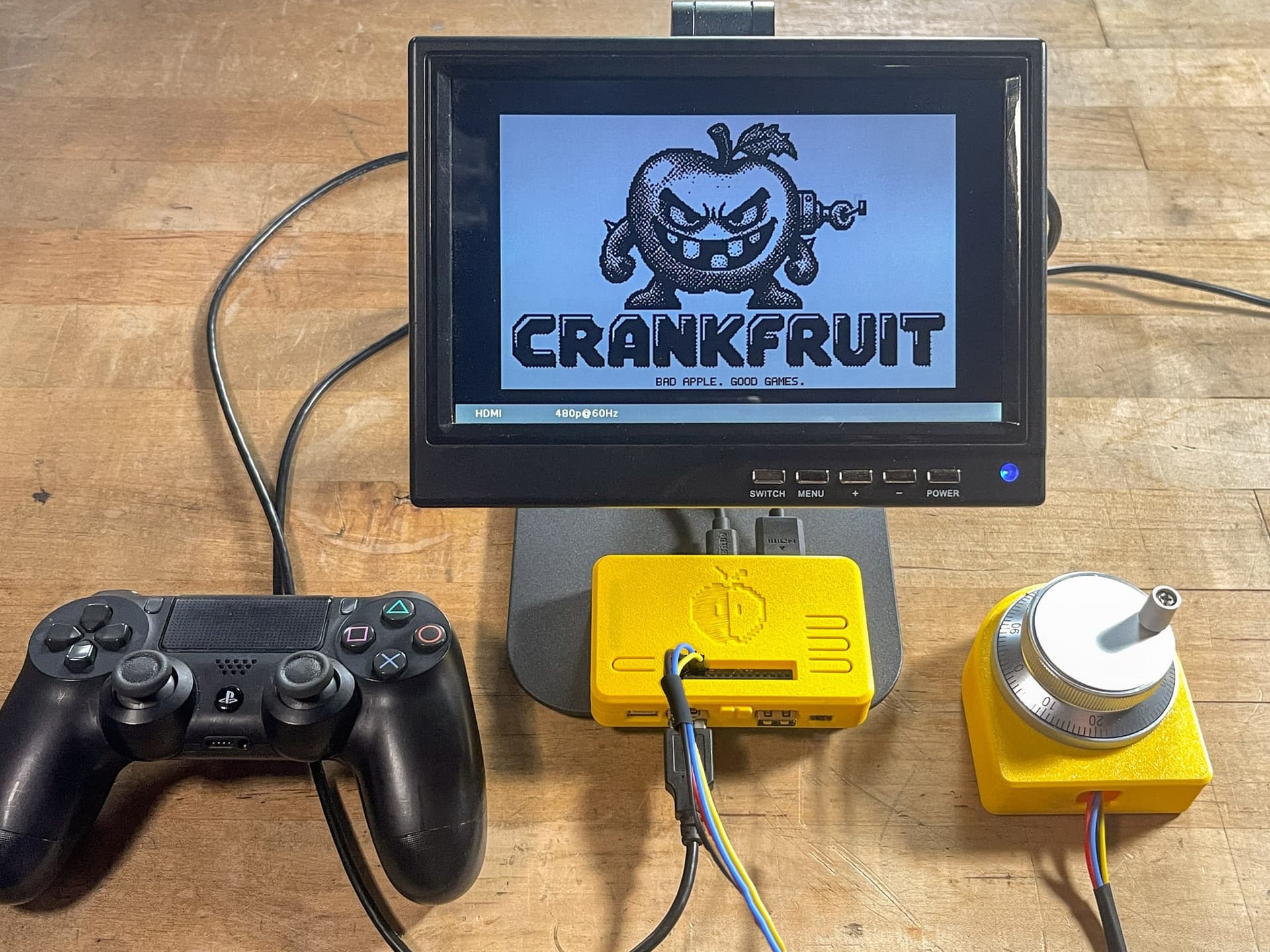
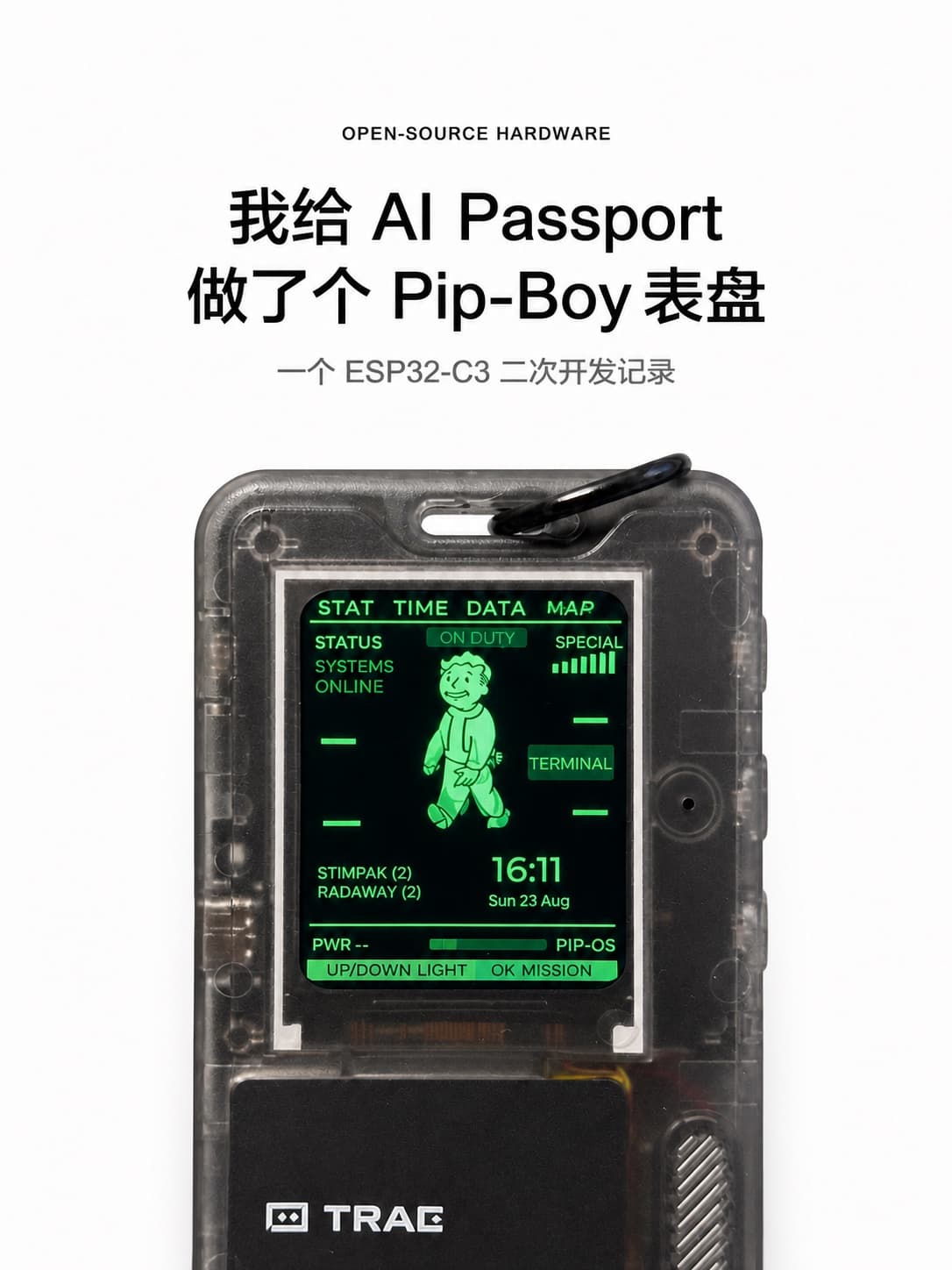
The builds below score 4 or 5 for AI-buildability. Each lists its parts, so they're good places to borrow a shopping list from.