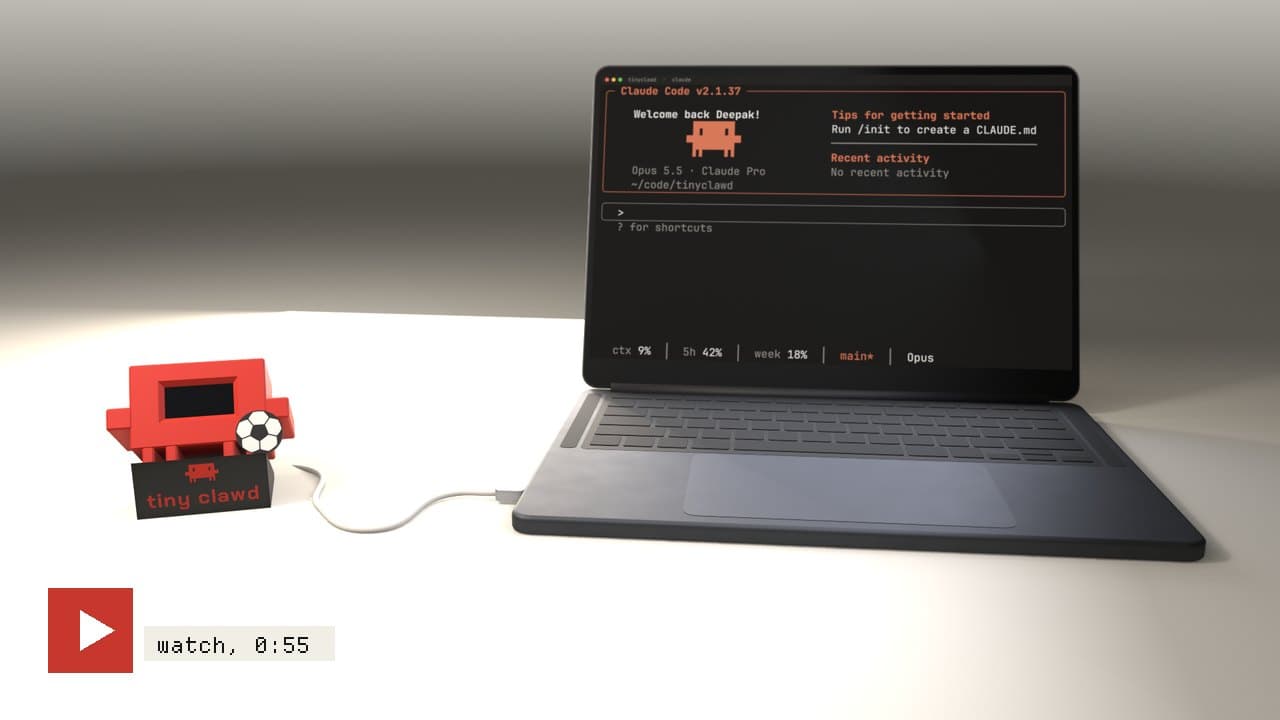
What is vibe hardware? Building devices with AI
Vibe hardware is building physical devices, like displays, controllers, sensors and reworked old gadgets, by describing what you want to an AI coding tool such as Claude, ChatGPT or Cursor and letting it write the firmware. You still pick the parts and put them together. Cheap boards like the ESP32 make it practical without an electronics background.
Vibe coding, pointed at hardware
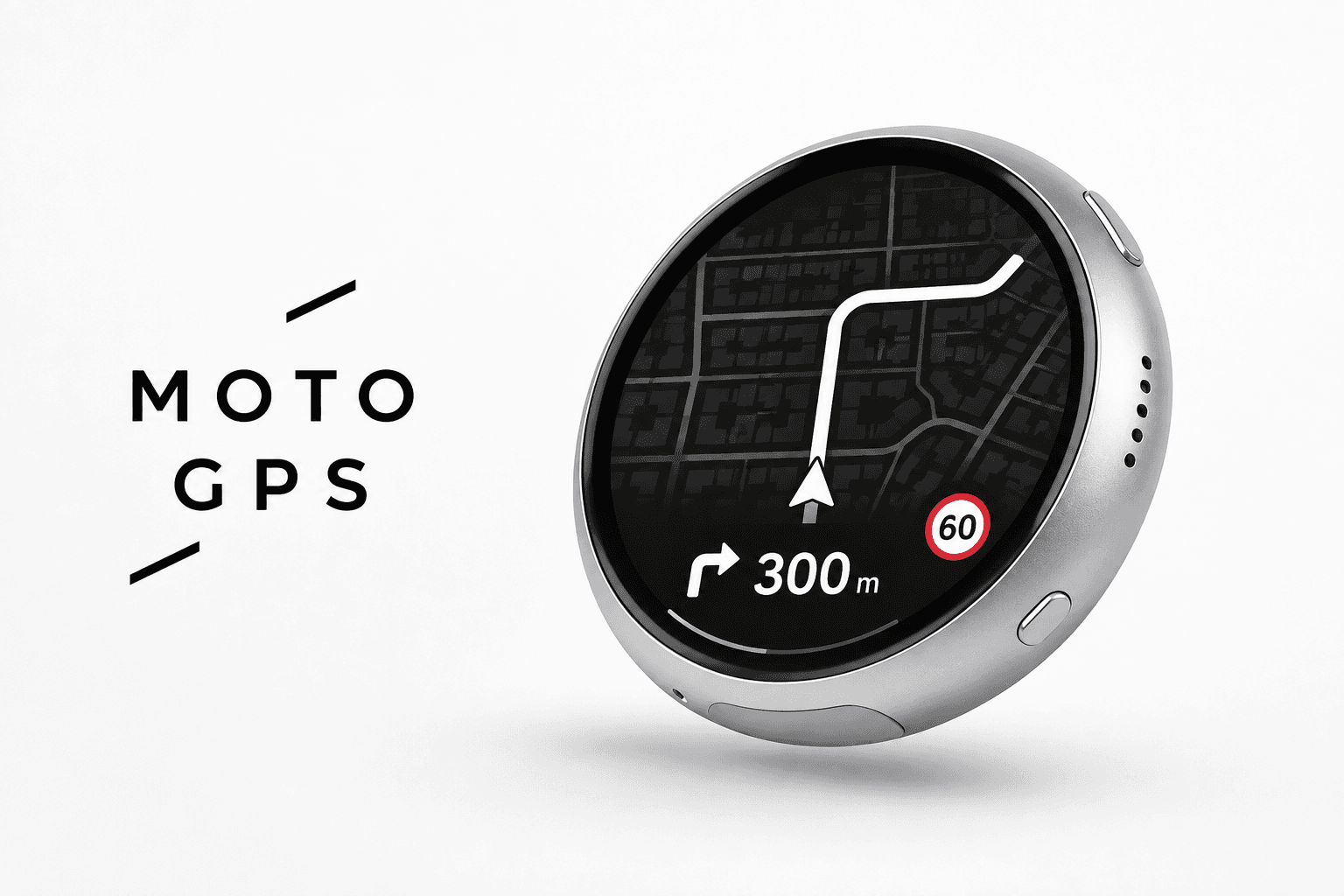
"Vibe coding" means writing software by telling an AI what you want, running what it gives you, and steering it until it works. Vibe hardware is the same loop applied to physical projects. Instead of an app, the result is a thing on your desk: a wall display, a macro pad, a sensor that texts you, an old Kindle doing a new job.
The AI writes the firmware, explains the wiring and helps you debug. You choose the parts, plug them together, and decide what the device should do.
Why it works now
Three things lined up:
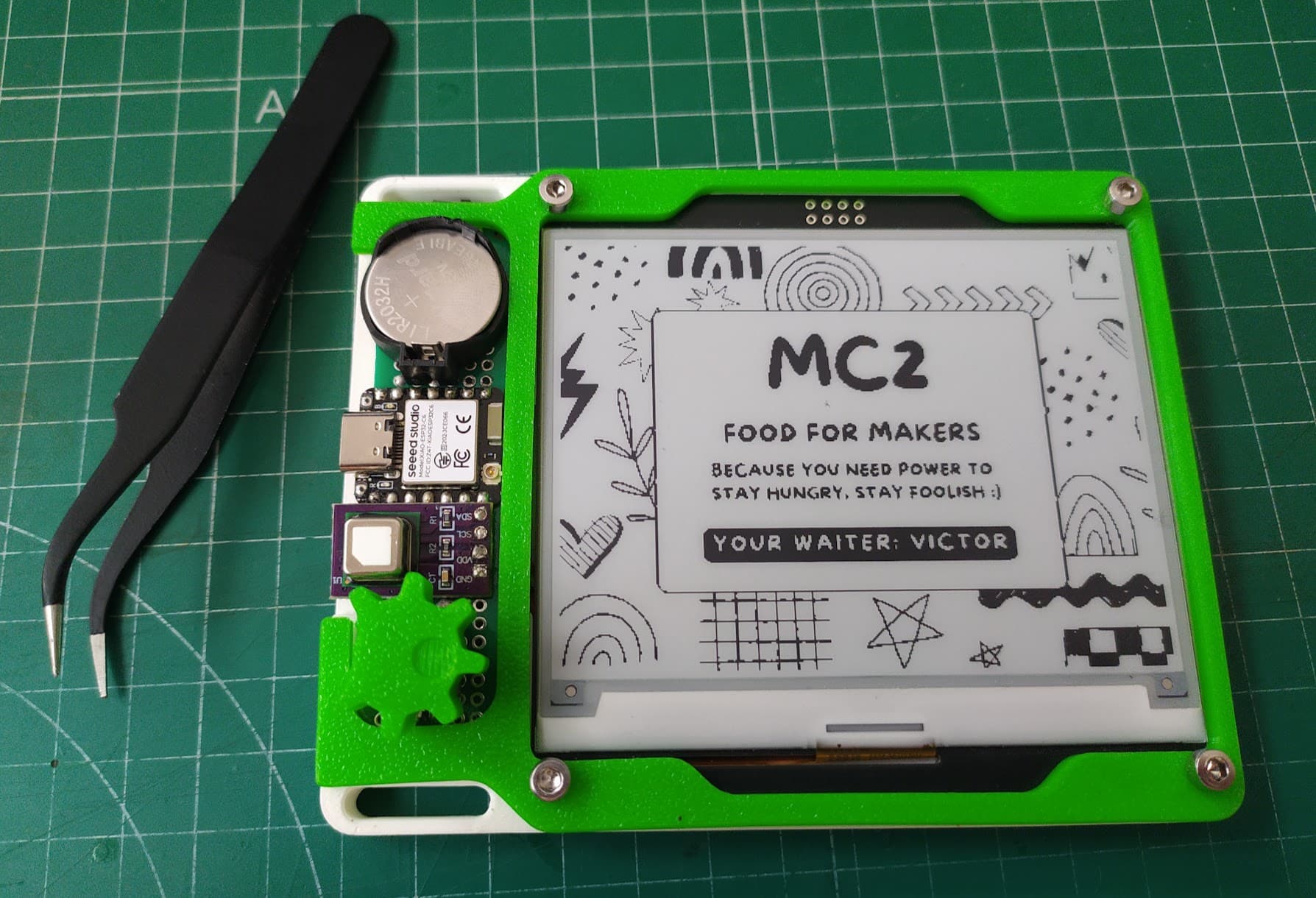
- Cheap, capable boards. An ESP32 has Wi-Fi and Bluetooth built in and costs a few dollars. A Raspberry Pi Pico is similar. Boards with a screen already attached remove most of the wiring.
- Plug-together parts. Displays, sensors, buttons and motor drivers come as modules with standard connectors (Qwiic, STEMMA QT, Grove), so a first build can need no soldering at all.
- AI tools that know embedded code. Arduino, ESP32 and Raspberry Pi projects are some of the most widely shared code on the internet, so AI coding tools are good at writing firmware for them.
3D printing covers enclosures, and AI can help there too by writing the model as code.
What people build with it
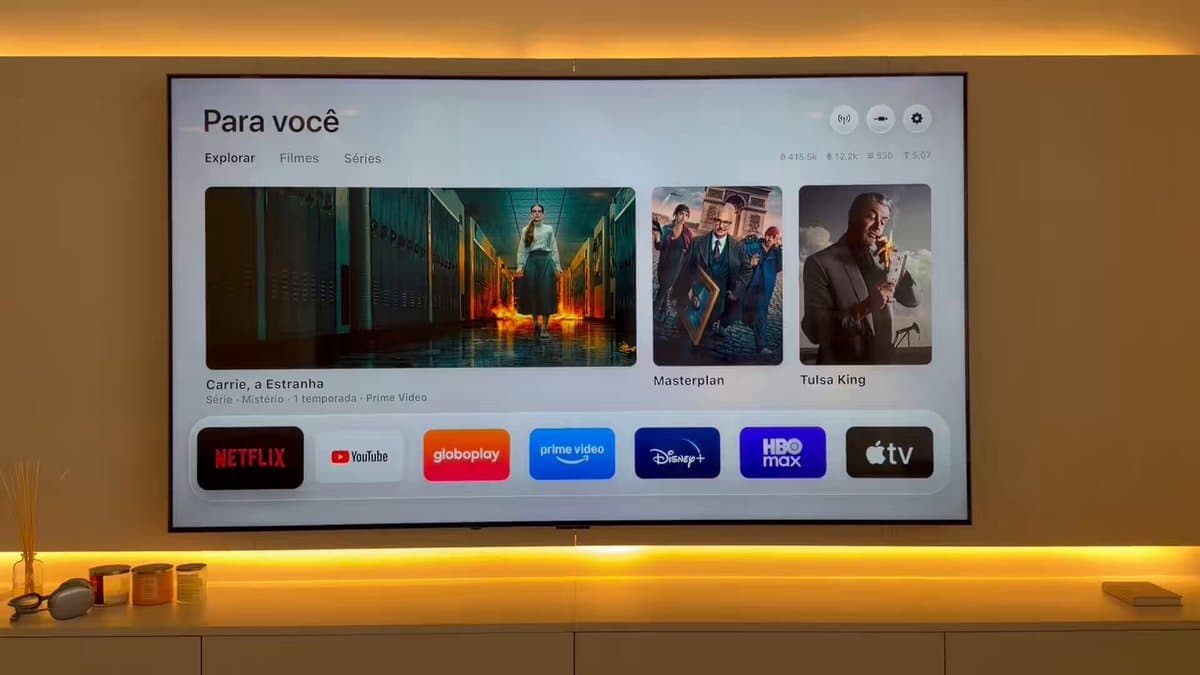
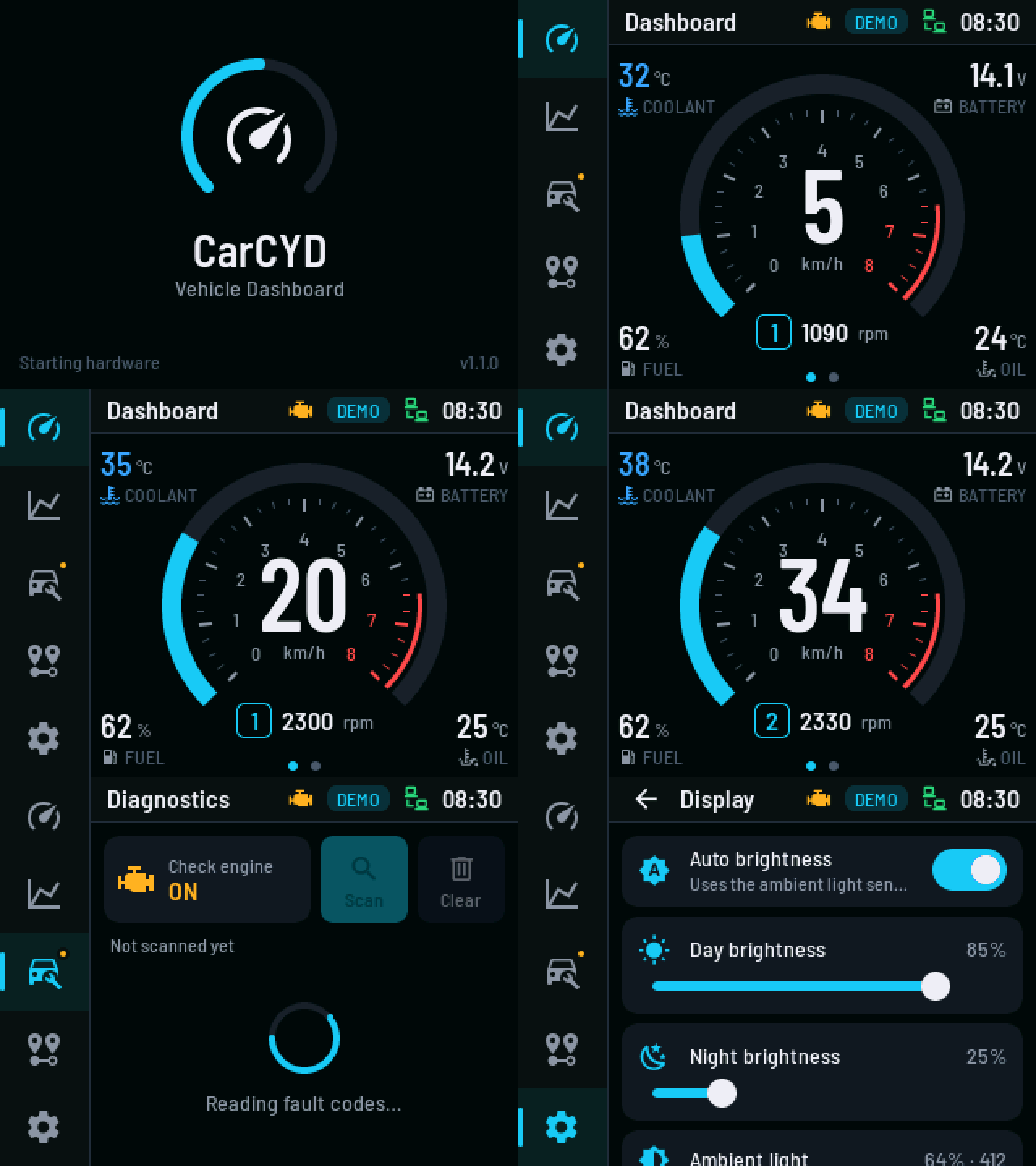
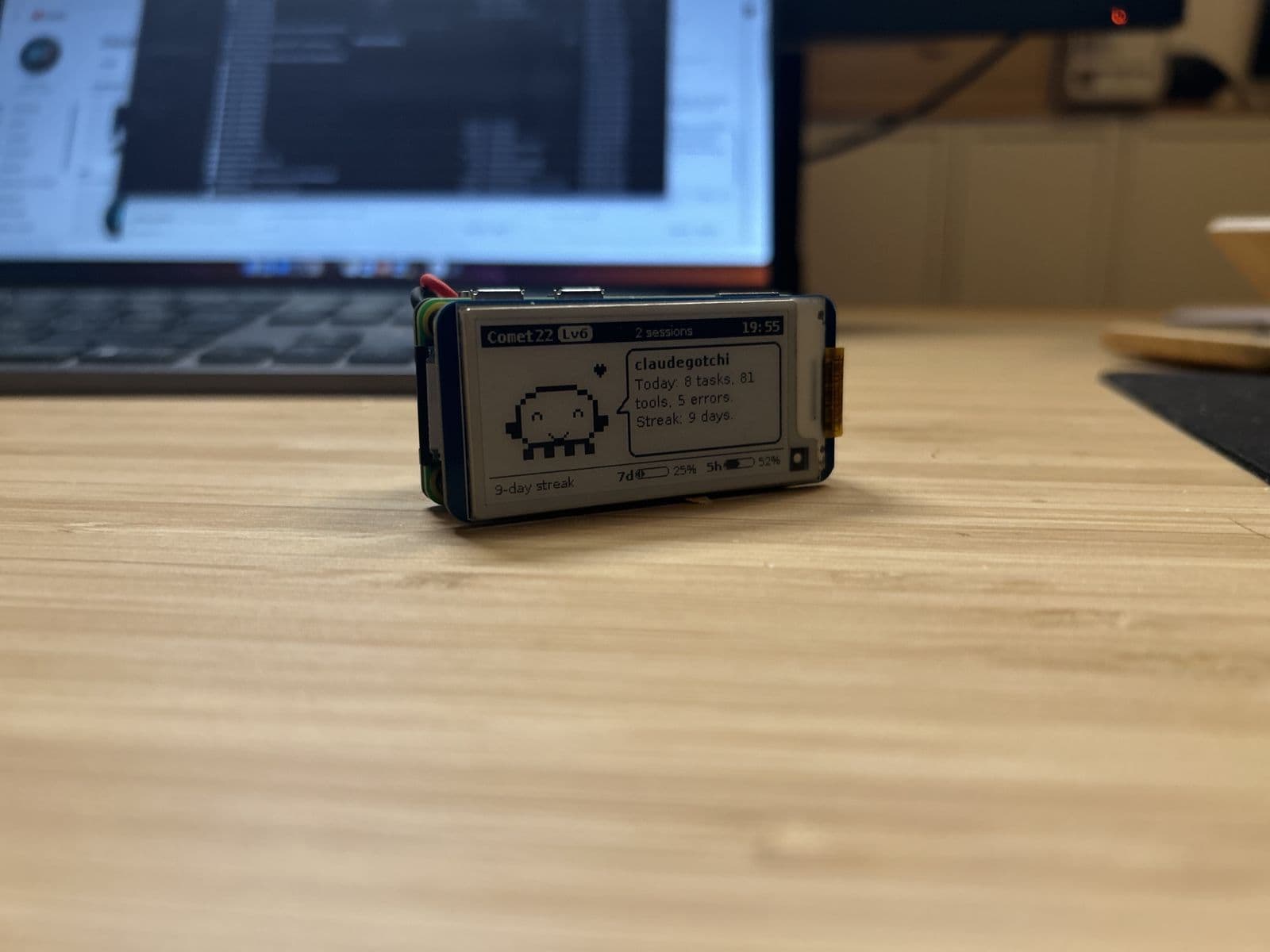
- Dashboards and displays: weather, calendars, transit times, stock tickers, usage meters, often on e-ink or small color screens
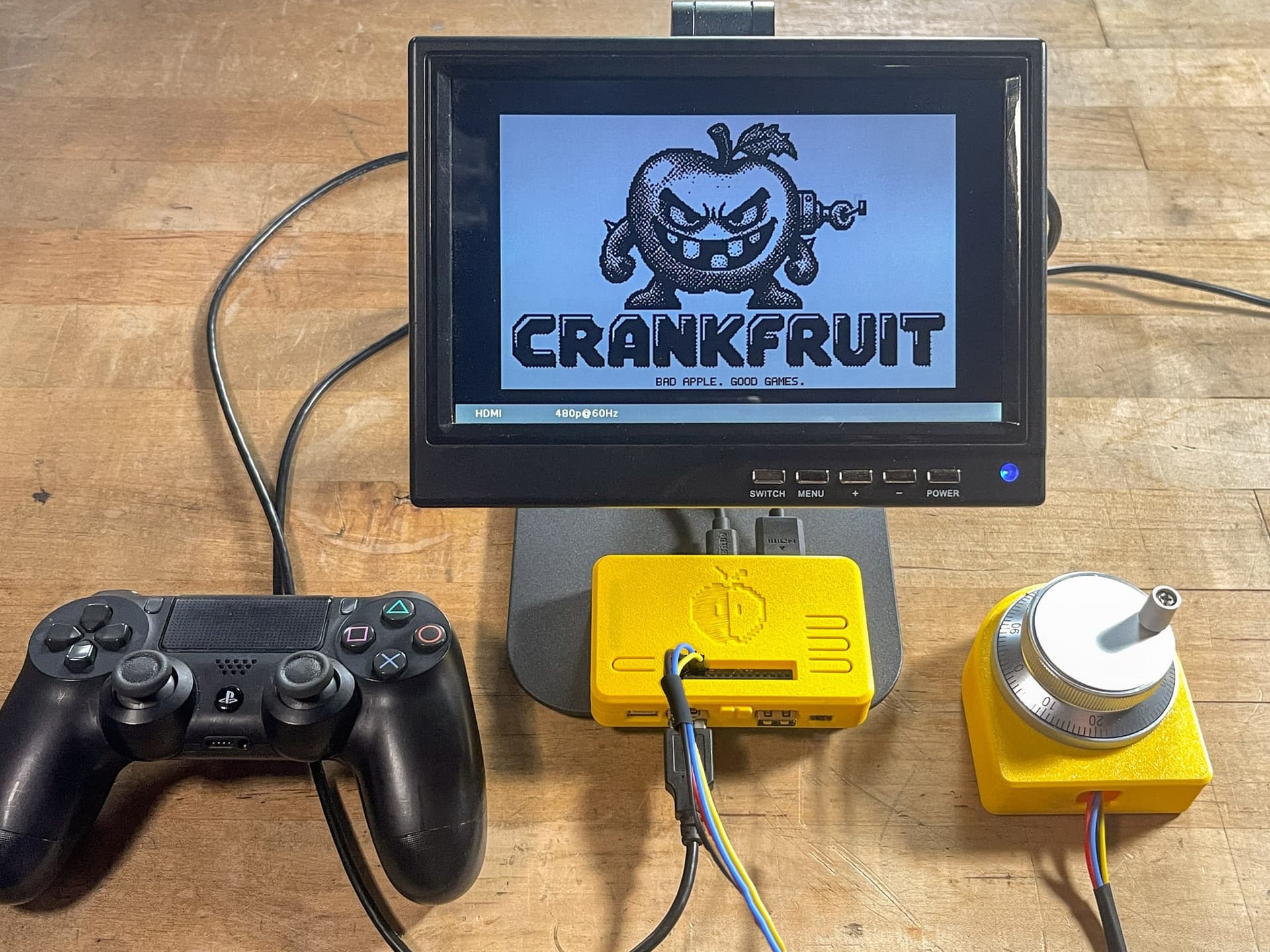
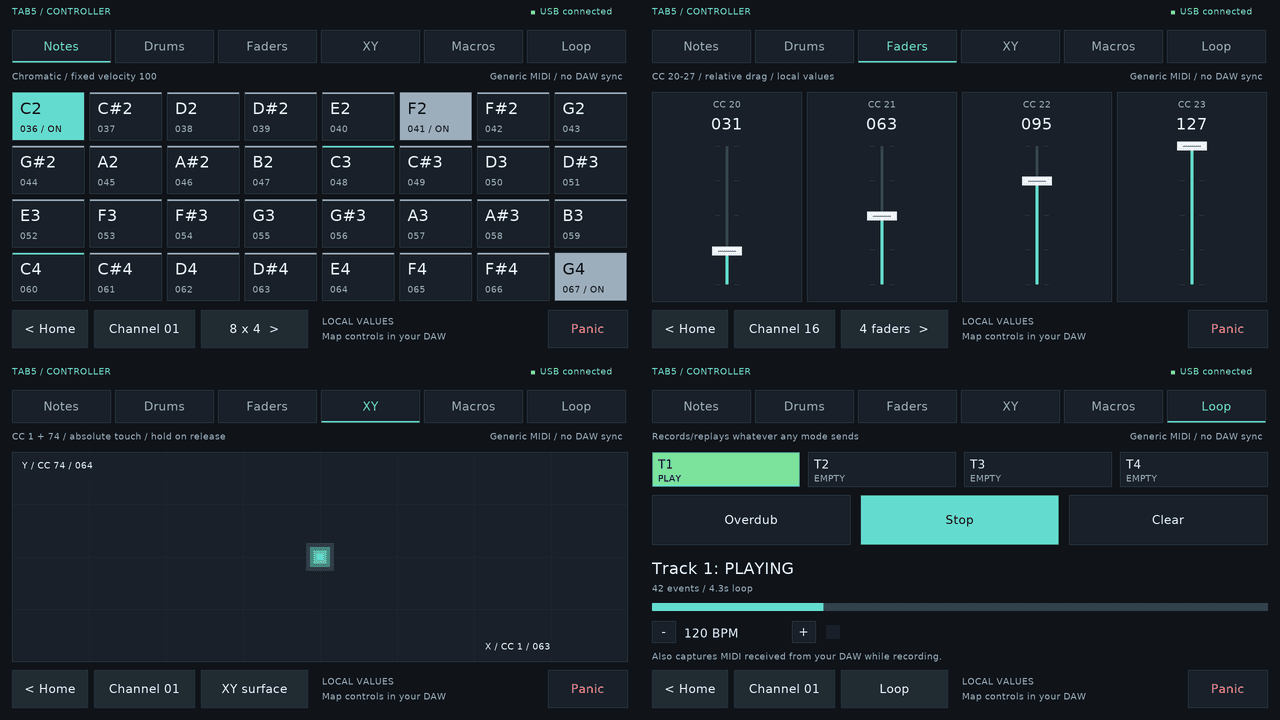
- Controllers and interfaces: macro pads, knobs, music and DJ controllers, custom keyboards
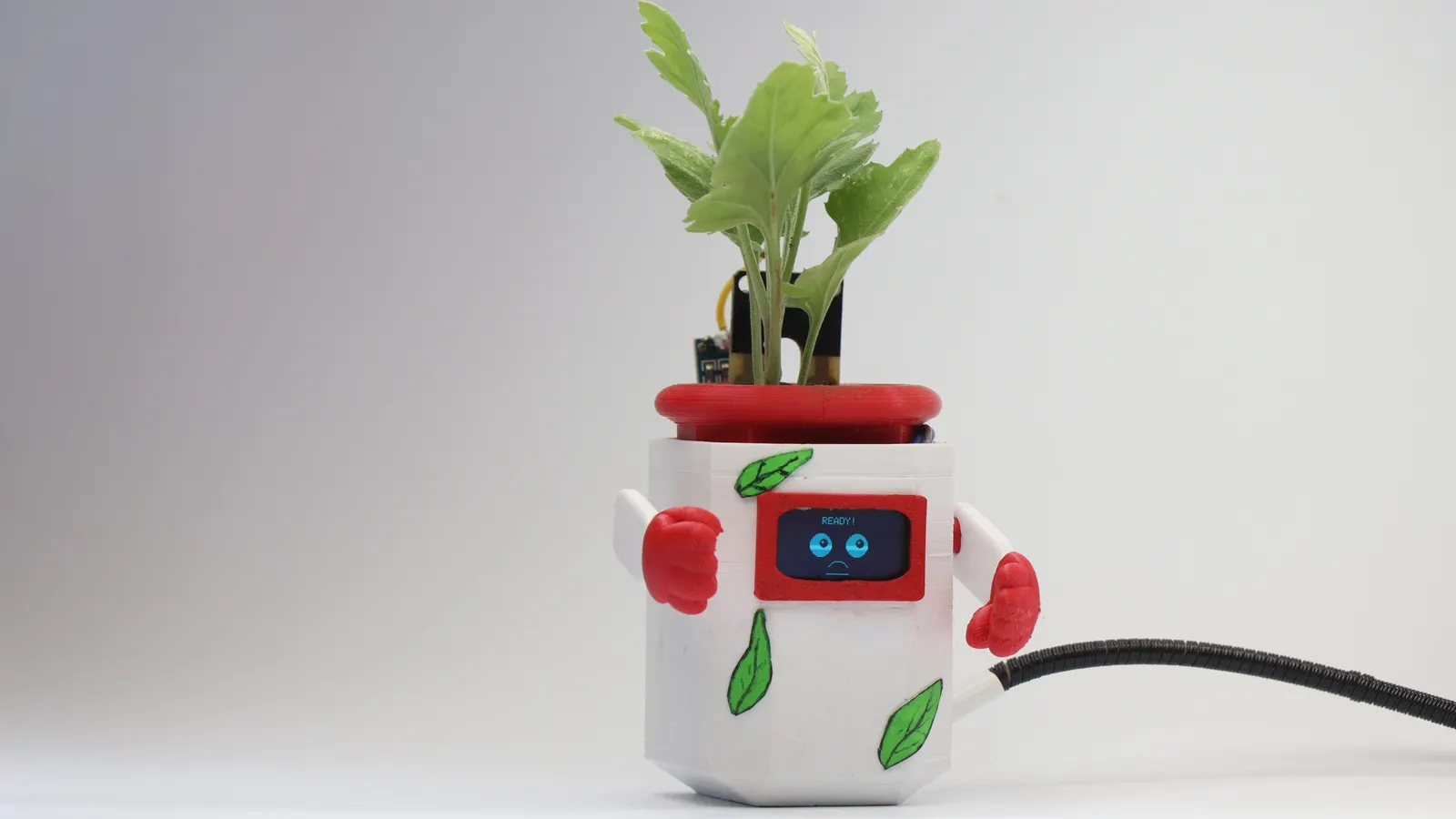
- Sensors that report somewhere: plant moisture, air quality, a door that pings your phone
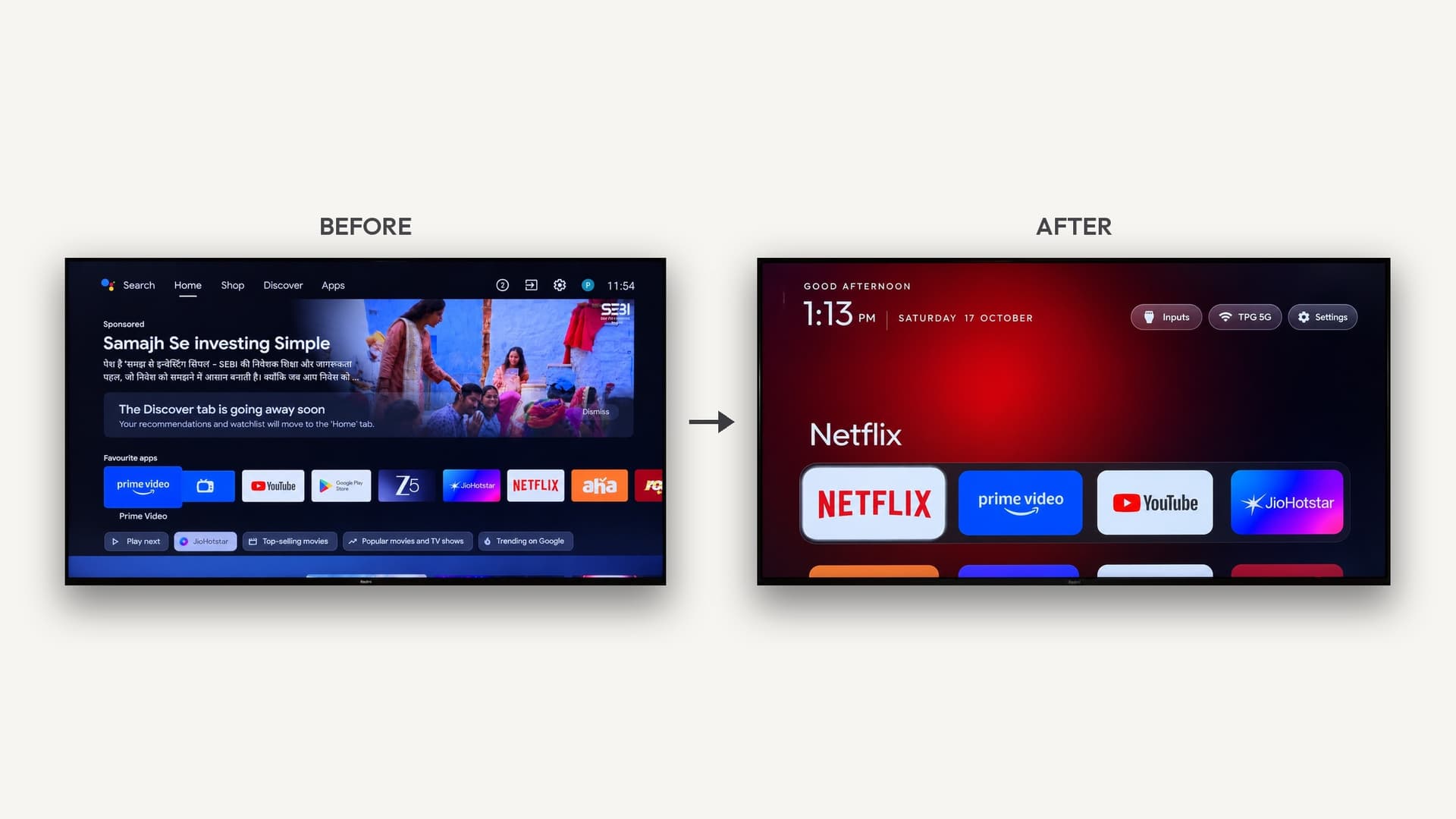
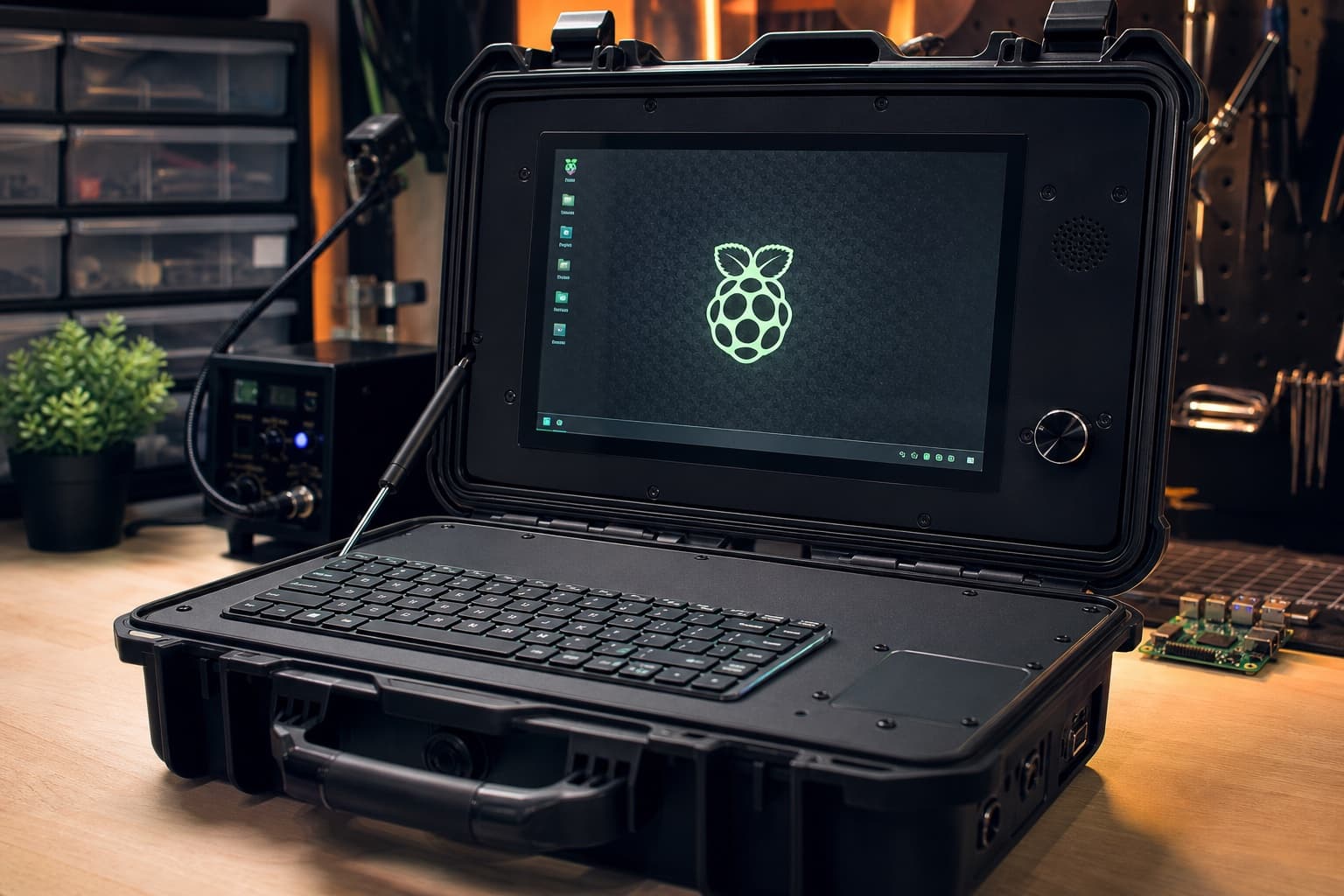
- Old devices with new jobs: e-readers as wall displays, discontinued smart gadgets brought back with new software
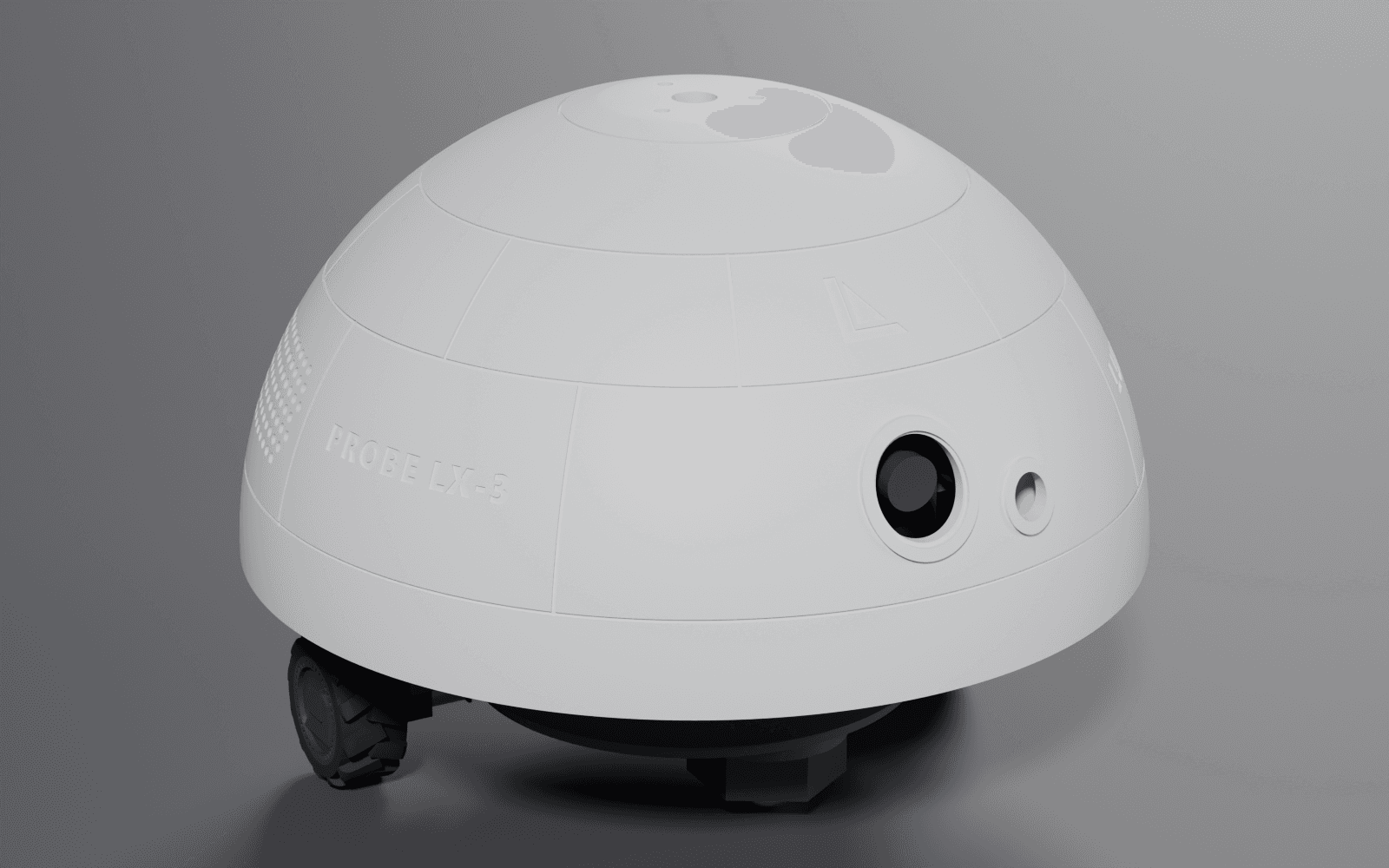
- Small robots and moving things: desk pets, drawing machines, rovers, once you're comfortable with motors
Every build below links back to its maker, with parts, rough cost and a starter prompt.
What AI can and can't do for you
AI is strong at:
- Writing and fixing firmware
- Explaining how parts connect and which pins to use
- Reading datasheets and error messages for you
- Writing simple enclosure models in OpenSCAD or CadQuery
It still struggles with, or can't check for you:
- Custom circuit board layout (see Can I vibe code a PCB?)
- Mechanical fit: hinges, tolerances, anything that moves
- Your actual wiring. It can't see your desk, so double-check pin numbers and voltages against the board's pinout
Every post here has an AI-buildability score from 1 to 5 that estimates how much of the build AI can take on.
Your first vibe hardware build
- Pick a build that scores 4 or 5 for AI-buildability and is marked Beginner
- Buy the parts on its list, usually one board, one display or sensor, and a USB data cable
- Install the Arduino IDE or PlatformIO, the free tools that put code on the board
- Paste the build's starter prompt into your AI coding tool and work one step at a time
- When something breaks, paste the exact error or serial output back in
- Once it works, ask the AI to add one feature at a time
More detail: What do I need to start vibe coding hardware? and Best first ESP32 projects.
Stay safe
Start with USB power only. Don't power motors straight from a board's pins; use a driver board. Treat mains voltage and large lithium batteries as off-limits until you know exactly what you're doing. AI can explain the risks, but it can't check your wiring.
Explore
The builds below score 4 or 5 for AI-buildability, so AI can take on most of the hard part.