 Interfaceby yashoncode · GitHub · TV launchers
Interface · mod
CleanYourTV, a debloated Android TV launcher
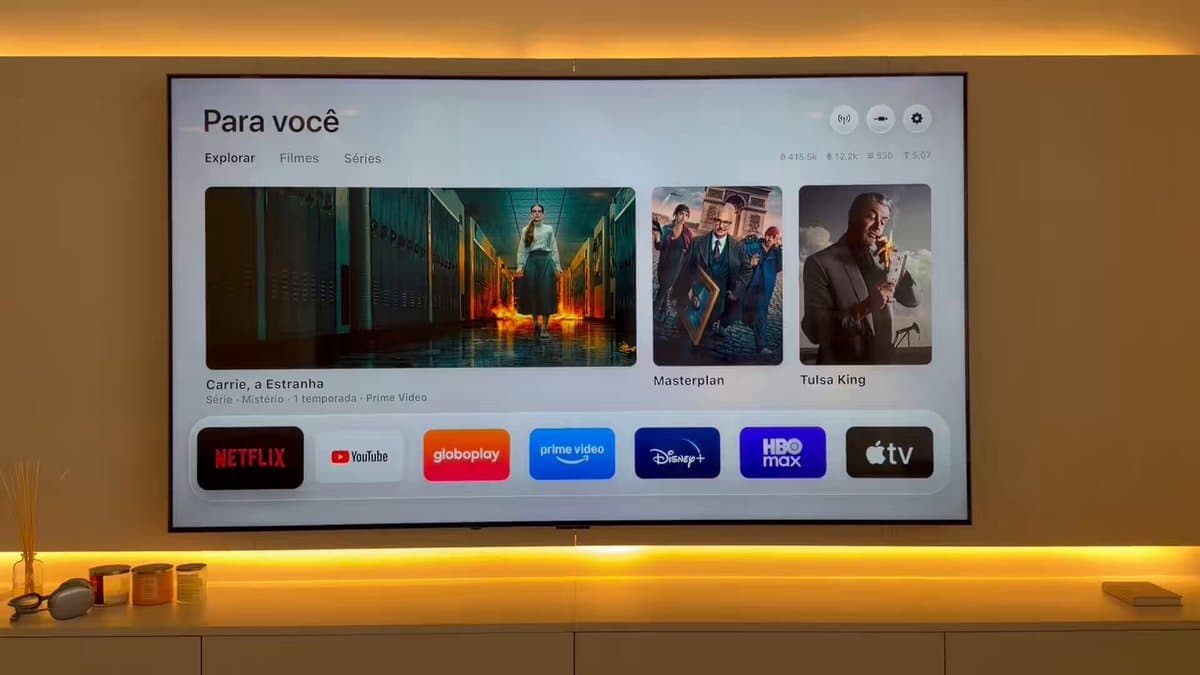
A repo that strips preloaded apps and ad rows from Android TV and Google TV sets over Wi-Fi, then installs a small native launcher styled after Apple TV's home screen.
Build sheet
- Device page
- Fire TV Edition television →
- Method
- ADB over Wi-Fi
- Launcher
- Native Android TV app
- Supported
- Android TV, Google TV
- Restore
- One-line script
Can I build this?Beginner · AI 5/5 · $0
- Difficulty
- Beginner
- AI-buildability
- 5/5
- Time
- An evening
- Cost
- $0
Everything is software run over ADB from a computer, so an AI assistant with shell access can discover the TV, disable packages and write the launcher app.
Tools
computer on the same Wi-Fi as the TVADB (Android Debug Bridge)coding assistant with shell access
Starter prompt
Based on "CleanYourTV, a debloated Android TV launcher" on Afterware: https://afterware.xyz/p/cleanyourtv-a-debloated-android-tv-launcher
You are helping me debloat an Android TV over ADB on my local Wi-Fi. First, enable network debugging on the TV and connect with adb. List installed packages, back them up, and propose a list of manufacturer telemetry and ad packages to disable with pm disable-user. Ask me before disabling anything I might use, and write a restore script that re-enables everything. Then build and install a simple native launcher with a dock and a grid of apps, and set it as the default home.
Estimates based on the original write-up. How AI-buildability is scored. The maker built this with AI tools: more vibe-coded builds. Building with an AI assistant? Connect it to Afterware (free MCP server).
Story
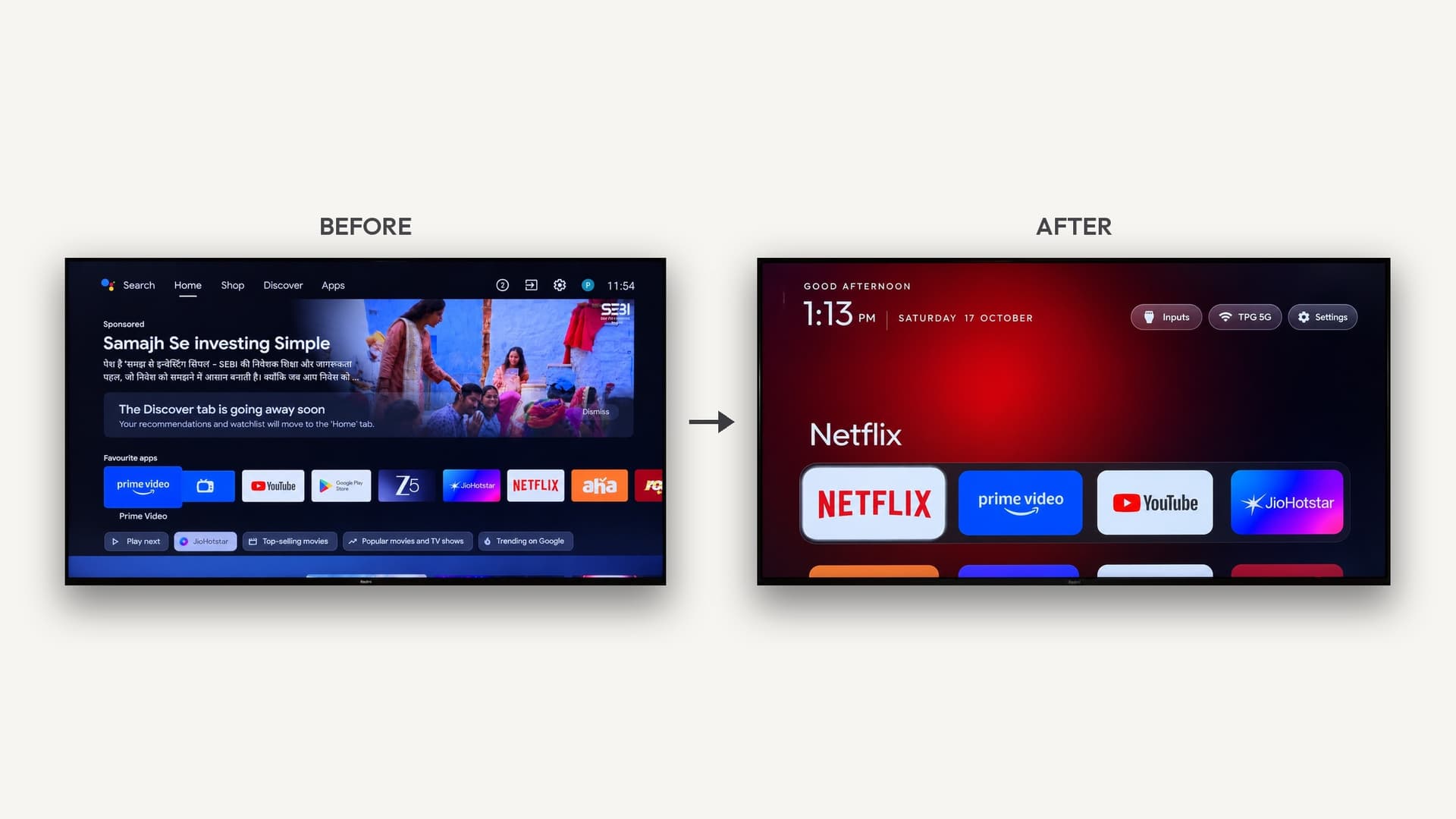
The project started when its author set a parent's TV to debloat it. A sponsored ad sat above the apps on the home screen. The author gave Claude Code the TV model number, the assistant found the set over Wi-Fi, disabled 25 Xiaomi packages with pm disable-user, and wrote a replacement launcher.
The method uses the same debug bridge as Android phones. Nothing is uninstalled and nothing is rooted. The prompt has the assistant discover the bloat on each TV and ask before touching apps the owner might use, and a backup script allows a one-line restore. The README lists tested package lists for more than 100 TV models across many brands.
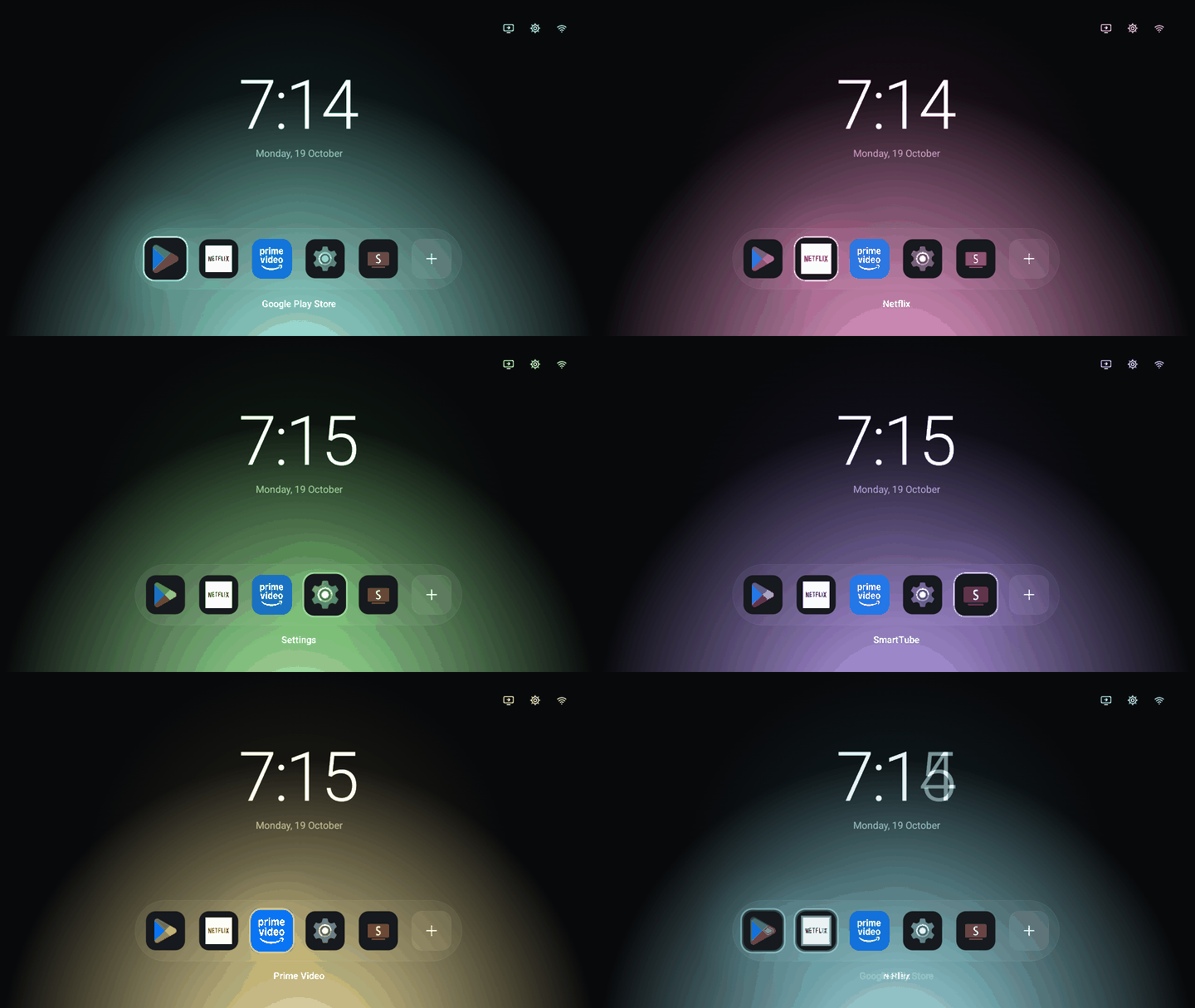
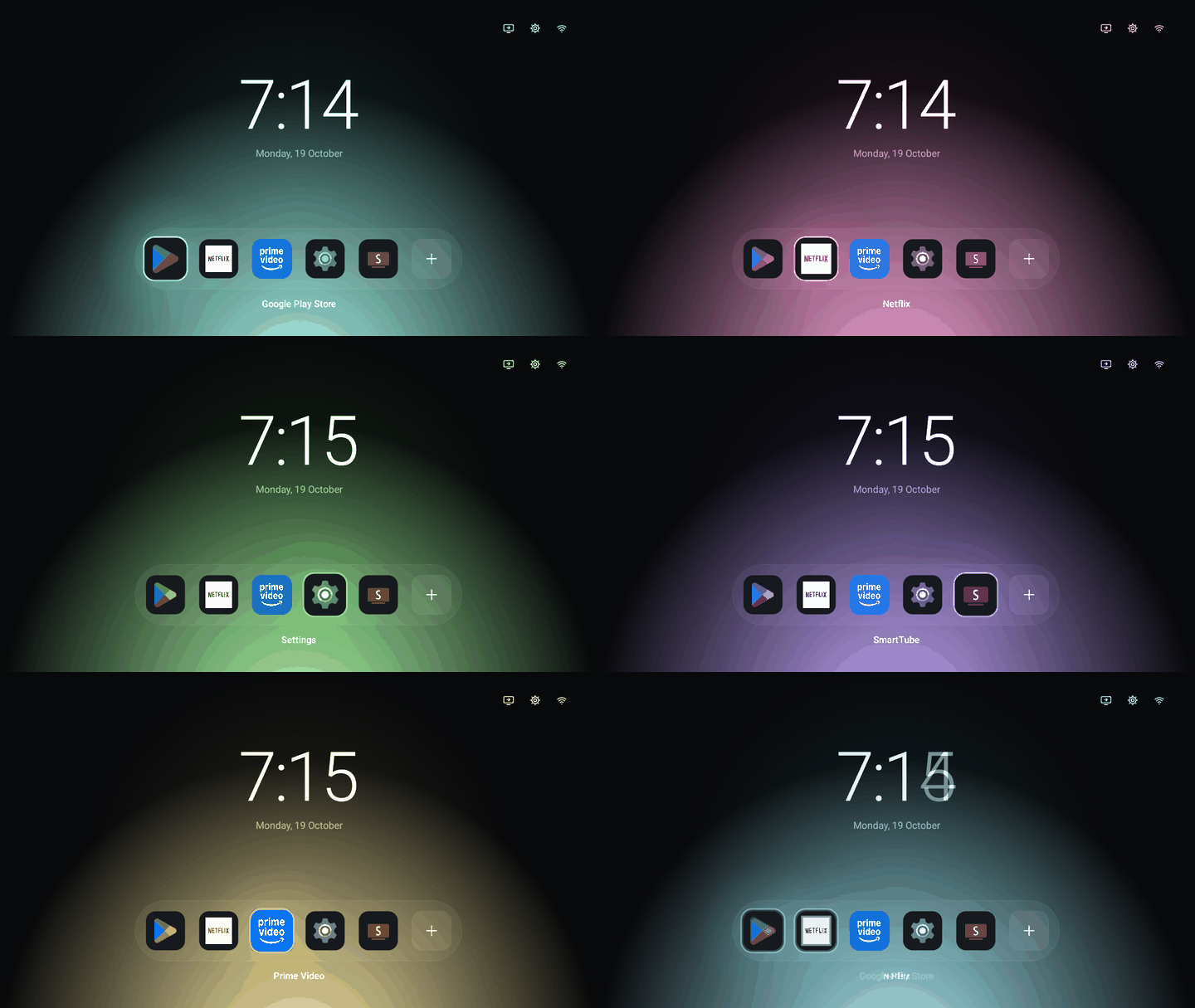
The launcher is a pitch-black home with a dock of four apps, a top shelf that names the focused app over a glow taken from its artwork, and a grid that slides up. Fire TV gets the debloat part only, since Fire OS does not allow a third-party home screen.
Resources · 3
More like this

More like this
Interfaceby yashoncode · GitHub · TV launchers Interfaceby ricroad · GitHub · LVGL