How to vibe code your home over Wi-Fi with Claude Code
Open Claude Code on a laptop connected to your home Wi-Fi and ask it to find every device on the network and what it could change on each. TVs, lights, smart plugs, speakers and old tablets often have local controls it can use. Pick one, approve each command, and it writes the code to fix, control or redesign it.
It's simpler than it sounds
Most of the smart stuff in your house is already a small computer on your Wi-Fi. Many of them listen for commands from other devices on the same network: that's how your phone app talks to them. An AI coding agent like Claude Code can find those devices, learn how each one is controlled, and write the code to do something new with it.
You don't need to know networking or code. You need a laptop on the same Wi-Fi, Claude Code, and about ten minutes to try your first device.
Your first ten minutes
- Open Claude Code on a laptop on your home Wi-Fi.
- Ask what's out there. For example: "Scan my home network. List every device you find with its make and model if you can tell, and what you could control or change on each. Don't change anything yet."
- Pick one easy win. A smart TV, a light, a plug or a speaker.
- Say what you want in plain words. "Make my living room lights fade to warm white at sunset" or "remove the ads from my TV's home screen."
- Approve each step. Claude Code shows every command before it runs. It stops to ask when it needs you, like pressing the button on a light bridge or allowing a connection on the TV.
What you can do with each kind of device
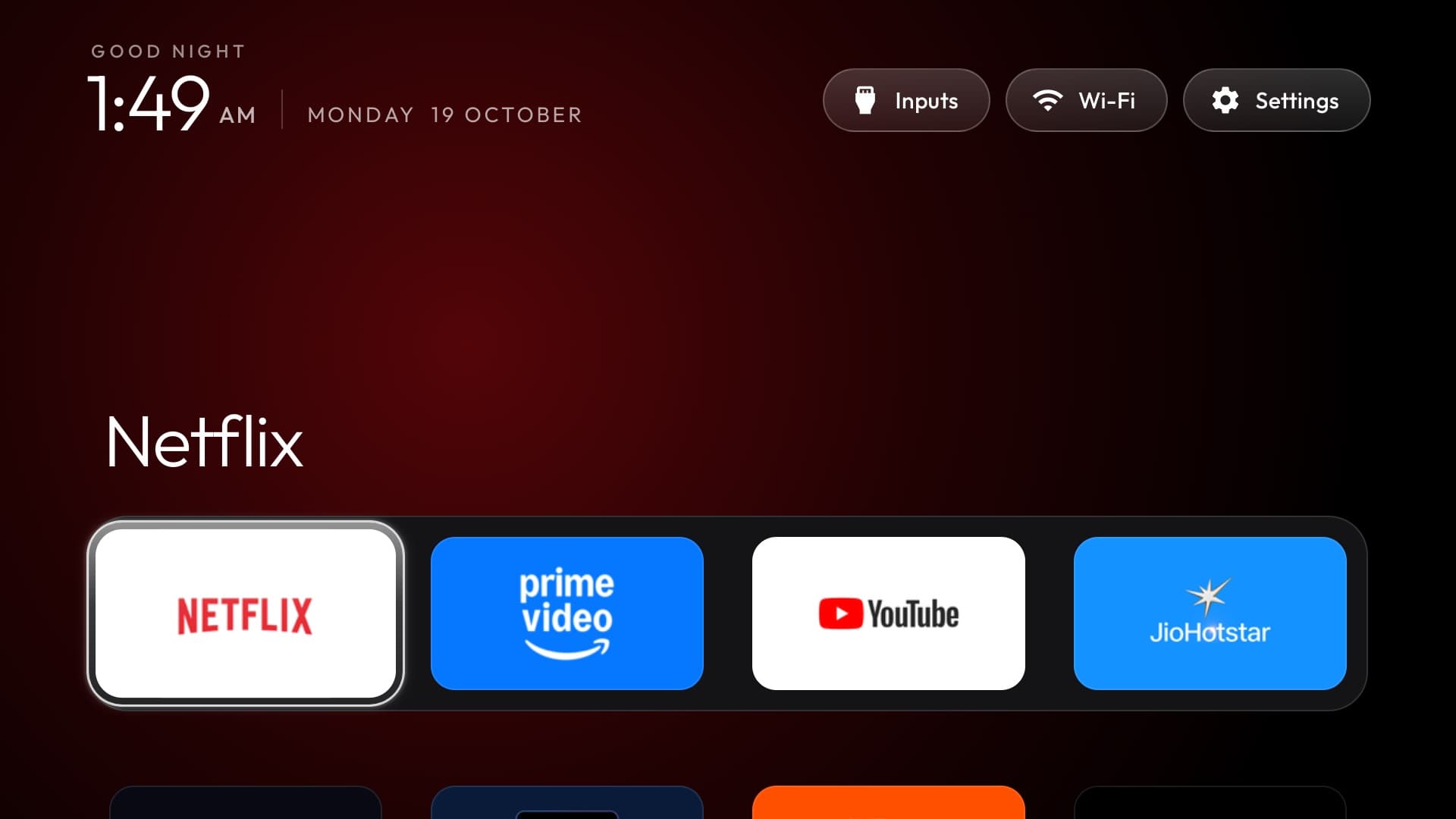
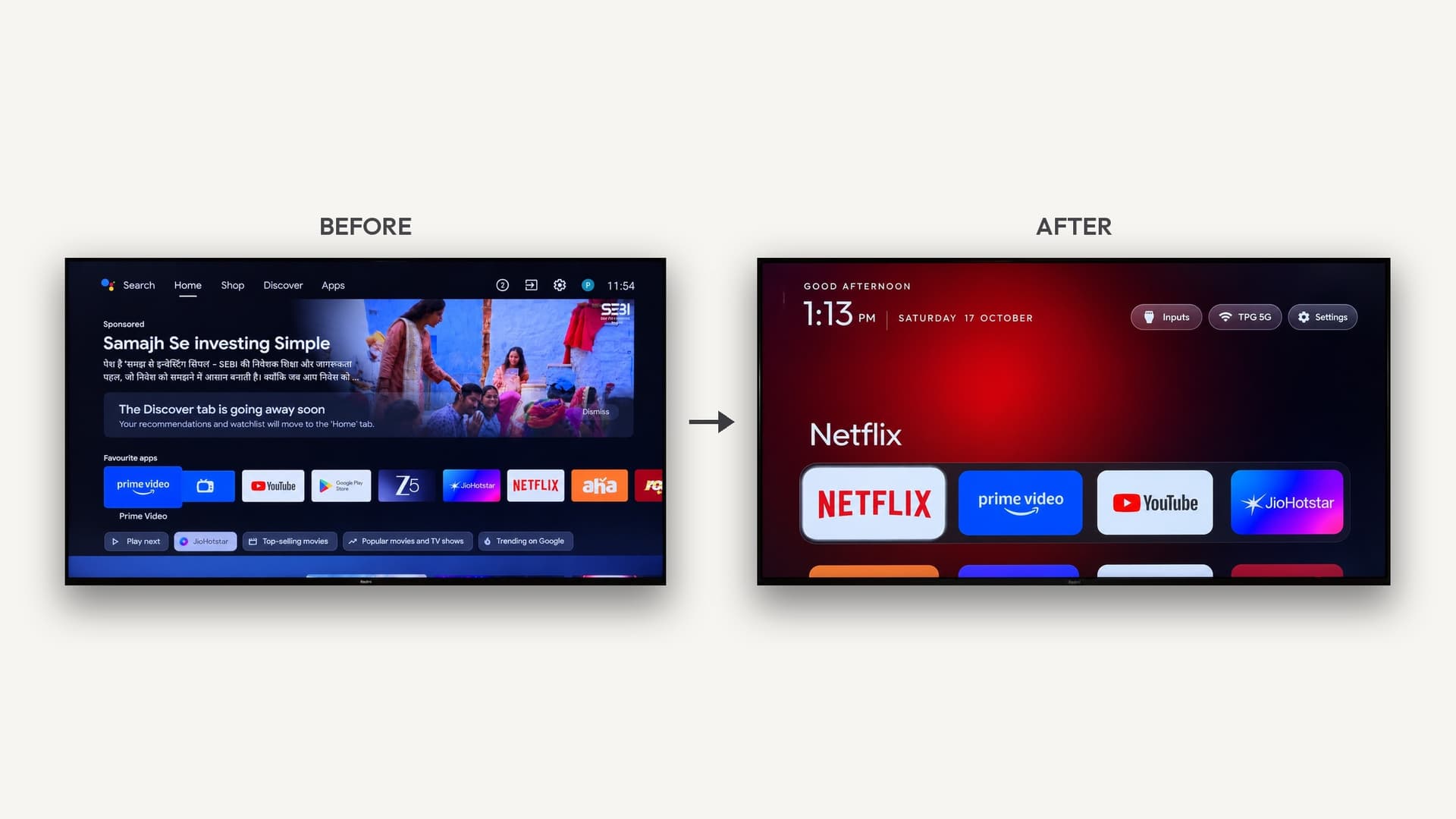
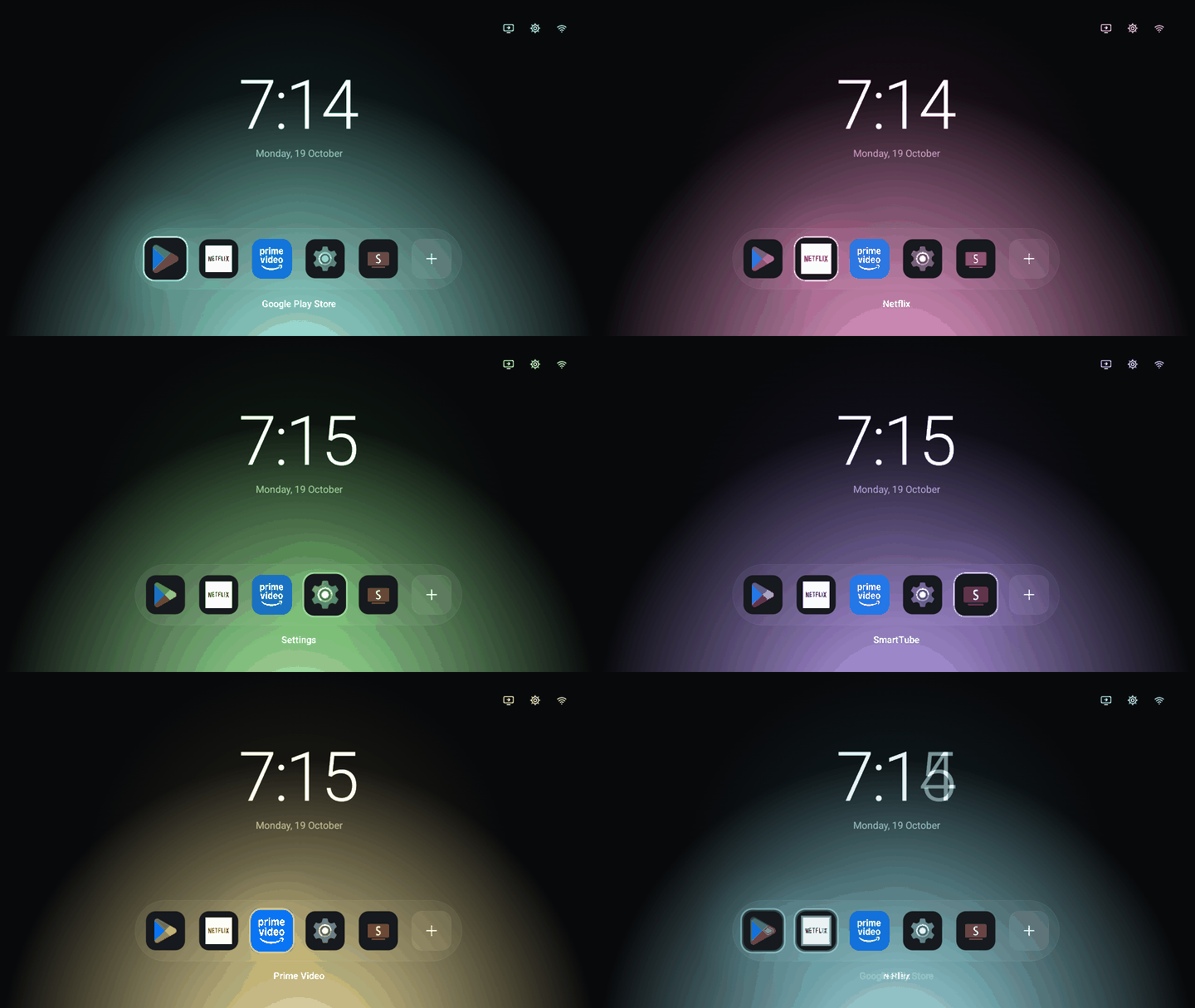
- Android TV and Google TV: strip out ads and bloat, or build a whole new home screen. Developer mode lets a computer on your Wi-Fi manage the TV over ADB. Full how-to: How to remove smart TV ads with AI. Not sure about your brand? See Which smart TVs can AI debloat?.
- Roku: Roku TVs and sticks accept remote-control commands over the local network, so you can script inputs, launch apps or build your own remote. Changing the home screen itself isn't possible.
- Smart lights: many hubs, like the Philips Hue bridge, have a local API. You press the bridge's button once to give your laptop access, then the AI can write schedules, scenes and effects.
- Smart plugs and switches: brands like Shelly, and TP-Link Kasa through open-source libraries, can be switched locally, which is enough to automate a lamp, a fan or a coffee maker.
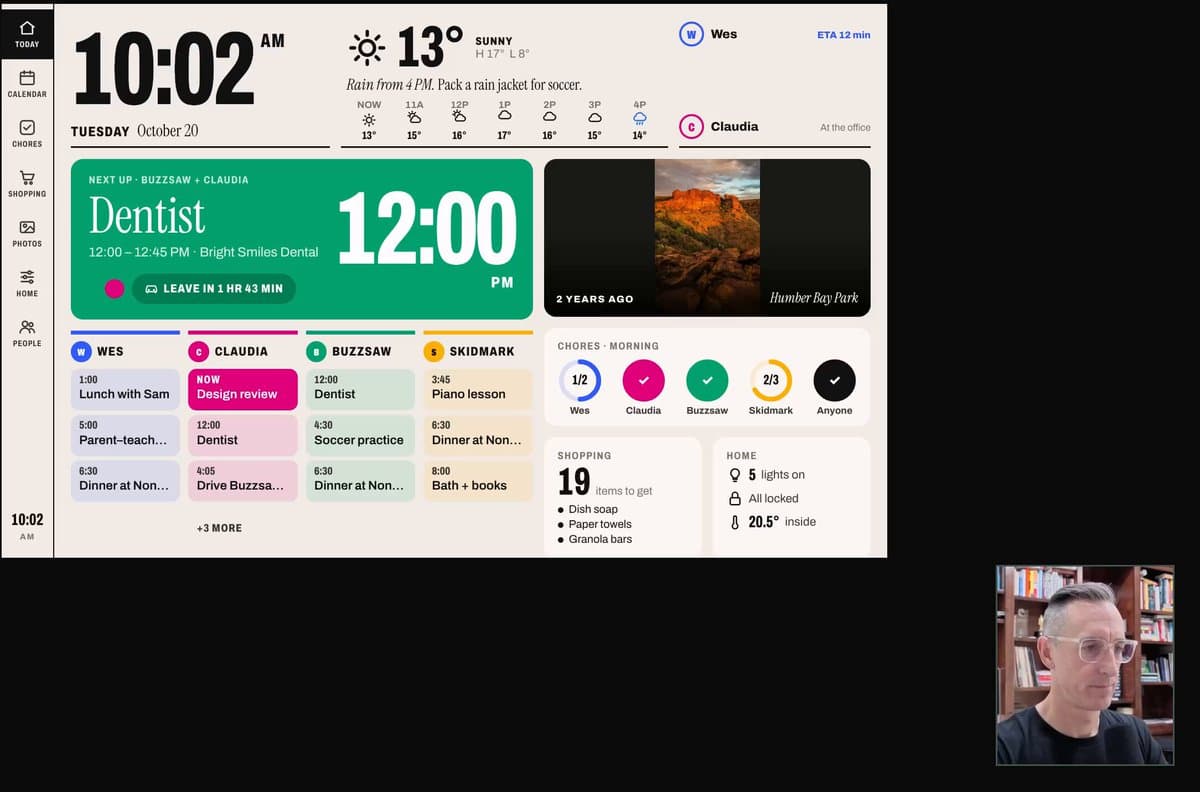
- Old tablets and Kindles: anything with a web browser can become a wall display for your calendar, weather or deliveries. The AI writes a small web page and the device just shows it.
- LED strips running WLED: a popular free firmware for ESP32 and ESP8266 boards with a simple web API, ideal for lighting effects.
- Home Assistant: if you run it, it becomes the hub for everything. Home Assistant can connect to AI assistants through the Model Context Protocol, so the AI can see and control every device it already knows about.
Projects people are building
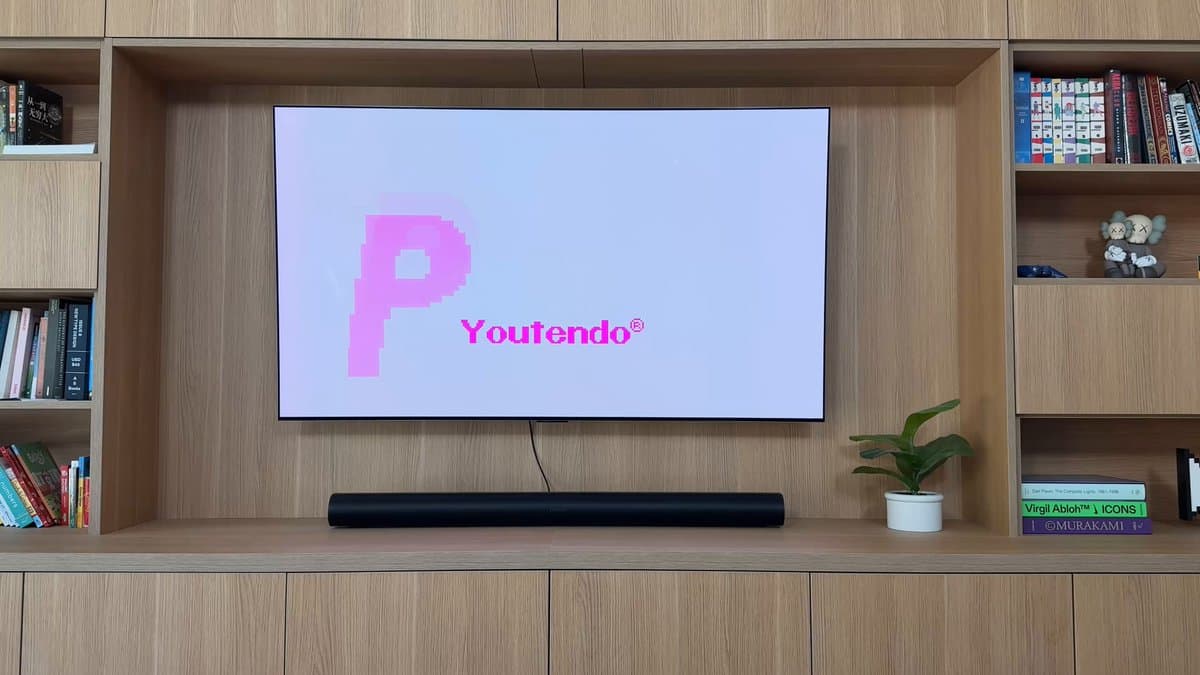
- A TV home screen that's a live 3D model of the apartment, with lights that switch in real time
- A TV menu rebuilt as a Pokemon-style town, with apps inside the buildings
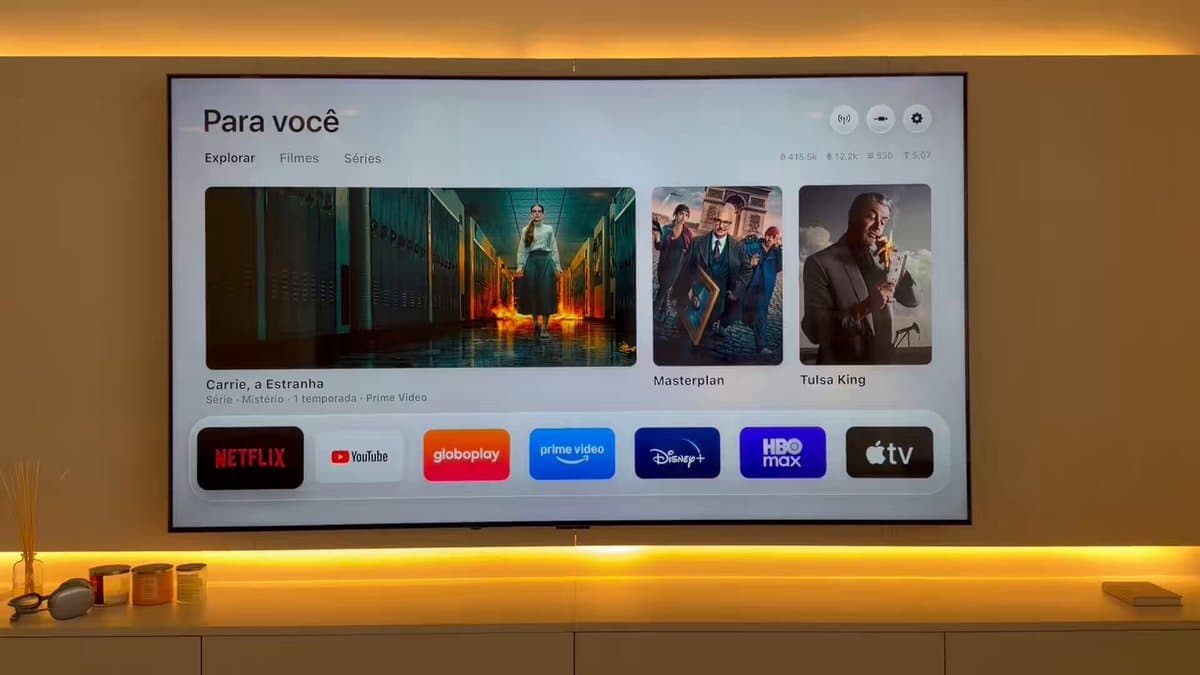
- Ad-free, Apple TV-style launchers on cheap Android TVs
- A washer or dryer announcing it's done through a speaker you already own
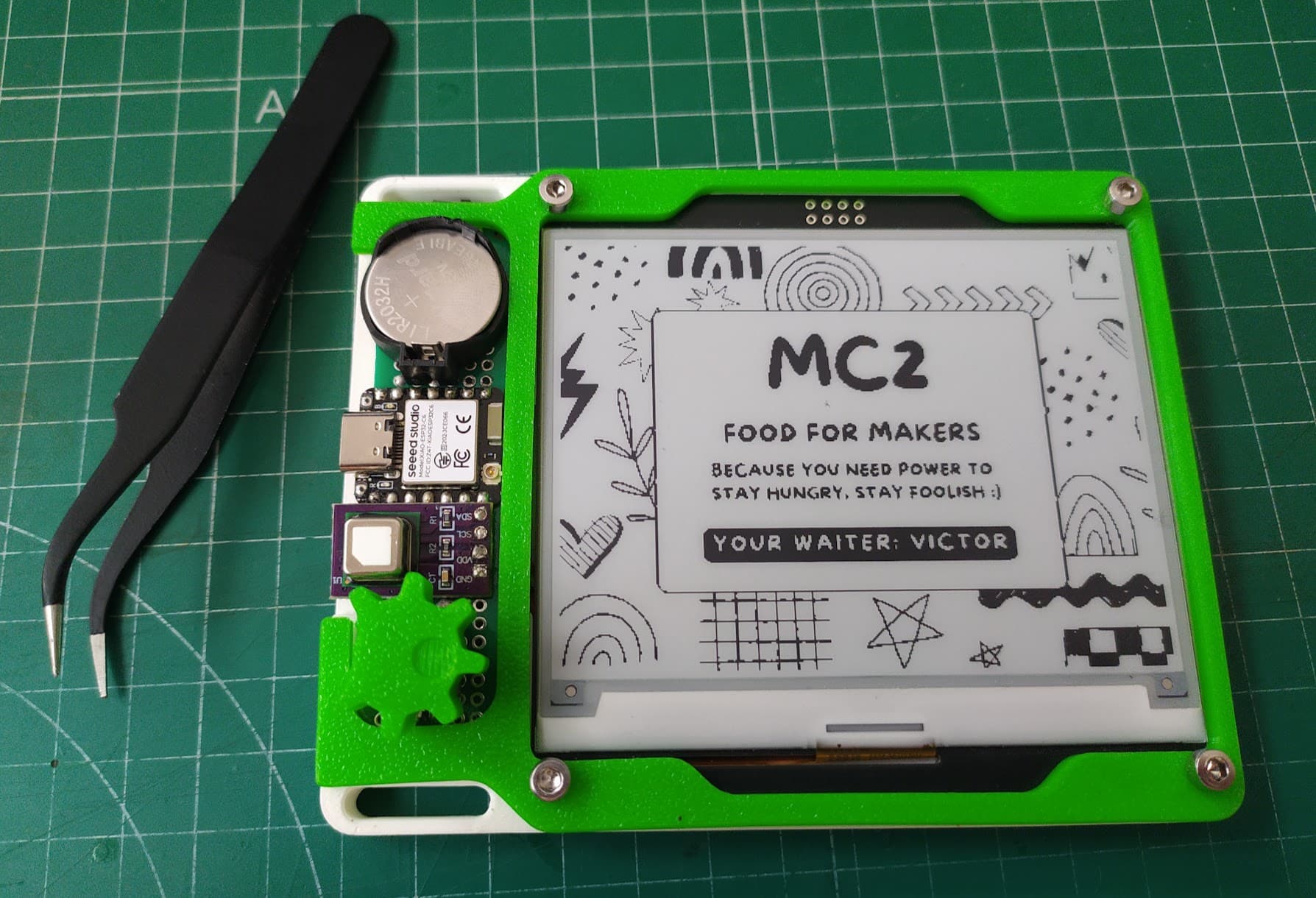
- Old Kindles turned into e-ink wall dashboards
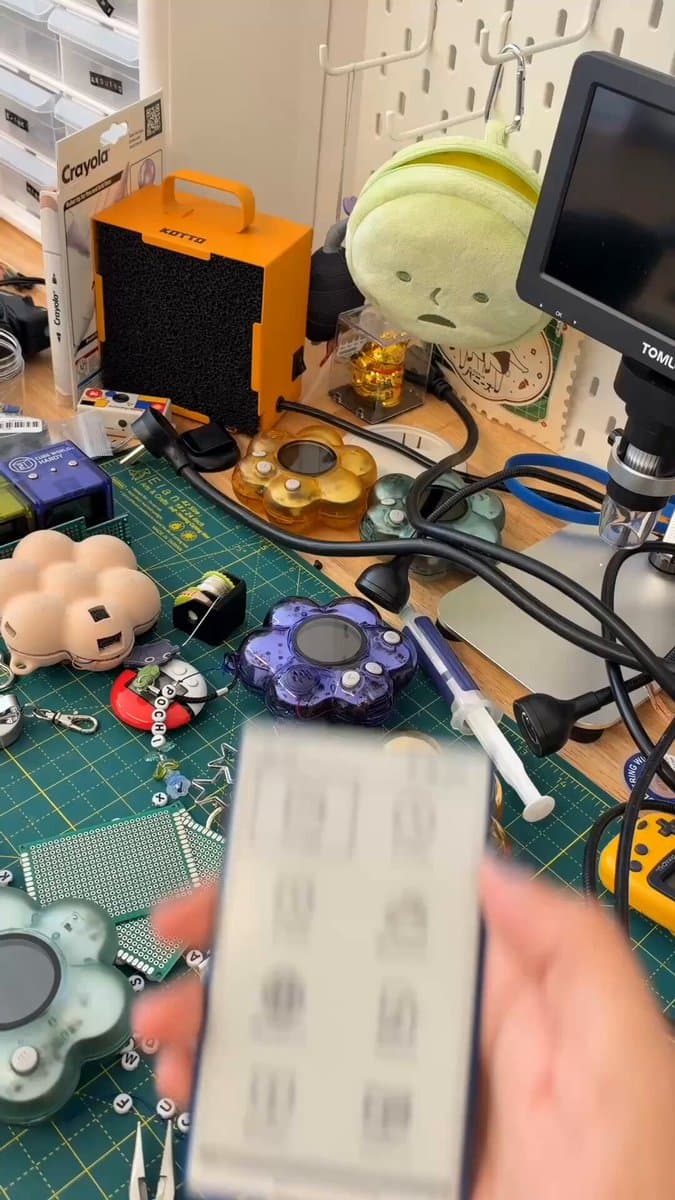
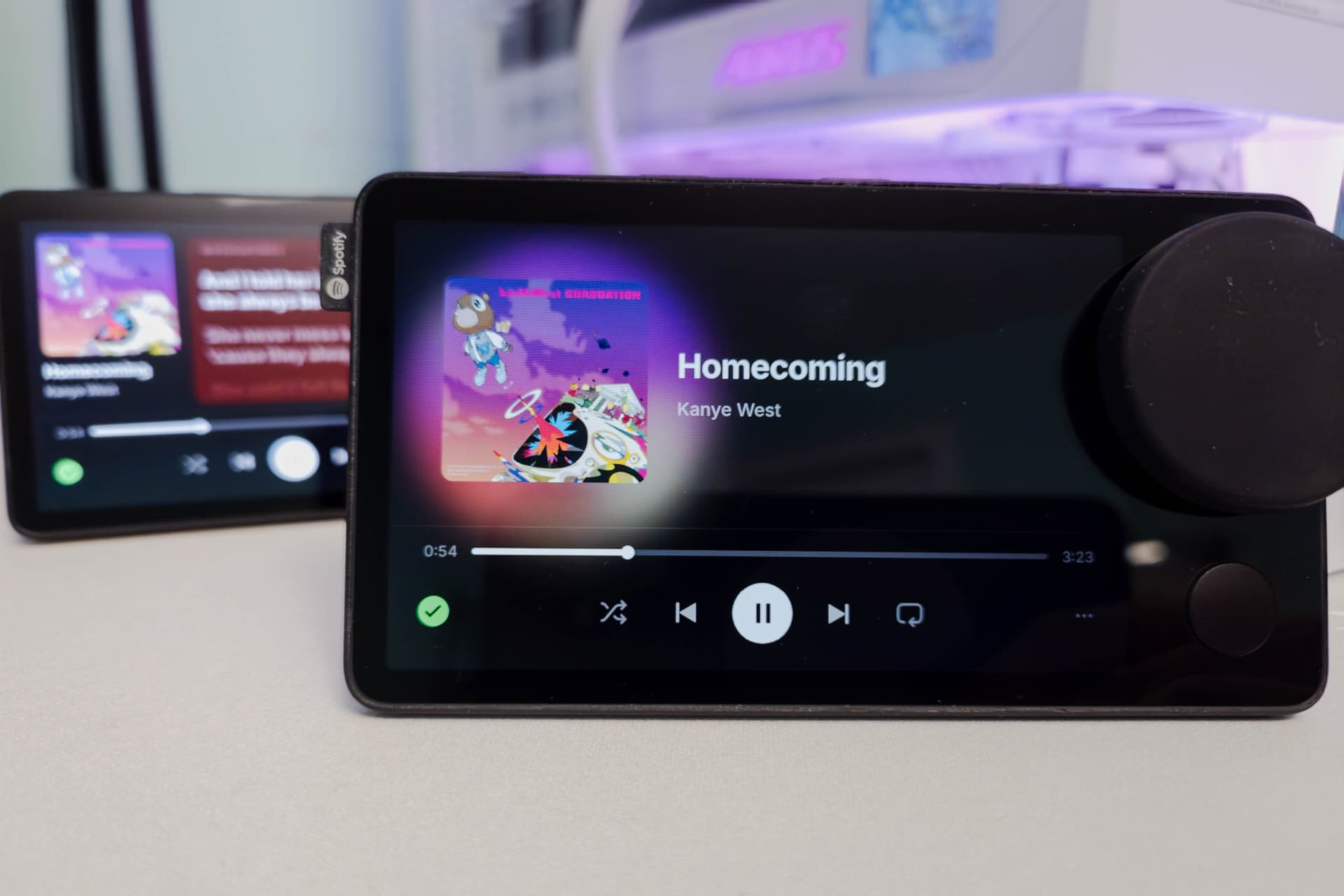
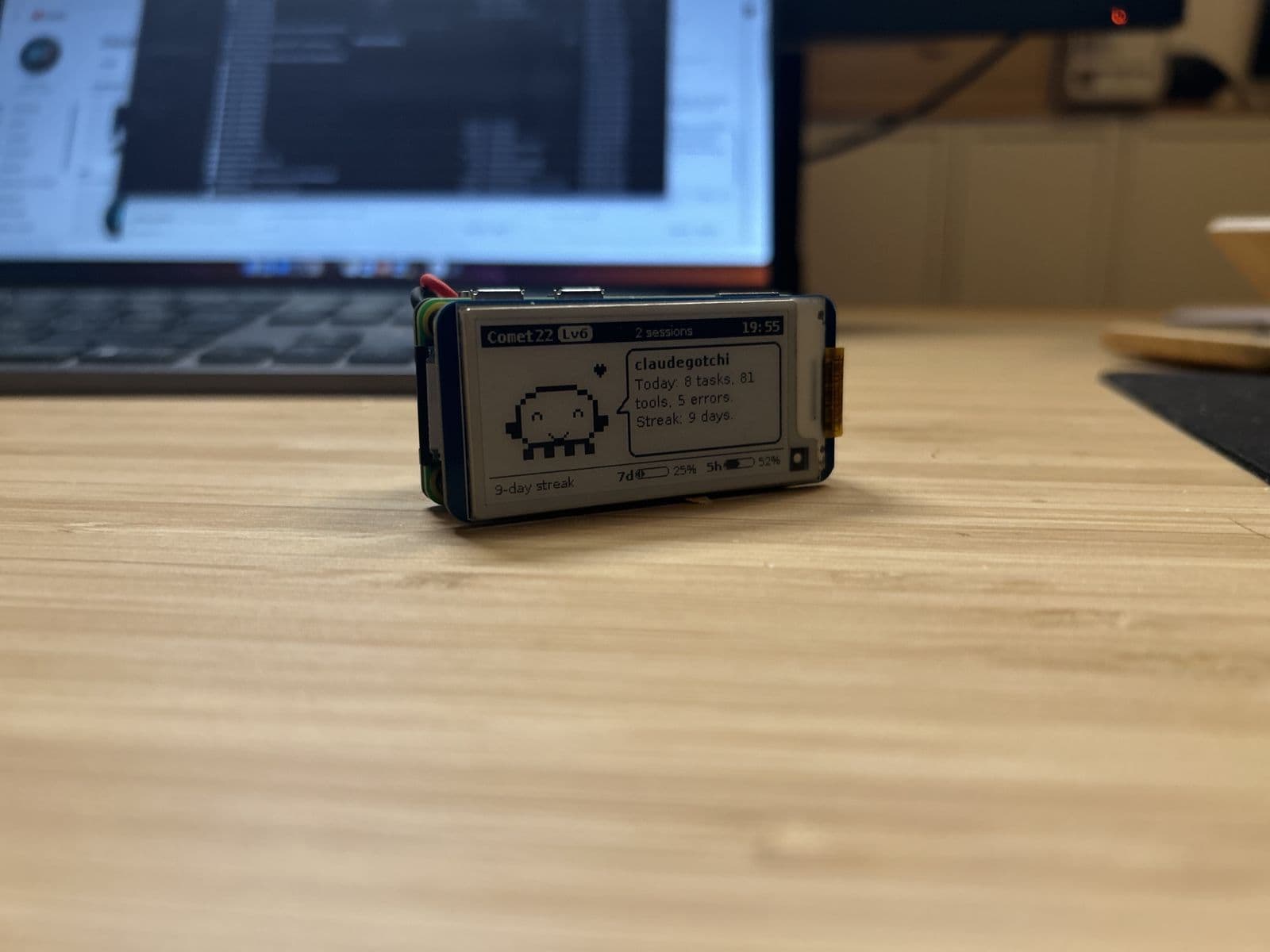
The builds below are real examples, each linked to its maker.
How to ask so it works
- Be specific. Give the make and model, and say exactly what you want to happen.
- Ask for a plan first. "Tell me how you'd do this before running anything."
- Ask for a backup or undo. "Save the current settings first so we can go back."
- Keep it local. Ask it to control devices over your own network rather than through outside services where possible.
Stay safe
- Only your network, only your devices. Don't scan or change networks you don't own.
- Read commands before you approve them, and ask what one does if you're not sure.
- Don't open devices to the internet. Keep everything on your home network, and turn off any debugging mode you enabled when you're done.
- Keep passwords to yourself. When a device needs you to sign in or press a button, do it yourself.
- Updates can undo changes, and some changes can affect warranty or support. Check before you modify anything you can't easily reset.