Which smart TVs can AI debloat? Brand by brand
AI coding agents like Claude Code can fully debloat and re-skin Android TV and Google TV sets from brands such as Sony, TCL, Hisense, Philips, Xiaomi and OnePlus. Fire TV supports cleanup but not a full home screen swap. LG is possible with limits through its Developer Mode. Samsung and Roku TVs can't be meaningfully debloated this way.
The quick answer
It comes down to the operating system your TV runs, not the brand on the front. Android TV and Google TV are Android underneath, and Android lets a computer on your Wi-Fi manage apps through a developer tool called ADB. That's what AI agents use. TVs running their own systems need a different route, or can't be changed at all.
To check yours, open Settings, then About, and look for the operating system name. Android TV and Google TV usually say so, and Google TV sets show "Google TV" on the home screen.
Android TV and Google TV: yes
Brands: Sony, TCL, Hisense, Philips, Xiaomi, OnePlus, Sharp, Toshiba and others, plus Google TV streamers and many Android TV boxes.
- Remove ads, sponsored rows and tracking apps: yes
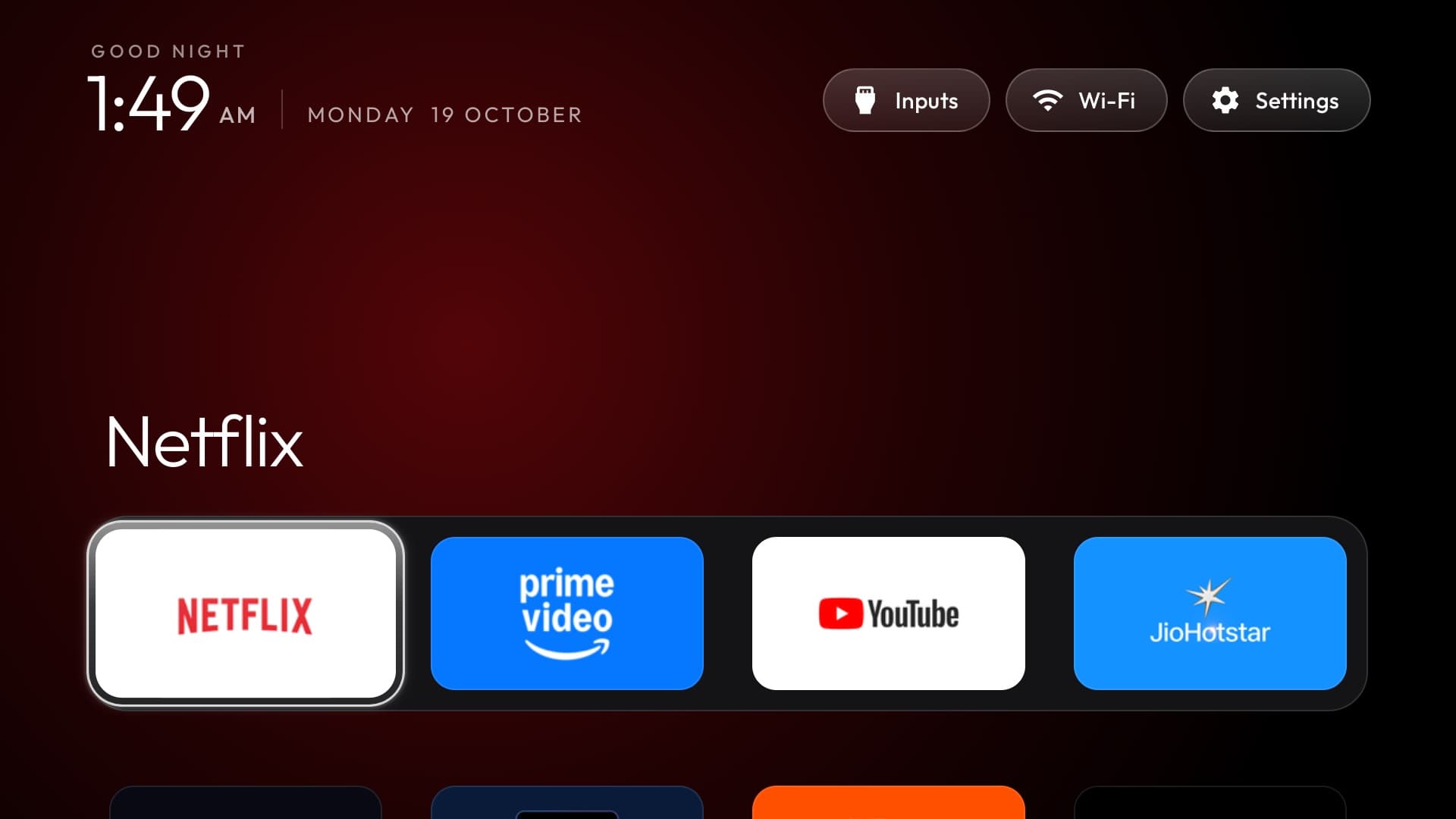
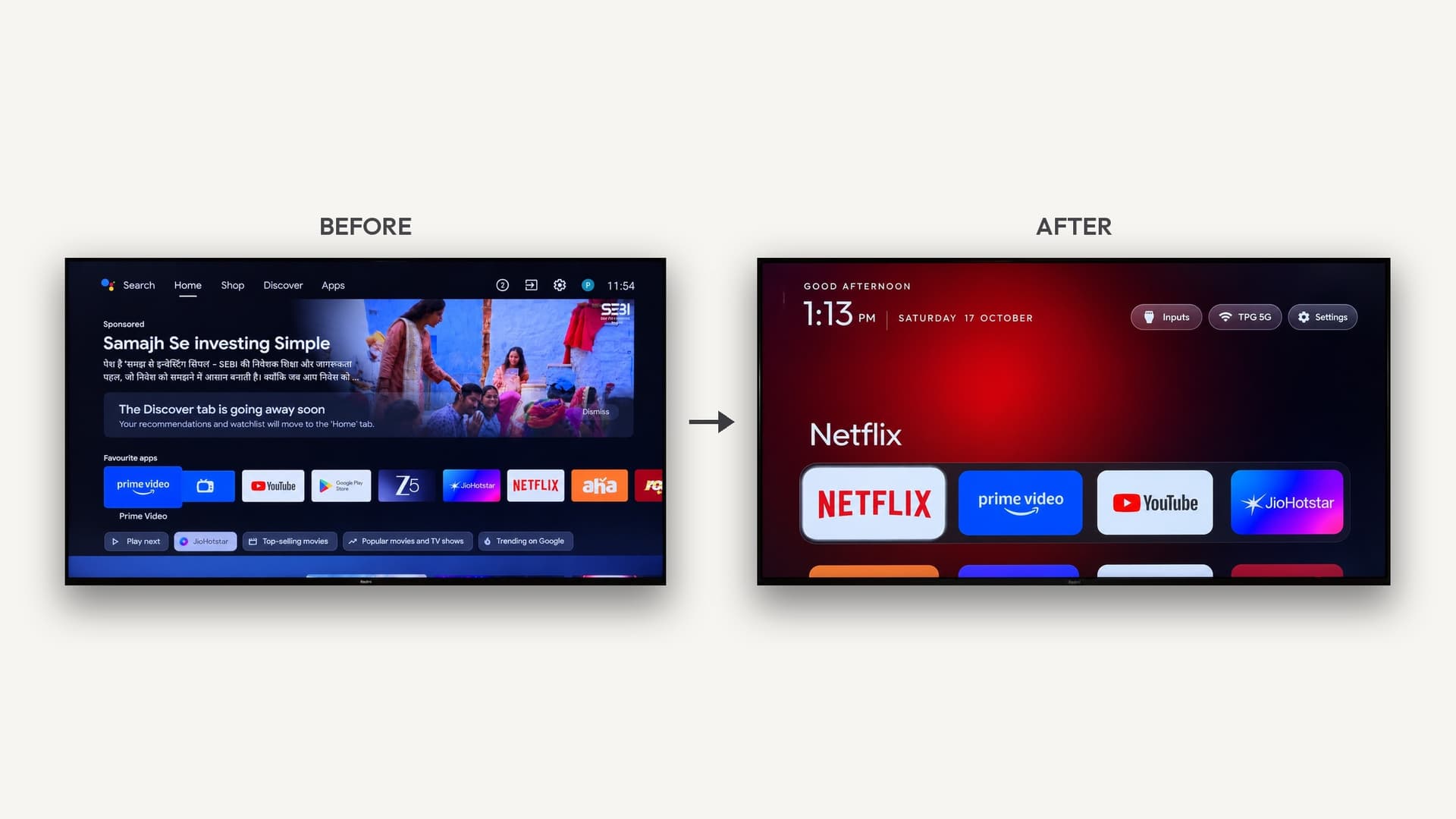
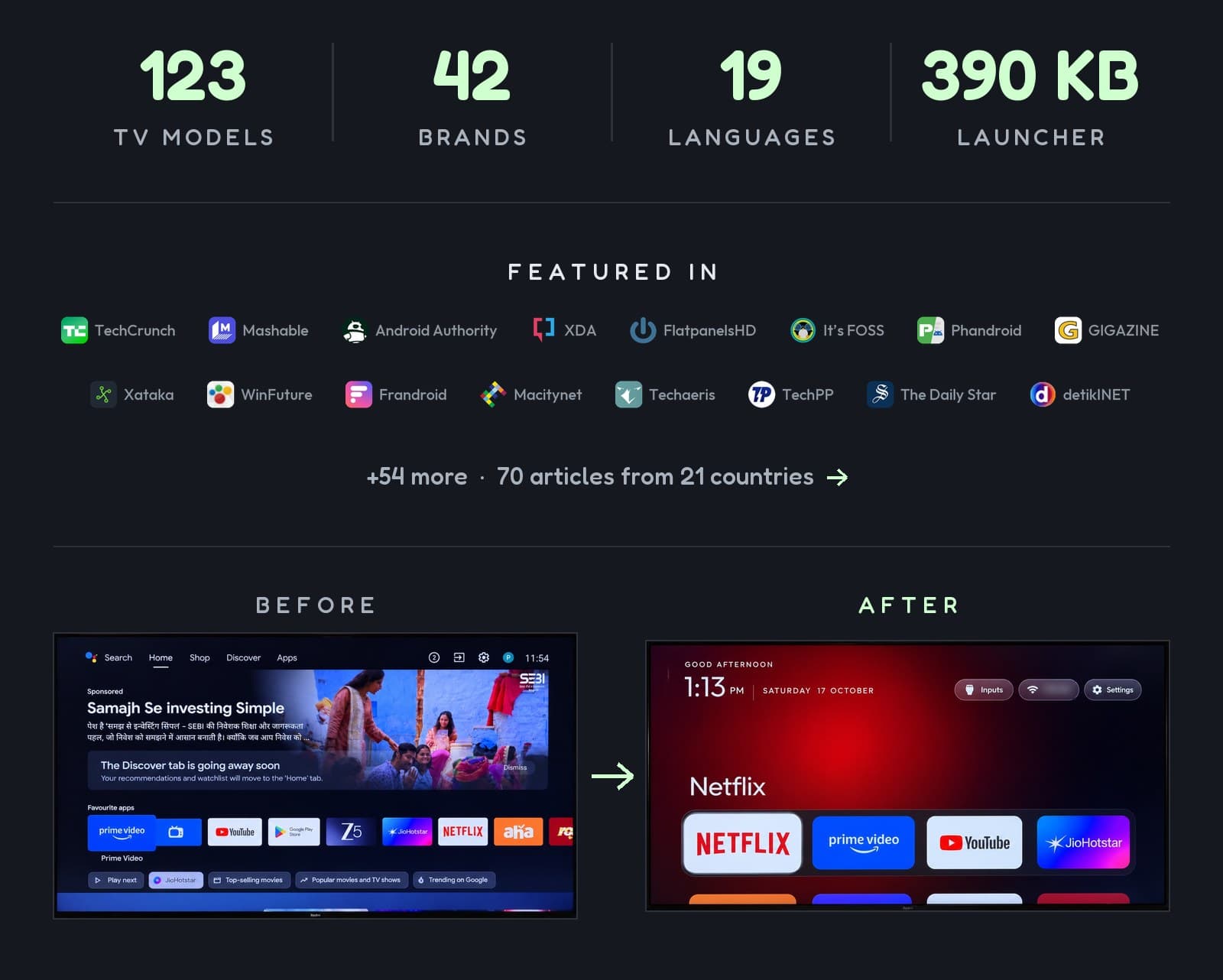
- Replace the home screen with a cleaner launcher: yes
- Root needed: no
- Reversible: yes, when apps are disabled rather than uninstalled
Watch for: some China-market TCL sets refuse any third-party launcher, and turning off the Google TV home app has left some sets in a boot loop. Good tools now keep it on by default.
Tools: cleanyourtv, tv-vibehack and TV Detox. How-to: How to remove smart TV ads with AI.
Amazon Fire TV: cleanup only
Includes: Fire TV sticks and Fire TV Edition televisions from Insignia, Toshiba and others.
- Remove ads and tracking: yes
- Replace the home screen: mostly no. Fire OS won't let a third-party launcher take over the Home button.
- Tools: dumbtv disables Alexa and tracking services and adds DNS filtering, so ads and telemetry servers are blocked network-wide.
Watch for: a factory reset brings everything back, and some uninstalled apps have to be reinstalled from the store.
LG (webOS): possible, with limits
LG TVs don't use ADB, but LG offers a free Developer Mode app for its own developers.
- Run a cleaner launcher: yes, with work. The open-source webos-vibehack uses a free LG developer account, the Developer Mode app and LG's command-line tools.
- Take over the Home button: not fully. It stays wired to LG's home screen unless a helper script runs on another always-on device.
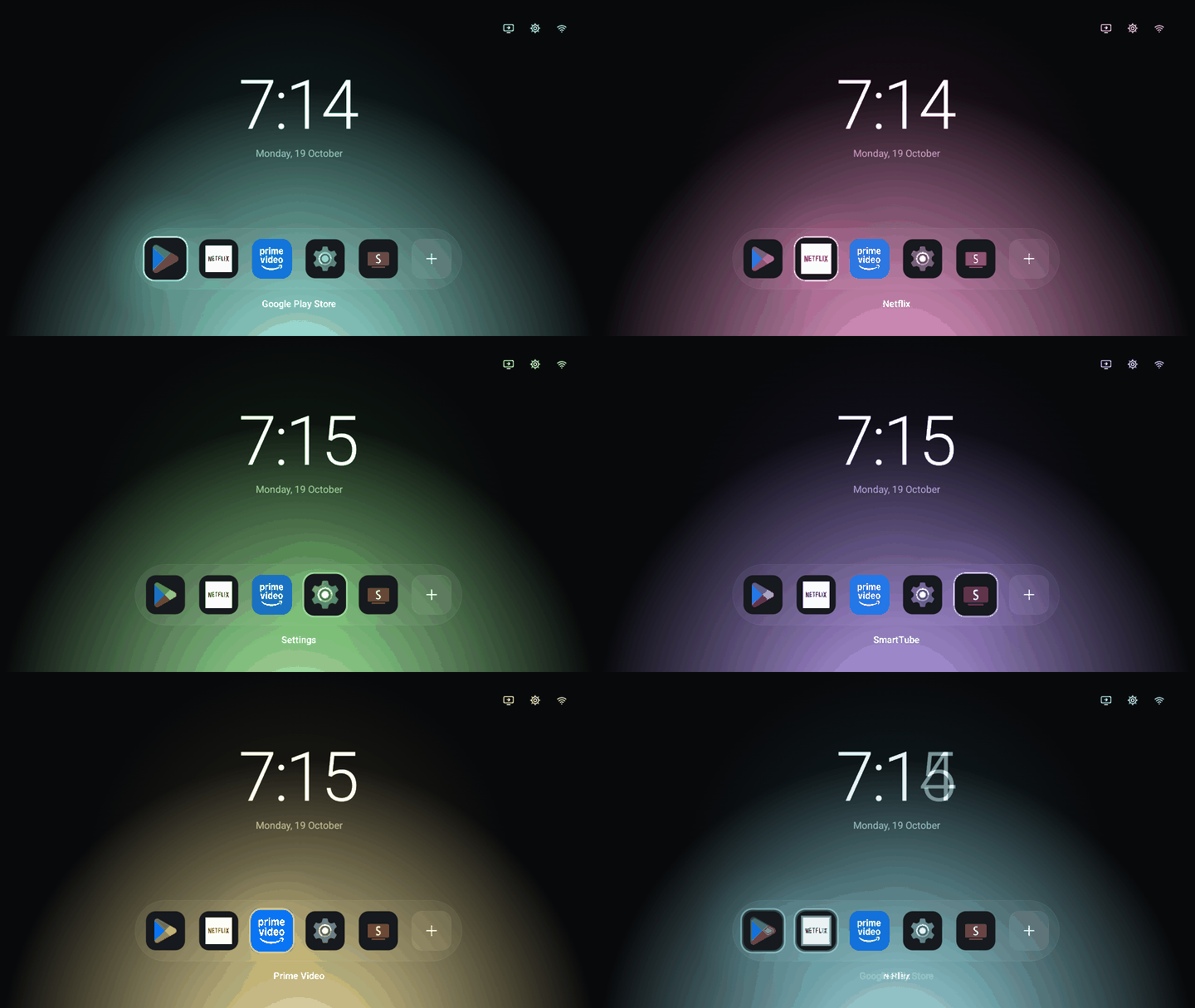
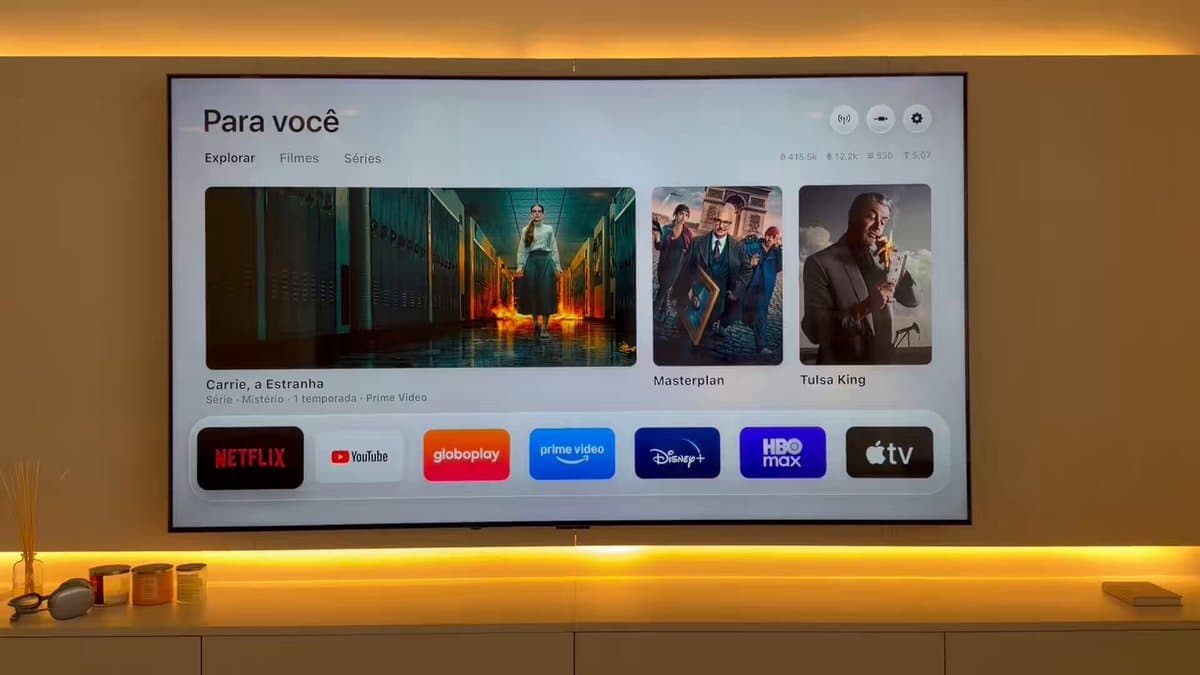
- Example: an Apple TV-style home screen on an LG webOS TV.
- Watch for: Developer Mode sessions expire and have to be extended, and the tooling is macOS-only for now.
Samsung (Tizen): not really
Samsung's system is locked down. No AI tool reliably debloats or re-skins it, and forcing changes risks bricking the TV. Your best options are Samsung's own settings: turn off viewing information services, interest-based ads and auto-launch features in the privacy menus.
Roku: script it, don't rebuild it
Roku TVs and sticks accept remote-control commands over the local network, so AI can build you a custom remote, automate inputs or launch apps. The home screen itself can't be replaced.
Vizio, Panasonic and others
It depends on the model. Newer Vizio sets run Vizio's own system, which isn't open to these tools. Some Panasonic and Philips models run Android TV or Google TV and work fine, while others use Fire TV, webOS-derived or in-house systems. Check the operating system name in Settings.
No-code first step for any TV
Before using AI, go through your TV's privacy settings and turn off automatic content recognition (often called Viewing Data, Live Plus, Smart Interactivity or similar) and personalized ads. It won't remove the ad rows, but it stops much of the tracking.
Related
Sources
- cleanyourtv on GitHub
- webos-vibehack on GitHub
- dumbtv on GitHub
- Android TV vibe hacking coverage (Android Authority)
Smart TV builds on Afterware are listed below.