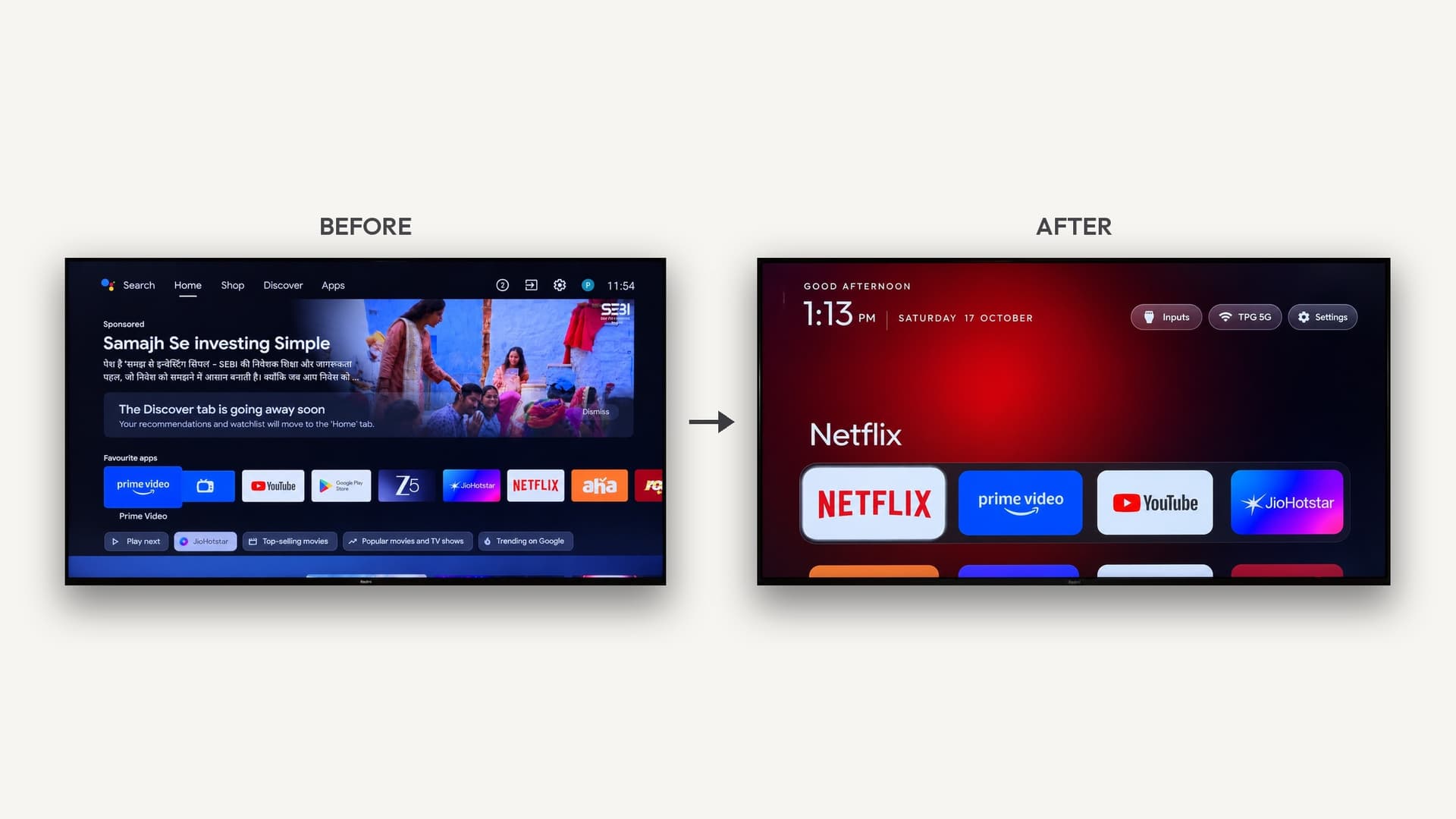
How to remove smart TV ads with AI (Claude Code)
On an Android TV or Google TV, you can turn on developer mode, connect an AI coding agent like Claude Code over ADB, and have it disable the ad, tracking and bloatware apps, then install a lighter home screen. Apps are disabled rather than deleted, so it's reversible and needs no root. Samsung, LG and Roku TVs mostly can't be changed this way.
What people are doing
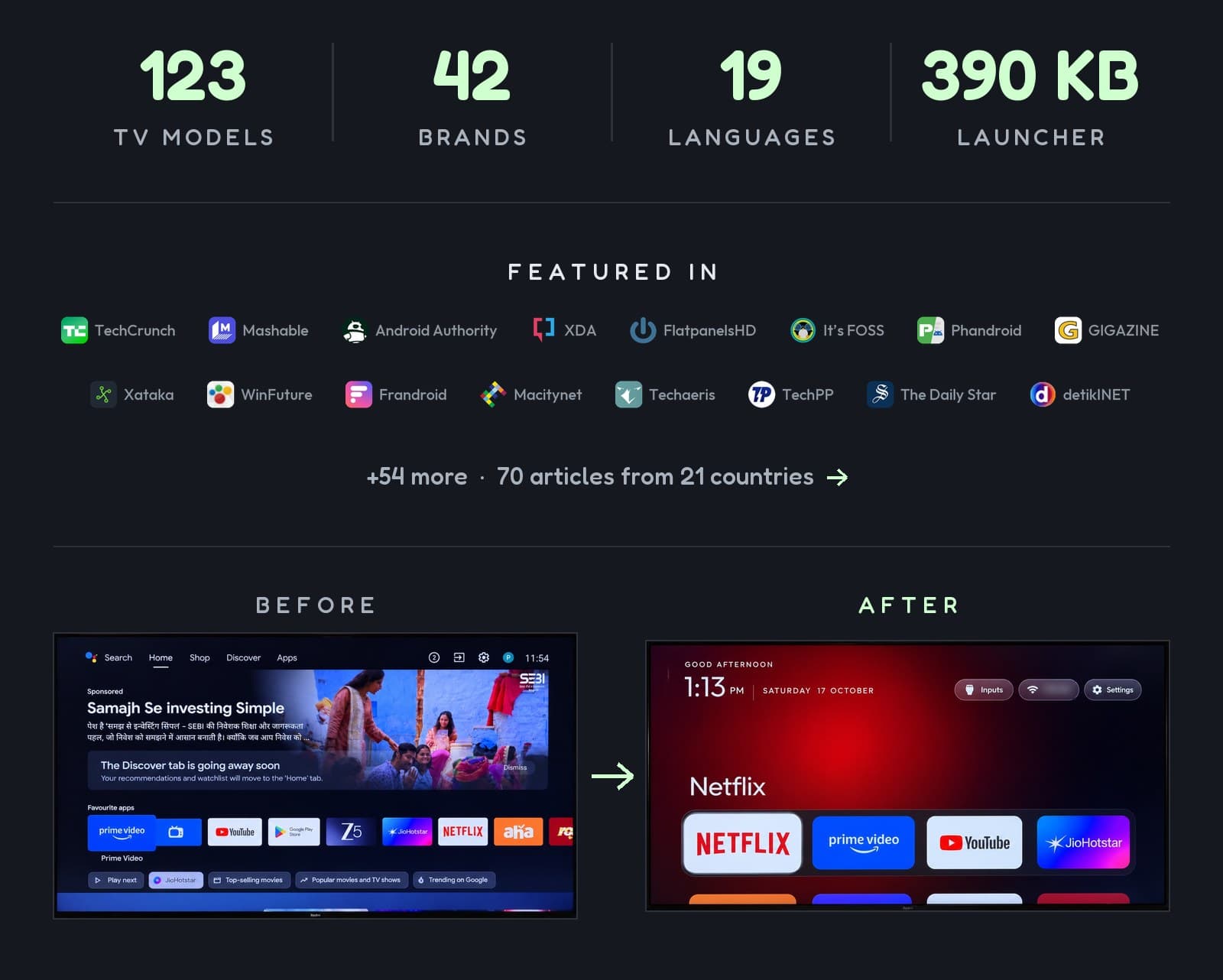
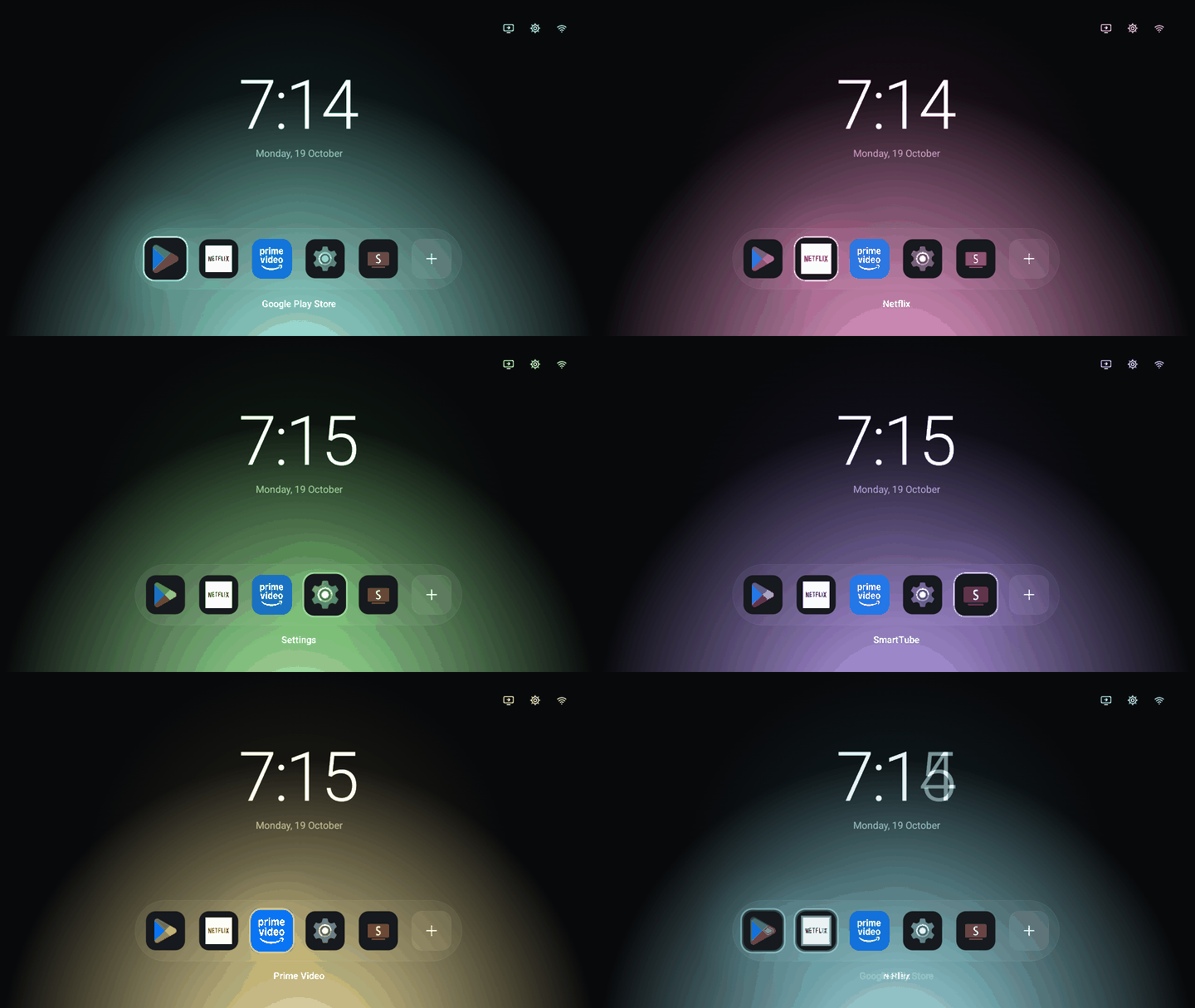
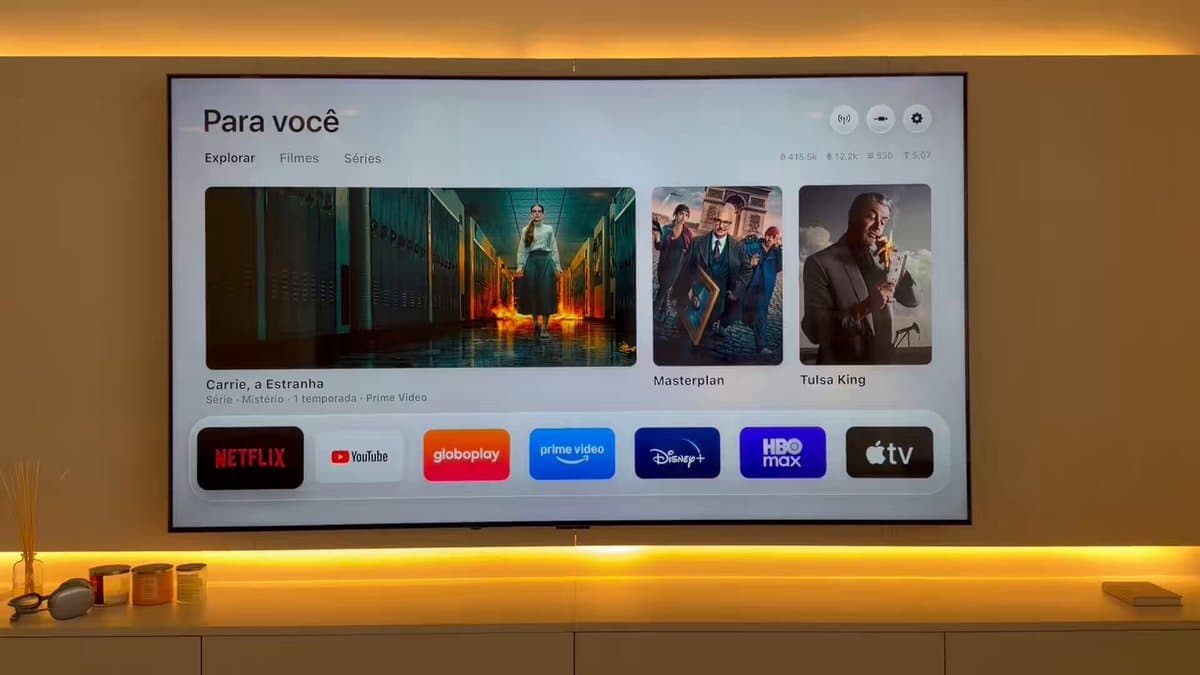
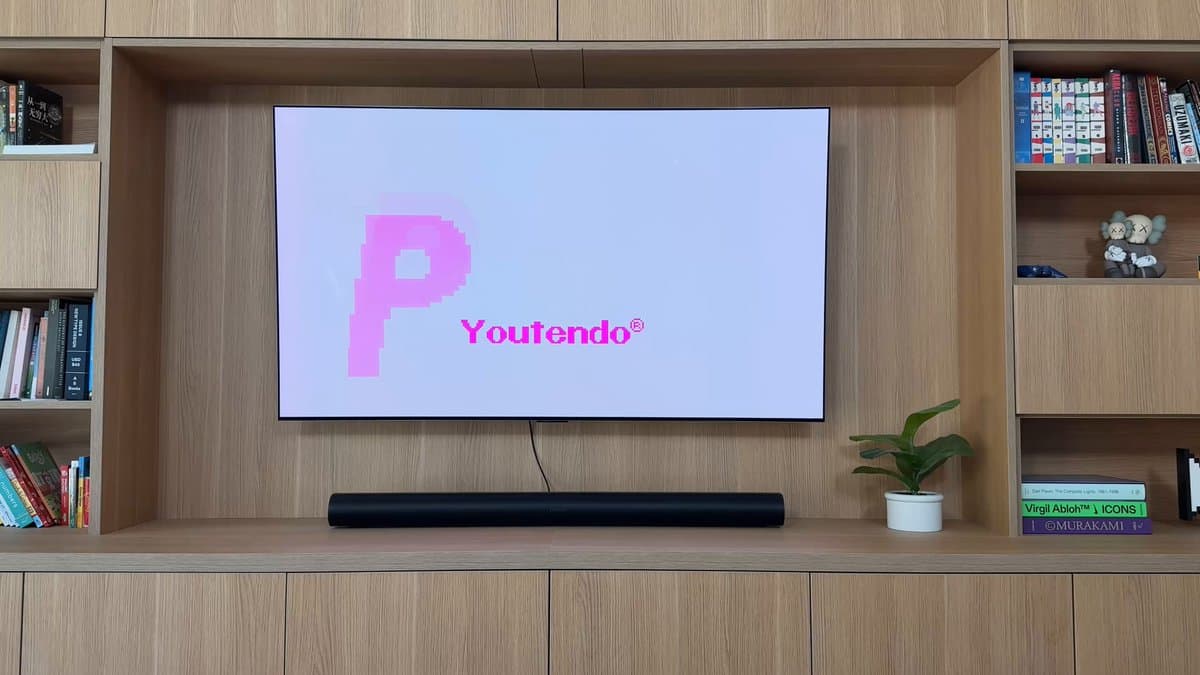
In October 2026 a wave of posts on X showed people pointing AI coding agents at their smart TVs. One developer's parents' TV showed an ad before Netflix would open; Claude Code disabled 25 of the maker's preinstalled packages and wrote a new home screen. Others followed with ad-free launchers, faster menus, a live 3D model of an apartment as the home screen, and a TV rebuilt as a Game Boy Color with a Pokemon-style town for a menu.
The builds are listed below, each linked to its maker.
How it works
Most of these TVs run Android TV or Google TV, which is Android underneath. Android has a developer tool called ADB (Android Debug Bridge) that lets a computer on the same network list and manage the TV's apps. An AI coding agent can drive ADB for you:
- Turn on developer mode. In Settings, open About (often under Device Preferences) and press OK on Build seven times.
- Turn on network or USB debugging in the new Developer options menu.
- Connect from your computer. With the computer on the same Wi-Fi, the agent connects to the TV's IP address over ADB. The TV asks you to allow the connection.
- Back up the package list. A good first step is saving the full list of installed apps so every change can be undone.
- Disable, don't uninstall. The agent flags apps that serve ads, collect viewing data or just slow the TV down, and disables them with `pm disable-user`. Nothing is deleted.
- Swap the home screen (optional). Install a lighter launcher, or have the AI write one, then set it as the default before touching the stock one.
- Turn debugging off when you're done.
Which TVs it works on
- Works well: Android TV and Google TV sets and boxes, including models from Sony, TCL, Hisense, Philips, Xiaomi and OnePlus, and Google TV streamers.
- Partly: Amazon Fire TV. Cleanup works, but a full home screen replacement takes more care. A dedicated open-source project, dumbtv, targets Fire TV.
- Mostly no: Samsung (Tizen), LG (webOS) and Roku run their own systems, so this ADB method doesn't apply. Some LG owners have removed apps, but not rebuilt the interface the same way.
Tools and projects
- Claude Code (or the Claude desktop app) is what most people used. Other AI coding agents work too.
- tv-vibehack / Clean Your TV by Gathin is an open-source prompt, launcher and list of known gotchas, with tested setups for many TV models.
- dumbtv is an open-source project for Fire TV that disables around 65 packages and installs a tiny launcher.
- A custom launcher is just an Android app. AI can write a simple one for you, and that's where the creative builds come from.
How to ask the AI
Give it the facts, not a dare. Sessions asked to "hack my TV" sometimes refused. What works: your TV's exact model number, the list of installed packages, and a clear goal, such as "remove ads and sponsored rows, keep Netflix, YouTube, HDMI inputs and firmware updates working, and back up everything first." Ask it to confirm before disabling anything system-level.
Risks to know first
- Breaking the Home button or inputs. Removing system packages can break HDMI switching or the Home button. Disabling the stock launcher before a new one is set can leave you stuck. This is why "disable, don't uninstall" matters.
- An open door on your network. Network debugging is unencrypted, and on some firmware it lets any device on your Wi-Fi control the TV. Turn it off afterward.
- Losing updates. Disabling the manufacturer's update service means no firmware fixes.
- Household features. Voice search or screen casting may stop working for everyone else.
- Not every TV gets faster. Low-memory sets see smaller gains.
- Warranty and terms. Changing your TV's software may affect support from the manufacturer.
Most changes can be reversed by re-enabling the disabled apps from your backup list, or as a last resort with a factory reset.
Why people bother
Many smart TVs now show ads on the home screen and use automatic content recognition (ACR) to identify what's on screen for ad targeting. Clearing that out often makes an older TV noticeably quicker, and the custom home screens have become a creative outlet of their own.
Related
Further reading
- People Are Vibe Coding the Ads Out of Their Smart TVs (Decrypt)
- People Are Using AI to Get Rid of Smart TV Ads (It's FOSS)
- tv-vibehack on GitHub
- dumbtv on GitHub
Smart TV builds on Afterware are listed below.