 Interfaceby muki01 · GitHub · LVGL
Hardware · build
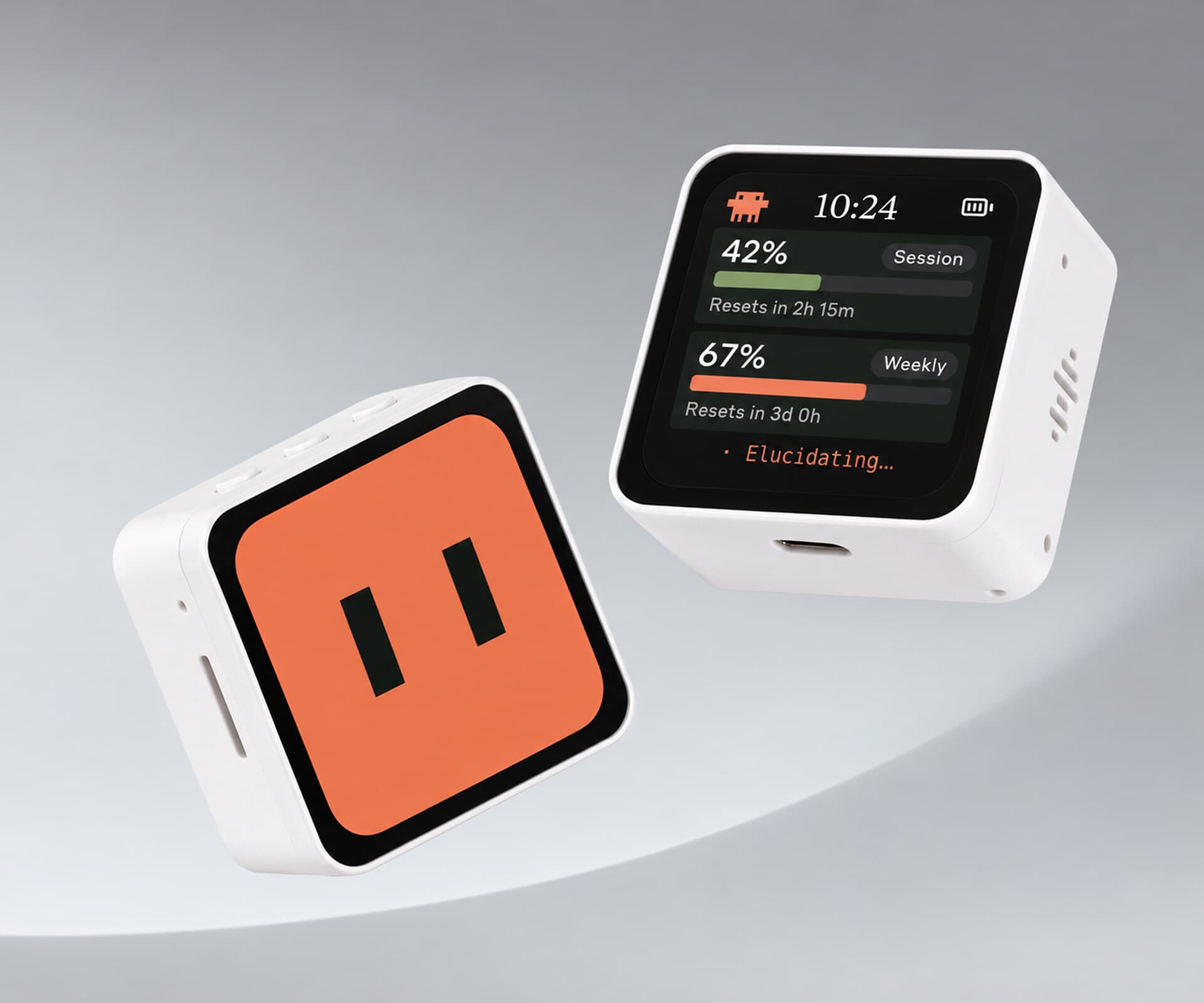
Clawd, on a Cheap Yellow Display, acts out Claude Code
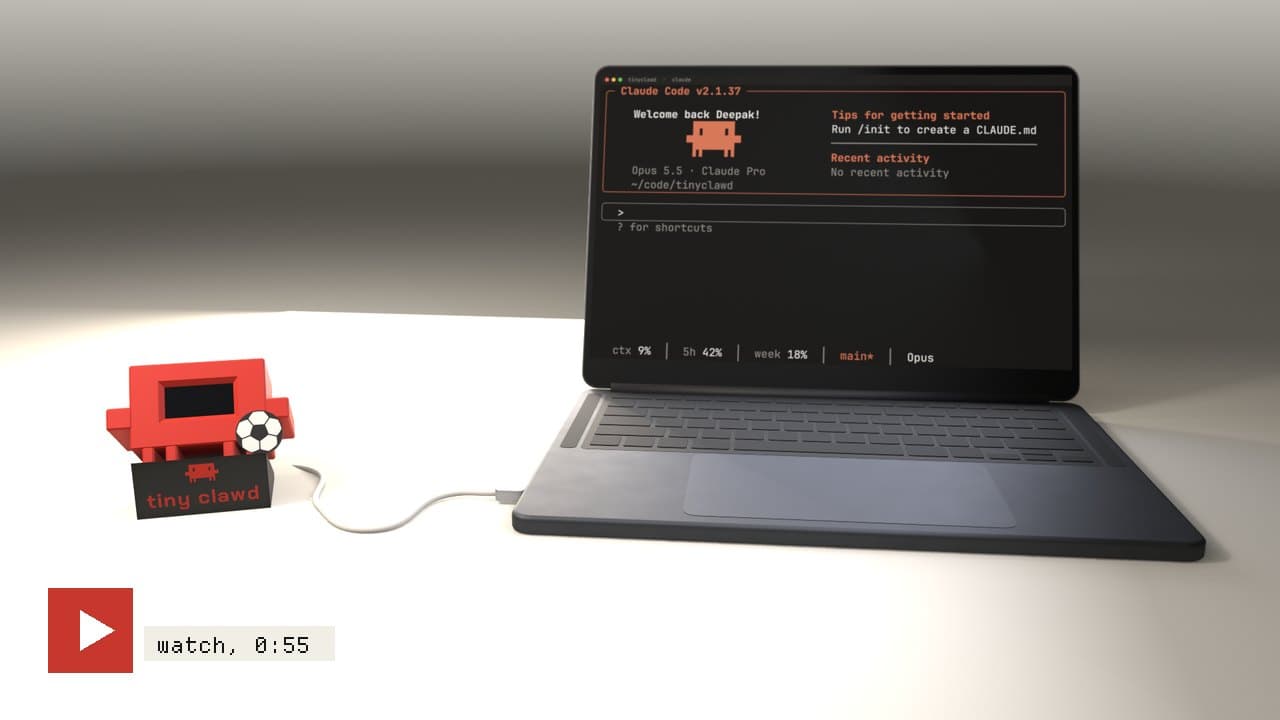
Clawd, the orange Claude mascot, lives on a Cheap Yellow Display and acts out what Claude Code is doing: editing, reading, thinking, napping. Swipe the touchscreen for usage stats and daily trends.
Build sheet
- Device page
- Cheap Yellow Display →
- Device
- ESP32 Cheap Yellow Display
- Display
- 2.8in ILI9341 touchscreen
- Transport
- USB, BLE, or WiFi
- Framework
- PlatformIO
Can I build this?Beginner · AI 5/5 · $20–40
- Difficulty
- Beginner
- AI-buildability
- 5/5
- Time
- An evening
- Cost
- $20–40
The work is almost entirely firmware and a Python bridge on an off-the-shelf board with no wiring.
Tools
USB cablePlatformIO
Starter prompt
Based on "Clawd, on a Cheap Yellow Display, acts out Claude Code" on Afterware: https://afterware.xyz/p/clawd-desk-companion-on-a-cheap-yellow-display
Write PlatformIO firmware for an ESP32-2432S028R Cheap Yellow Display with an ILI9341 touchscreen. Show a small animated mascot sprite that changes state based on JSON messages received over USB serial, such as working, idle, and needs-attention. Add a swipe gesture on the touch panel to switch between a stats screen and a trends screen. Include a short Python script on the computer that sends the state messages from Claude Code hook events.
Estimates based on the original write-up. How AI-buildability is scored. Building with an AI assistant? Connect it to Afterware (free MCP server).
Story
Your coding assistant gets a face. On an ESP32-2432S028R Cheap Yellow Display, the orange Clawd mascot runs through 29 animations that track Claude Code in real time: editing, running commands, reading, thinking. When nothing's happening, it blinks and sleeps. Swipe the 2.8-inch ILI9341 touchscreen and you get usage stats and daily trends.
The data arrives through Claude Code hooks registered in your settings file, which call a Python bridge script. The bridge tries USB first, then Bluetooth LE, then WiFi, and starts and stops on demand. For the basic case there's no always-on PC process and no network setup.
Sprites come from a generator script in the repo. Build and flash the firmware with PlatformIO, then upload the animations to the filesystem as a separate step. It's an unofficial personal fan project, not affiliated with Anthropic.
Resources · 4
More like this

More like this
Interfaceby muki01 · GitHub · LVGL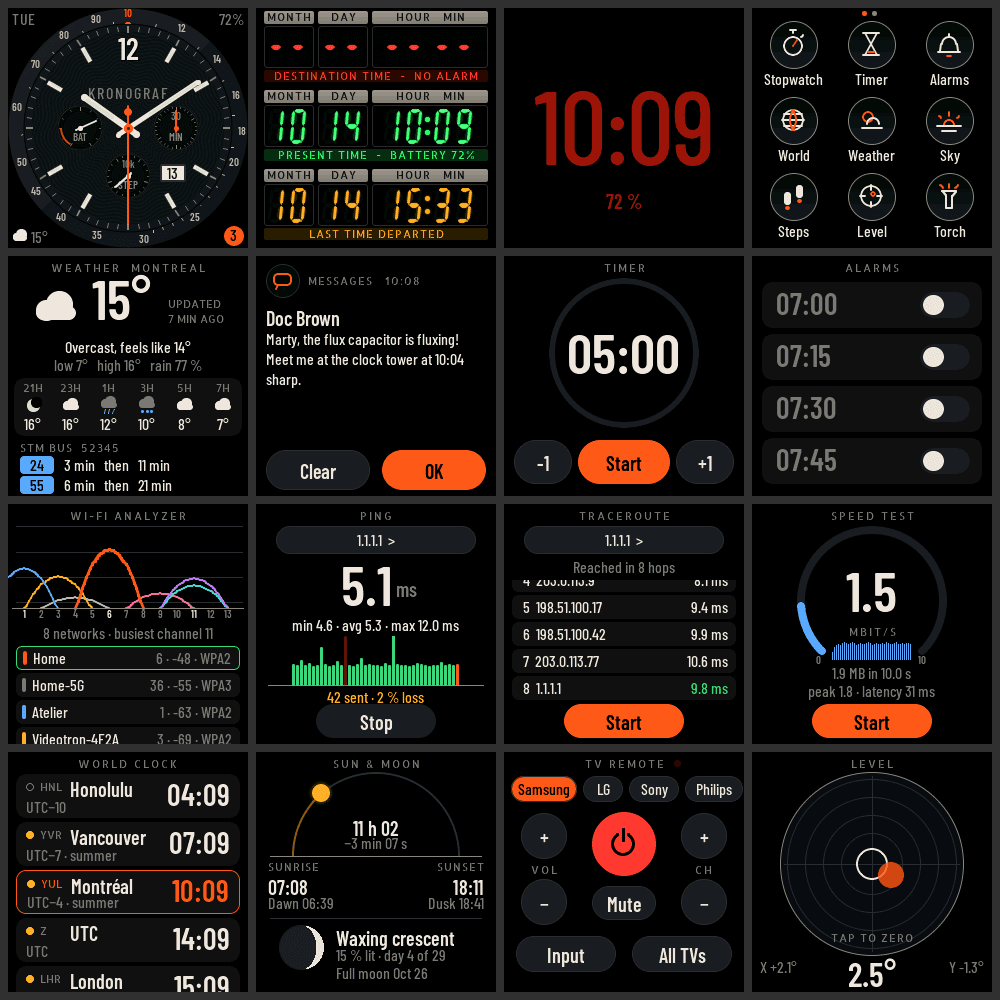 Interfaceby storagebits · GitHub · LVGL