Claude Code desk companions: every build compared
Claude Code desk companions are small screens and desk pets that show what your AI coding agent is doing: thinking, editing, waiting for permission or hitting a usage limit. Popular builds include Clawdmeter, Tiny Clawd, Tokibot, Toki and claude-buddy-cyd. Most run on an ESP32 or Raspberry Pi and cost $8 to $60 in parts.
What they do
When Claude Code works on a long task, you end up glancing at the terminal to see if it's thinking, waiting for you to approve something, or done. A desk companion moves that onto a little screen. Most hook into Claude Code's hooks or status line, send the session state to a small board over USB, Bluetooth or Wi-Fi, and turn it into a face, a meter or a pixel pet.
Common features:
- Live status: thinking, editing files, running commands, done
- Permission alerts: a nudge when Claude needs your approval, and on some builds a button to approve
- Usage meters: your 5-hour and weekly limits, or tokens burned
- Personality: animations, moods, games and pets that "eat" your tokens
The builds, compared
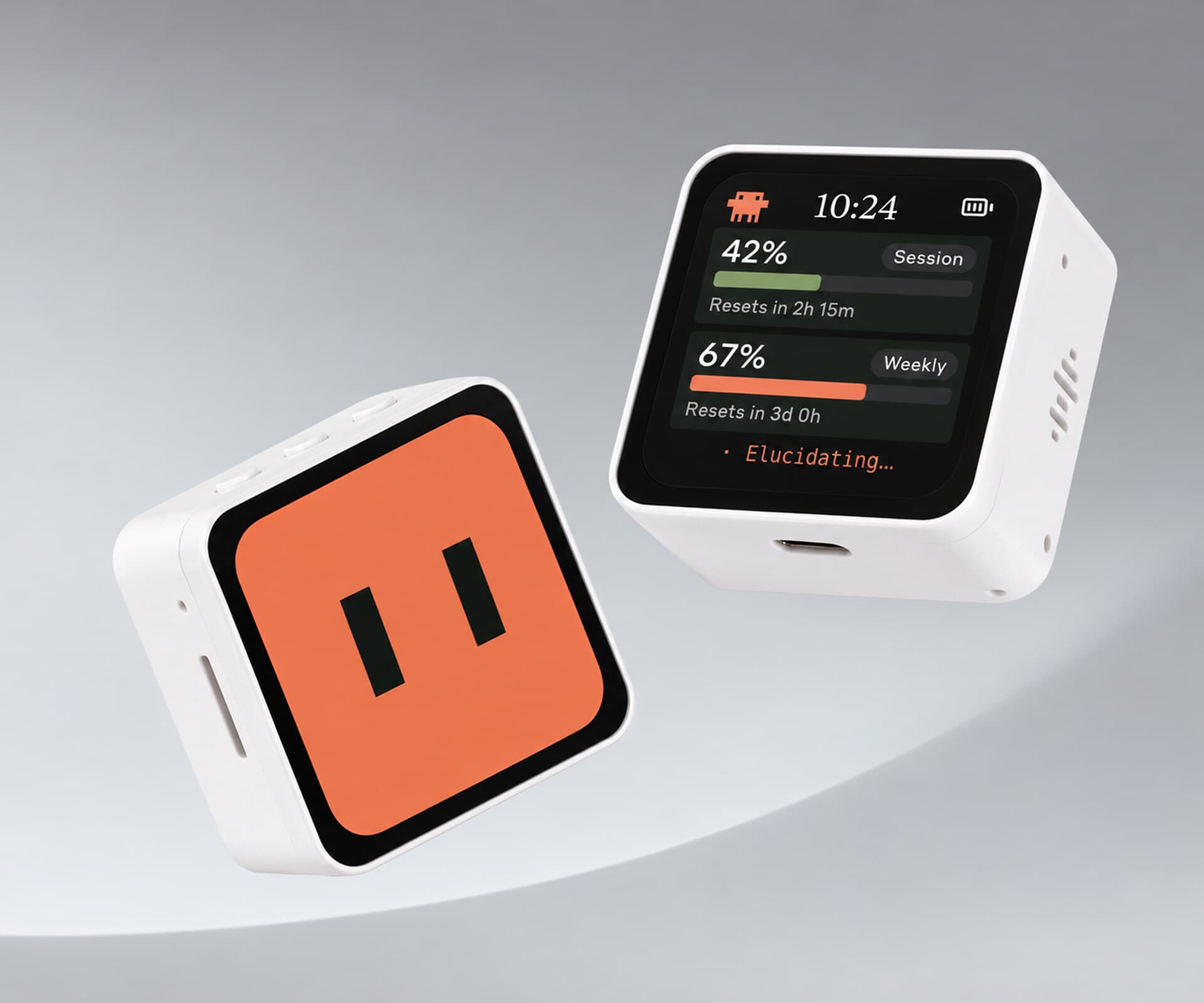
Clawdmeter by Hermann Haraldsson. The best-known one.
- Board: Waveshare ESP32-S3 Touch AMOLED 2.16 inch is the main target, with more boards supported, including two Cheap Yellow Display models in experimental status
- Shows: Claude Code usage limits and session status
- Connects: Bluetooth; it also acts as a keyboard, so its side buttons can send keys to Claude Code
- Setup: a desktop app flashes the firmware for you
- Clawdmeter on Afterware · GitHub
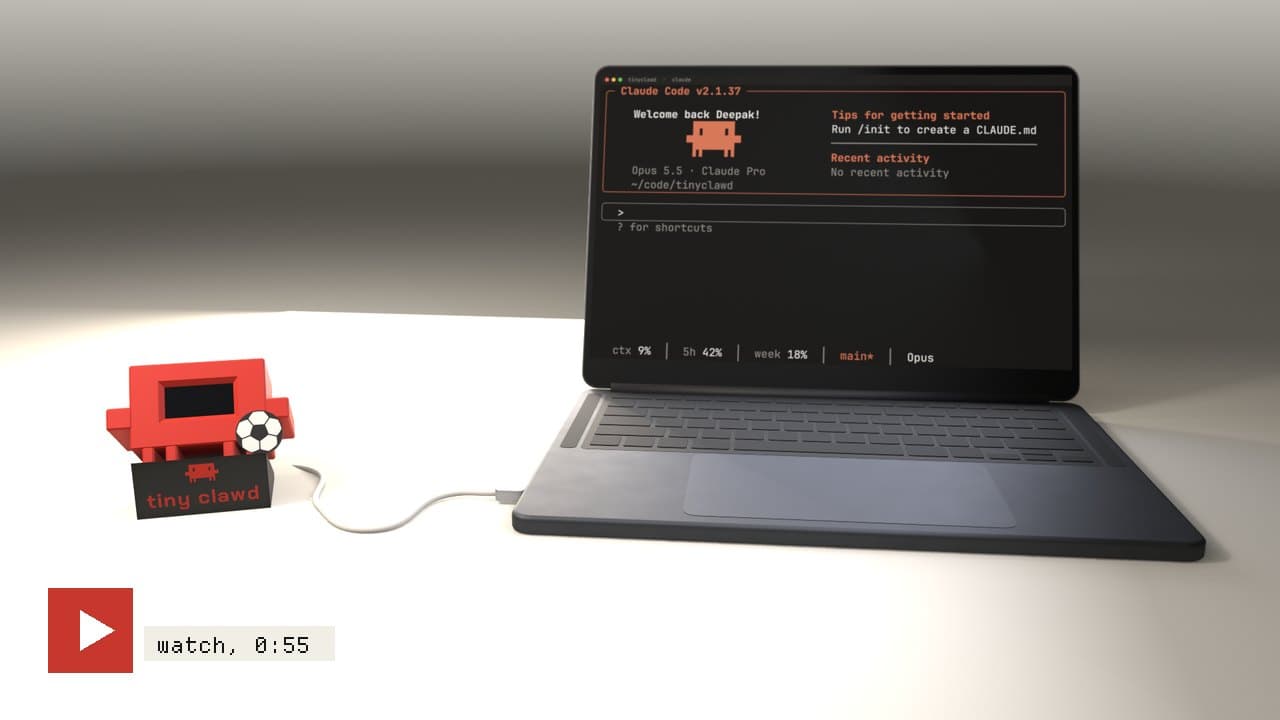
Tiny Clawd. A 3D printed desk pet with an OLED face.
- Board: ESP32-C3 Super Mini, a 128x64 OLED and a touch pad
- Shows: thinking, typing, reading and celebrating as Claude Code works, plus usage limits and games
- Connects: USB through a small bridge on your laptop
- Tiny Clawd on Afterware
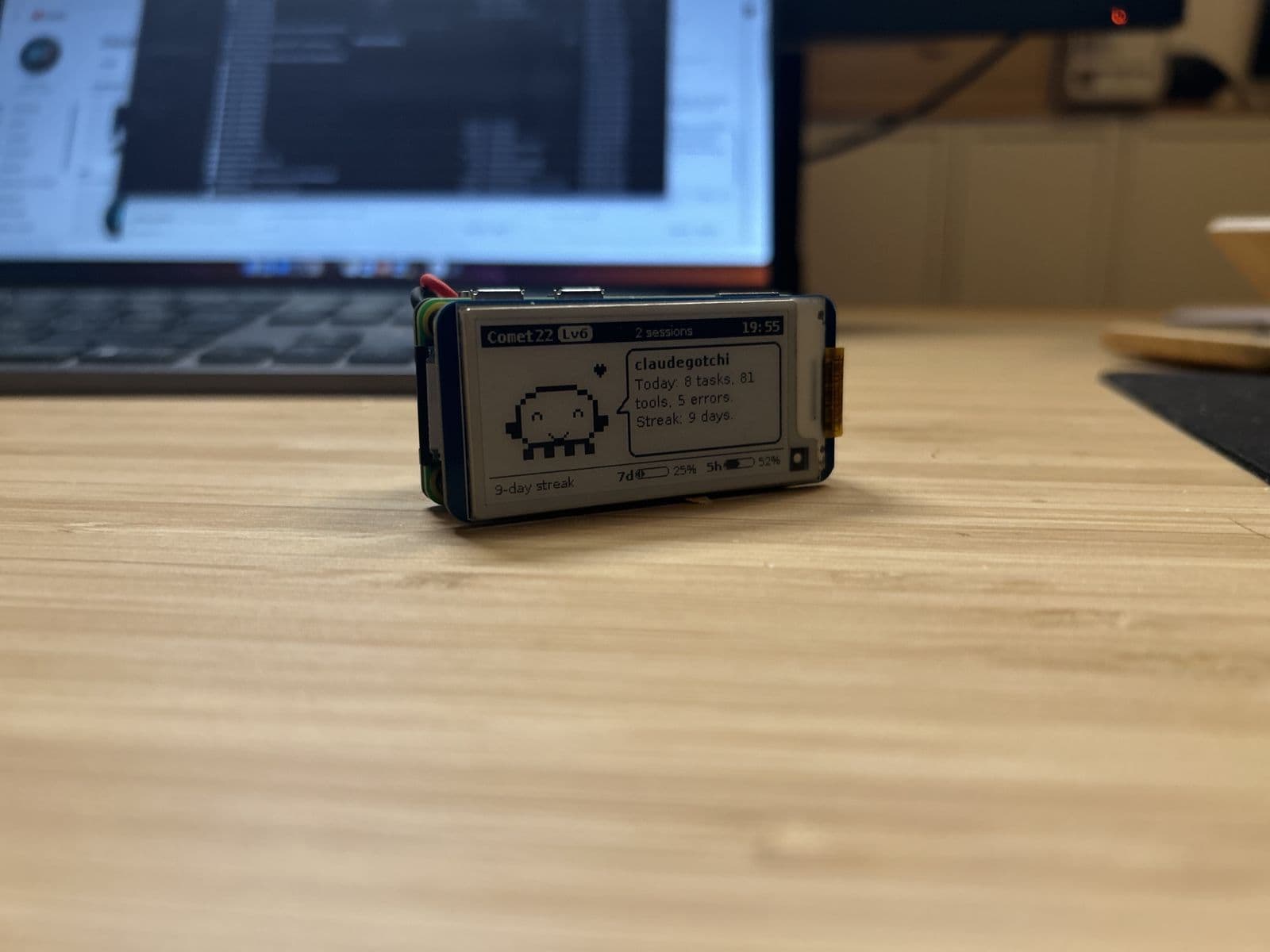
Tokibot. An e-ink critter that eats tokens.
- Board: Raspberry Pi Zero 2 W with a 2.13 inch e-paper display, no soldering
- Shows: moods for ready, working, waiting for permission, done and rate limited; usage budget bars for Claude Code
- Works with: Claude Code plus many other agents, including Codex CLI, Gemini CLI, Cursor and others
- Tokibot on Afterware
Toki. Approve Claude's requests from your desk.
- Board: M5Stack StackChan (CoreS3)
- Shows: Claude's permission requests on a touchscreen, so you can approve or deny without switching windows
- Limits: Mac only, 2.4 GHz Wi-Fi
- Toki on Afterware · GitHub
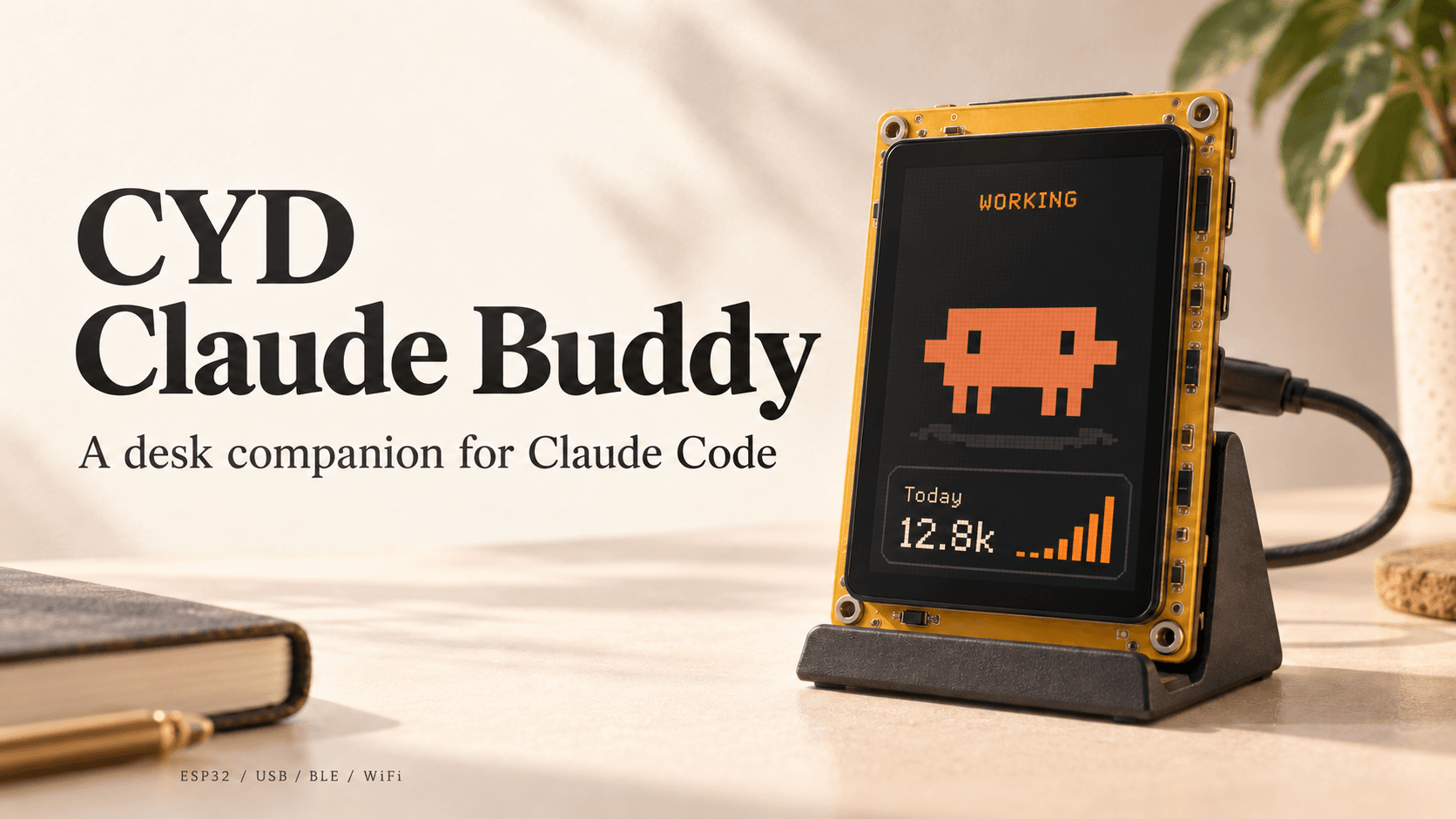
claude-buddy-cyd. The budget option.
- Board: the ESP32 Cheap Yellow Display (ESP32-2432S028R), about $15
- Connects: Claude Code hooks feed a local bridge that talks to the board over USB, Bluetooth or Wi-Fi
- claude-buddy-cyd on Afterware · GitHub
Clawd Mochi. The cheapest to make.
- Board: ESP32-C3 Super Mini with a 1.54 inch color screen, roughly $7 to $8 in parts
- Note: a cute desk pet with its own Wi-Fi controller; it isn't connected to Claude Code by default
- Clawd Mochi on Afterware · GitHub
Also worth a look: vibepulse (an ESP32-S3 AMOLED status display for Claude Code and Codex) and clawdometer-eink (a 1.54 inch e-paper version). For a general AI pet, see FUMI.
Which one should you build?
- Easiest: Clawdmeter on a supported board, since the app flashes it for you
- Cheapest: claude-buddy-cyd on a Cheap Yellow Display, or Clawd Mochi
- Best for approvals: Toki
- Best for many agents: Tokibot
- Most charming: Tiny Clawd
Build your own
Most of these are small enough to vibe code from scratch. Tell Claude Code your board and screen, and ask it to:
- Add a hook that sends session events (start, tool use, permission request, stop) to a small local bridge
- Have the bridge forward them to the board over USB serial
- Draw a face or meter that changes with each event
A Cheap Yellow Display is a good starting board. See Cheap Yellow Display projects and, for an e-paper version, Build an e-ink Claude Code usage dashboard.
A note on the mascot
Several of these use Anthropic's Claude branding or the Clawd character. Clawdmeter's own README notes it uses Anthropic brand assets and the copyrighted Clawd mascot, so keep personal builds personal and design your own character if you plan to sell anything.
Desk companion builds on Afterware are listed below.