Build an e-ink Claude Code usage dashboard
An e-ink Claude Code dashboard shows your usage limits, token spend and session activity on a low-power e-paper screen on your desk. The easiest route is a TRMNL e-ink display with an open-source Claude plugin; the DIY route is an ESP32 or Raspberry Pi with an e-paper panel, with Claude Code writing the code that reads your local usage data.
Why e-ink
E-paper only uses power when the image changes, so a dashboard can sit on your desk all day, readable in any light, without a glowing screen. It's a natural fit for slow-changing numbers like how much of your 5-hour or weekly Claude limit you've used.
What it can show
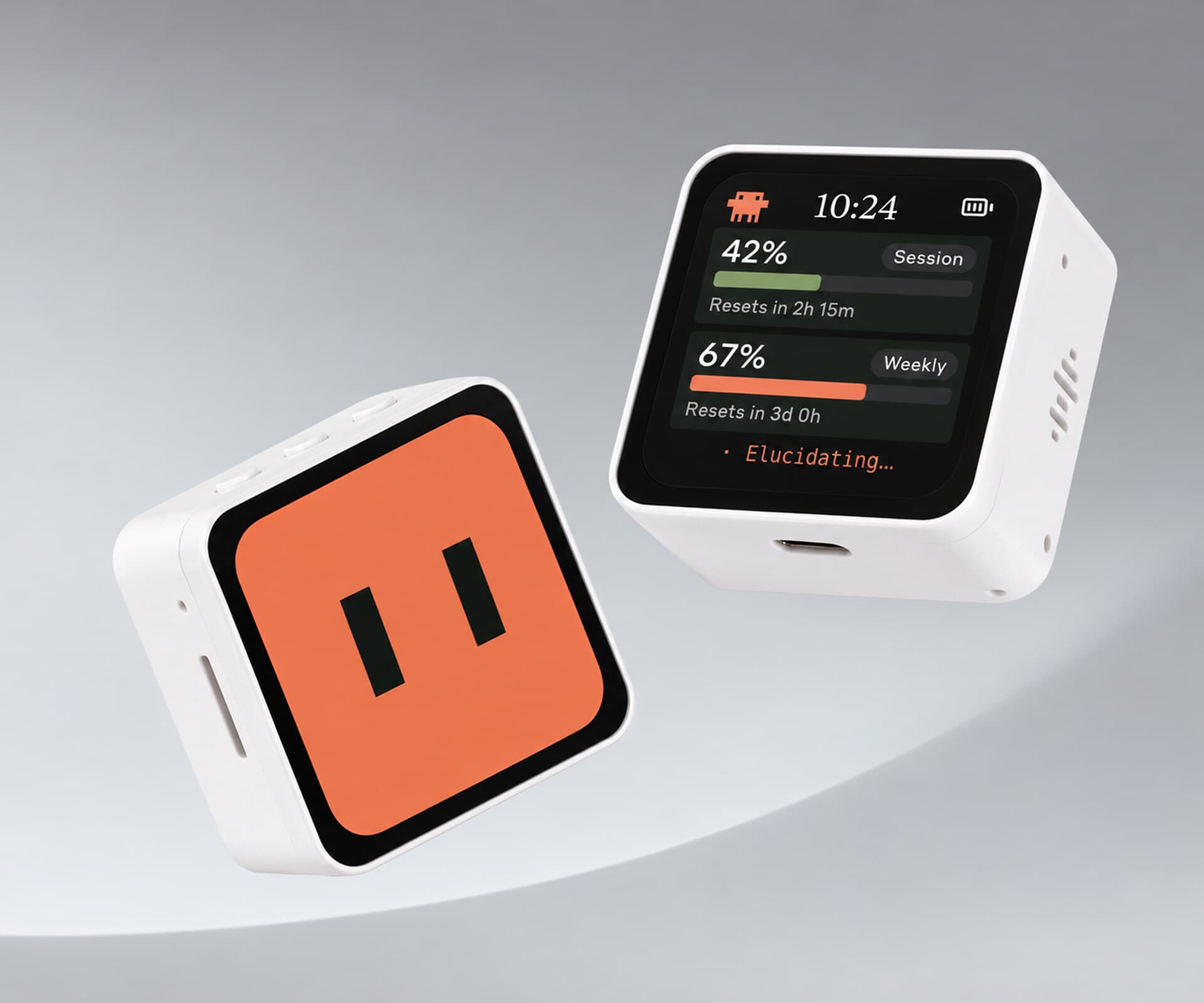
- Usage against your 5-hour and weekly limits
- Tokens or cost by day and by project
- What sessions are running, and how long they've been going
- A simple status: working, waiting for you, idle
The data comes from your own machine. Claude Code keeps session logs in your home folder, under ~/.claude, and reports usage when you run /usage, so a small script can read and summarize them.
Route 1: TRMNL (easiest)
TRMNL is an e-ink dashboard that shows plugins on a schedule. Open-source projects turn it into a Claude Code display:
- claude-dashboard-trmnl runs as a private TRMNL plugin. A script parses your local Claude Code session logs and usage, then pushes the results by webhook. It refreshes every 15 minutes and offers several layouts.
- trmnl-claude and trmnl-x-claude-codex are alternatives, the second covering Codex too.
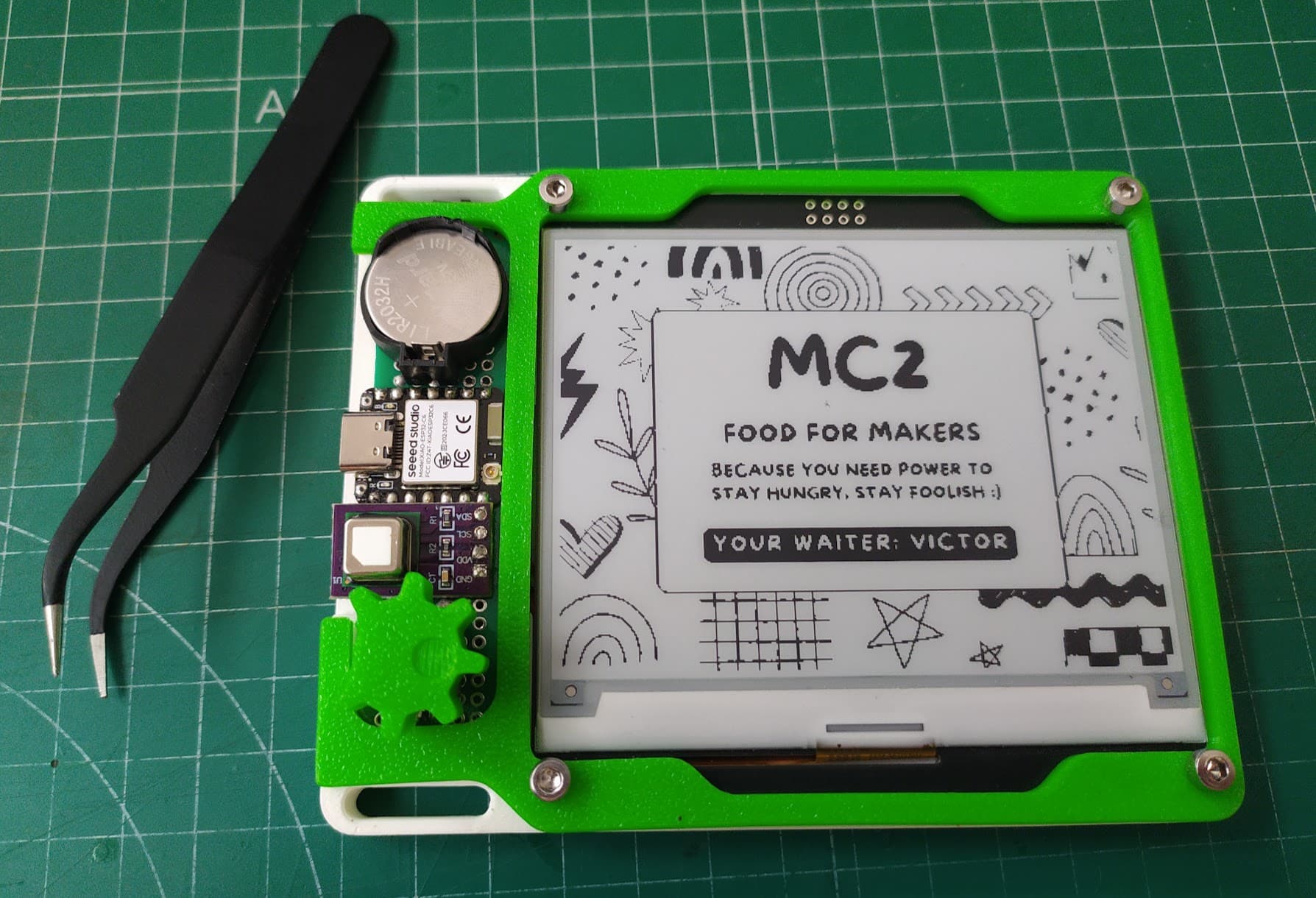
You can buy a ready-made TRMNL, or build one yourself from a 7.5 inch e-paper panel and a small ESP32 board, then use TRMNL's service or self-host the server. TRMNL also has a client that turns an old Kindle into a TRMNL display.
Route 2: DIY on an ESP32 or Raspberry Pi
If you'd rather build it from scratch, it's a good vibe coding project:
- Pick a board and panel. An ESP32 with an e-paper display built in (for example a Waveshare ESP32-S3 e-paper board), or a Raspberry Pi Zero 2 W with an e-paper HAT. No soldering needed for either.
- Ask Claude Code for the data side. "Write a script that reads my Claude Code usage from ~/.claude and prints today's tokens, my 5-hour and weekly usage, and active sessions as JSON."
- Ask for the display side. "Write firmware for my [exact board] that fetches that JSON every 10 minutes over Wi-Fi and draws it on the e-paper screen with large numbers and a progress bar."
- Run the script on your computer as a small local server or scheduled job, and point the board at it.
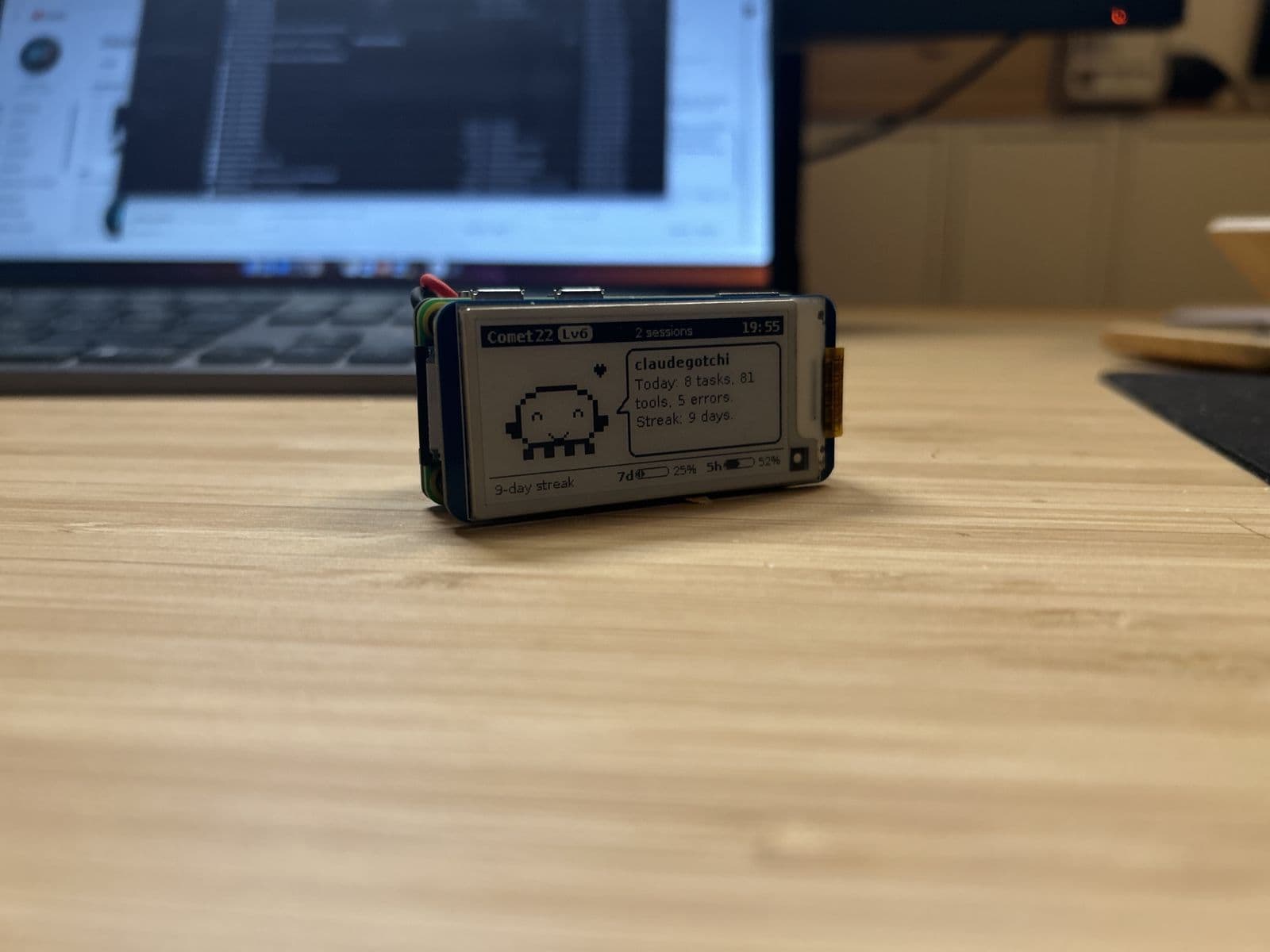
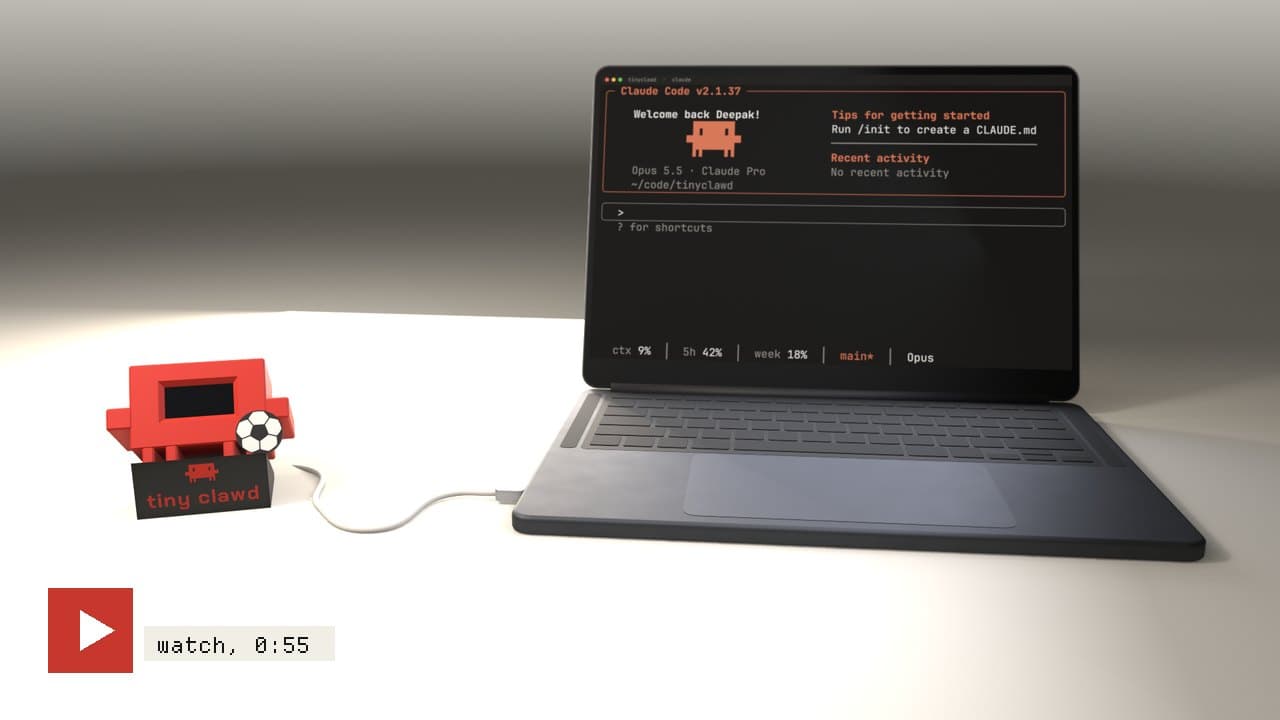
Open-source starting points: clawdometer-eink (an ESP32-S3 e-paper usage meter) and Tokibot, which turns agent activity into an e-ink pet.
Tips
- Refresh slowly. Every 5 to 15 minutes is plenty, and e-paper lasts longer with fewer full refreshes.
- Design for grayscale. Large numbers and simple bars read best.
- Keep it local. Your usage data stays on your machine; the board only needs to reach your computer on your home network.
- Partial refresh. Some panels can update part of the screen without the full black-and-white flash. Ask the AI whether yours supports it.
Related
- Claude Code desk companions: every build compared
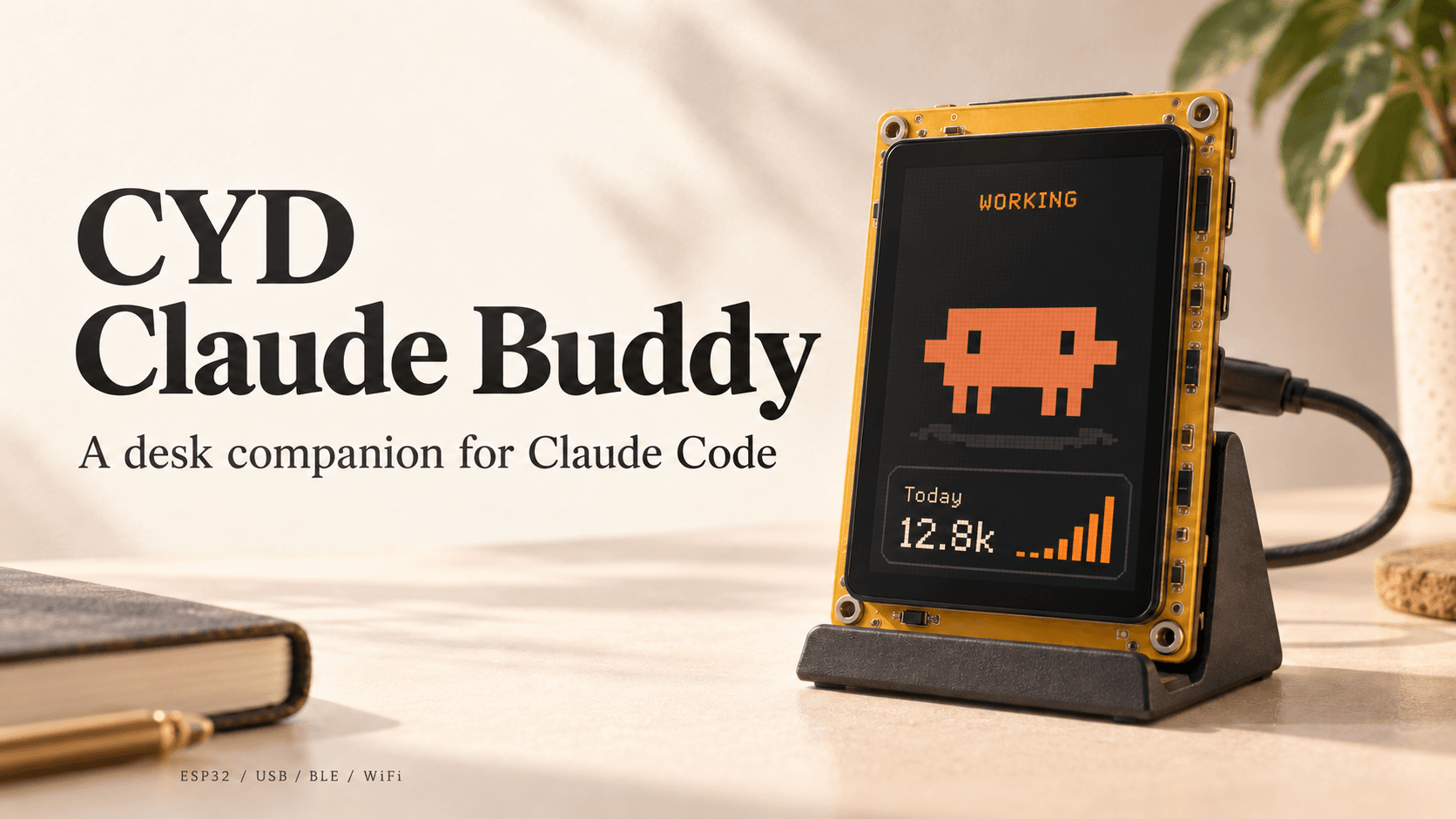
- Cheap Yellow Display projects, for a color touchscreen version
- Vibe coding hardware ideas
E-ink builds on Afterware are listed below.