Cheap Yellow Display projects you can vibe code
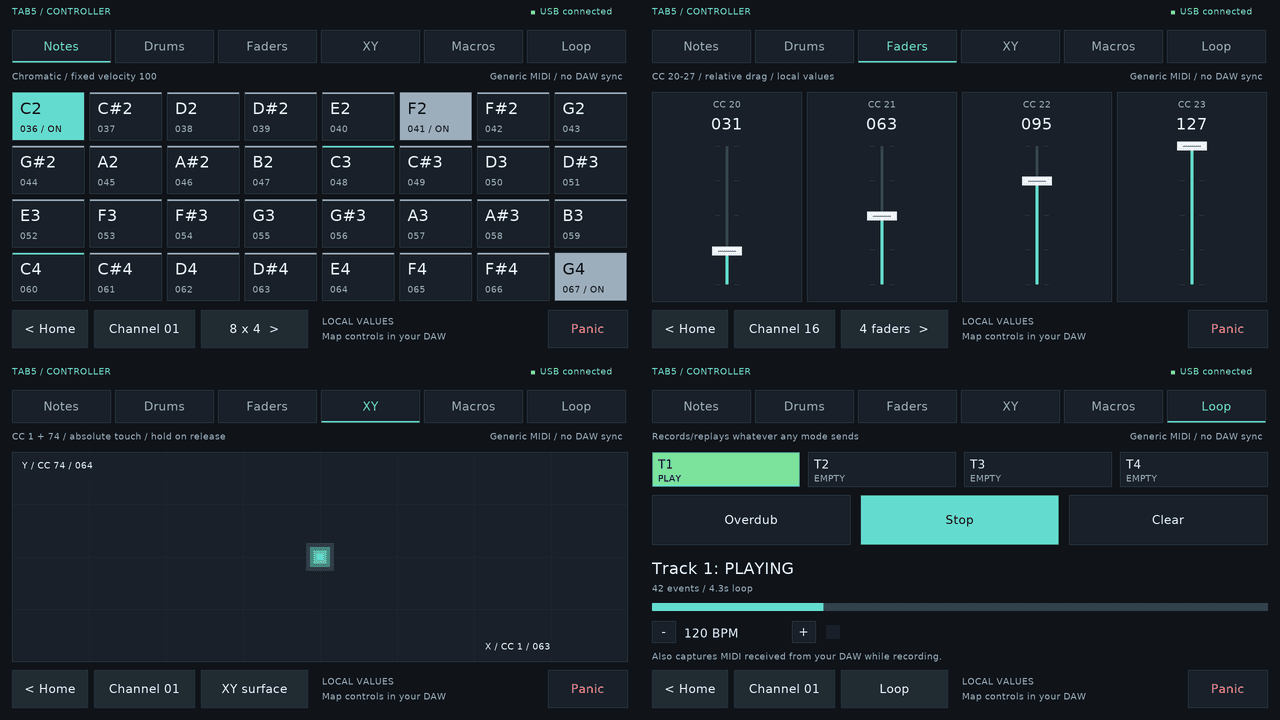
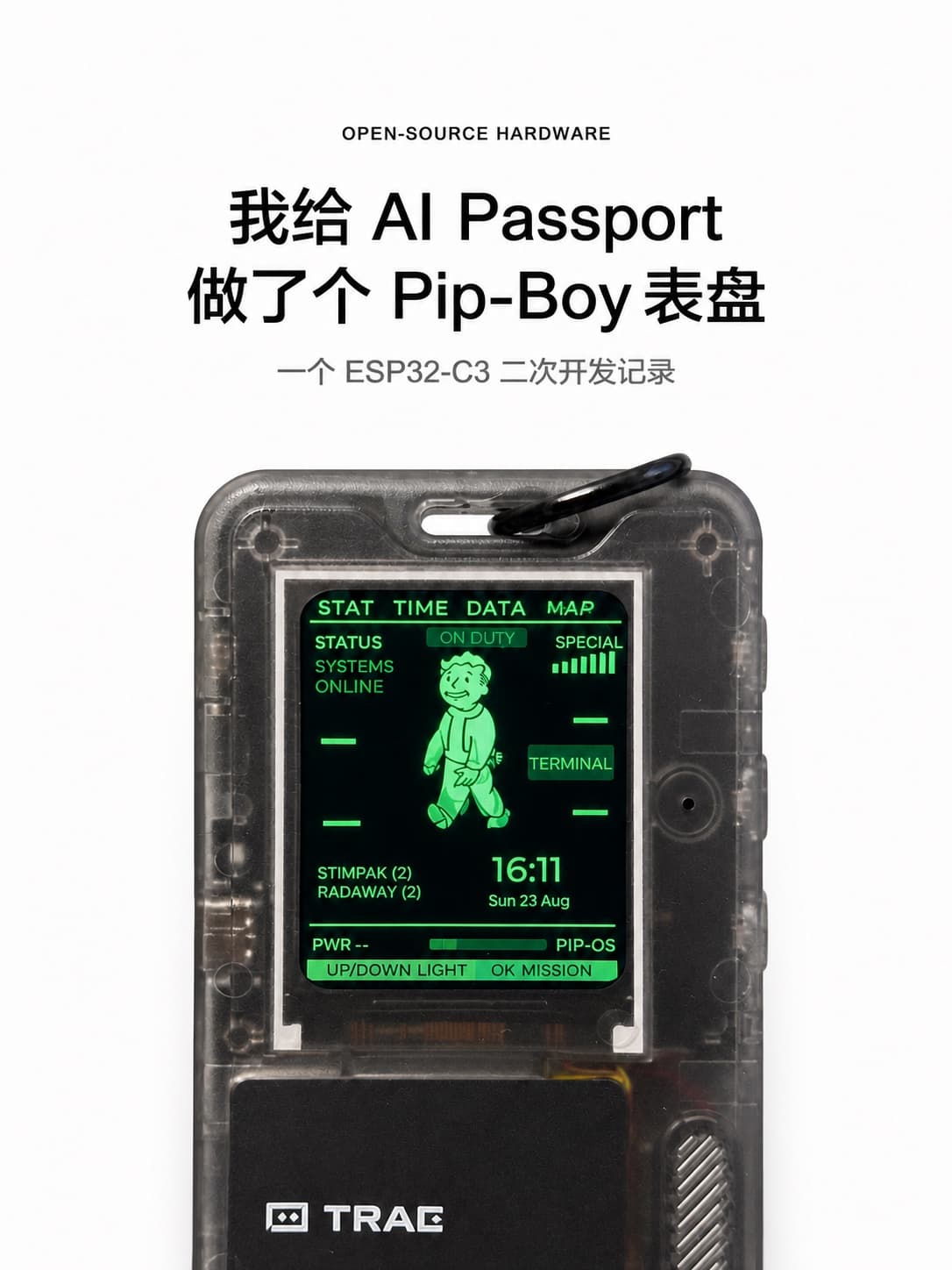
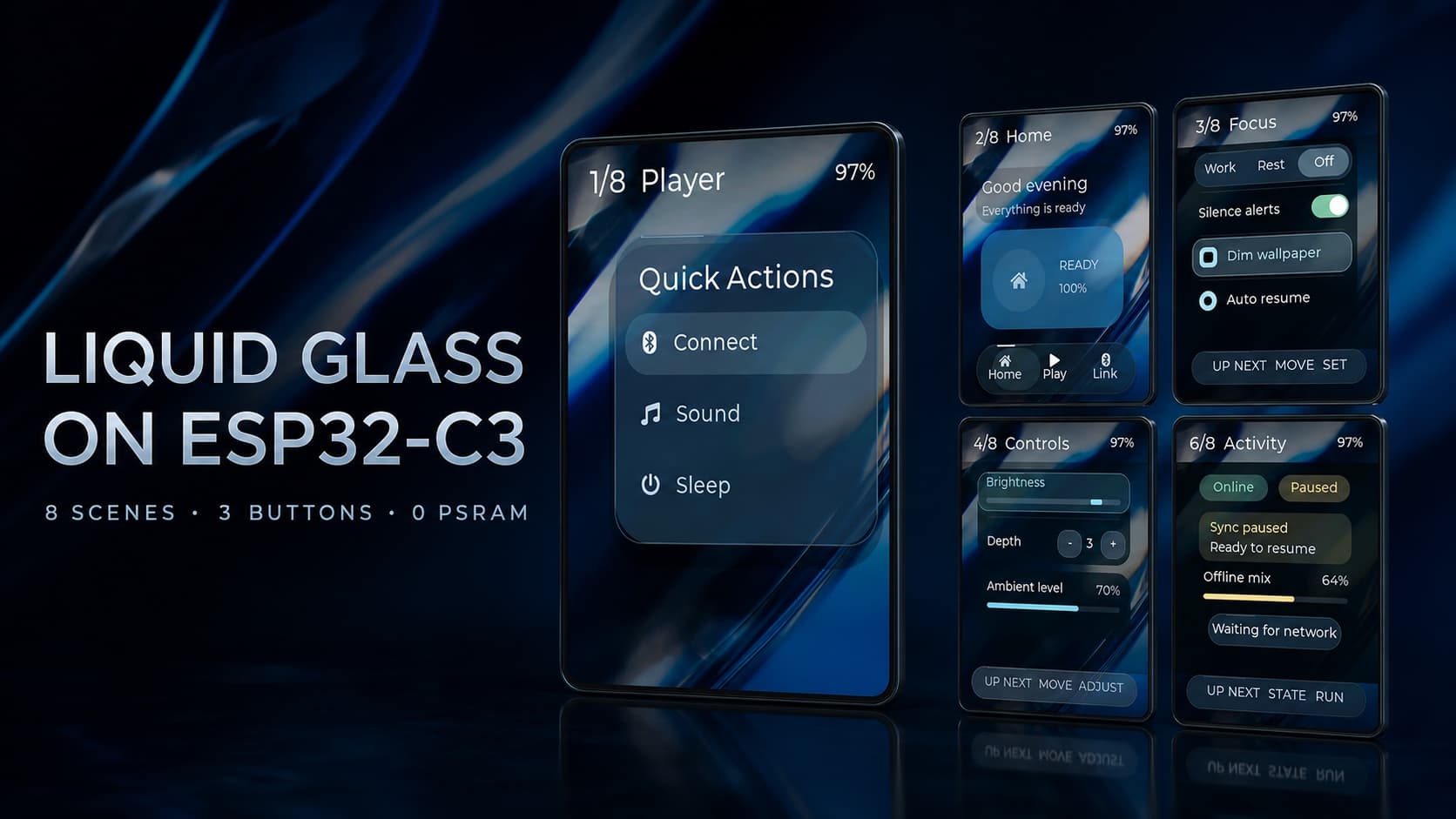
The Cheap Yellow Display (ESP32-2432S028R) is an ESP32 with a 2.8 inch touchscreen built in, for about $15. Because it needs no wiring and AI tools write good code for it, it's one of the best boards for vibe coding: dashboards, car gauges, smart home panels, Claude Code status screens, clocks and small games.
What the Cheap Yellow Display is
"Cheap Yellow Display," or CYD, is the community name for the ESP32-2432S028R, a board sold under many brand names and named for its yellow circuit board. It packs:
- An ESP32 with Wi-Fi and Bluetooth
- A 2.8 inch 320x240 color screen (ILI9341 driver)
- A resistive touchscreen (XPT2046)
- A microSD slot, an RGB LED, a speaker connector and a light sensor
- USB for power and programming
It costs about $15 delivered, and because everything is already on the board, there's nothing to wire for most projects.
Why it's ideal for vibe coding
- No wiring. The screen, touch and Wi-Fi are built in, so the AI only has to write code.
- Huge community. The main community repo on GitHub has setup guides, pin maps and examples, so AI tools have seen a lot of working CYD code.
- Good UI library support. LVGL, a popular graphics library, makes touch interfaces with buttons, gauges and charts.
- Cheap enough to experiment. Buy two.
Projects to build
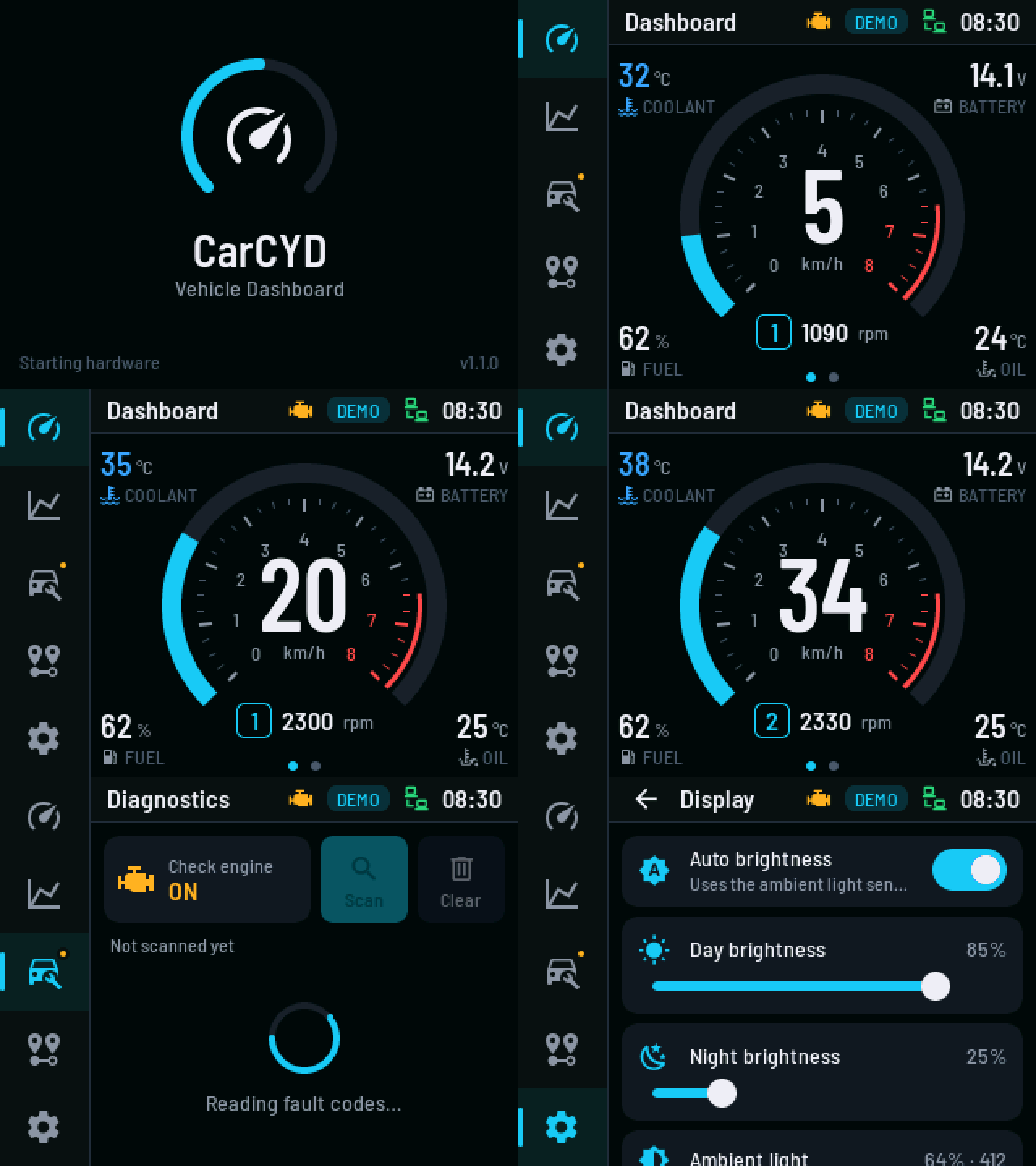
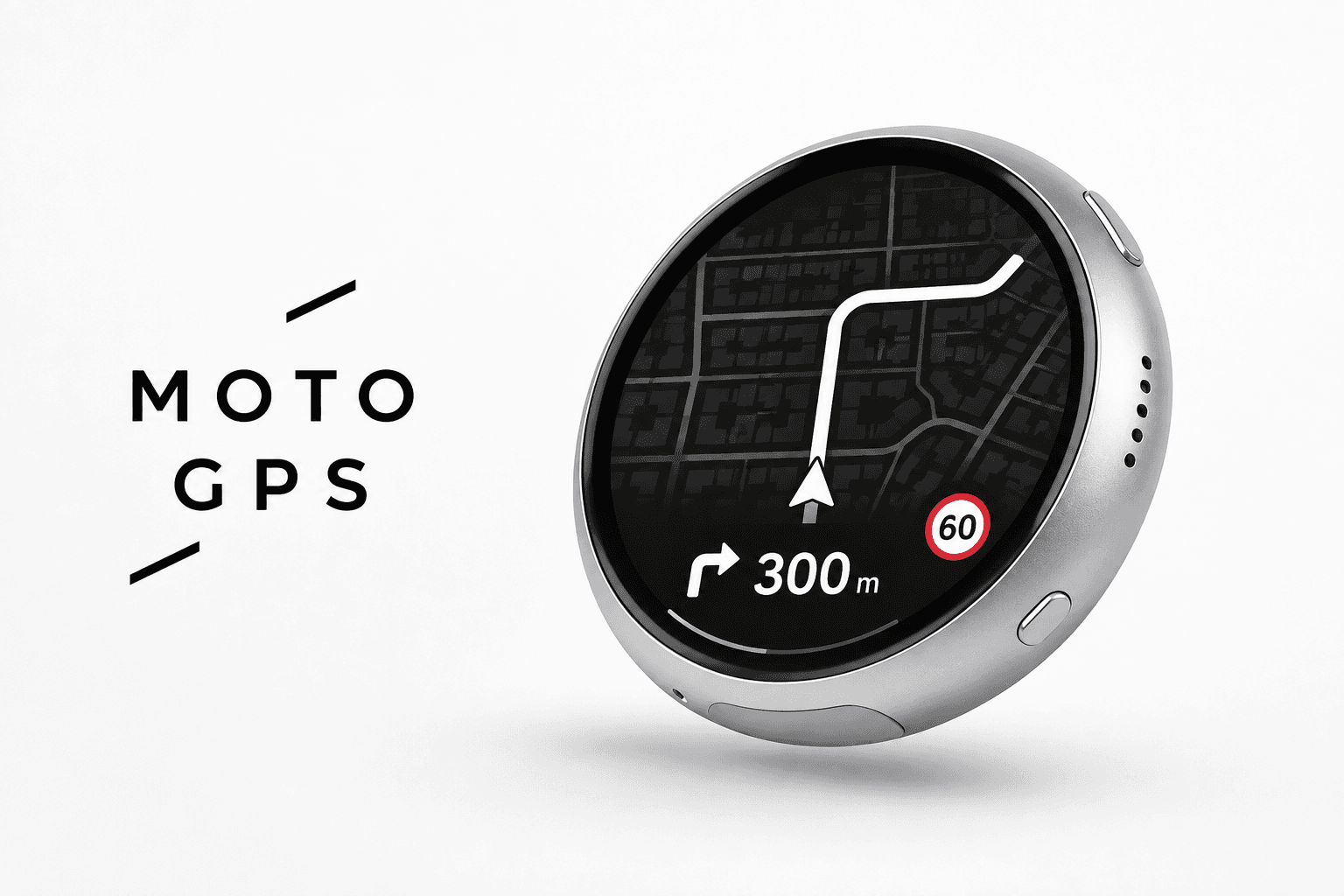
- A car gauge cluster. Read engine data through an OBD-II adapter and draw gauges. See the build.
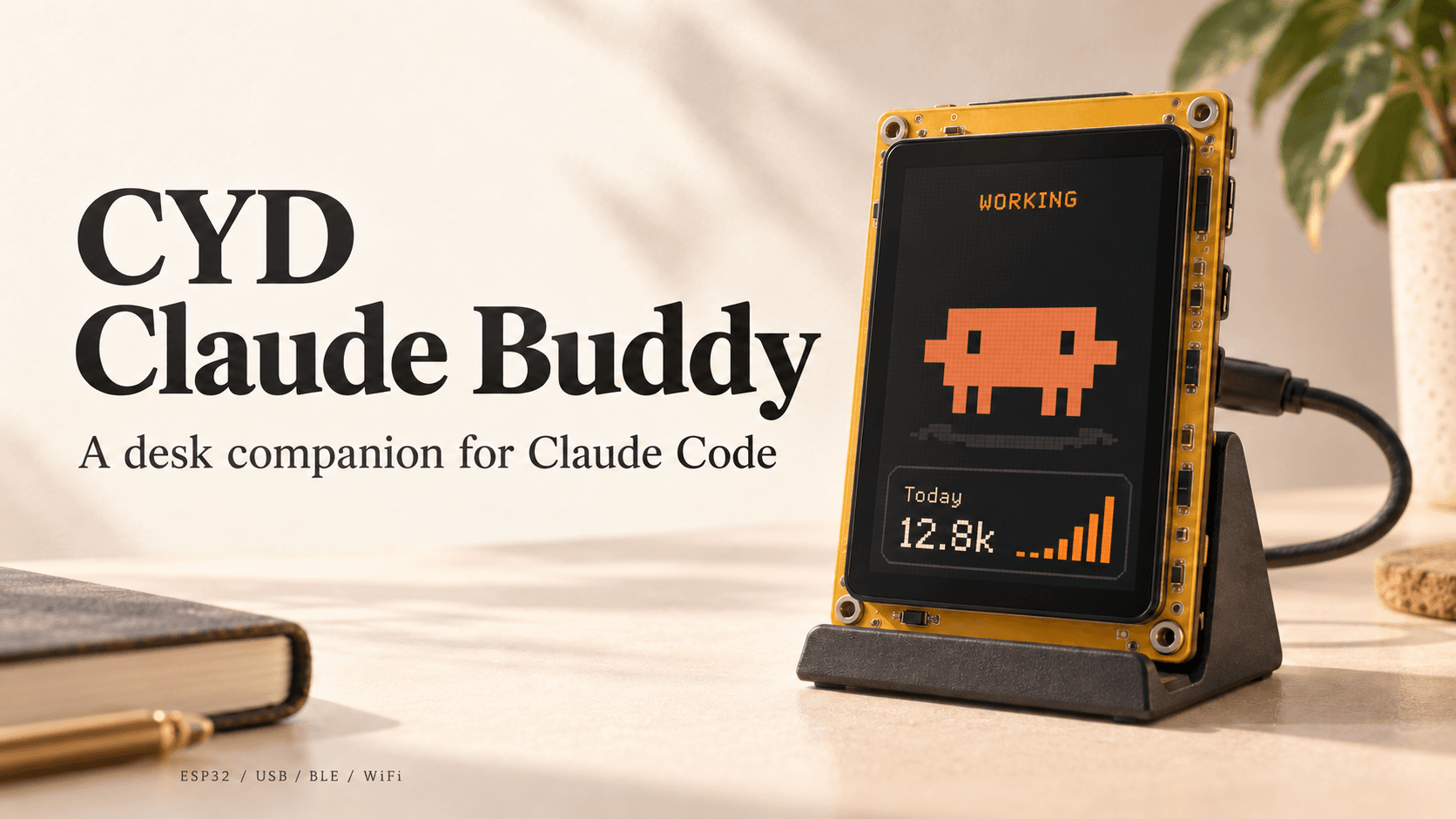
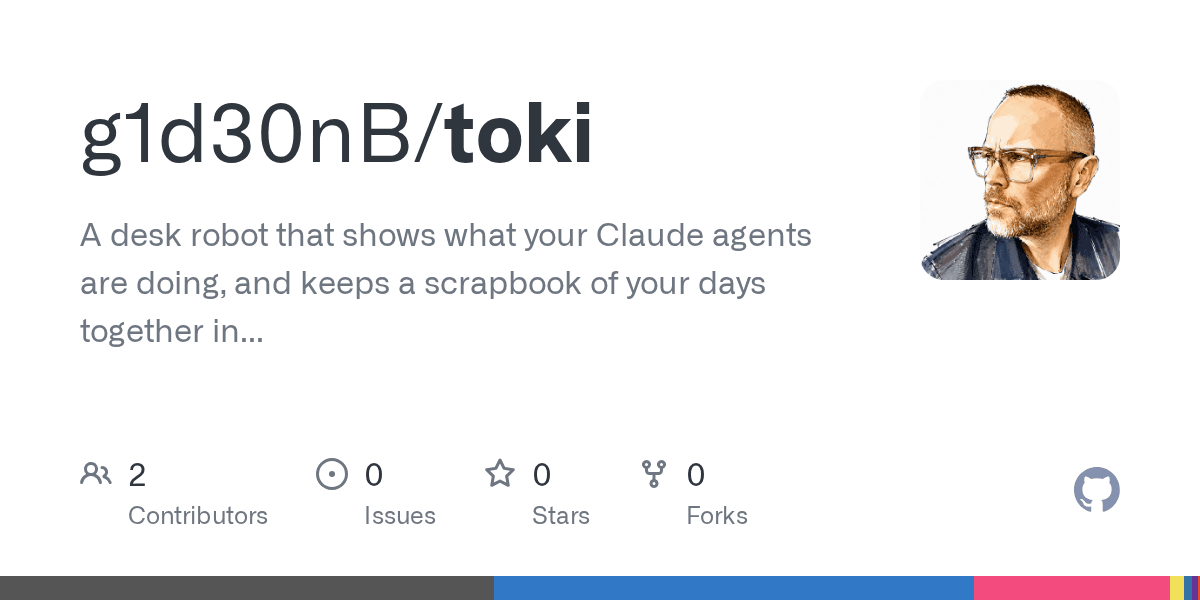
- A Claude Code status screen. claude-buddy-cyd turns a CYD into a desk companion that shows what your AI coding agent is doing. More in Claude Code desk companions.
- A smart home control panel. Touch buttons for lights and scenes, through Home Assistant or ESPHome. See How to vibe code your home over Wi-Fi.
- A weather and calendar board. Pull a free weather API and your calendar over Wi-Fi.
- A stock, crypto or sales ticker. Any API that returns numbers can become a chart.
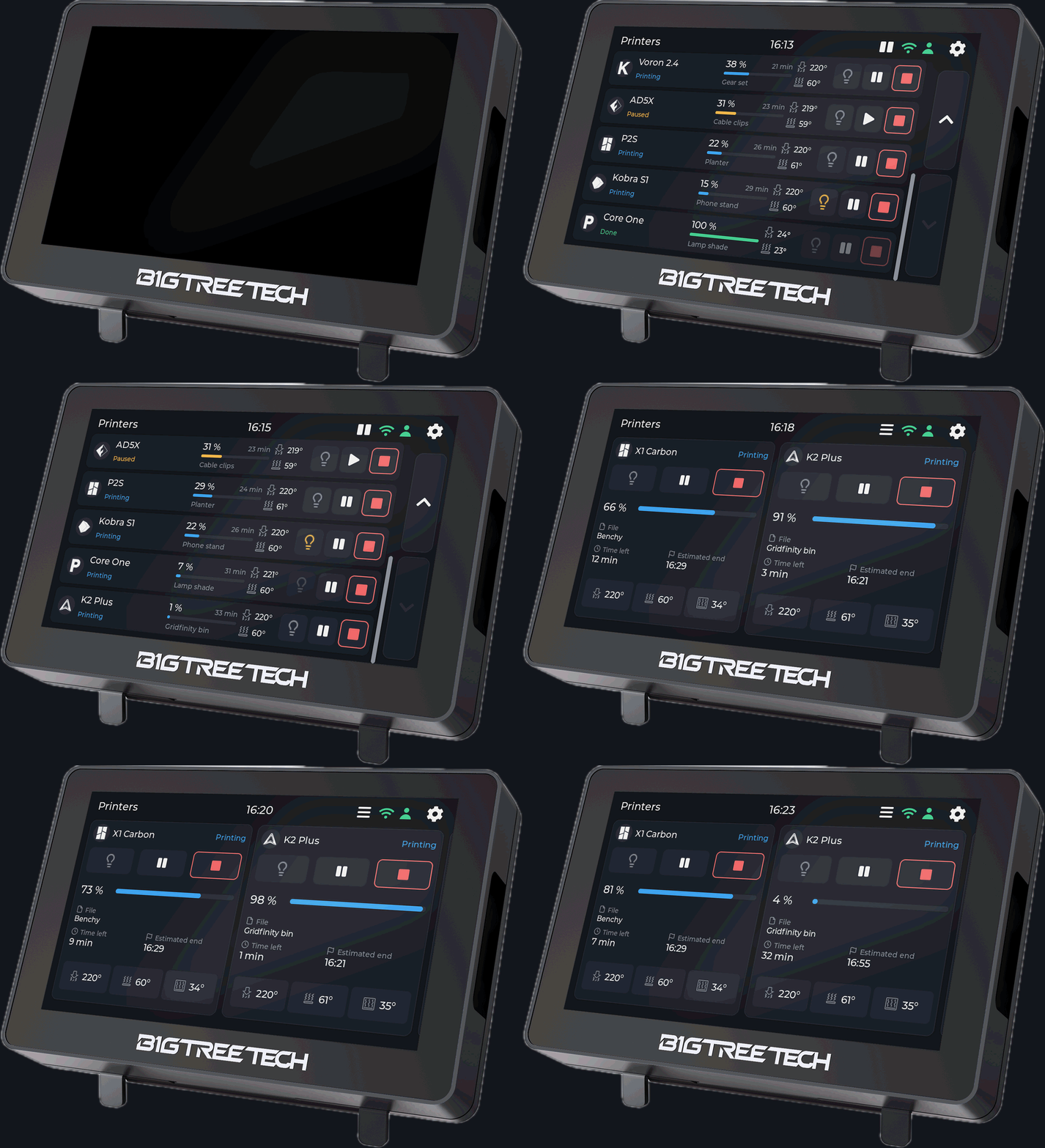
- A 3D printer monitor. Show print progress from OctoPrint, Klipper or Bambu printers.
- A pocket game. Simple touch games, from Snake to tiny RPGs.
- A music remote. Show what's playing and control it with touch.
How to start
- Install the Arduino IDE and add ESP32 board support, or use PlatformIO in VS Code or Cursor.
- Tell the AI exactly what you have: "I have an ESP32-2432S028R Cheap Yellow Display with an ILI9341 screen and XPT2046 touch."
- Ask for a hello-world first: a screen that shows text and responds to a touch.
- Then build your project one feature at a time, pasting errors back.
Common gotchas
- Wrong display driver. This board uses ILI9341. Code set up for ST7789 gives a white screen.
- Touch is on its own pins. The touch controller doesn't share the screen's pins. Give the AI the pin map from the community repo.
- Touch needs calibrating. Resistive touch is less precise than a phone; ask for a calibration step.
- No PSRAM. Memory is tight, so keep images small and use LVGL carefully.
- Variants exist. Some sellers ship versions with a different screen or USB-C. Check the exact model printed on your board.
- Charge-only cables. If your computer doesn't see the board, try another USB cable.
Related
- Best first ESP32 projects for vibe coders
- What you need to start vibe coding hardware
- Vibe coding hardware ideas
- ESP32 Cheap Yellow Display community repo
Cheap Yellow Display and ESP32 touchscreen builds are listed below.