Revive a Spotify Car Thing: Mira vs Nocturne vs DeskThing
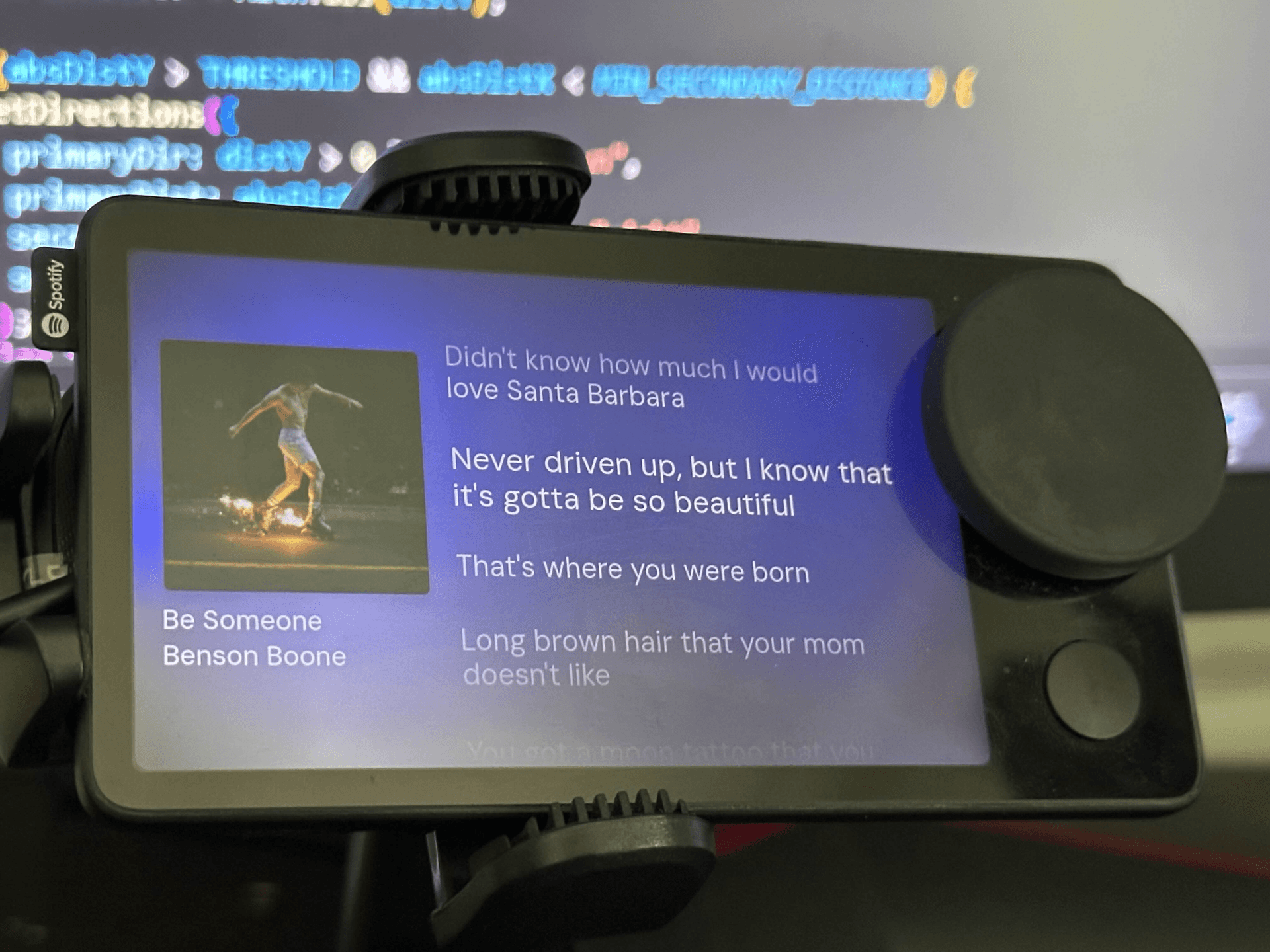
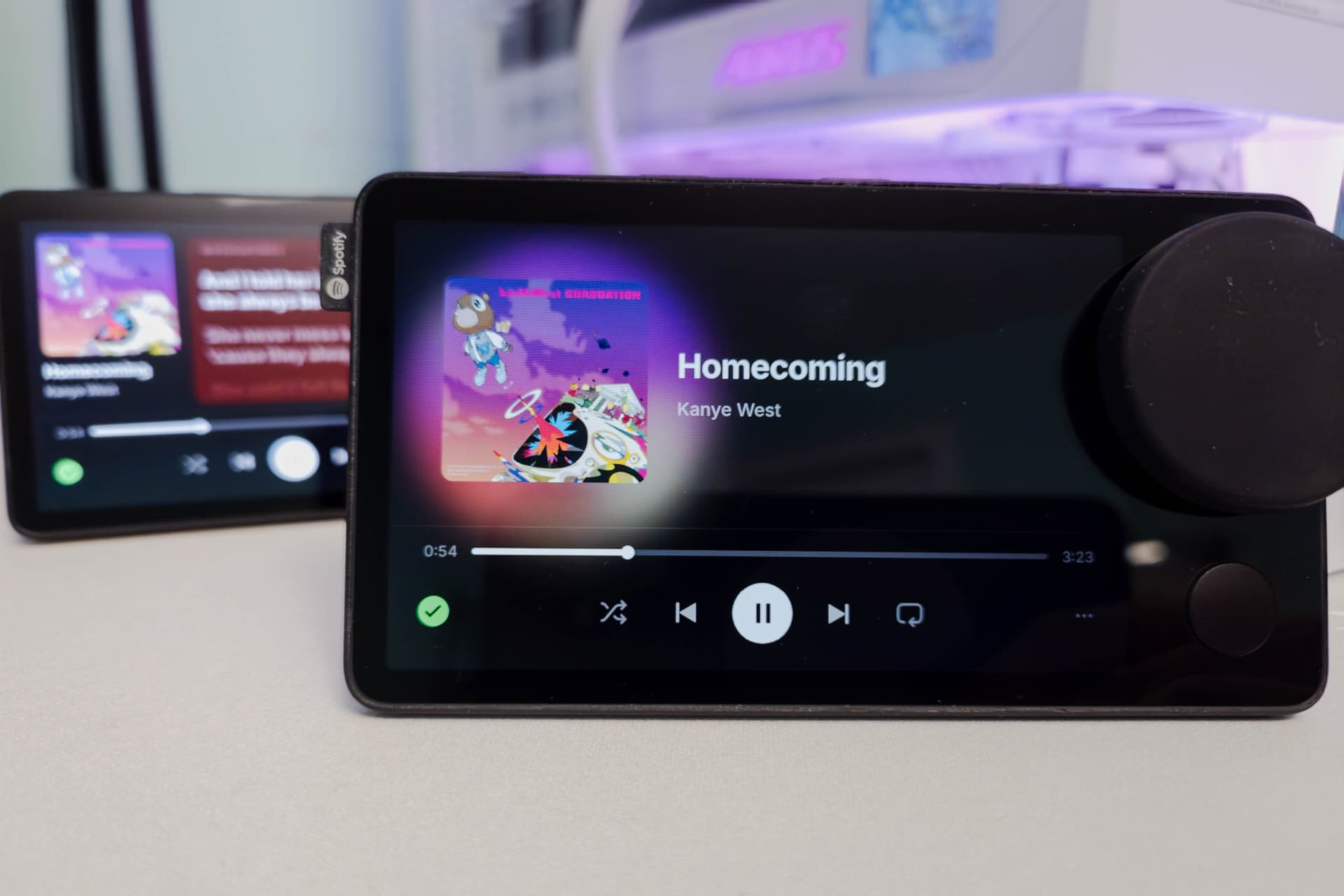
Spotify shut down the Car Thing in December 2024, but community firmware brings it back. Mira is free, open-source firmware that makes it a standalone Spotify controller paired with your phone. Nocturne is a polished paid alternative with a companion app. DeskThing turns it into a desk companion driven by apps running on your computer.
What happened to the Car Thing
The Car Thing was Spotify's small dashboard controller with a round dial, buttons and a touchscreen. Spotify discontinued it and shut the devices down on December 9, 2024, leaving owners with a bricked gadget. Because the hardware is still good, a screen, a knob and buttons in a nice case, the community has built several replacements for its software.
The three main options
Mira: free and standalone
- Open-source firmware that turns the Car Thing into a Spotify controller again
- Connects to your phone over USB or Bluetooth tethering, so it works in the car without a computer
- Free; Spotify only
- Flashing takes about 5 to 10 minutes using a browser-based flasher (Terbium, which works best in Chromium-based browsers like Chrome or Edge). Windows needs a USB driver first.
- Known quirks: waking from sleep can be unreliable, and Bluetooth doesn't always reconnect on its own
- Mira on Afterware · Mira releases on GitHub
Nocturne: polished, with a companion app
- A full replacement interface for Spotify, set up through a companion app
- Paid: a one-time lifetime purchase, with an optional subscription tier for extras (check its site for current pricing)
- Best if you want the most finished, supported experience
- Nocturne install page
DeskThing: a desk companion, not a car gadget
- Open-source software that turns the Car Thing into a screen for apps that run on your computer: Spotify and local audio controls, weather, clocks, Discord and more, with remappable buttons
- Needs a computer running the DeskThing server, so it's best on a desk rather than in a car
- DeskThing on Afterware · DeskThing on GitHub
For developers: llizard is a lower-level platform for writing your own Car Thing software. It ships with default root credentials, so change them and keep it off untrusted networks.
Which should you pick?
- For the car, free: Mira
- For the car, most polished: Nocturne
- For your desk: DeskThing
- To build your own interface: llizard, or DeskThing's app system
How to flash Mira
- Download the latest Mira release from its GitHub page.
- Open the Terbium flasher in Chrome or Edge.
- Put the Car Thing in flashing mode: hold buttons 1 and 4 (the preset buttons on top) while plugging in the USB cable.
- Flash the image and wait about 5 to 10 minutes. Don't unplug it.
- Pair it with your phone over USB or Bluetooth tethering and sign in to Spotify.
On Windows, install the USB driver Mira's instructions point to before step 3.
Vibe code your own
The Car Thing makes a great canvas for a custom interface: a dial, four buttons and a touchscreen. With DeskThing's app system or llizard, you can ask an AI coding tool like Claude Code to build things like:
- A Home Assistant controller using the dial for lights and volume
- A meeting timer or Pomodoro clock
- A usage display for your AI coding sessions (see Claude Code desk companions)
- A stream deck for shortcuts on your computer
Tell the AI which platform you're using and what each button and the dial should do.
Related
- What is vibe hardware?
- Vibe coding hardware ideas
- What to do with a dead Lululemon MIRROR, another discontinued device brought back
Car Thing builds on Afterware are listed below.