 Interfaceby Gathin23 · GitHub · TV launchers
Interface · tool
A lean, offline home screen for a $30 Fire TV Stick
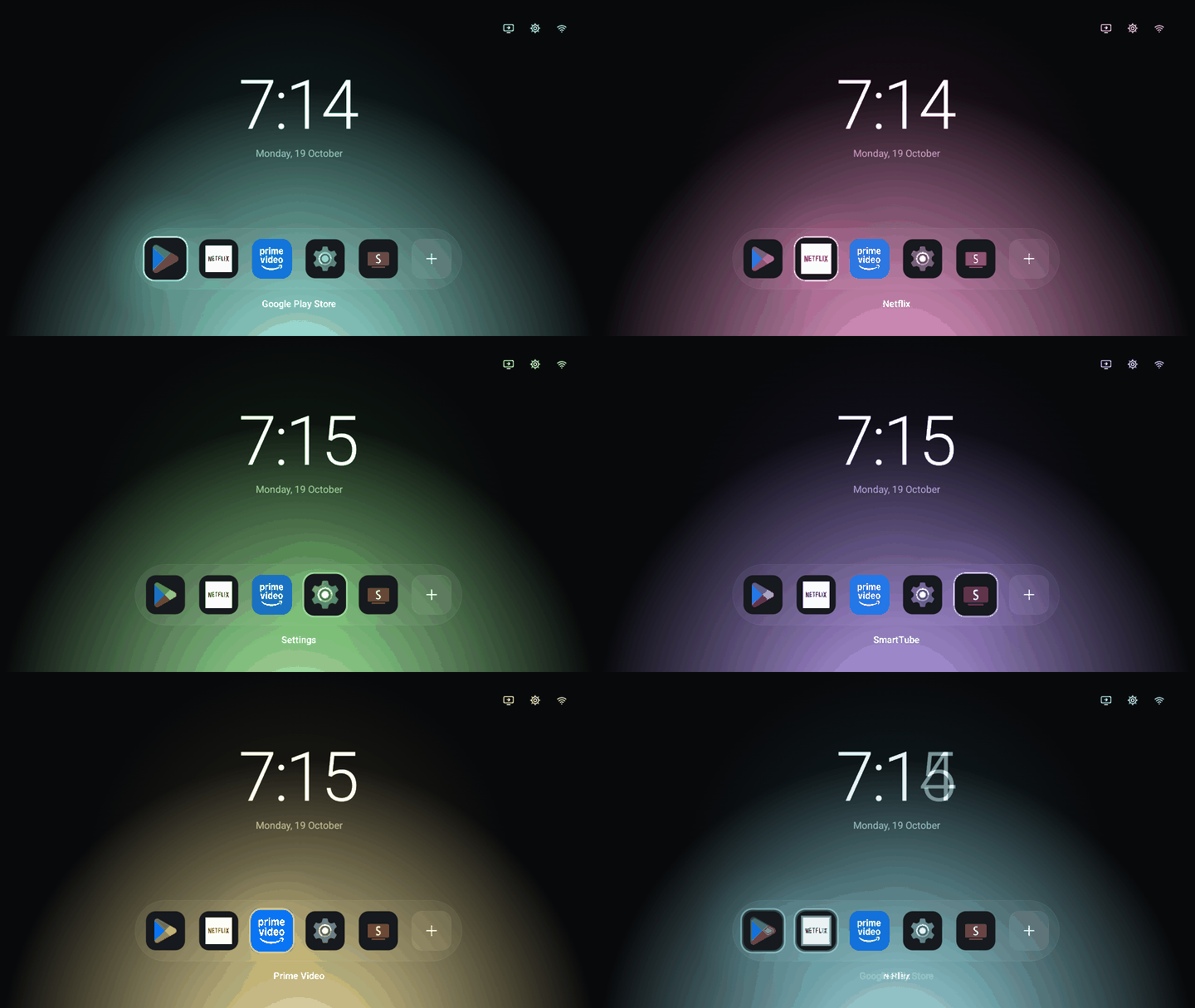
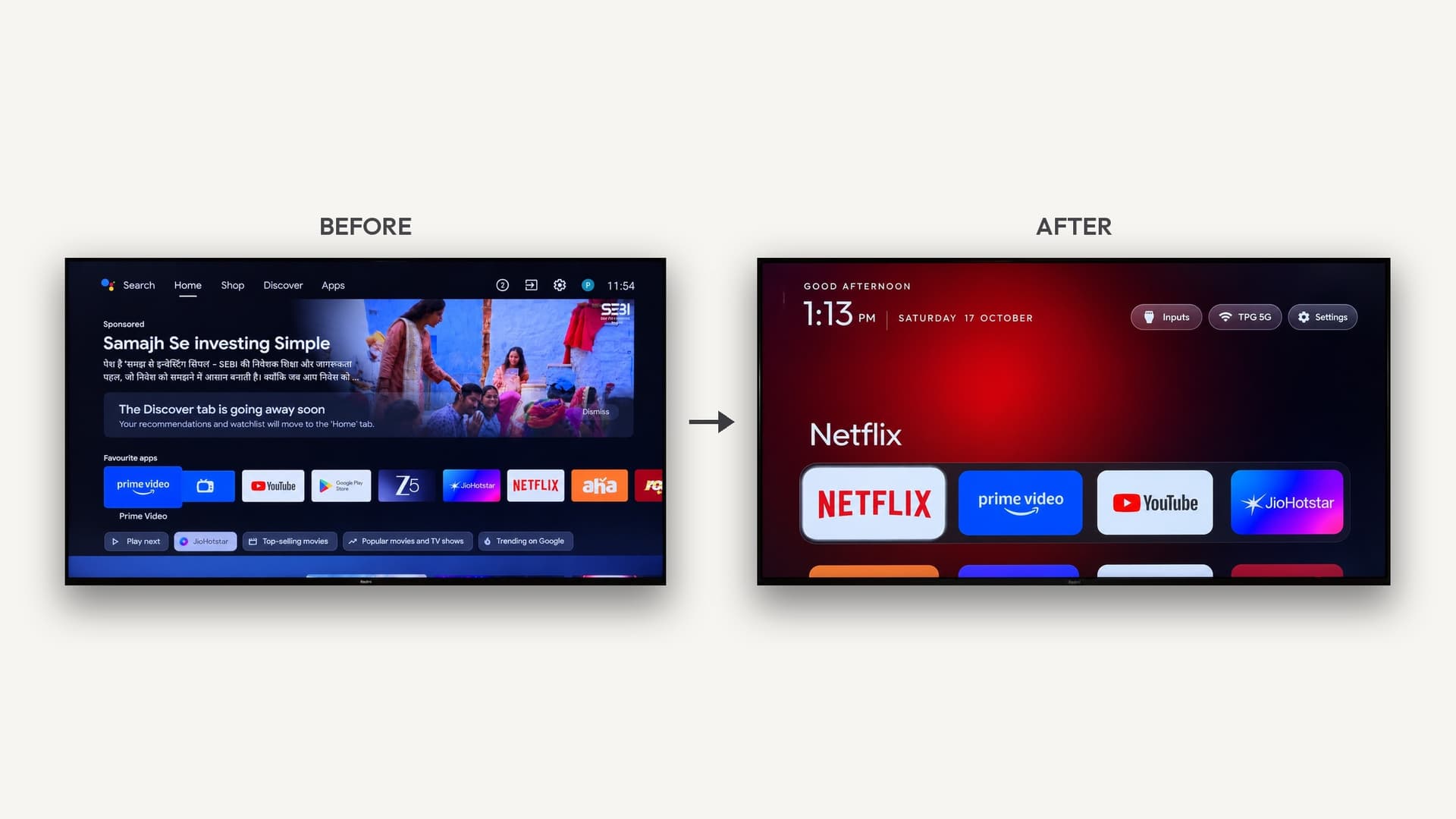
Luncher swaps the ad-stuffed home screen on Android TV and Fire TV for a fast, offline grid of your own apps, written with AI coding agents.
Build sheet
- Device page
- Fire TV Edition television →
Can I build this?Beginner · AI 5/5 · $0–30
- Difficulty
- Beginner
- AI-buildability
- 5/5
- Time
- A weekend
- Cost
- $0–30
It's a plain Kotlin Android app sideloaded over adb onto a device you already own, so AI tools can write nearly all of it.
Tools
adbAndroid Studio
Starter prompt
Based on "A lean, offline home screen for a $30 Fire TV Stick" on Afterware: https://afterware.xyz/p/a-lean-offline-home-screen-for-a-30-fire-tv-stick
Build a minimal Android TV launcher in Kotlin with no dependencies. It should show installed TV apps as a grid of banner tiles, support reordering and hiding apps with the D-pad, and load a wallpaper with dim and blur. Keep startup fast and avoid background services, ads and network access.
Estimates based on the original write-up. How AI-buildability is scored. The maker built this with AI tools: more vibe-coded builds. Building with an AI assistant? Connect it to Afterware (free MCP server).
Story
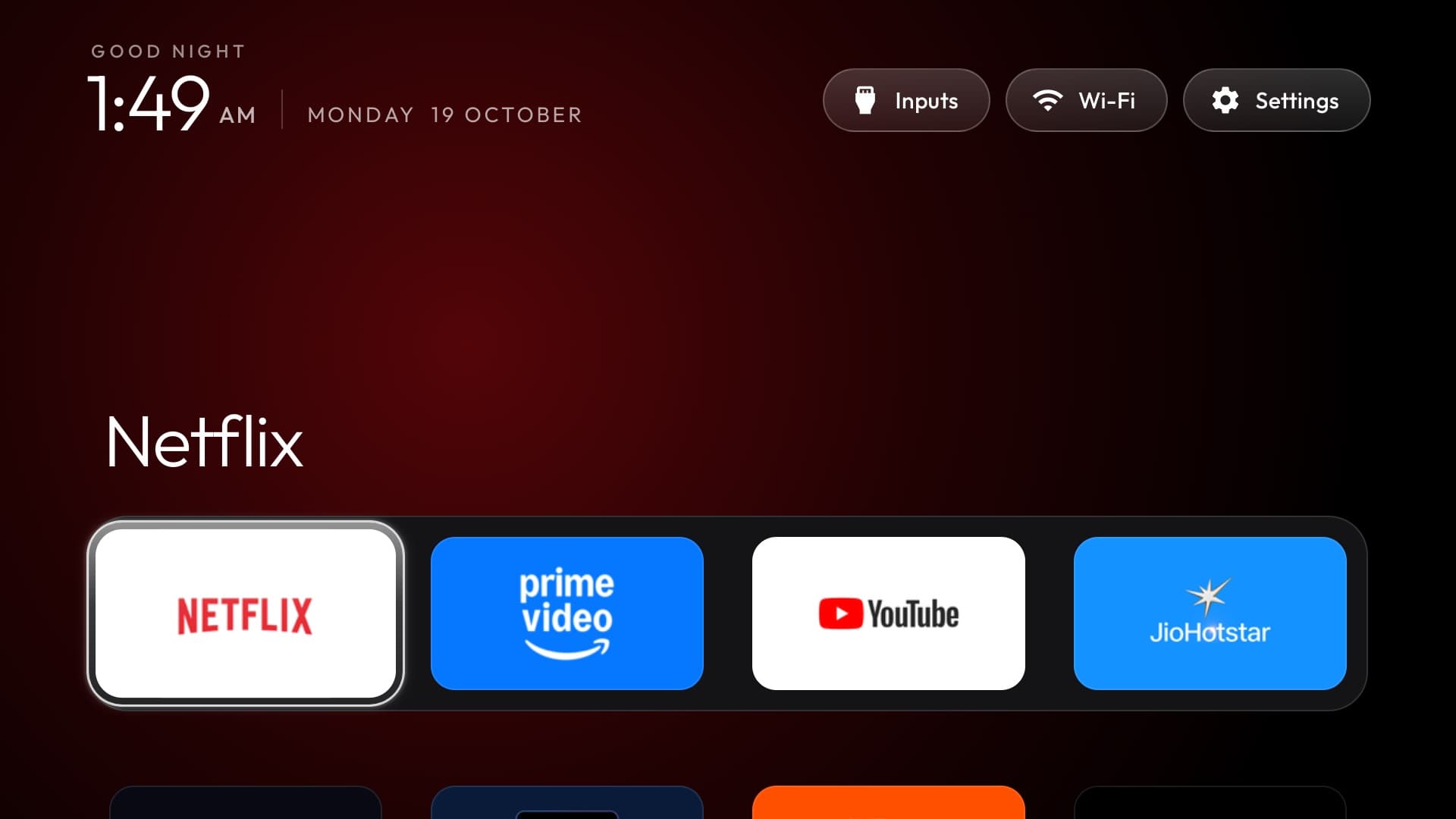
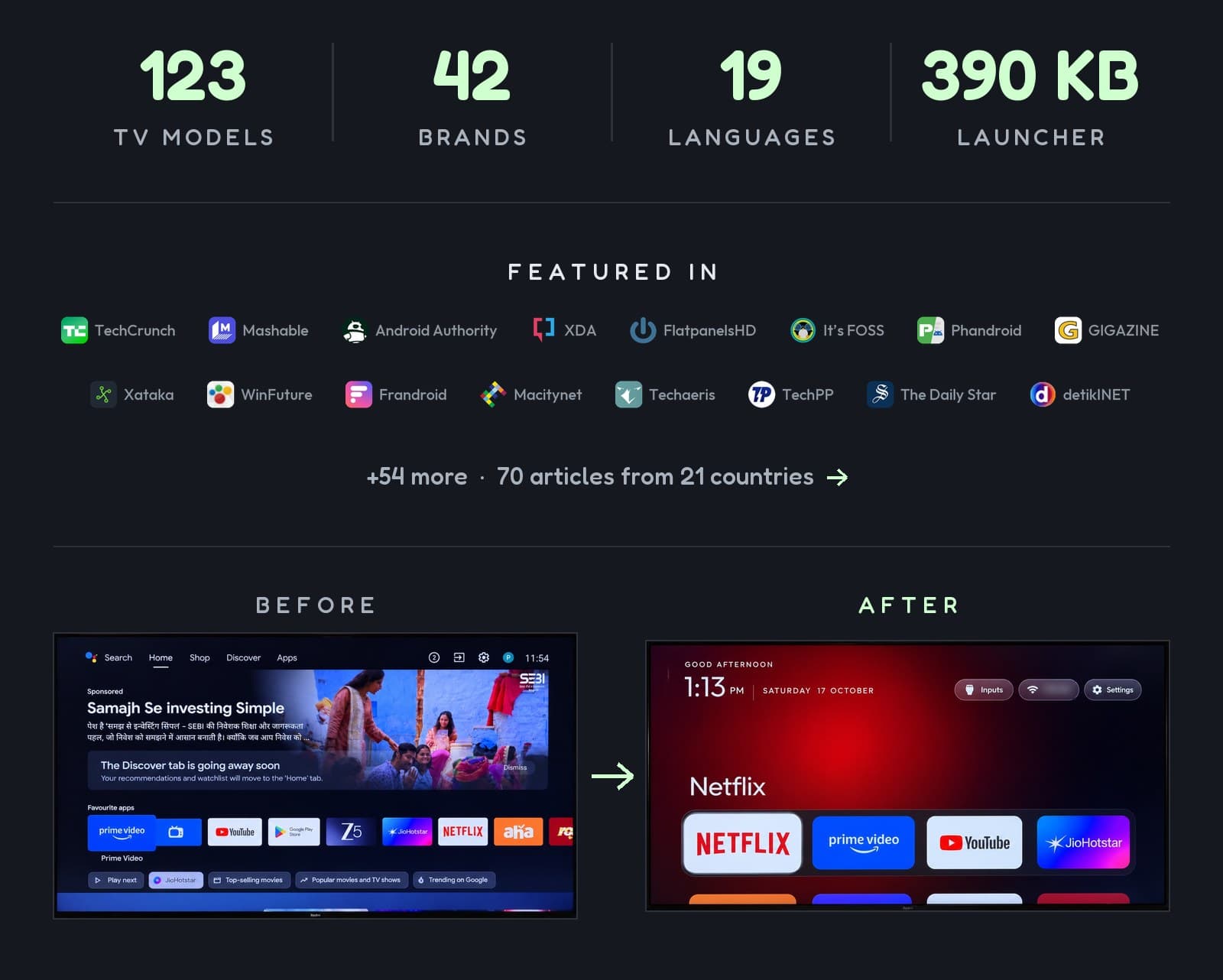
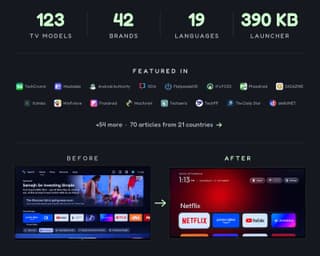
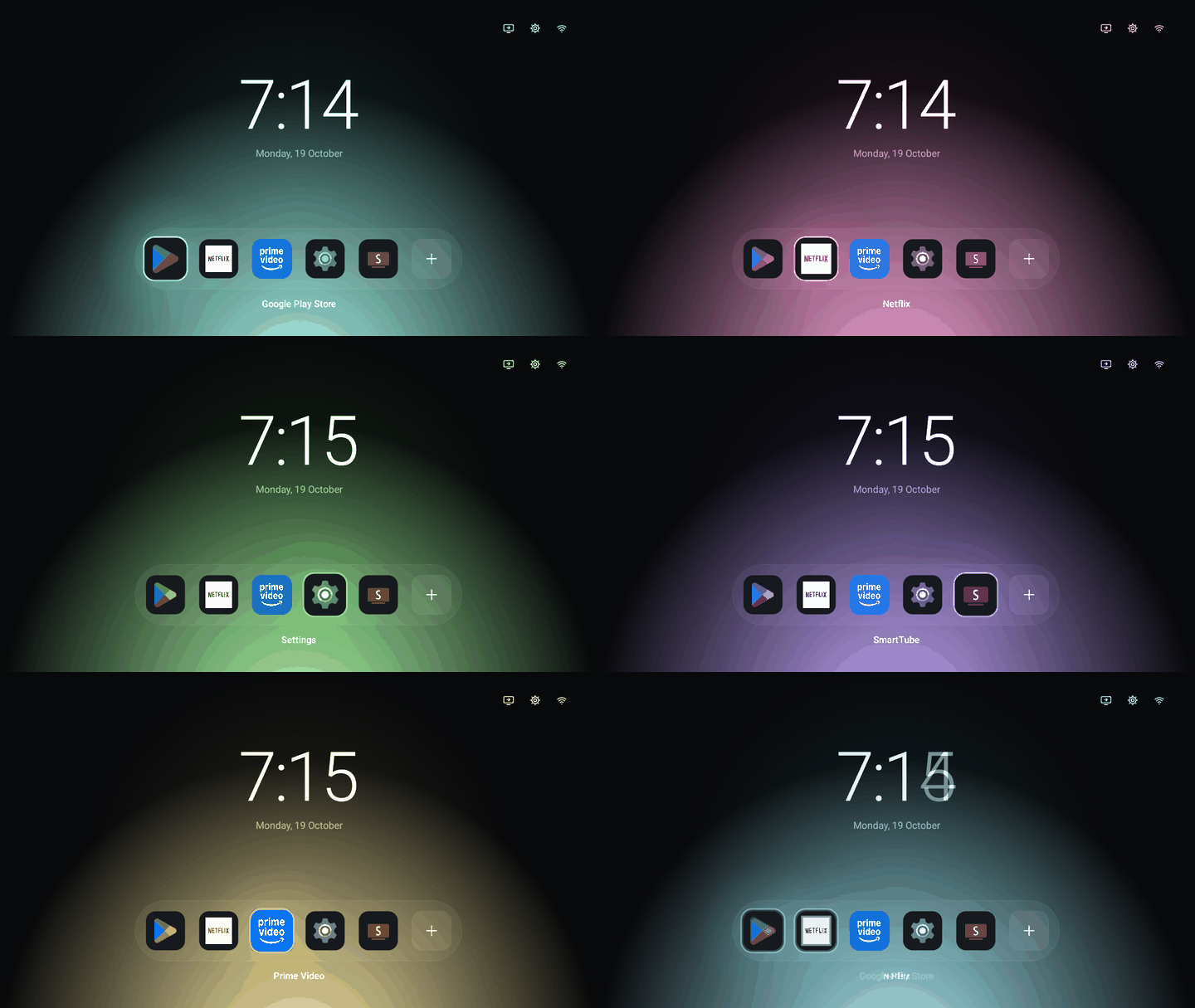
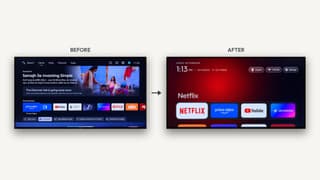
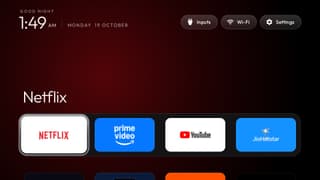
The default Fire TV home screen is slow, full of ads and takes too many clicks to reach anything. Luncher is an open source replacement that's under 200 KB, starts instantly and has no background services, no ads, no tracking and no accounts. Your apps sit in a grid of banners wherever you want them on the screen, with a status bar for the time and date.
It's a plain Kotlin app with no frameworks or dependencies. You can reorder apps, hide the ones you never open, pick the tile shape from square to pill, and set a wallpaper with dim and blur. The repo includes an AGENTS.md file, so the code was written with AI coding tools. The app is signed and reproducible, and it installs over adb on Google TV or through Launcher Manager on Fire OS.
Worth stealing: the install guides are a good template for any hardware you want to repurpose. Luncher uses adb to make the app the default home, and it notes that Home needs a fallback before you disable the stock launcher.
Resources · 5
Featured in Which smart TVs can AI debloat? Brand by brand · How to remove smart TV ads with AI (Claude Code)
More like this

More like this
Interfaceby Gathin23 · GitHub · TV launchers Interfaceby EnglandLobster · GitHub · LVGL