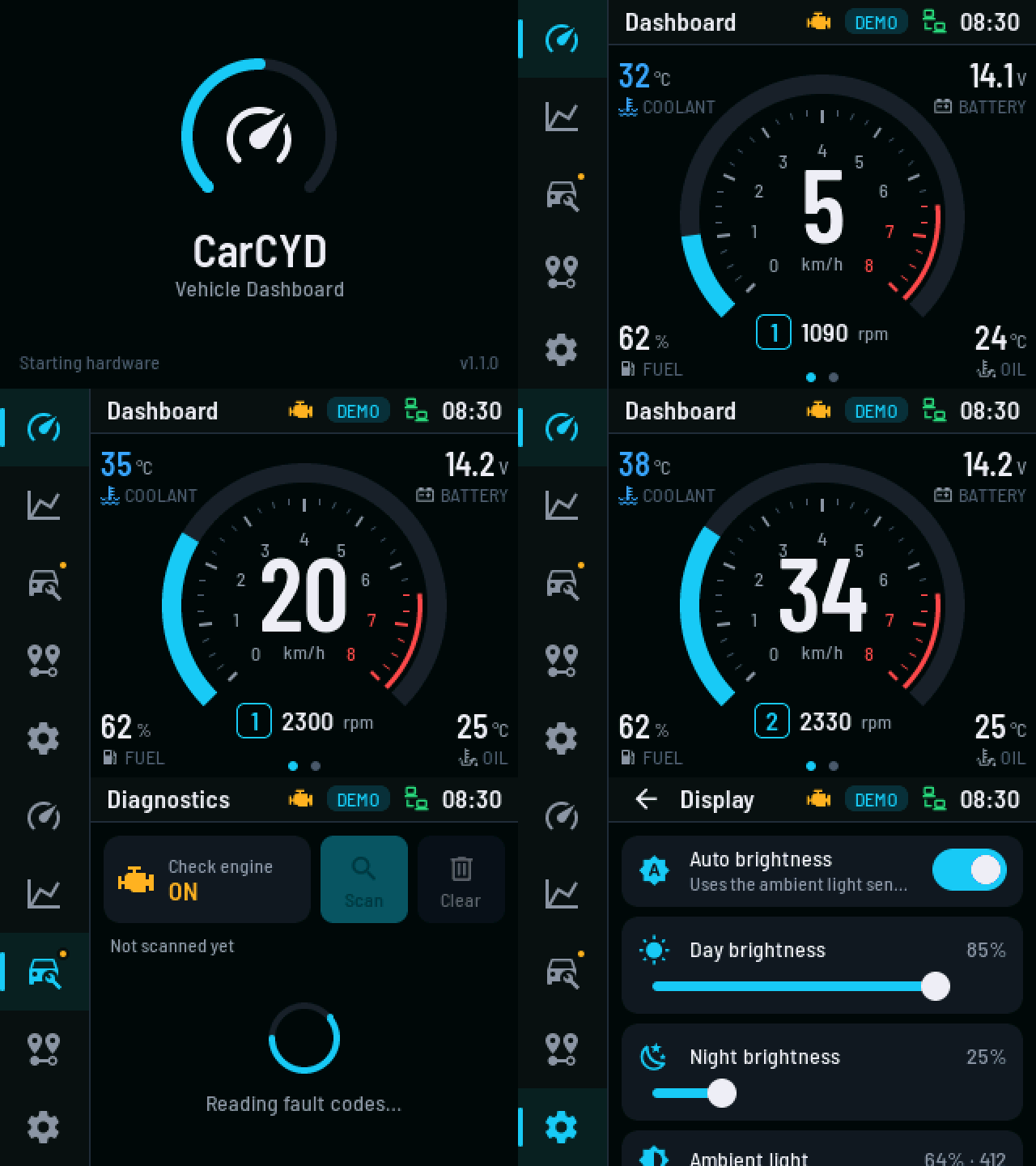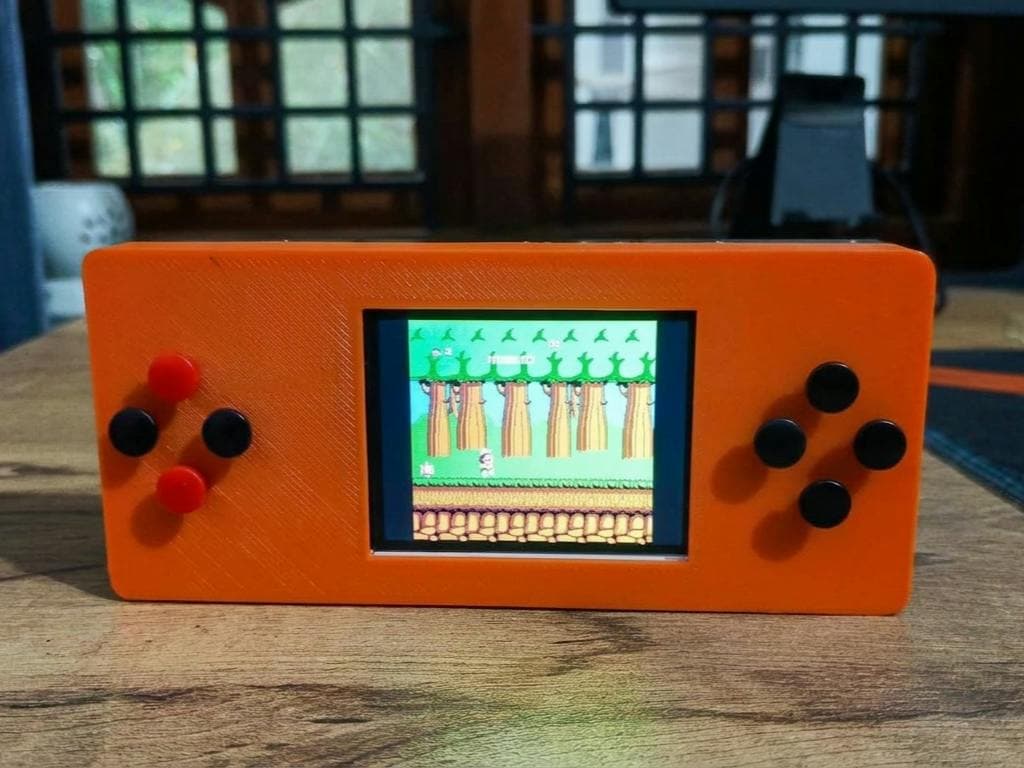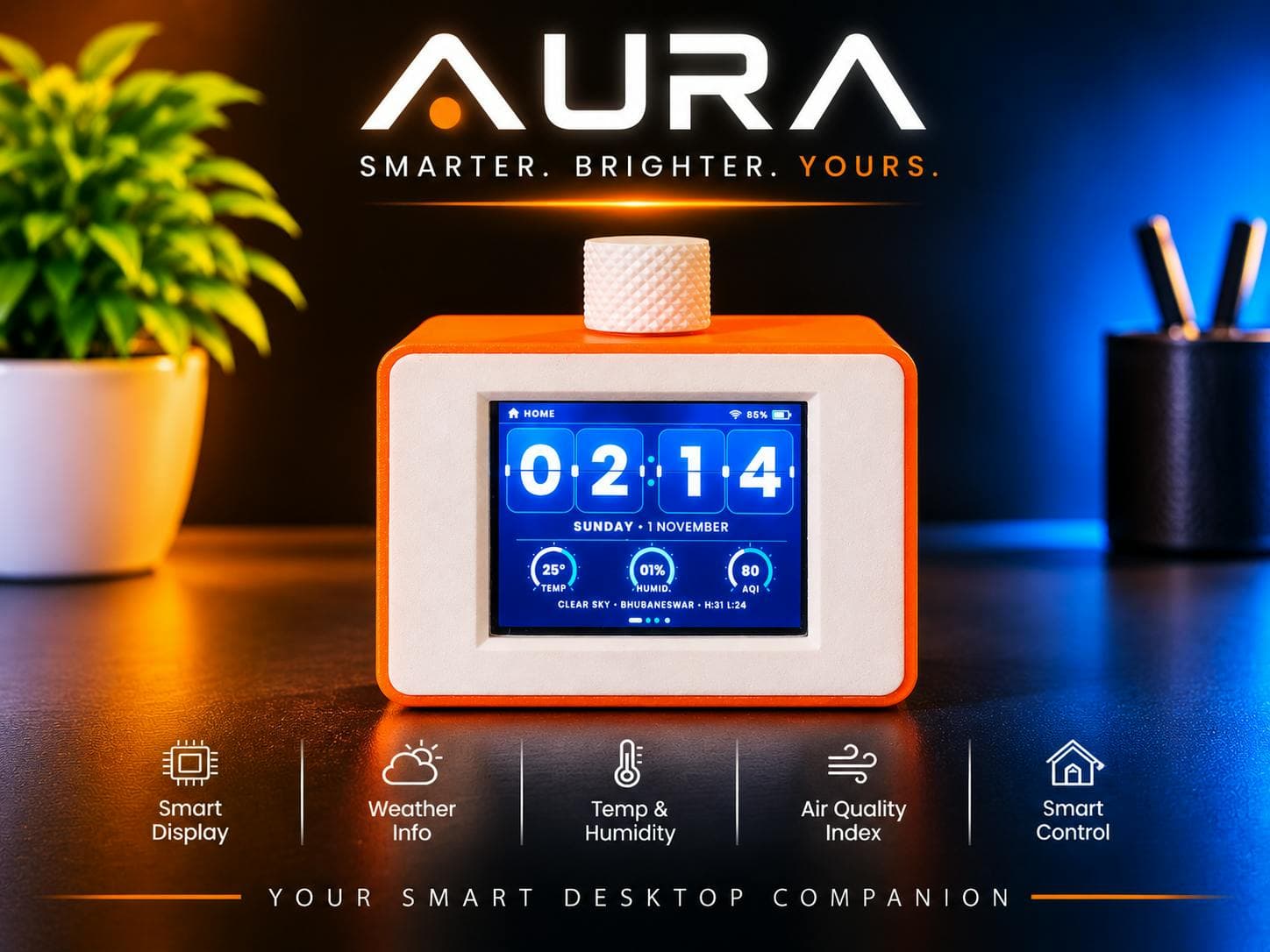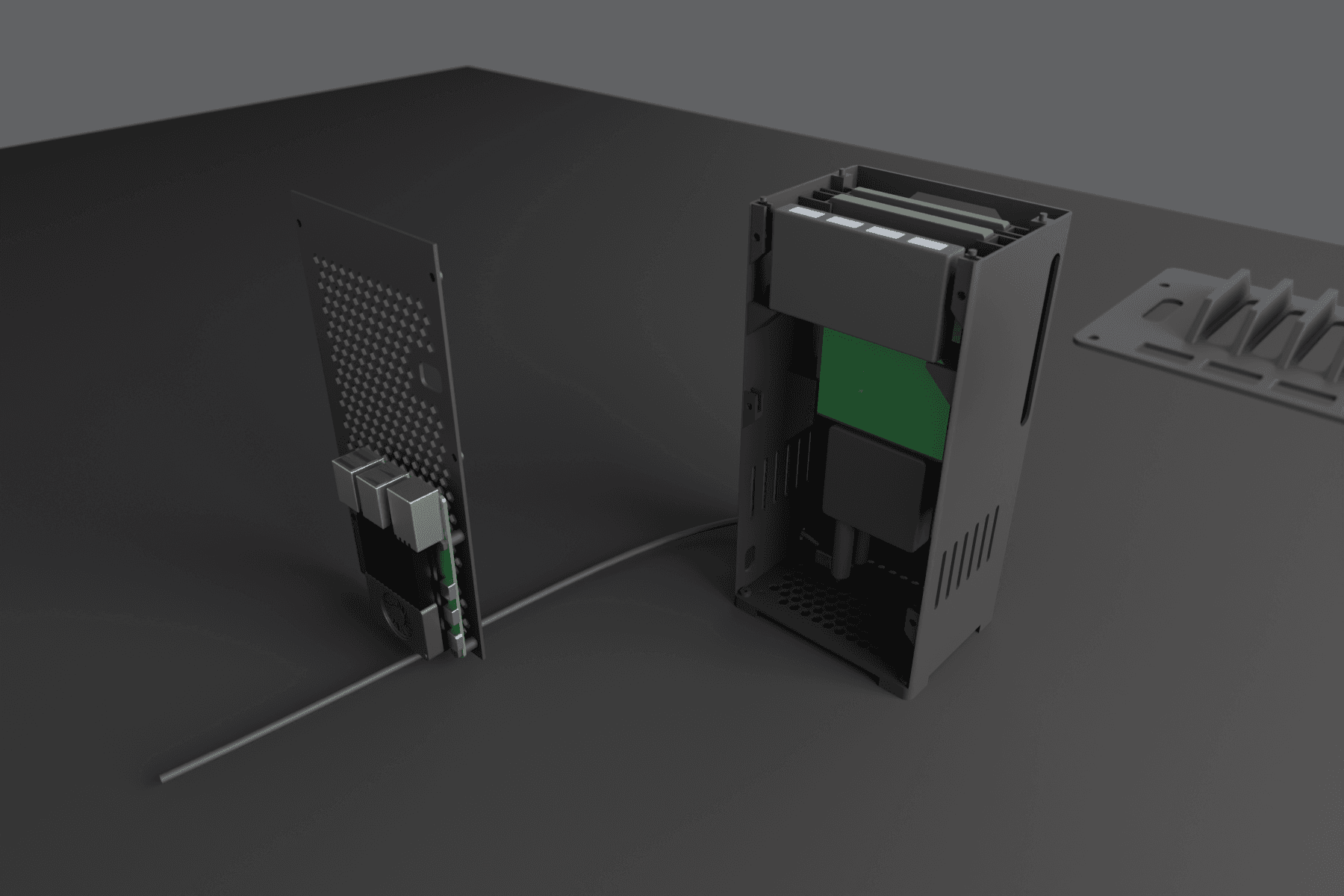
Yes. ChatGPT, Claude and other AI coding tools write working ESP32 code for Arduino, PlatformIO and ESP-IDF, because the chip is so widely documented. They handle Wi-Fi, displays, sensors and Bluetooth well. You still choose the parts, wire them, upload the code and paste errors back until it works.
Last updated October 26, 2026.
What AI does well on an ESP32
- Wi-Fi and web APIs: weather, calendars, transit times, or sending readings to your phone or Home Assistant
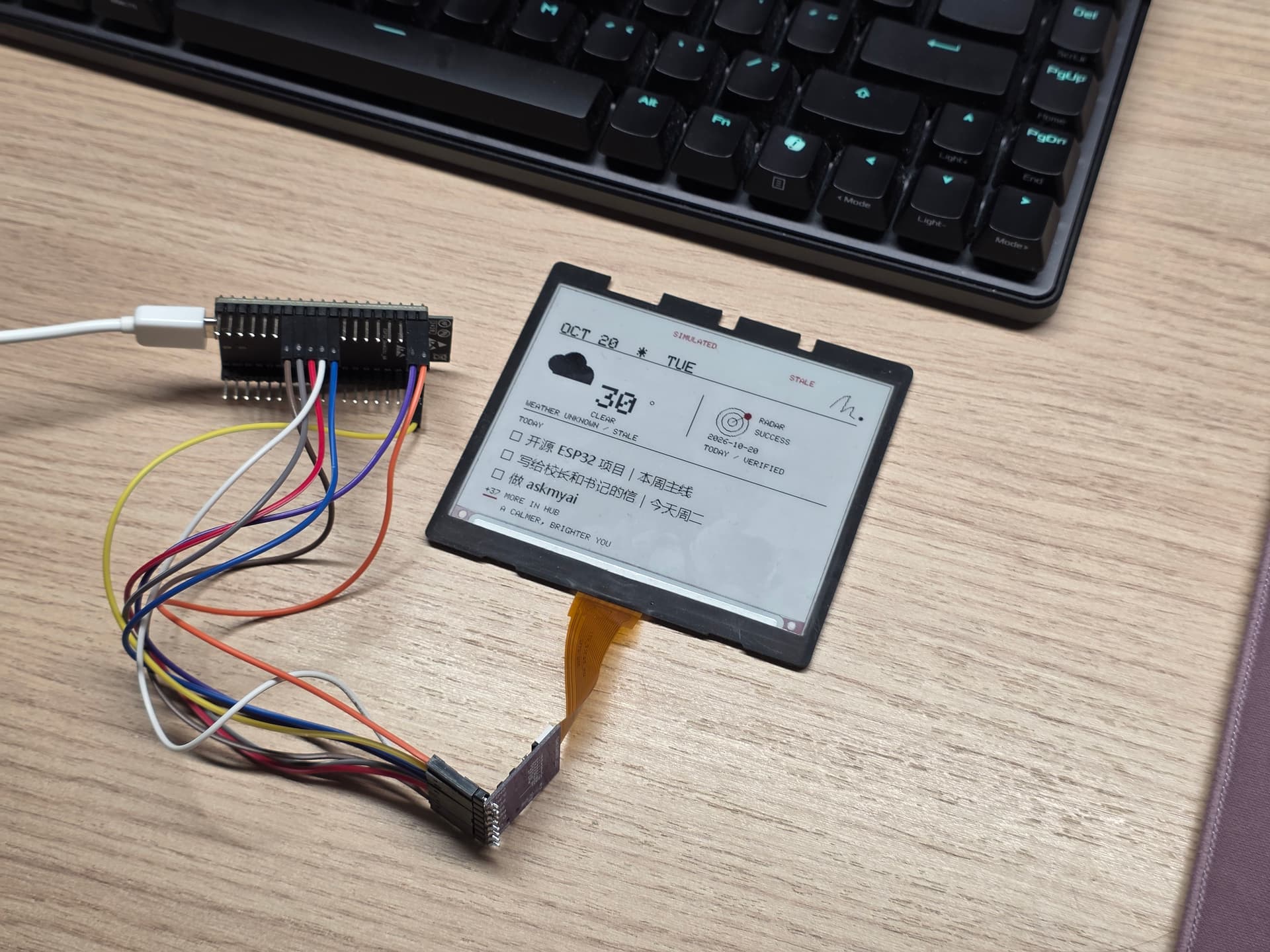
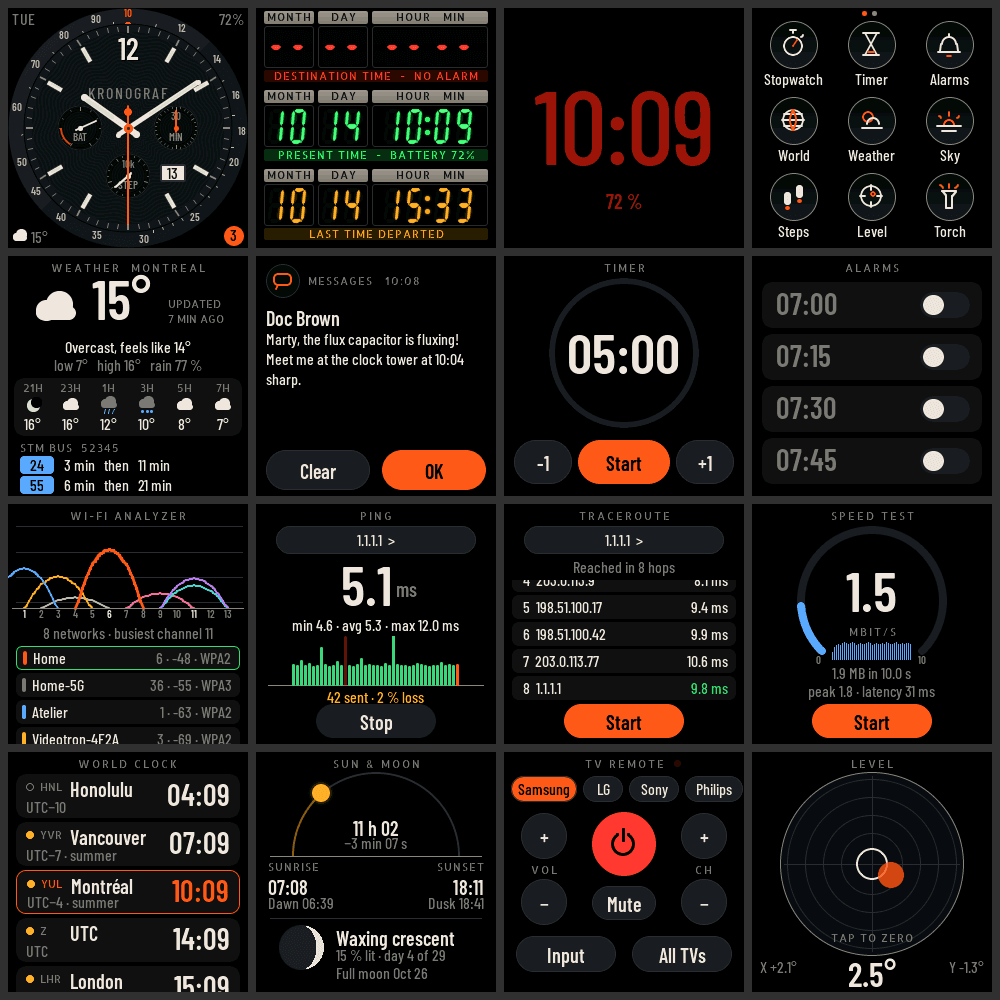
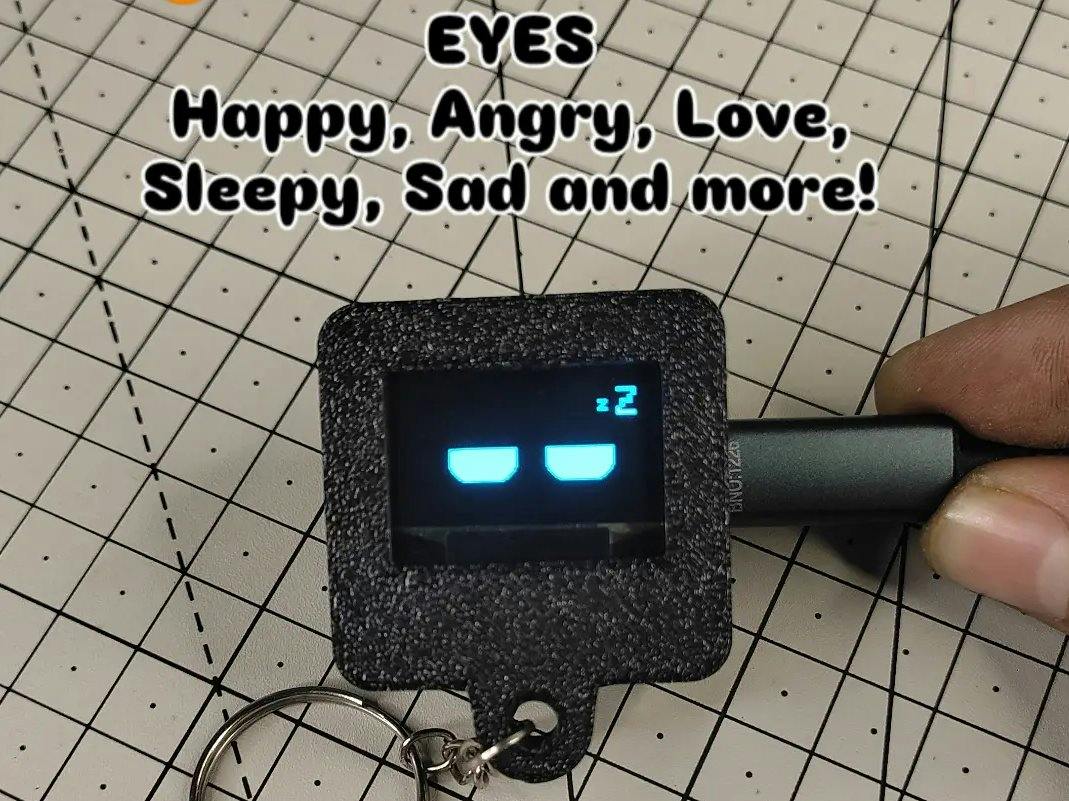
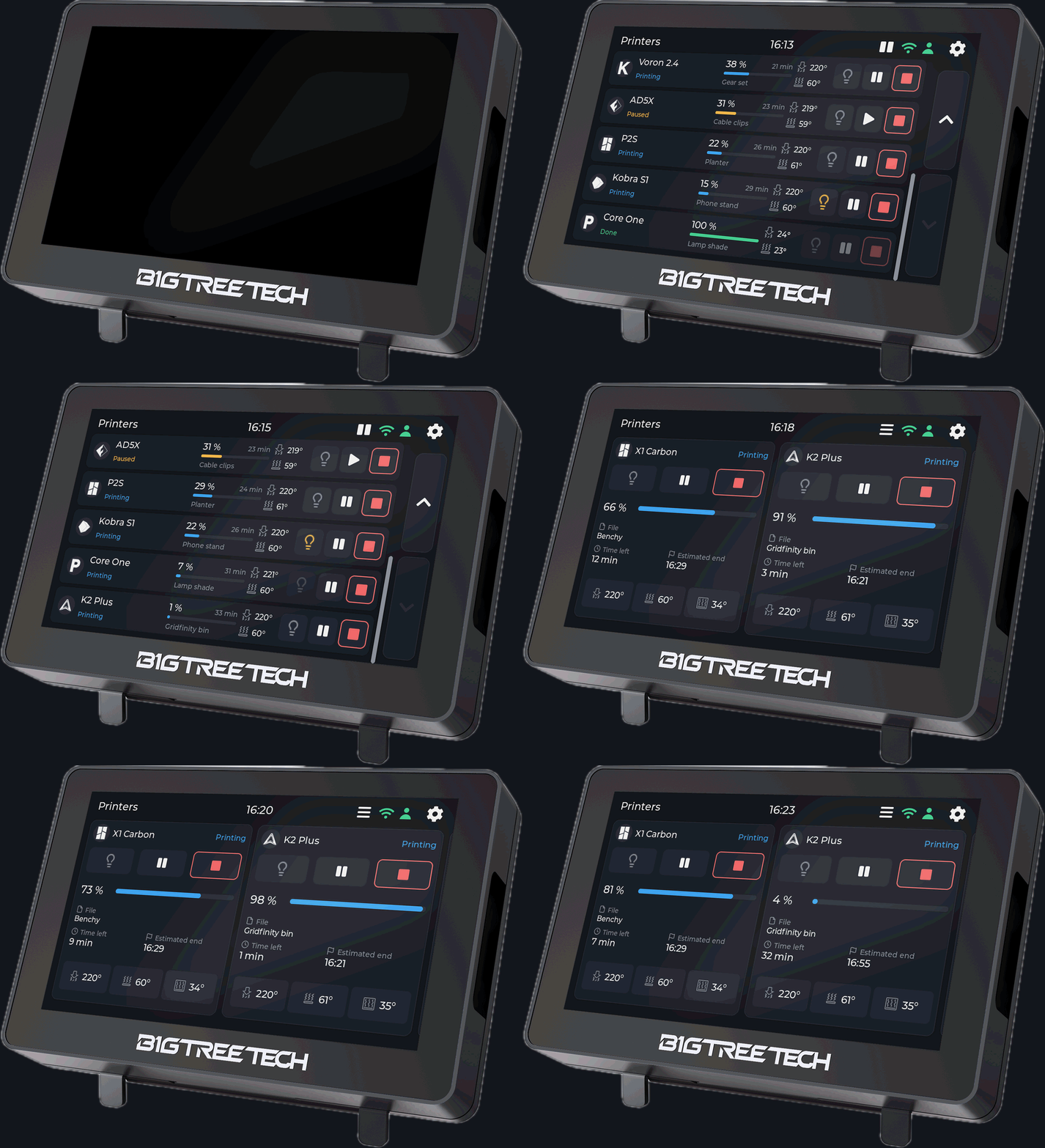
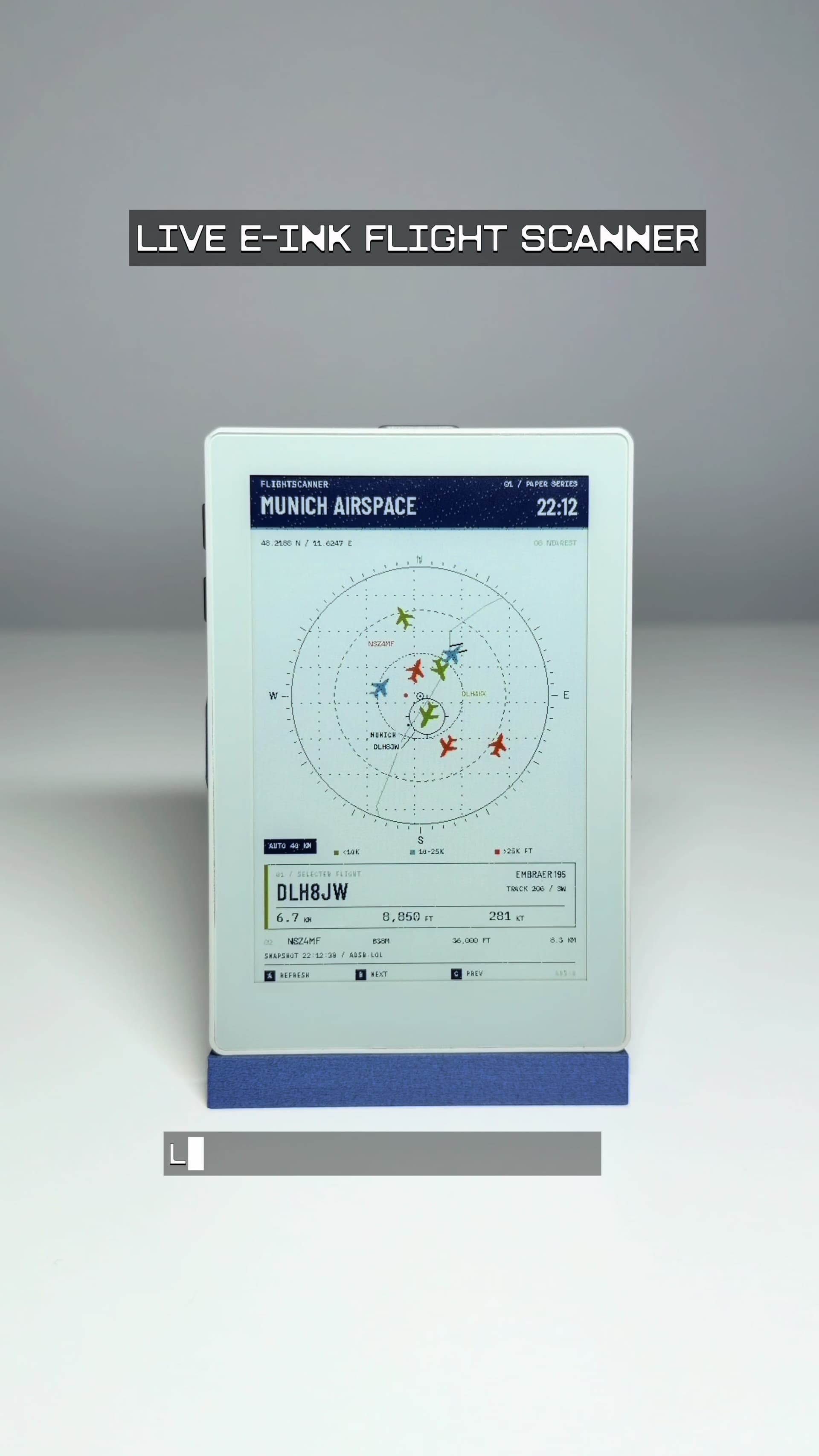
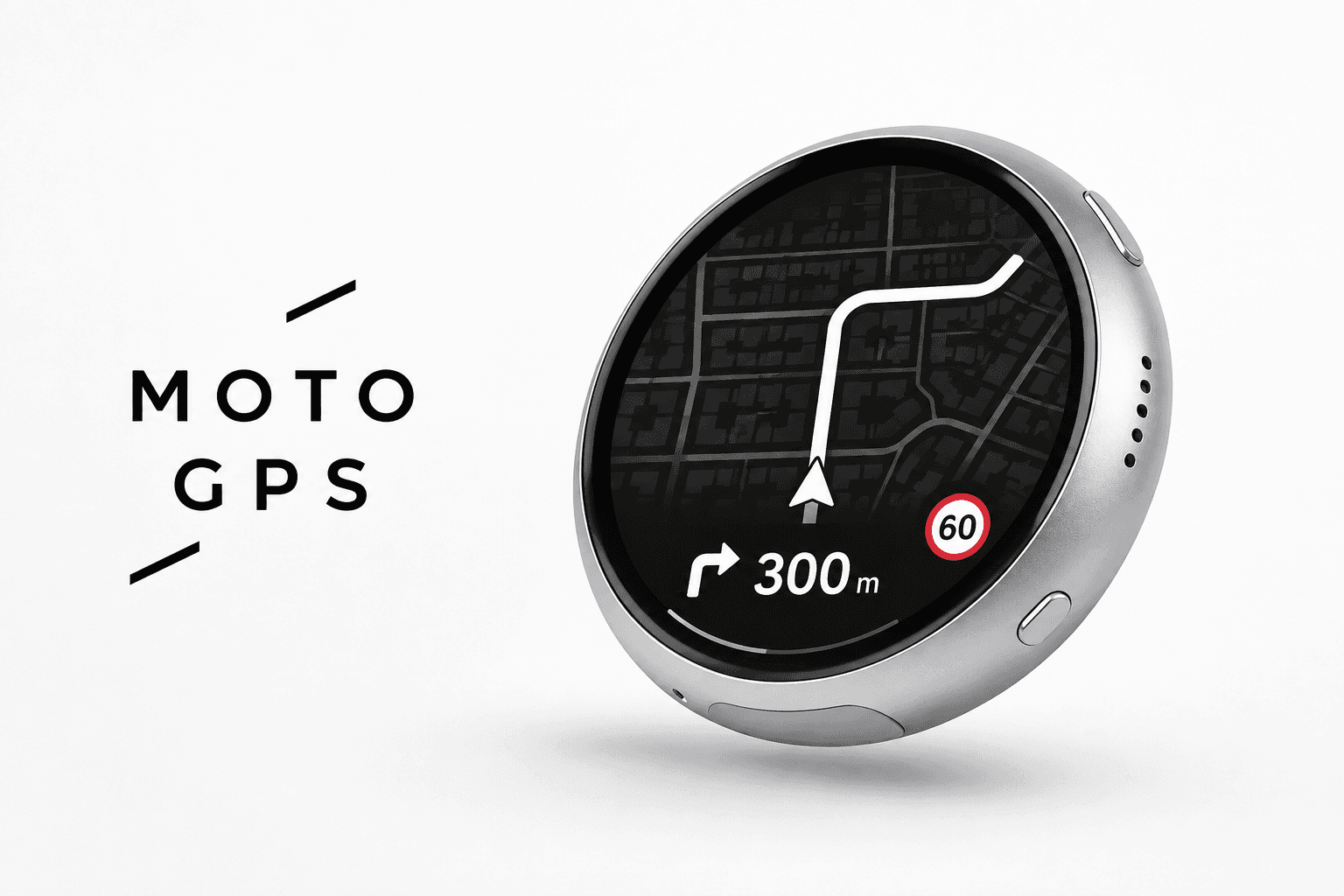
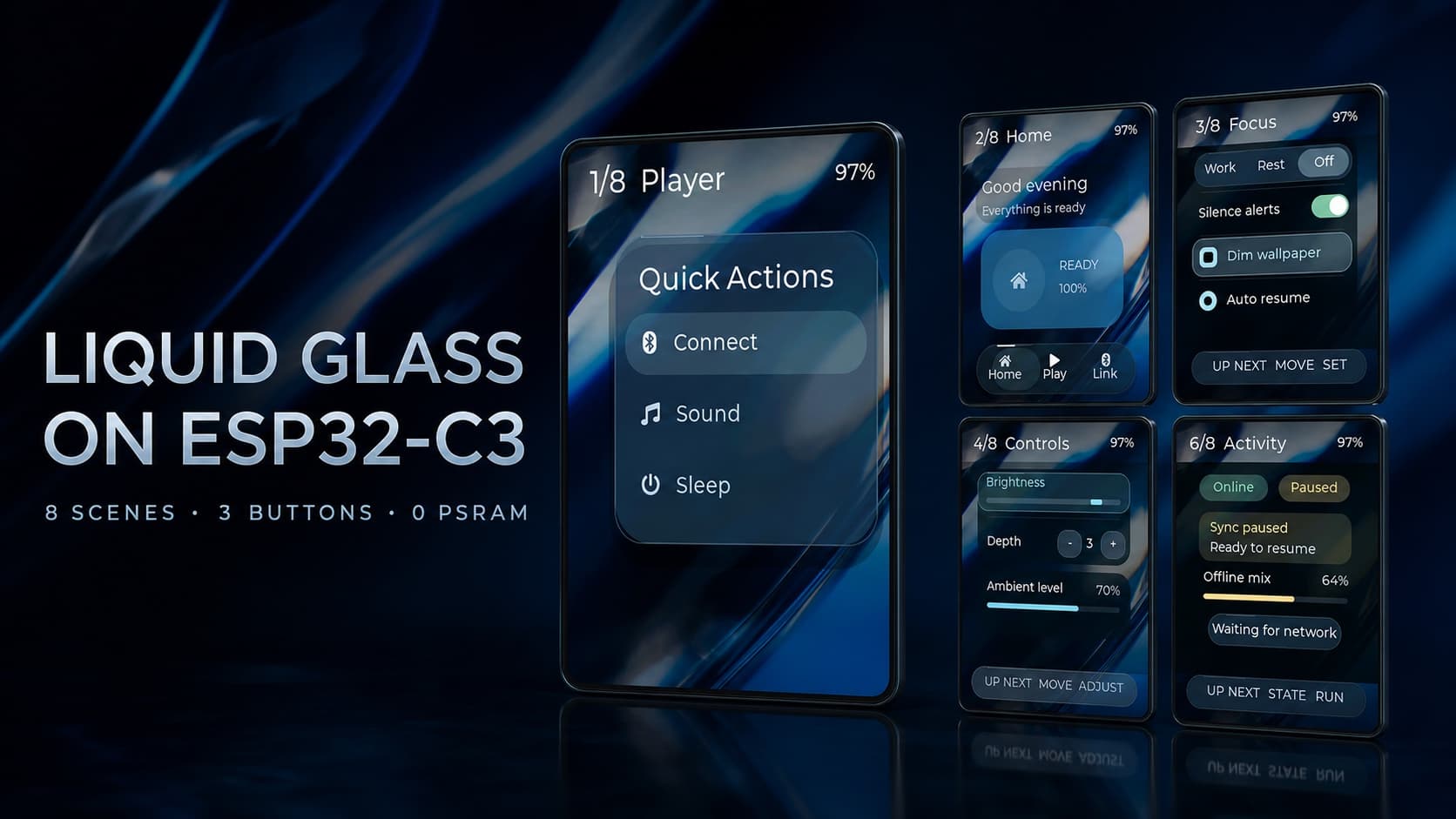
- Displays: TFT, OLED, e-ink and AMOLED screens, including full touch interfaces built with LVGL
- Sensors and inputs: temperature, soil moisture, buttons and rotary encoders
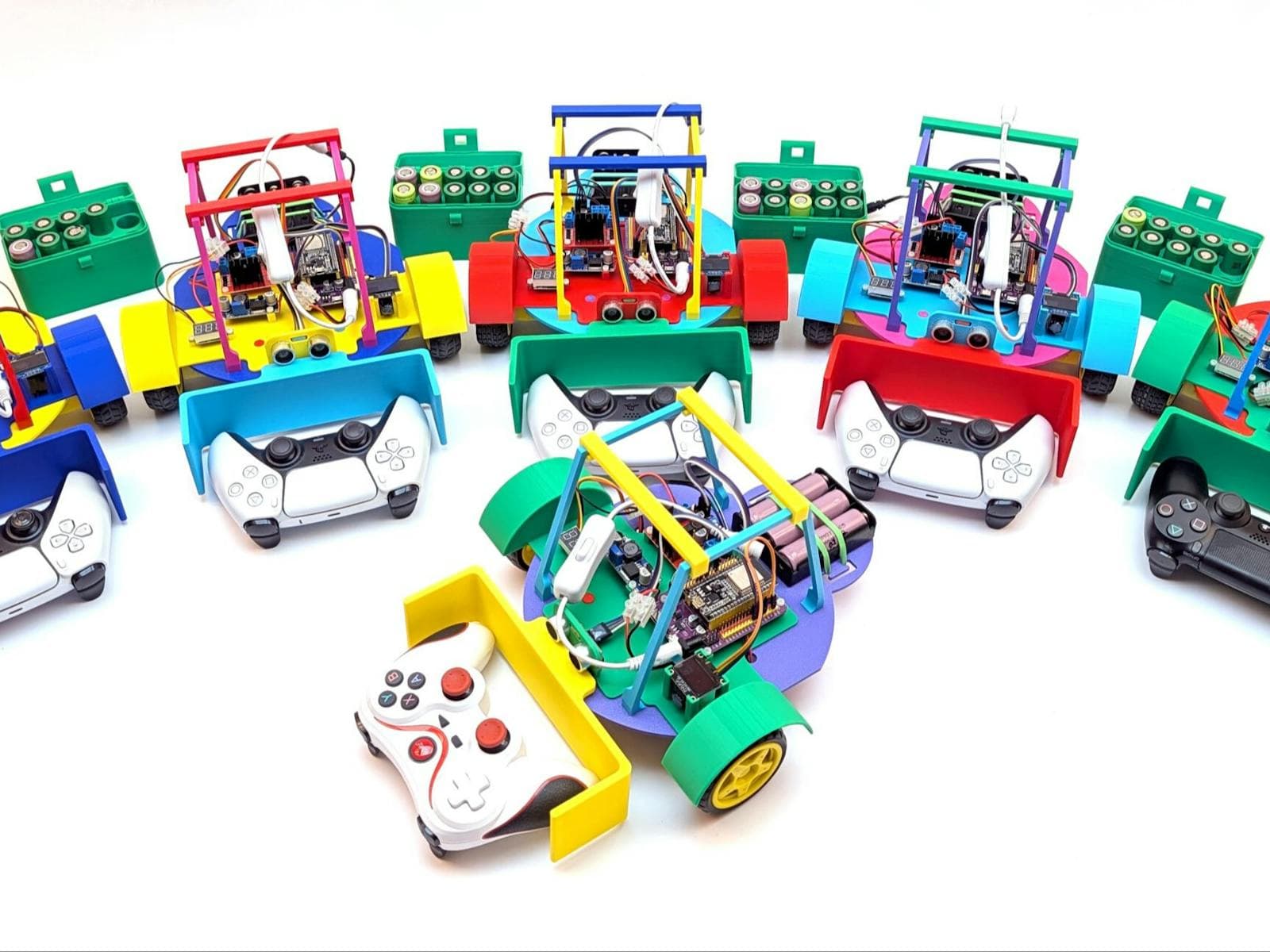
- Bluetooth: acting as a keyboard or controller, or talking to a phone or computer
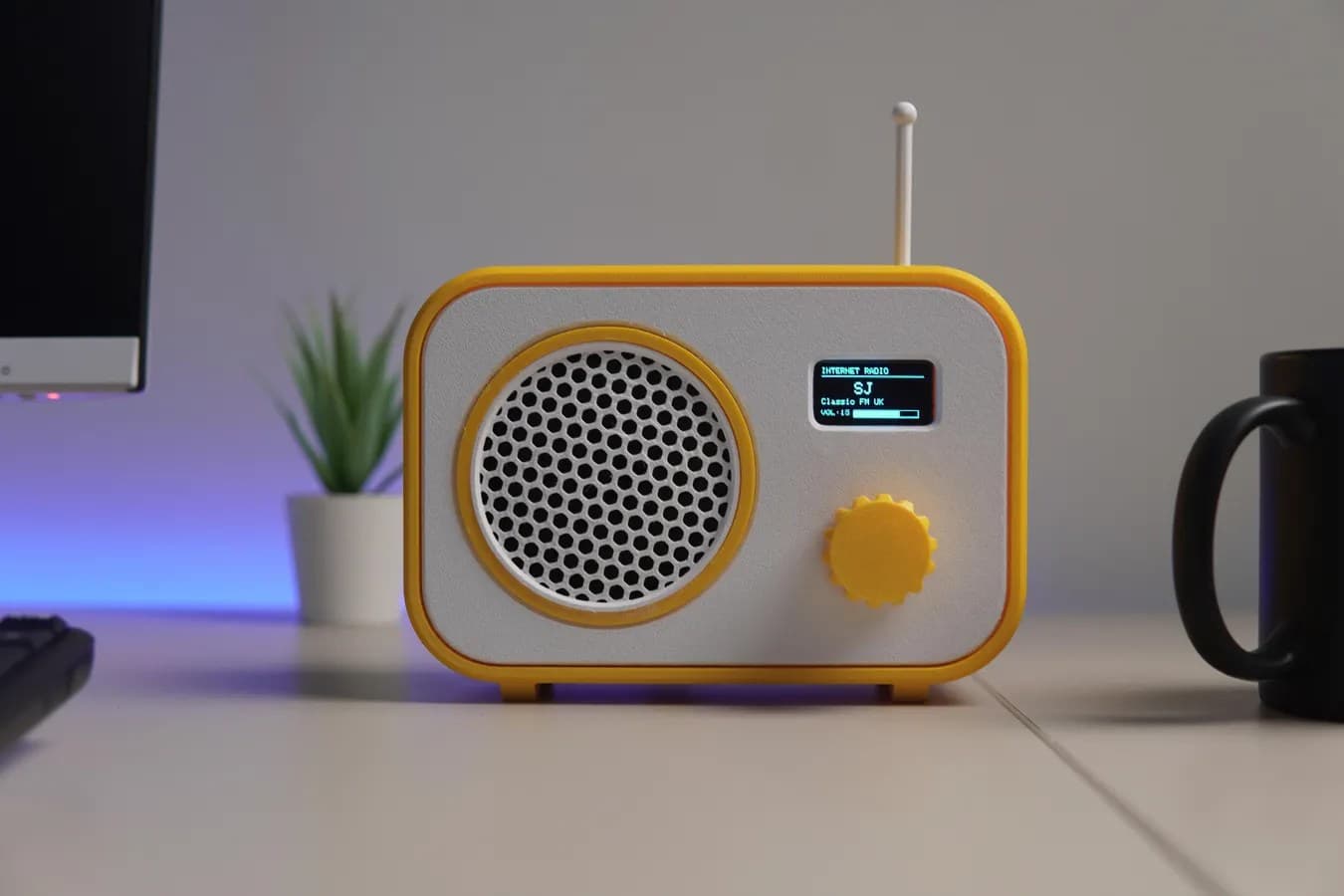
- Audio: I2S output for internet radios and music players
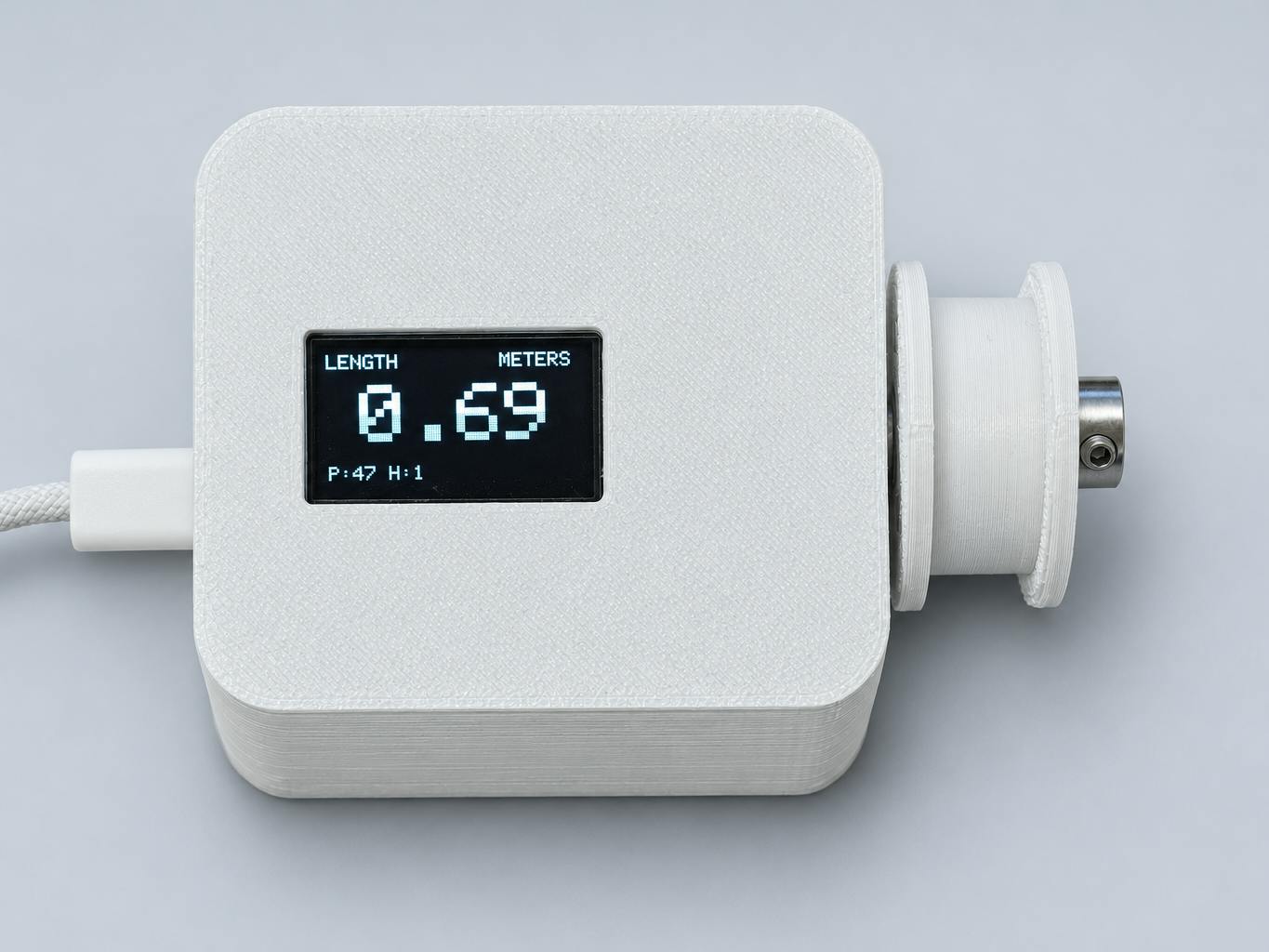
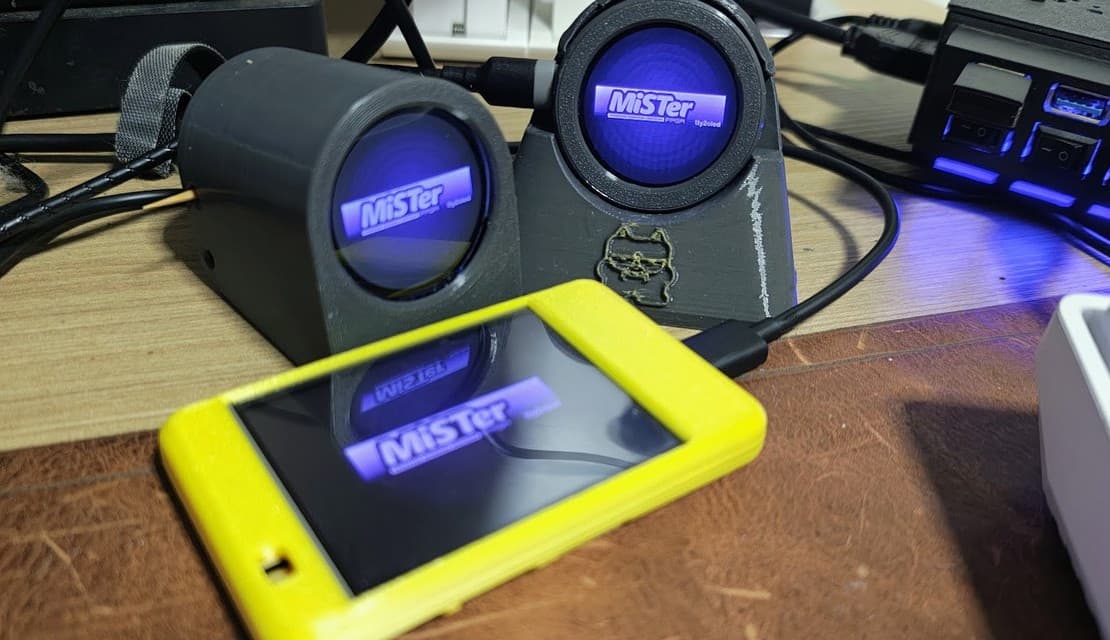
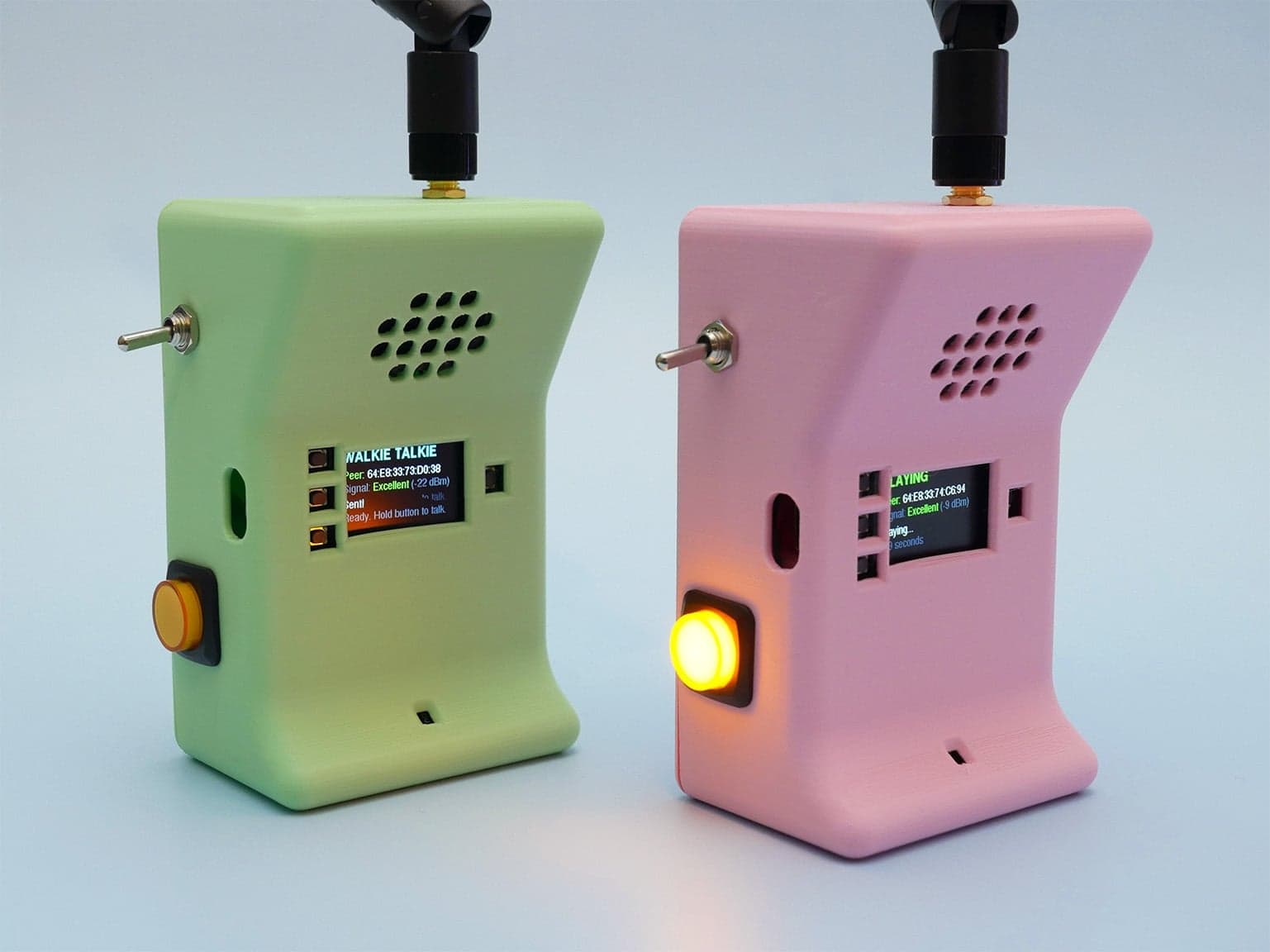
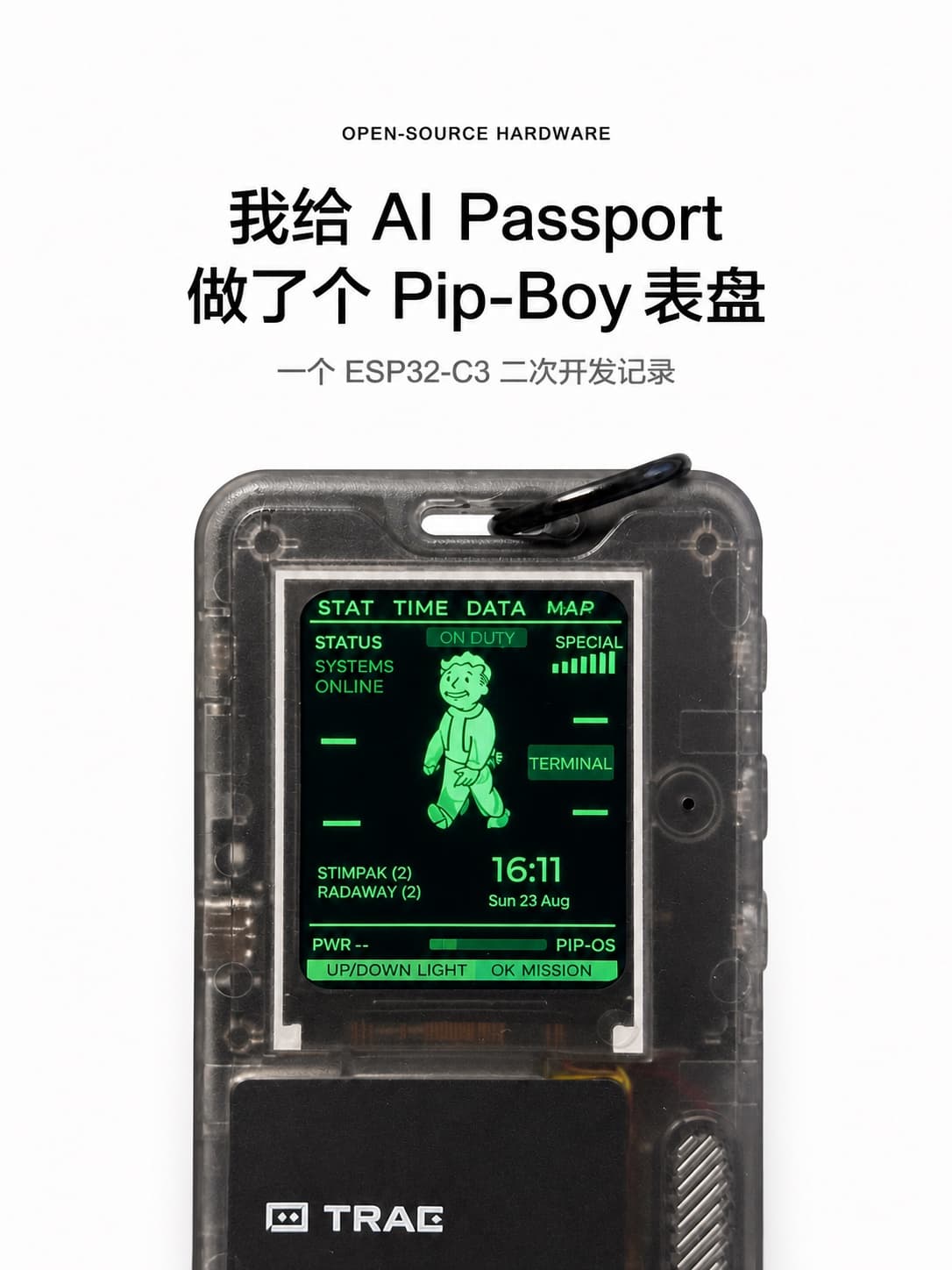
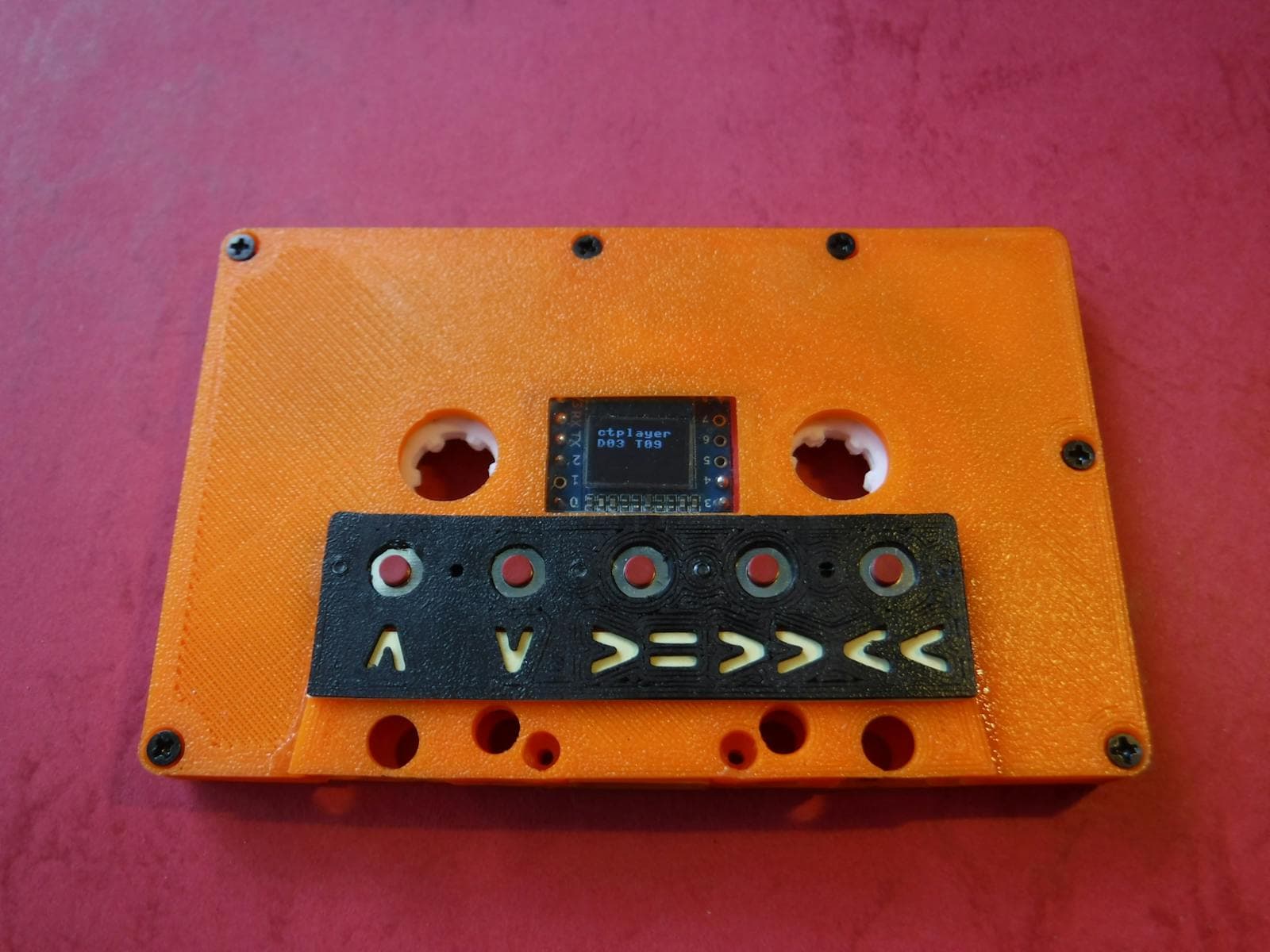
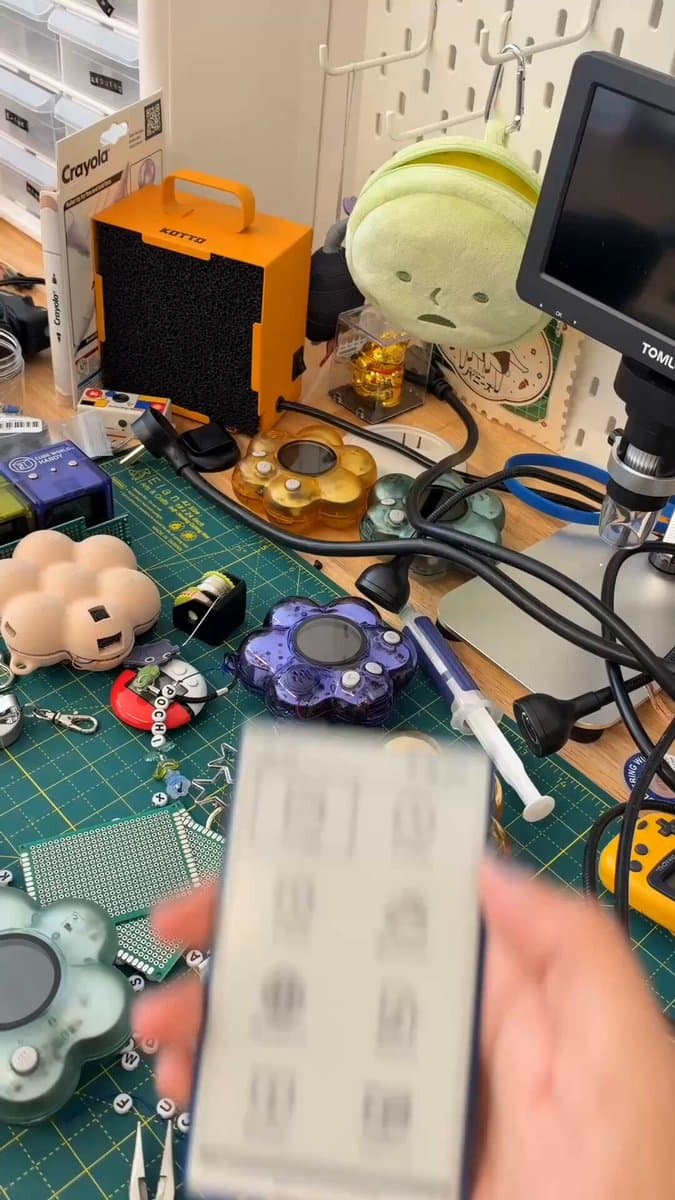
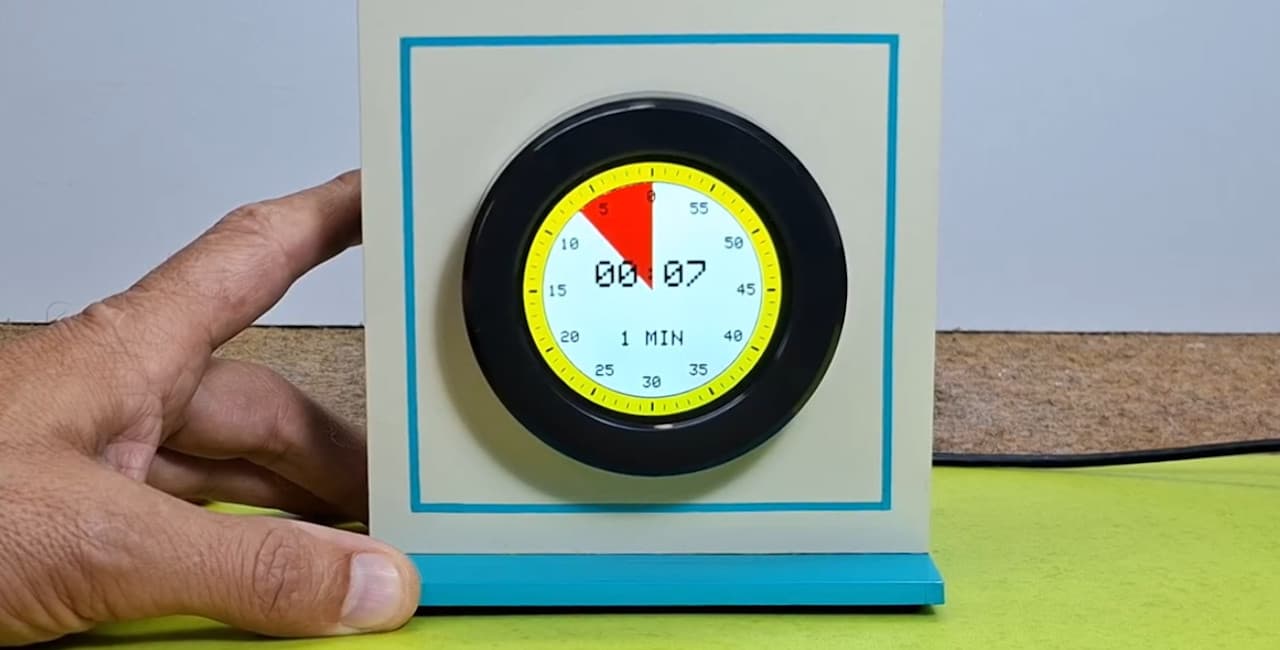
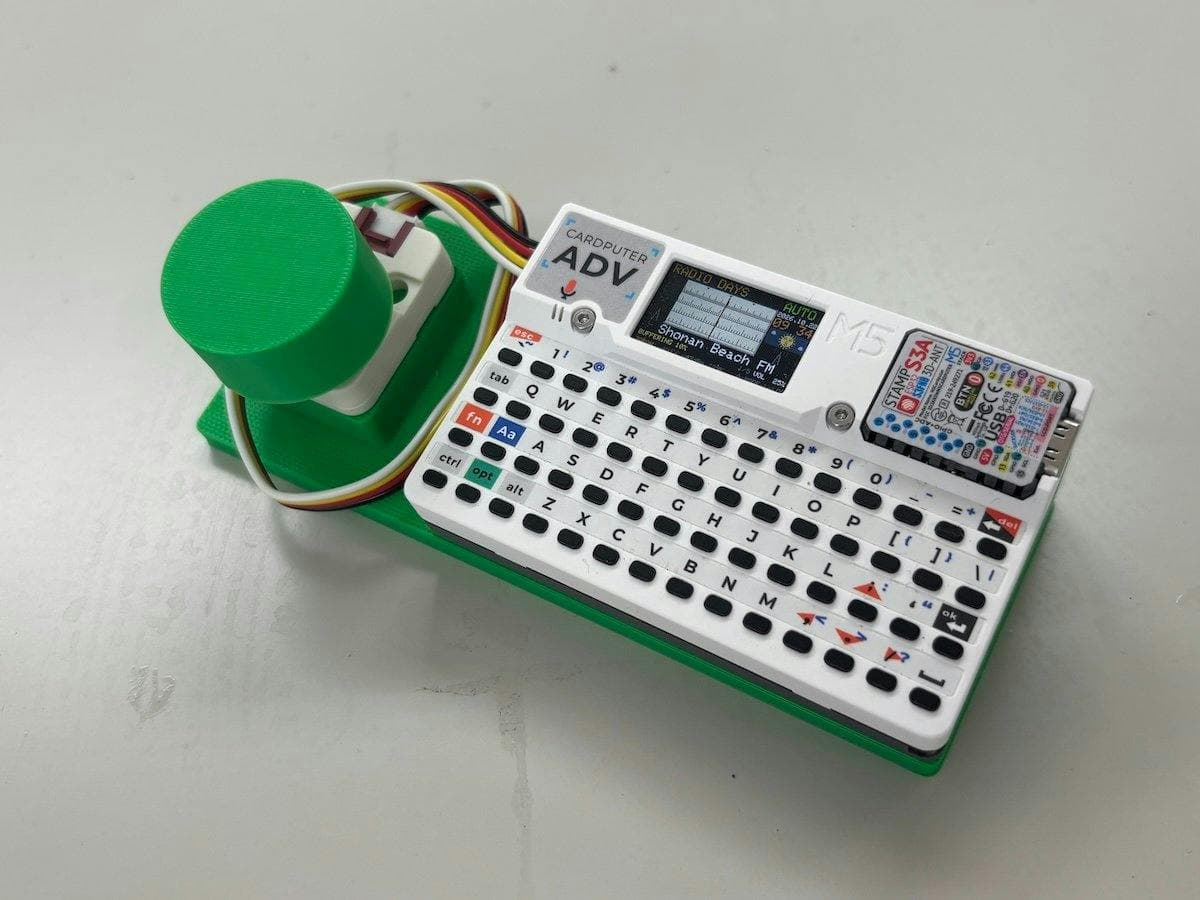
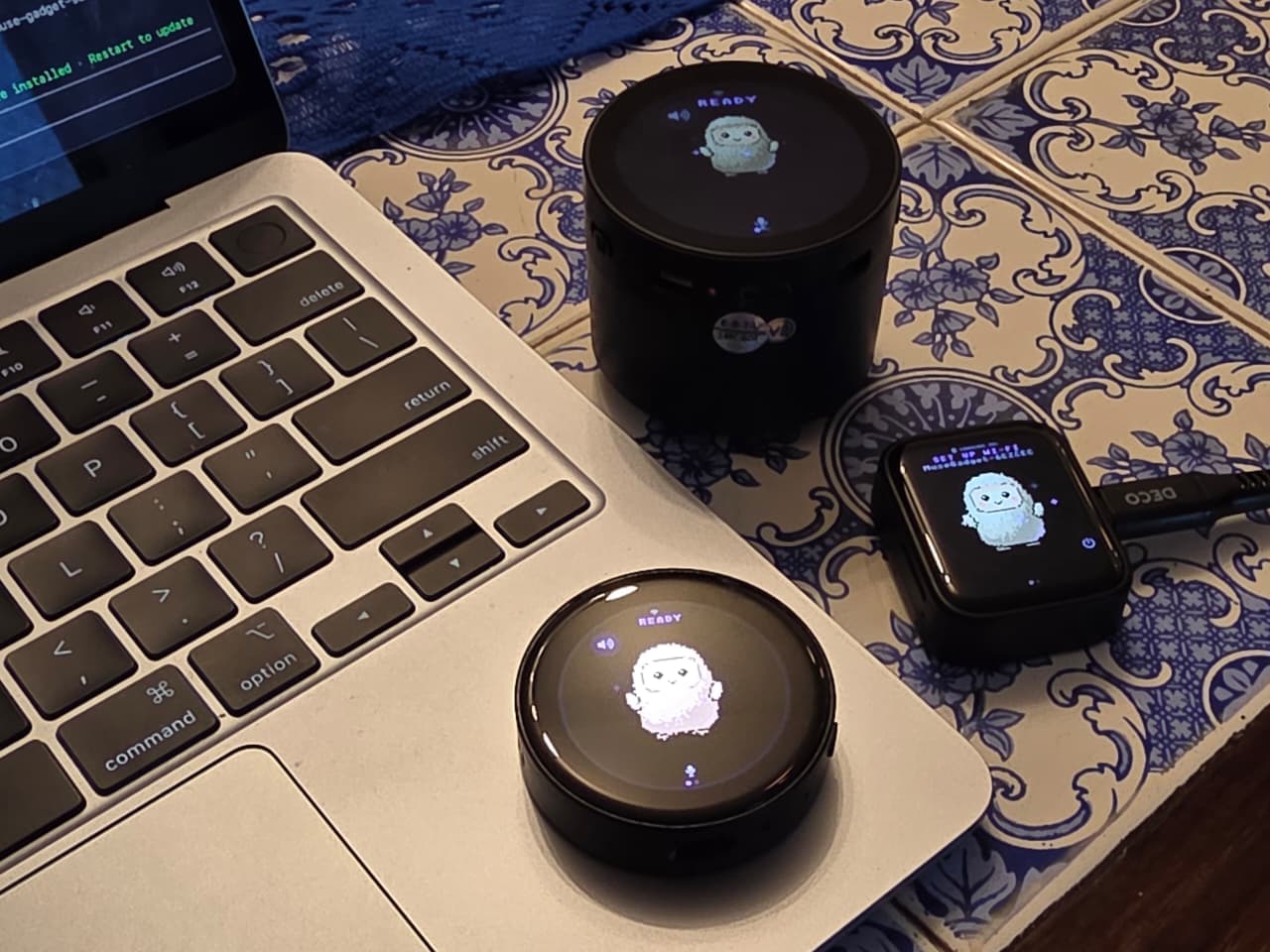
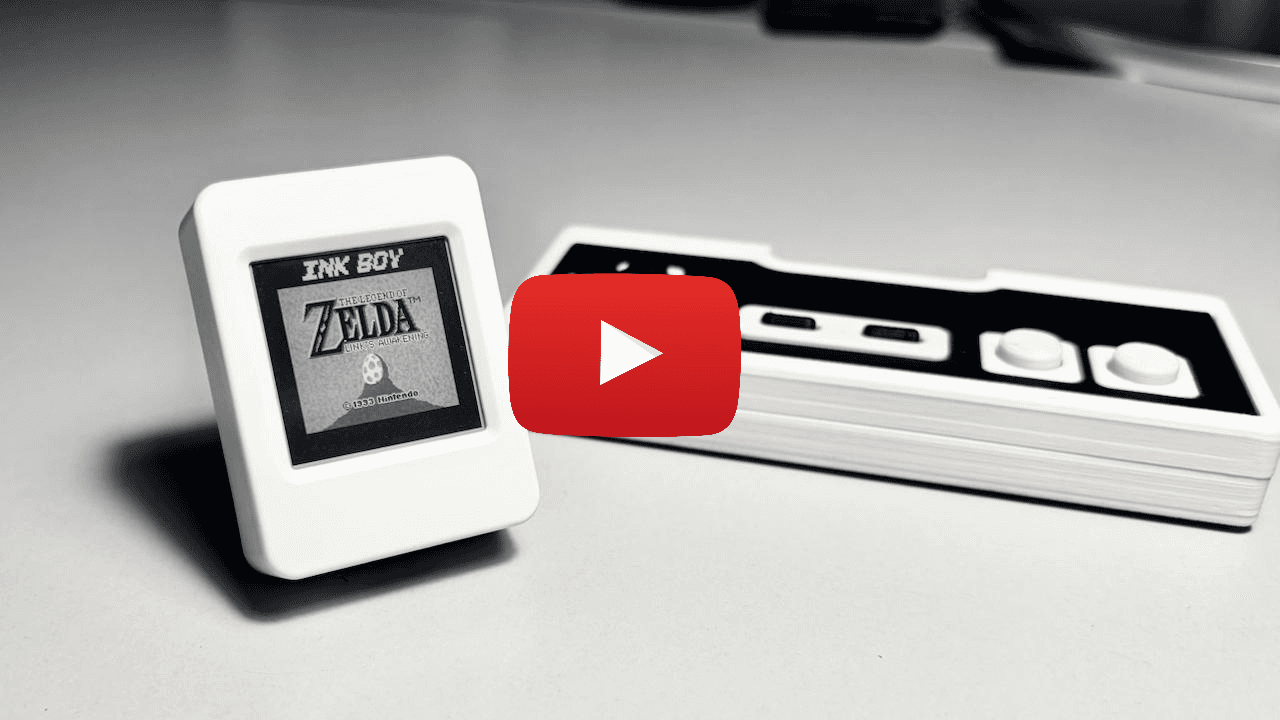
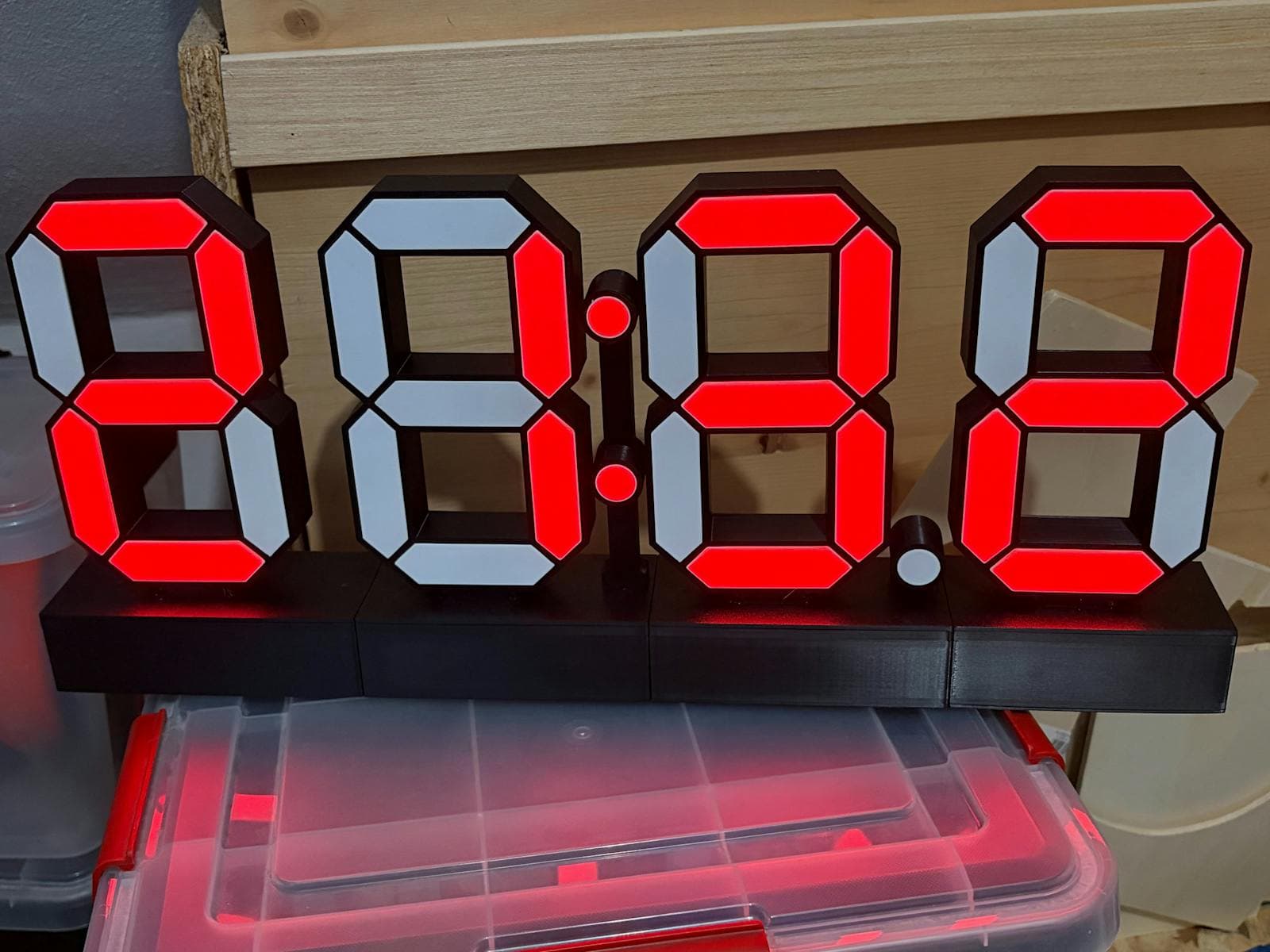
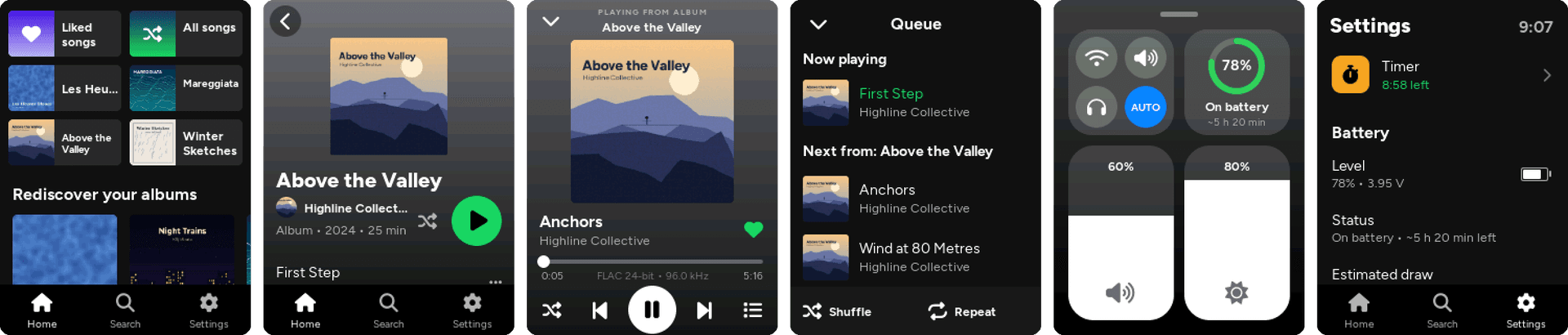
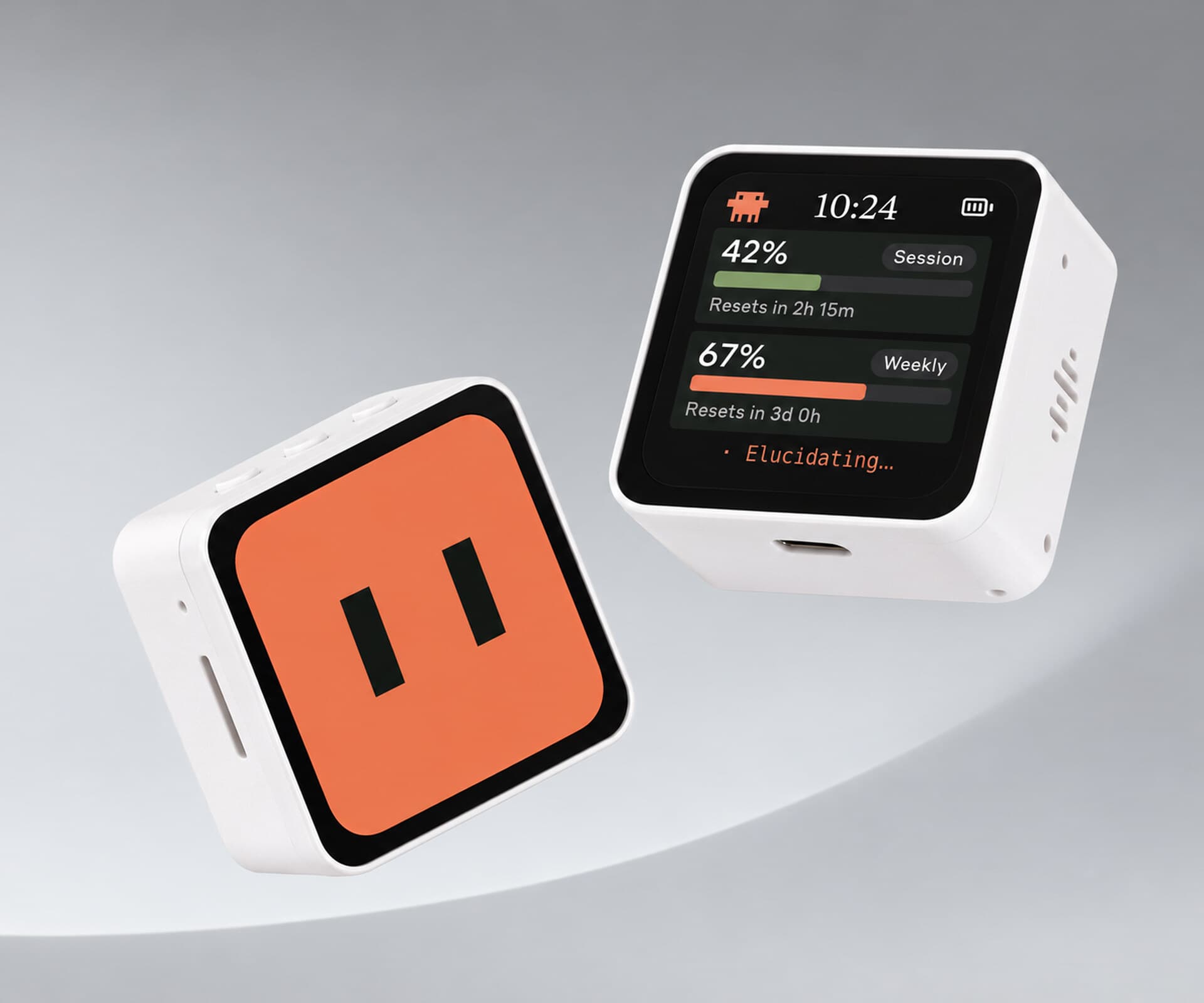
The builds on Afterware back this up. Most ESP32 projects here score 4 or 5 for AI-buildability, which means the code is the bulk of the work and AI can write most of it. A few examples: a pocket FLAC player with a Spotify-style UI, ESP-NOW walkie talkies that skip the cell network, and a FoloToy AI Passport rebuilt as a Pip-Boy clock, whose repo ships with an AGENTS.md file so coding agents can work on it.
Where it struggles
- Your exact board and pins. There are hundreds of ESP32 boards and the AI can't see yours. Wrong pins and the wrong display driver are the most common failure. Give it the exact board name and a link to its pinout.
- Library and core versions. Version 3 of the ESP32 Arduino core changed several APIs, and AI sometimes writes for older versions. Tell it which versions you have installed and paste compile errors in full.
- Memory limits. Big screens, images and audio can run out of RAM. Boards with PSRAM, such as many ESP32-S3 modules, give the code more room.
- Power and wiring. AI can explain wiring, but it can't check it. ESP32 pins are 3.3 volts, and batteries, motors and high-current parts need extra care.
ChatGPT, Claude or a coding agent?
- A chat window (ChatGPT, Claude, Gemini) works for single-file Arduino sketches: paste the code into the Arduino IDE, upload it, and paste any errors back.
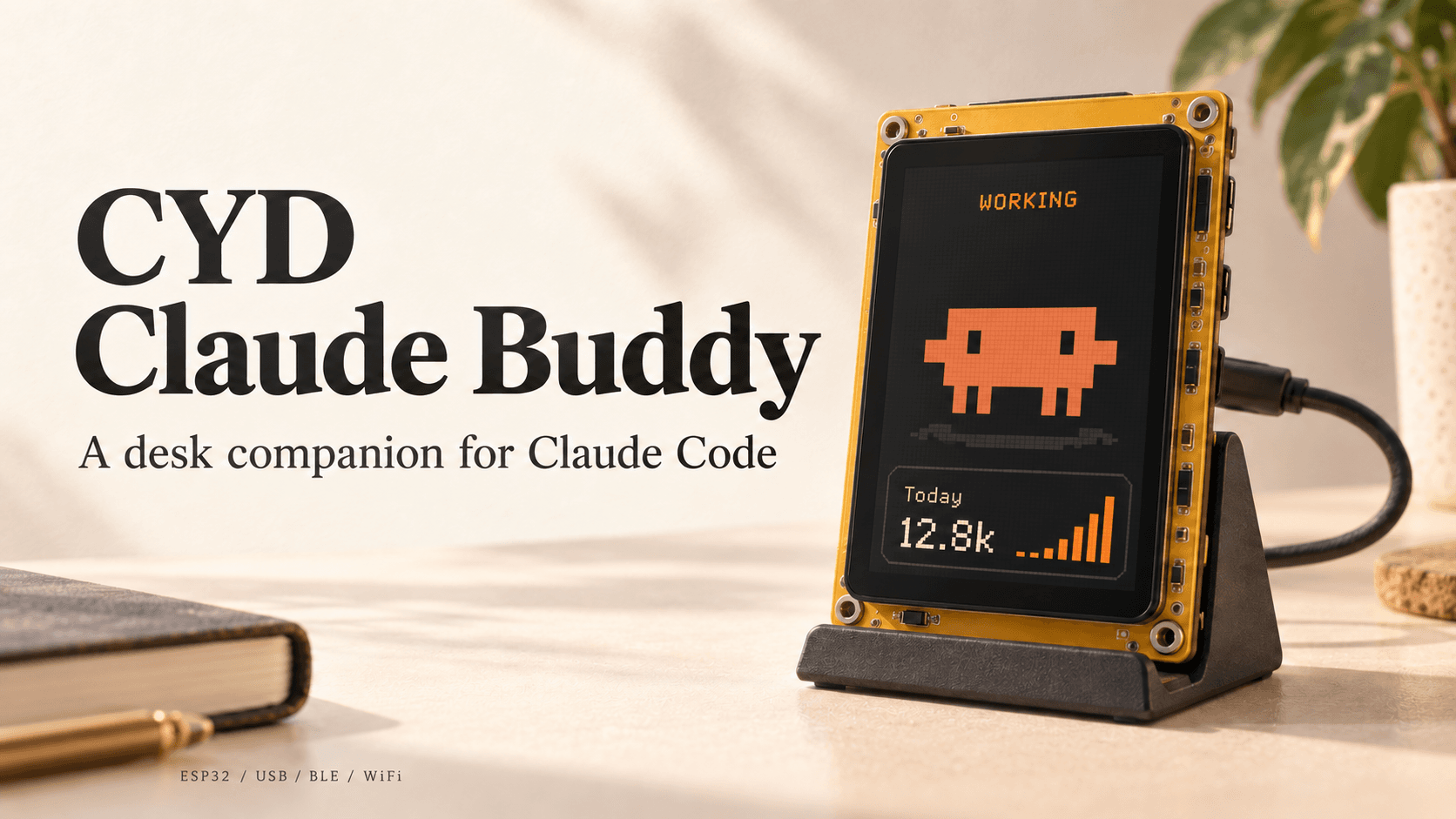
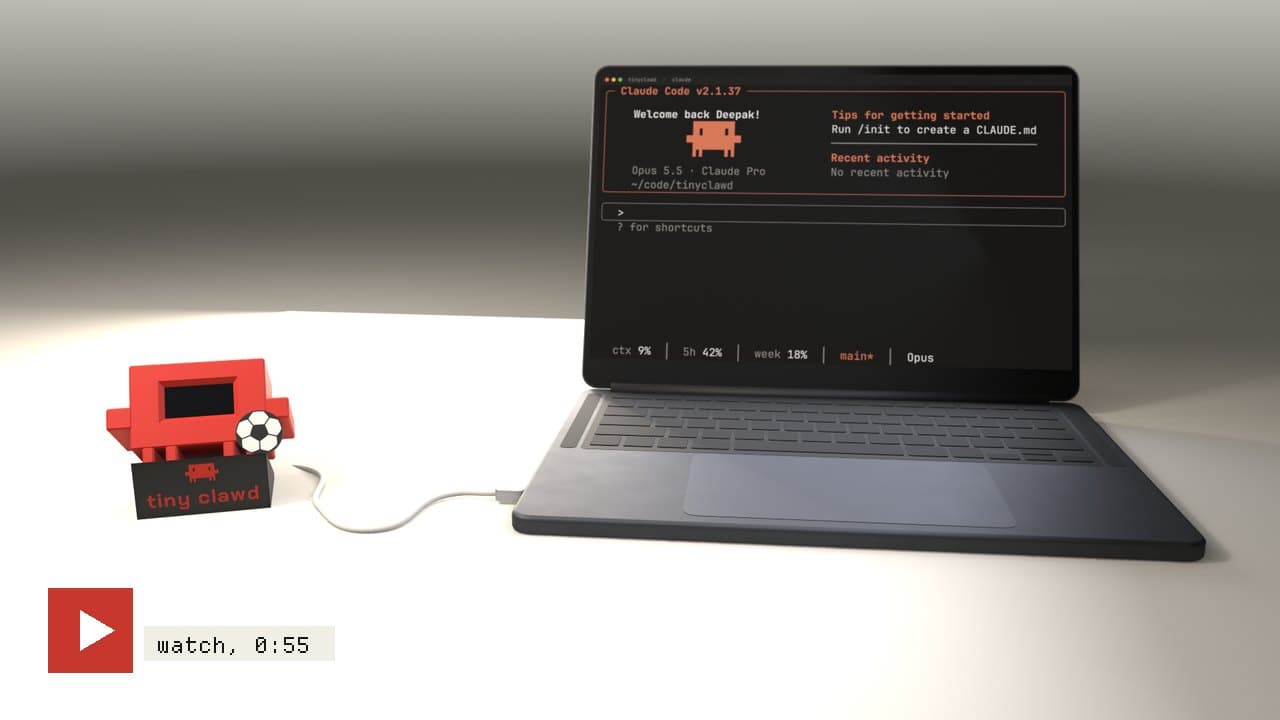
- A coding agent (Claude Code, Cursor, Codex or similar) is better for bigger projects. It edits the files in your project, runs the PlatformIO or ESP-IDF build, reads the errors and fixes them, and can usually upload to the board and read the serial monitor itself.
Any of the major models can do it. The workflow matters more than the brand: small steps, real error messages and the exact hardware named.
A workflow that works
- Name the board, every module and how they're connected.
- Ask for the smallest version that proves the hardware works, like a line of text on the screen.
- Upload it, open the serial monitor and paste back exactly what happens.
- Add one feature at a time, and save working versions so you can roll back.
- Ask the AI to explain anything you don't understand, especially wiring.
Every build on Afterware has a starter prompt that opens with a link to the build, so you can start from a project that already works.
Boards that suit AI-written code
- Cheap Yellow Display (ESP32-2432S028R): an ESP32 with a 2.8 inch touchscreen built in, so there's no wiring. See Cheap Yellow Display projects.
- ESP32-S3 dev boards: fast, with more memory, and able to act as a USB keyboard or mouse.
- All-in-one devices from makers like M5Stack, LilyGO and Waveshare, where the hardware is finished and the work is all firmware.