 Videoby deepakpopli · GitHub · open hardware
Hardware · build
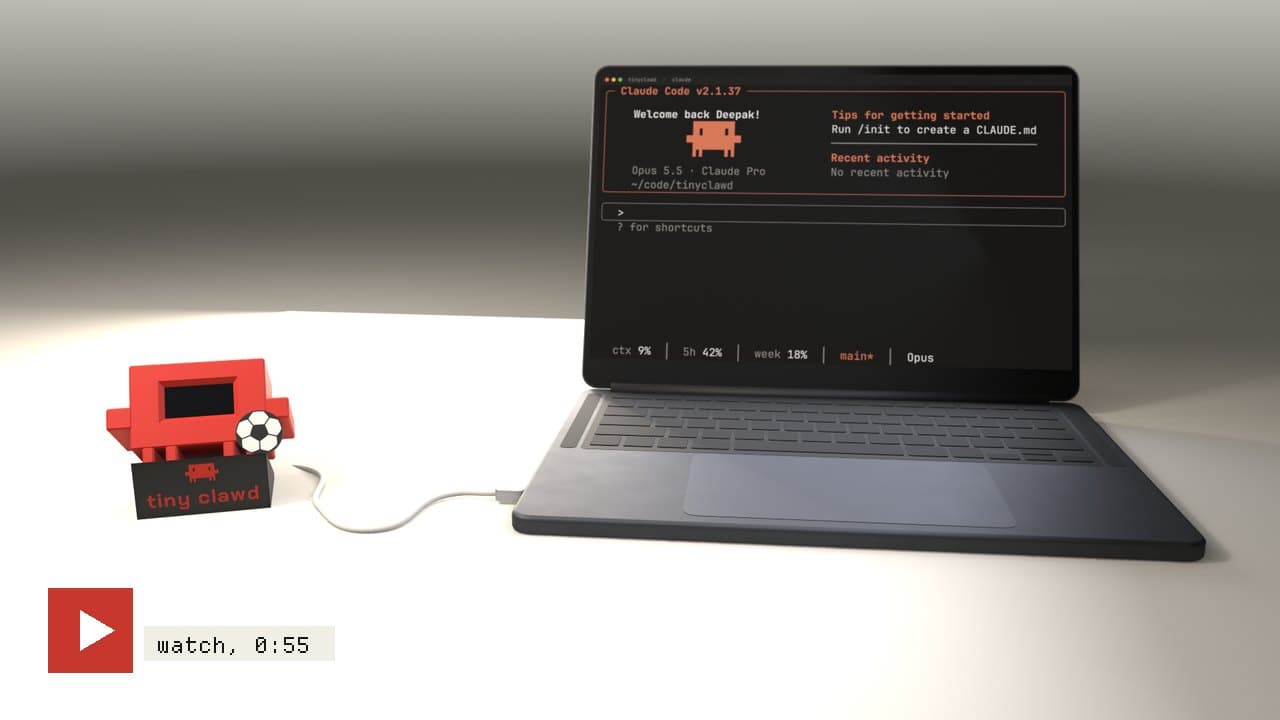
An ESP32-C3 keychain with robot eyes and a photo frame
A Super Mini ESP32-C3 and a 0.96-inch OLED fit on a keyring, showing animated robot eyes until you send it a photo from your phone's browser.
Build sheet
- Controller
- ESP32-C3 Super Mini
- Display
- 0.96in SSD1306 OLED
- Interface
- Wi-Fi web page, no app
- Form
- Keychain
Can I build this?Intermediate · AI 4/5 · $10–25
- Difficulty
- Intermediate
- AI-buildability
- 4/5
- Time
- A weekend
- Cost
- $10–25
Most of the work is firmware for an off-the-shelf board (eye animation, web upload, image dithering), with only light soldering and a small printed case.
Tools
soldering iron3D printer
Starter prompt
Based on "An ESP32-C3 keychain with robot eyes and a photo frame" on Afterware: https://afterware.xyz/p/an-esp32-c3-keychain-with-robot-eyes-and-a-photo-frame
Write Arduino firmware for an ESP32-C3 Super Mini driving a 0.96-inch SSD1306 I2C OLED. On boot, show animated robot eyes that blink and look around. Start a Wi-Fi access point with a small web page where a phone can upload a photo, then scale and dither the image to 128x64 monochrome and display it on the OLED.
Estimates based on the original write-up. How AI-buildability is scored. Building with an AI assistant? Connect it to Afterware (free MCP server).
Story
The ESP32-C3 Super Mini drives a 0.96-inch SSD1306 OLED, and the whole thing hangs off a keyring. Power it up and it greets you with animated robot eyes, which is the personality the build was after.
The keychain runs a Wi-Fi web interface. Connect your phone to the device, take a photo with the camera or pick one from your gallery, and send it over. The ESP32-C3 receives the image, processes it and shows it on the tiny screen. No app to install.
The author says fitting everything into a compact case without hurting reliability was the hard part, and that firmware and power tuning were needed to make it practical to carry every day. The full code is on GitHub.
Resources · 2
More like this


More like this
Videoby deepakpopli · GitHub · open hardware Hardwareby Spirik · Hackster