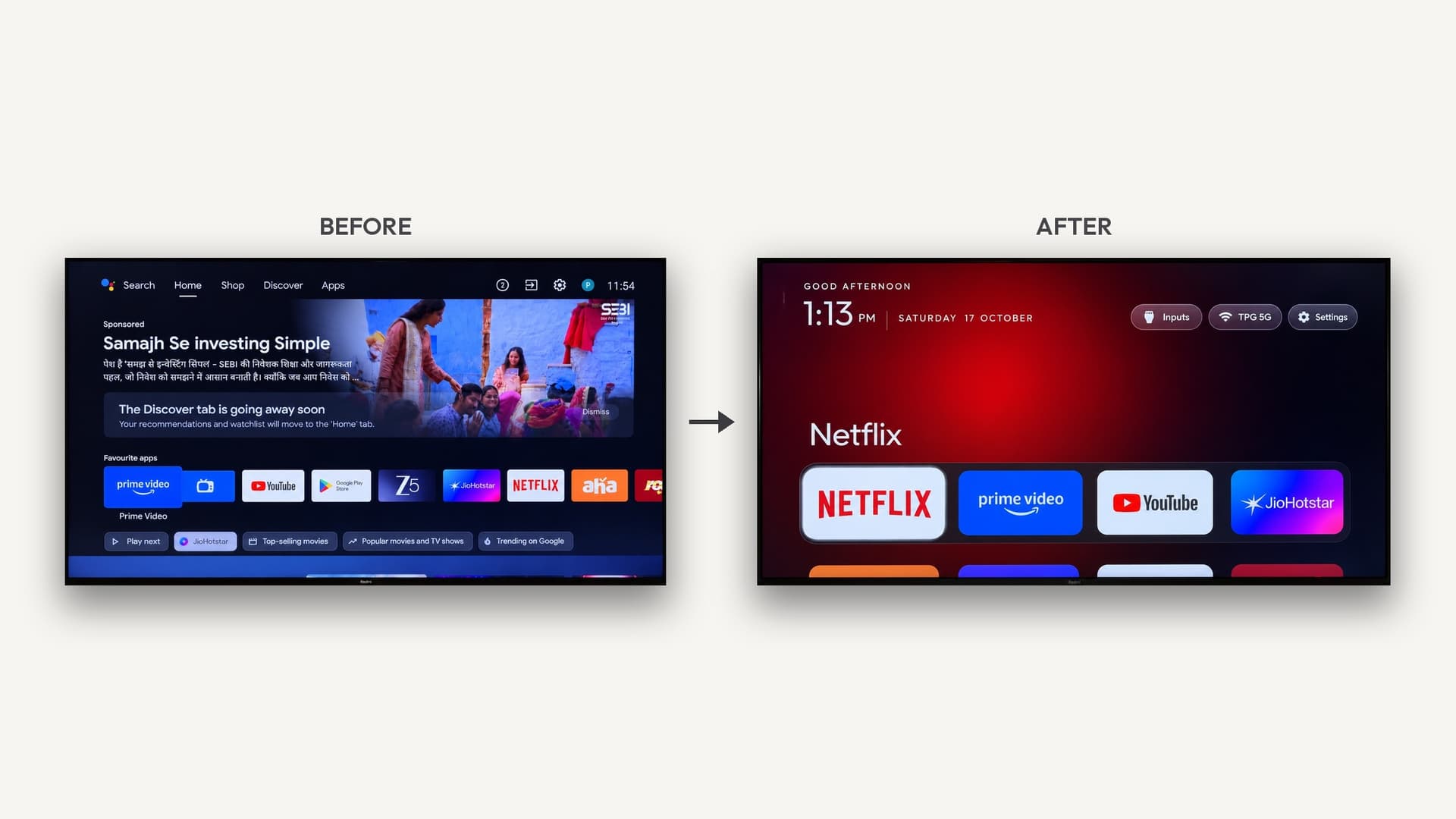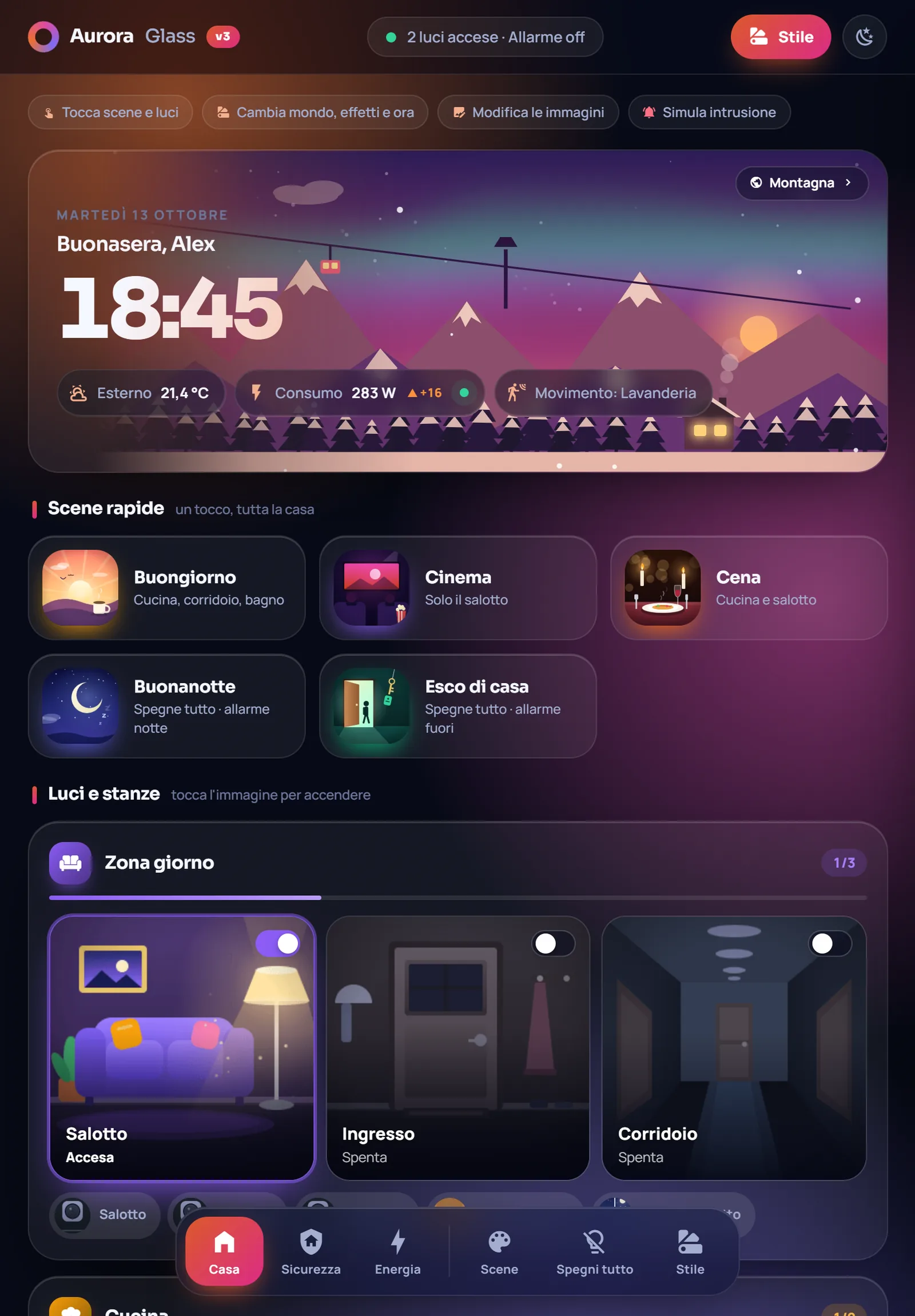
The easiest Home Assistant wall display is an old tablet, picture frame, smart display or TV running a full-screen dashboard. AI coding tools can write the custom dashboard cards, kiosk setup and small integrations, so most builds need no soldering and score 4 or 5 on AI-buildability. ESP32 touchscreens work too for a single-purpose panel.
Start with a screen you already have
A Home Assistant wall display is a screen that shows your dashboard all day: lights, cameras, weather, calendars, the next train. You don't need to build the screen. The most satisfying builds on Afterware start with hardware that was headed for a drawer:
- Old tablets and phones, mounted on the wall and running the dashboard full screen.
- Discontinued smart displays, like the $35 Meta Portal reborn as a Muni tracker.
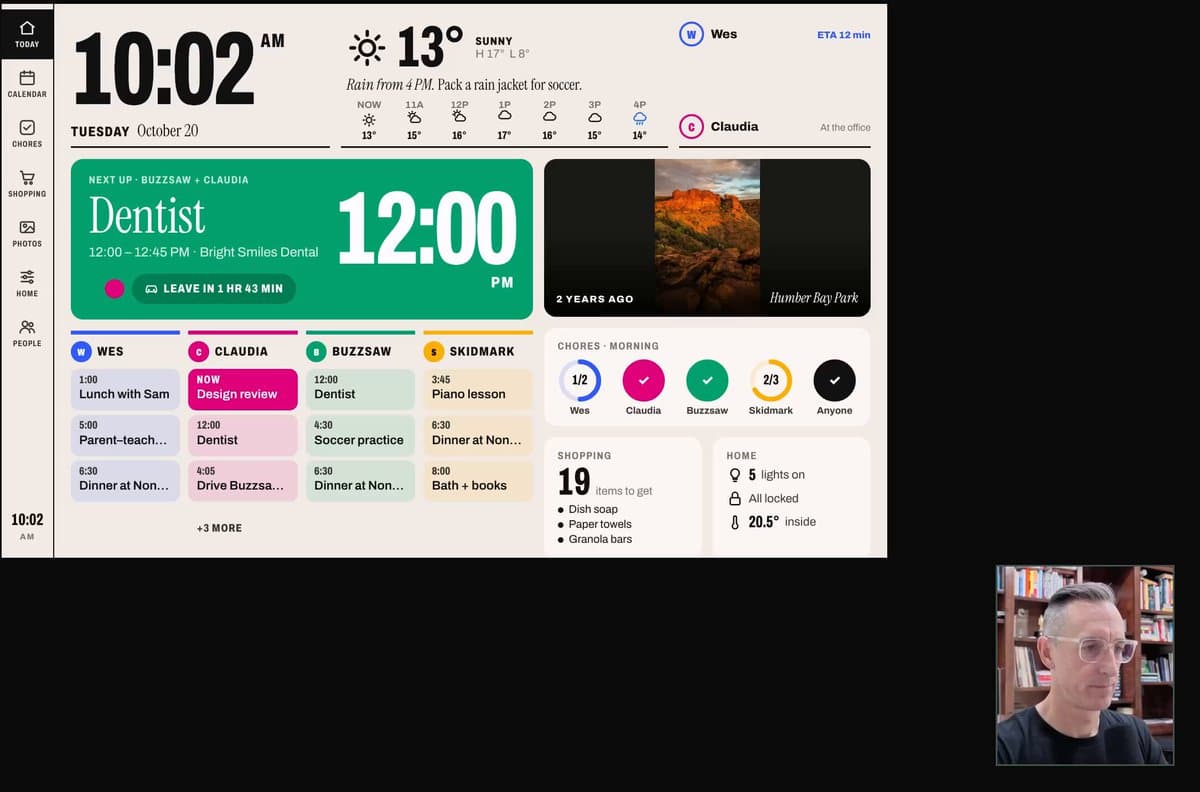
- Digital picture frames, like Home HQ, a family dashboard of calendars, chores, weather and controls on a kitchen frame.
- TVs, like the Hisense Canvas wall display that shows the doorbell, a chicken cam or the planes overhead, then goes back to art mode.
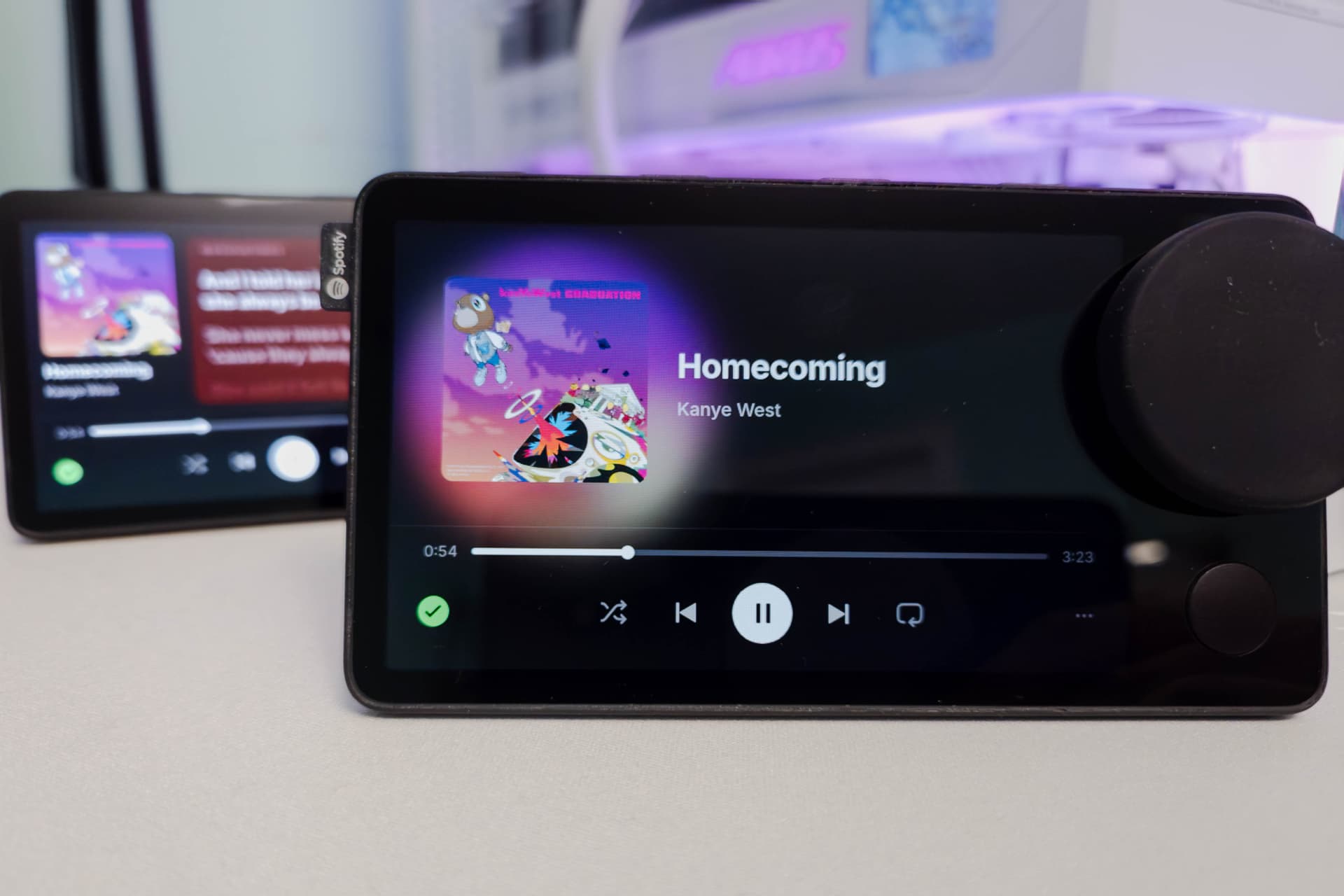
- Revived gadgets, like the Spotify Car Thing on Mira firmware.
Make the dashboard yours
Home Assistant's dashboards are built from cards, and the community adds more through HACS. This is where AI coding tools shine: a custom card is a small piece of JavaScript and CSS, which is exactly what they write well.
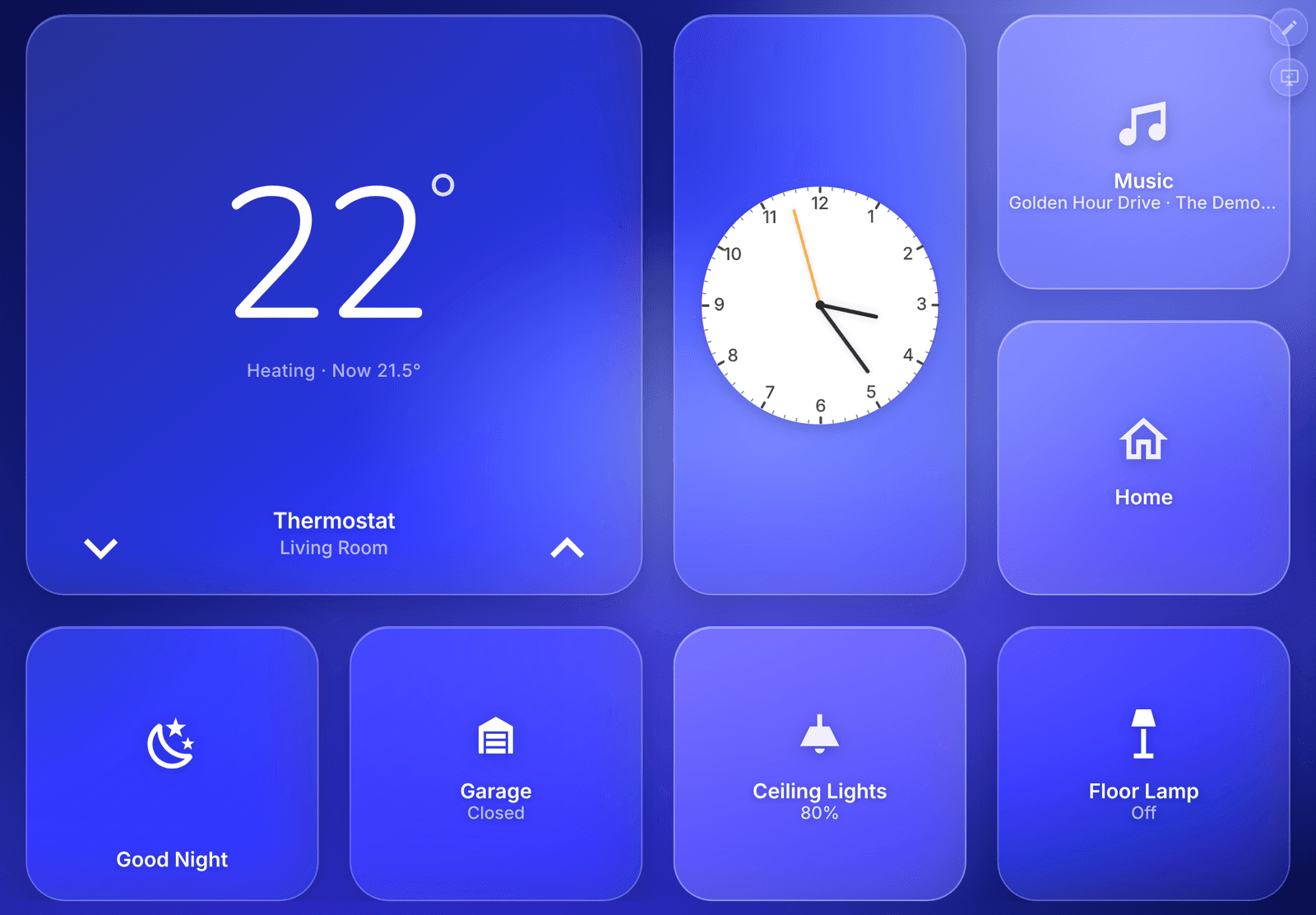
- Frosted-glass Home Assistant dashboards, no YAML: a wall-panel card pack with a Now Playing screen and a screensaver.
- A wall tablet that lives by the sun: one custom card that animates a sky, sun and moon in real time, with weather effects.
- A TV home screen that's a live 3D model of the apartment: flip a light and the model follows.
A good first prompt: "Write a custom Home Assistant Lovelace card that shows the time, today's weather and my three most-used lights as big tap targets, designed for a 10-inch tablet in landscape. Explain how to install it."
Getting it on the wall
- Pick the device and update it as far as it will go.
- Run a kiosk browser (Fully Kiosk Browser and similar apps on Android), or a launcher replacement on a TV, so it opens straight to your dashboard and stays awake.
- Mount and power it. A flat USB cable along the wall or a powered frame keeps it tidy.
- Dim it at night. Ask the AI for an automation that lowers brightness or switches to a clock after dark.
Building one from scratch
If you want a dedicated panel, ESP32 touchscreens running ESPHome or LVGL can show a few controls and sensor readings. A Cheap Yellow Display is the low-cost way in; e-paper is better for slow-changing info like weather and calendars (see the e-ink dashboard guide). These need more hands-on work than a tablet but are still mostly code.
How AI helps
Most of these builds are software on hardware you already own, which is why they score 4 or 5 on AI-buildability. AI is good at dashboard cards, automations, kiosk setup steps and small scripts that talk to a device over ADB or your network. It can't see your house, so tell it your entity names, screen size and what you want to glance at.
Related
- Vibe hardware: what it is and how to start
- How to vibe code your home over Wi-Fi with Claude Code
- What to do with a Lululemon Mirror
- Remove smart TV ads with AI
- Vibe coding hardware ideas
Home Assistant builds on Afterware are listed below.