Interfaceby Alex Miller · blog.alexmiller.net
Interface · mod
A $35 Meta Portal, reborn as a Muni tracker
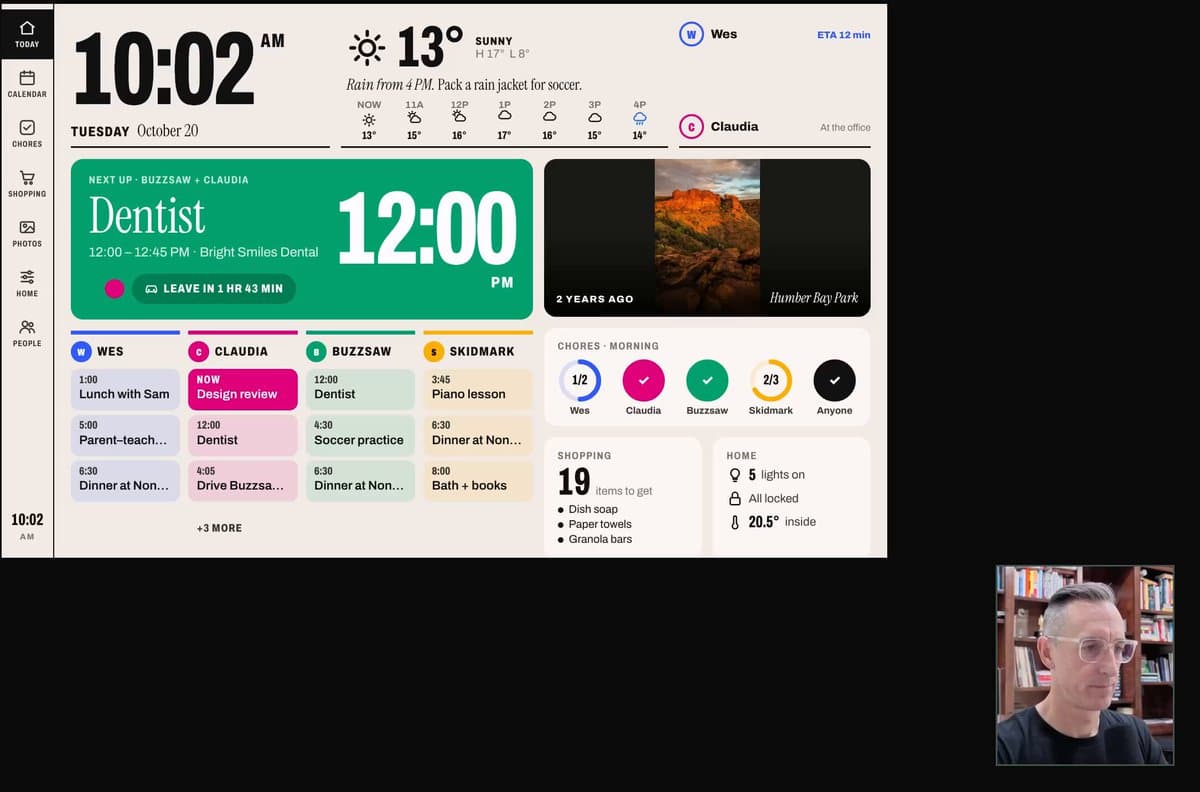
A discontinued Meta Portal bought for $35 now runs a Home Assistant dashboard, with a custom tracker for the N Judah stop on the wall.
Build sheet
- Device page
- Meta Portal →
- Device
- Meta Portal (discontinued)
- Software
- Home Assistant dashboard, kiosk mode
- Built with
- Codex
- Cost
- $35 used
Can I build this?Beginner · AI 5/5 · $0
- Difficulty
- Beginner
- AI-buildability
- 5/5
- Time
- A weekend
- Cost
- $0
Almost all the work is software on a display you already own, with Codex writing the dashboard and tracker code.
Tools
Home AssistantCodex
Starter prompt
Based on "A $35 Meta Portal, reborn as a Muni tracker" on Afterware: https://afterware.xyz/p/a-35-meta-portal-reborn-as-a-muni-tracker
Write a Home Assistant dashboard for an old tablet or smart display running in kiosk mode. Show the next departures for one transit stop by pulling from a public transit API, refresh every 30 seconds, and use large high-contrast text for reading from across a room. Keep the layout to one screen with no scrolling.
Estimates based on the original write-up. How AI-buildability is scored. The maker built this with AI tools: more vibe-coded builds. Building with an AI assistant? Connect it to Afterware (free MCP server).
Story
Azad picked up a discontinued Meta Portal for $35 and pointed it at a new job. The smart display now runs a Home Assistant dashboard in kiosk mode, with a custom tracker for the N Judah stop in San Francisco's Muni system.
The code was written by Codex, per the post. The screen is the interface: the Portal's original hardware stays put, and the new software turns it into a wall-mounted info panel for the next train.
Worth stealing if you have an old smart display in a drawer. Kiosk-mode Home Assistant plus a small custom card is a weekend job, and the same approach works for any stop, bus line or dashboard you check every morning.
Featured in
Home Assistant Wall Displays You Can Build With AIHow to vibe code your home over Wi-Fi with Claude CodeMore like this
More like this
Interfaceby Alex Miller · blog.alexmiller.net Interfaceby EnglandLobster · GitHub · LVGL