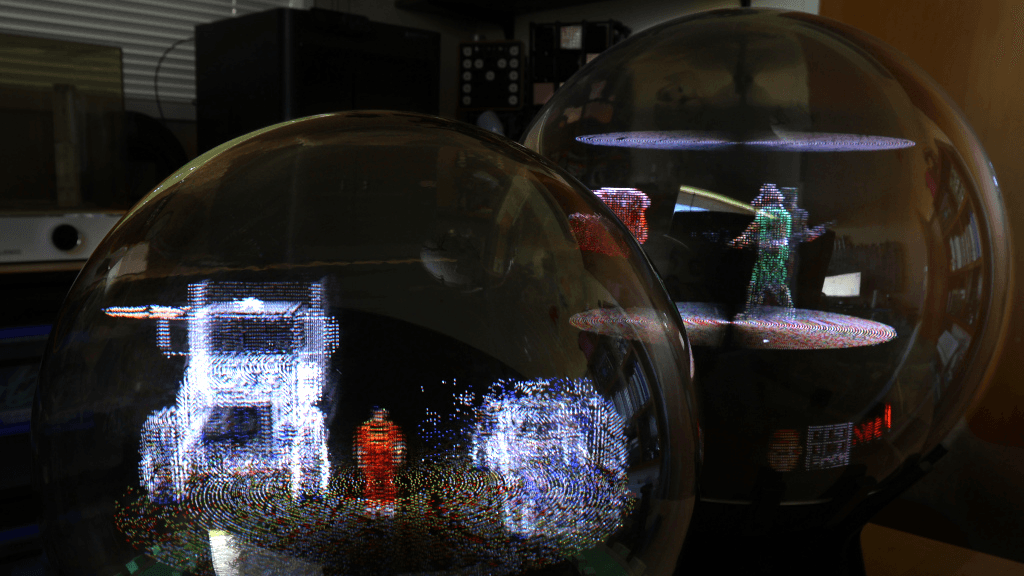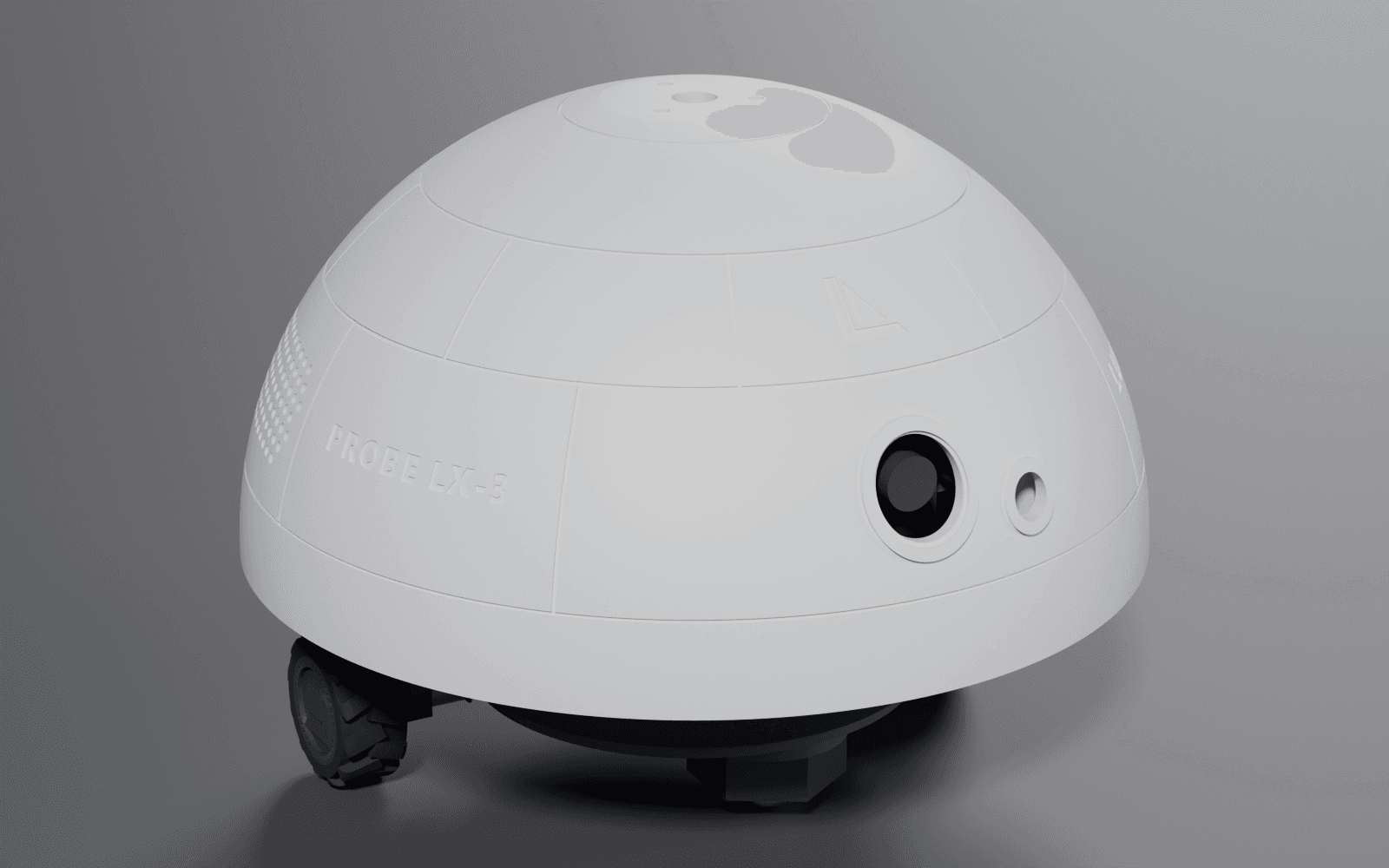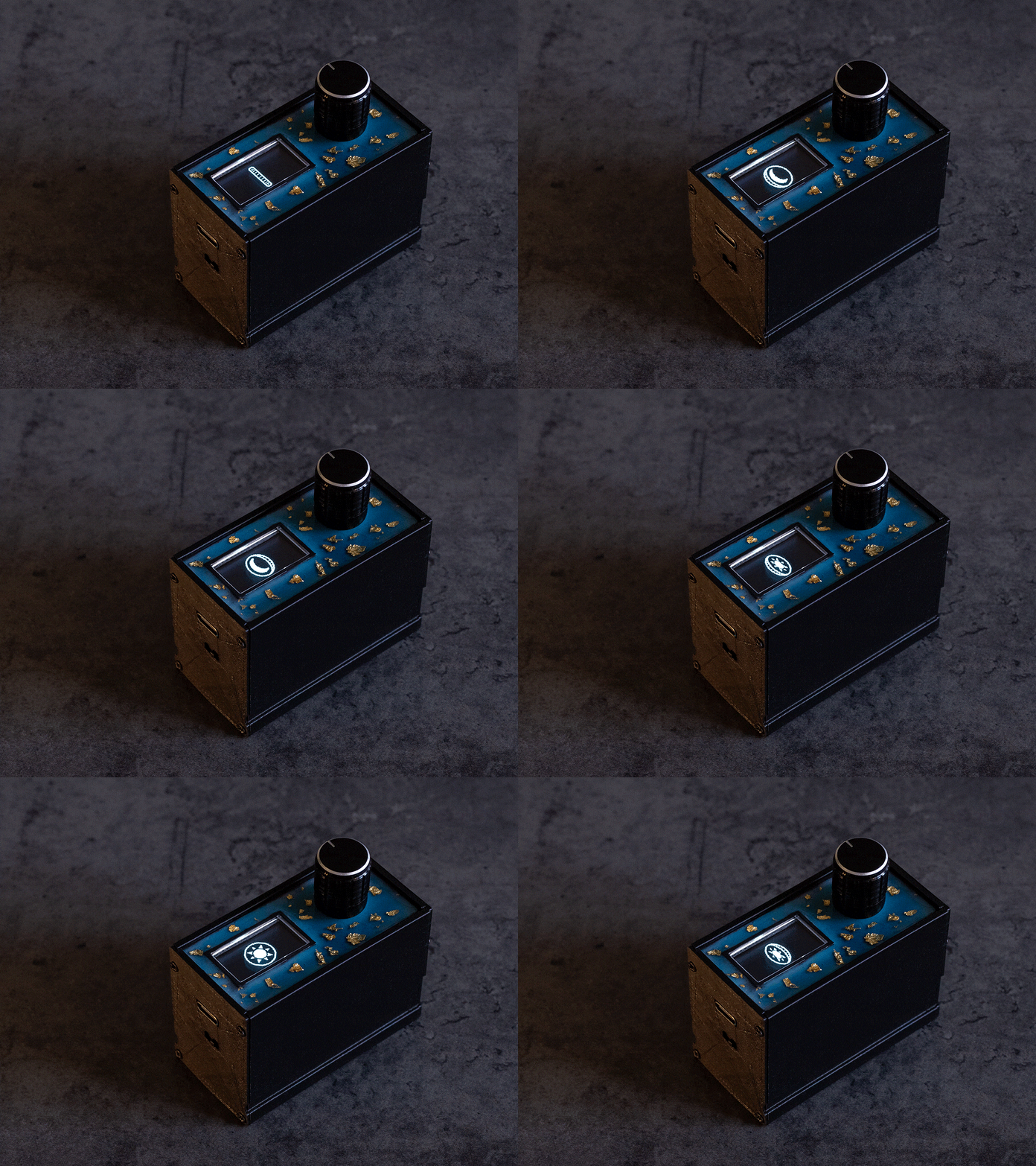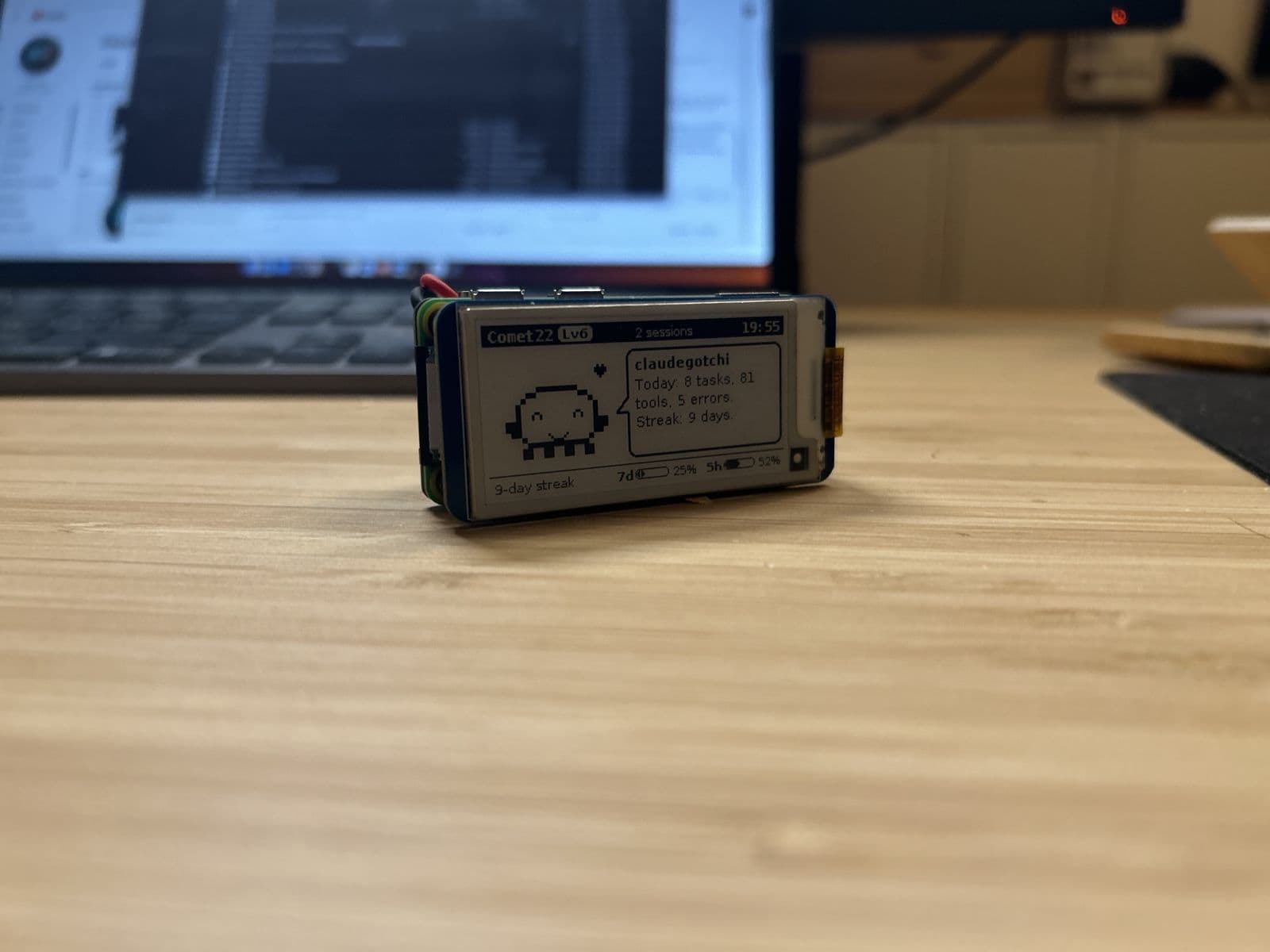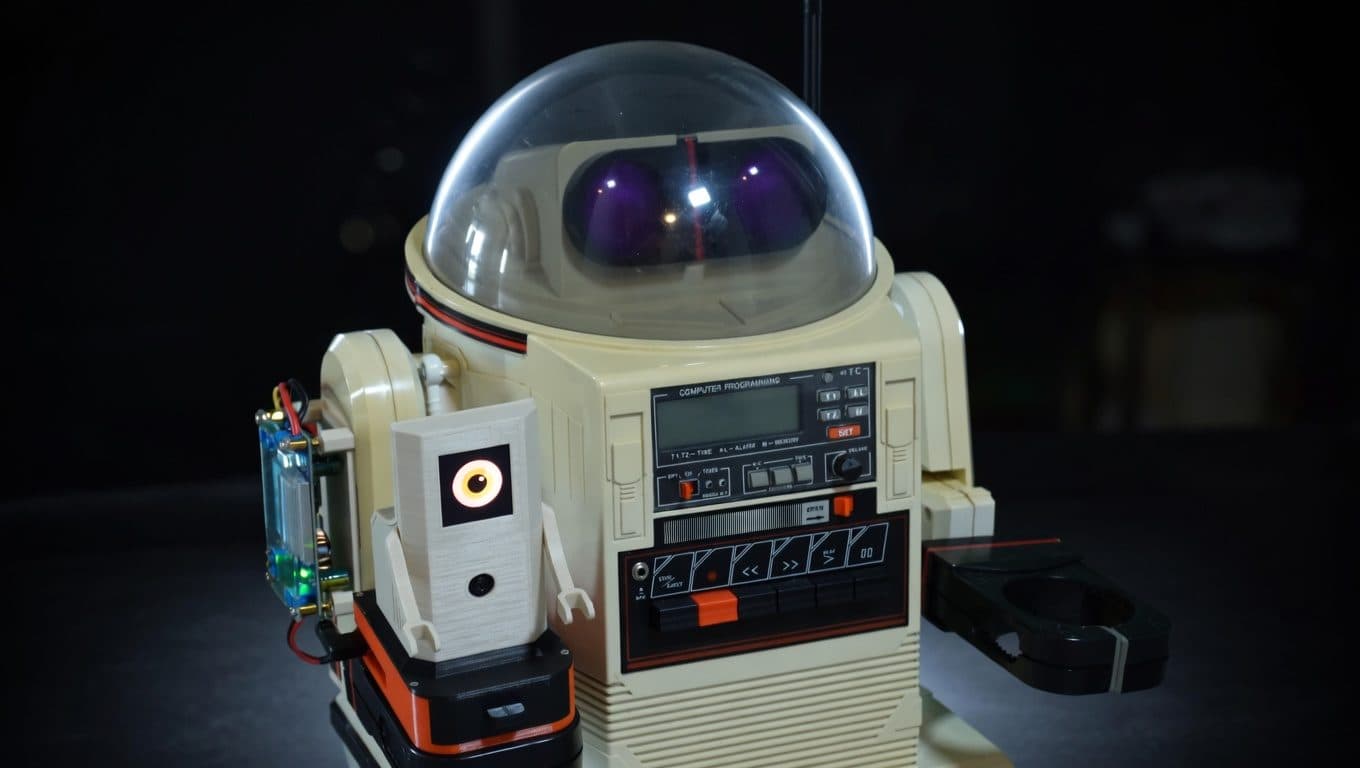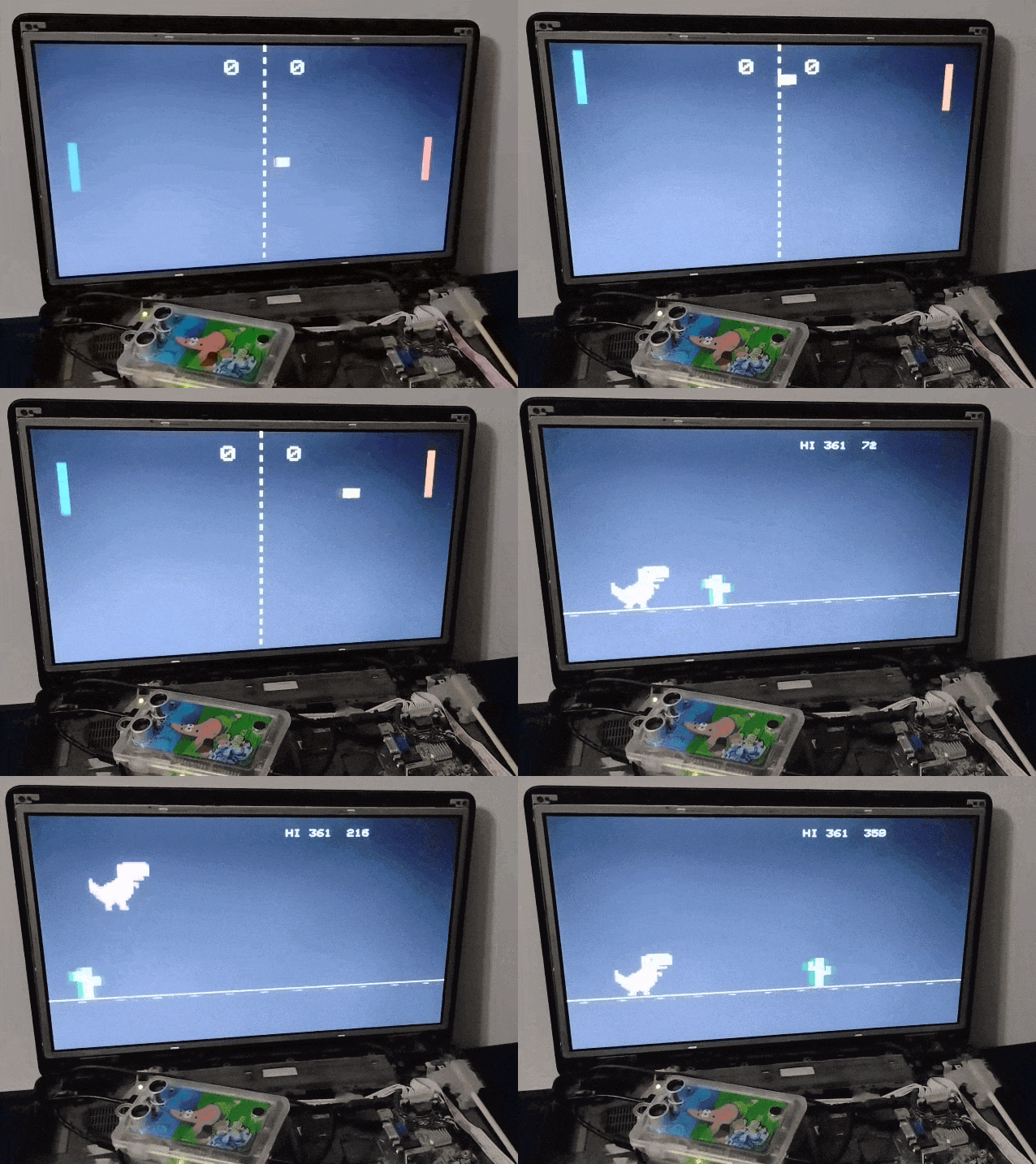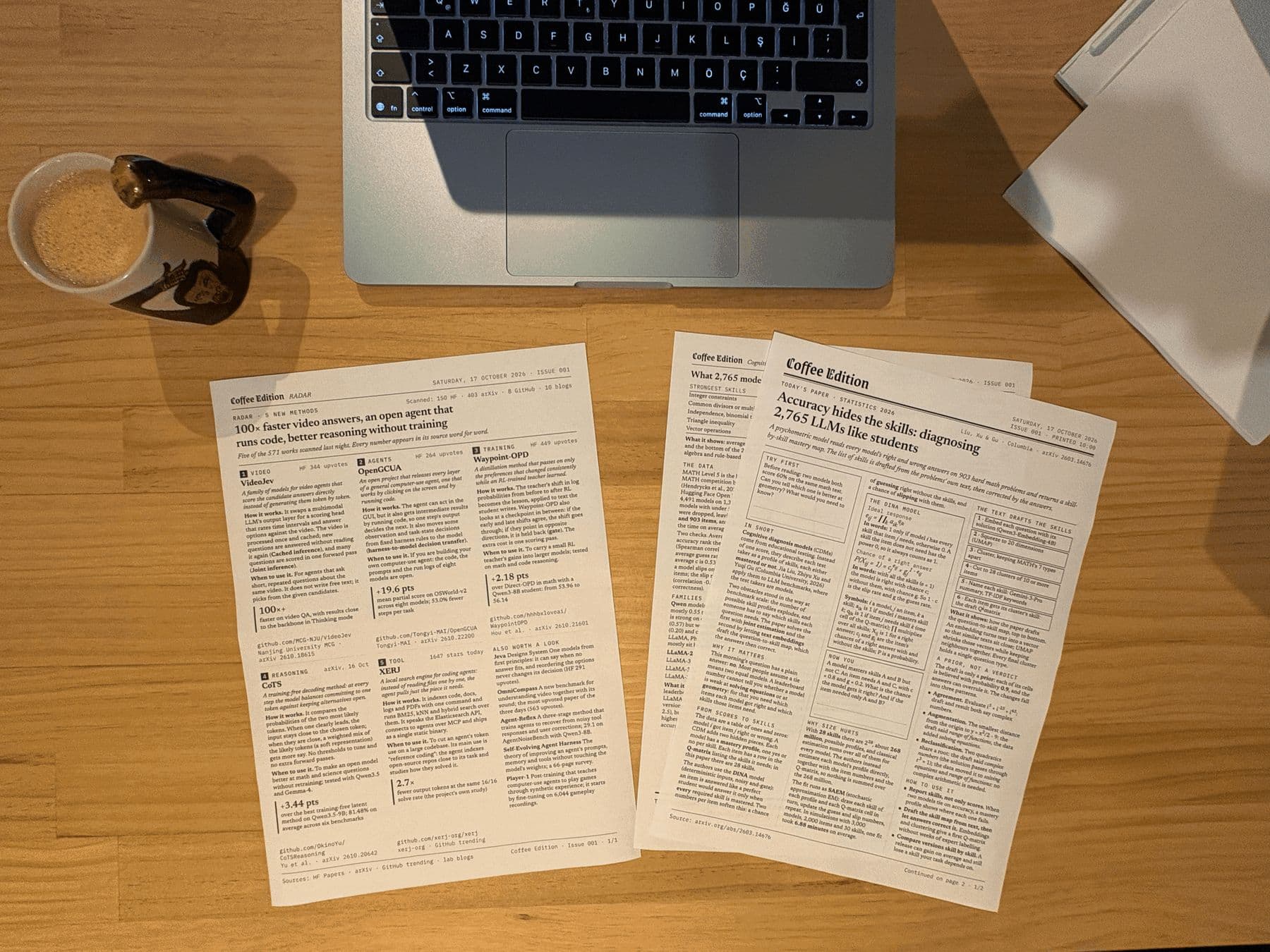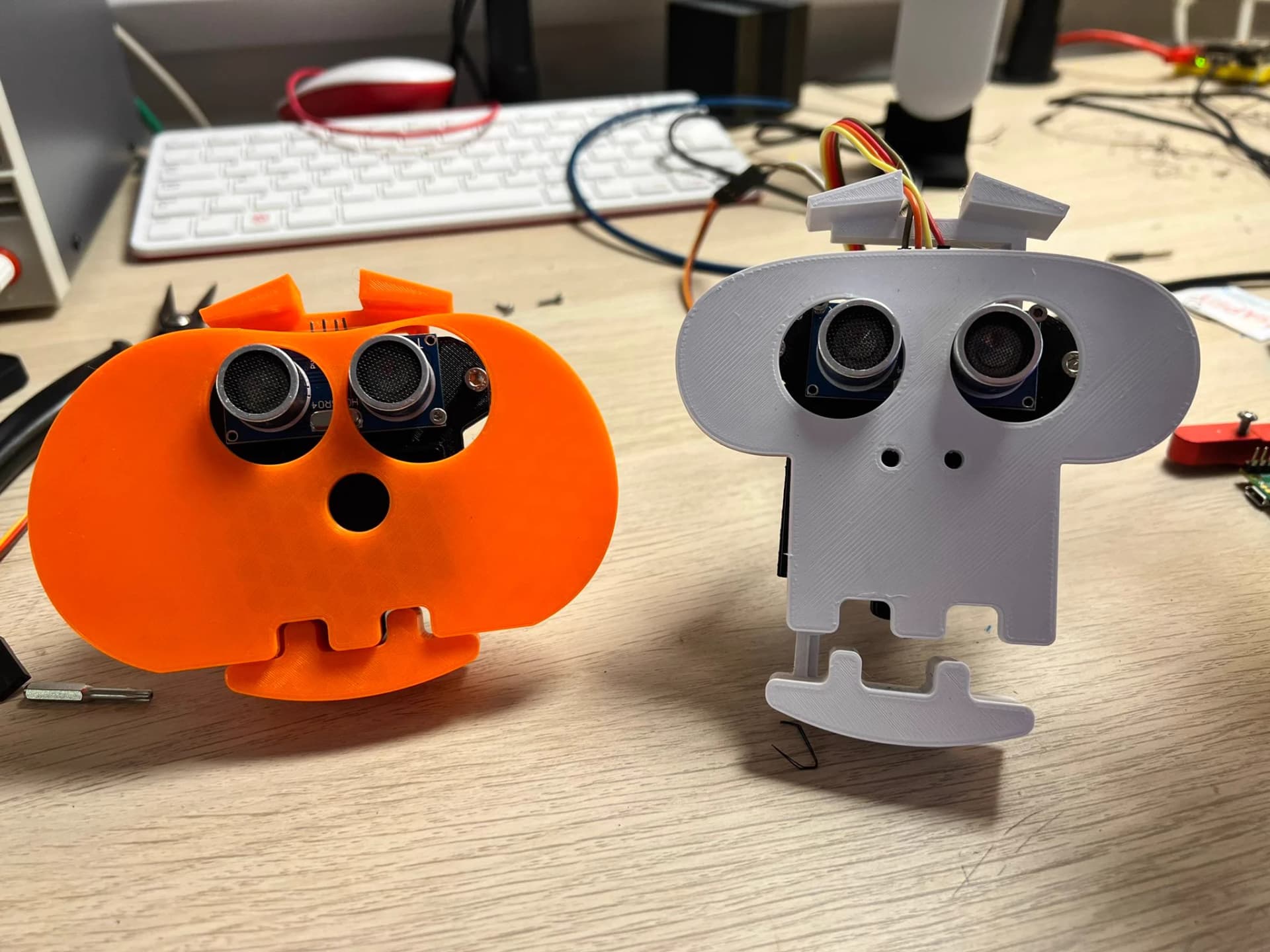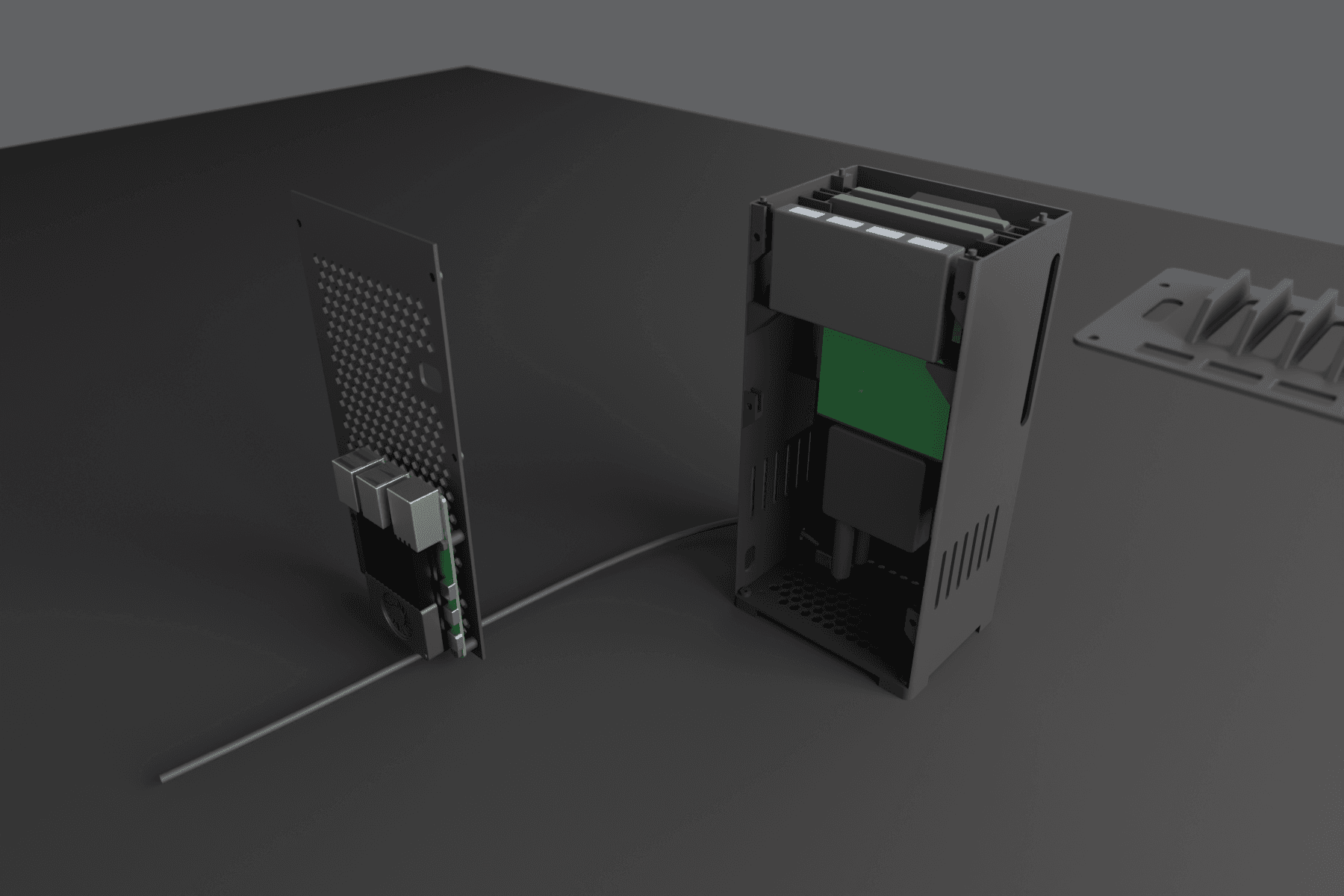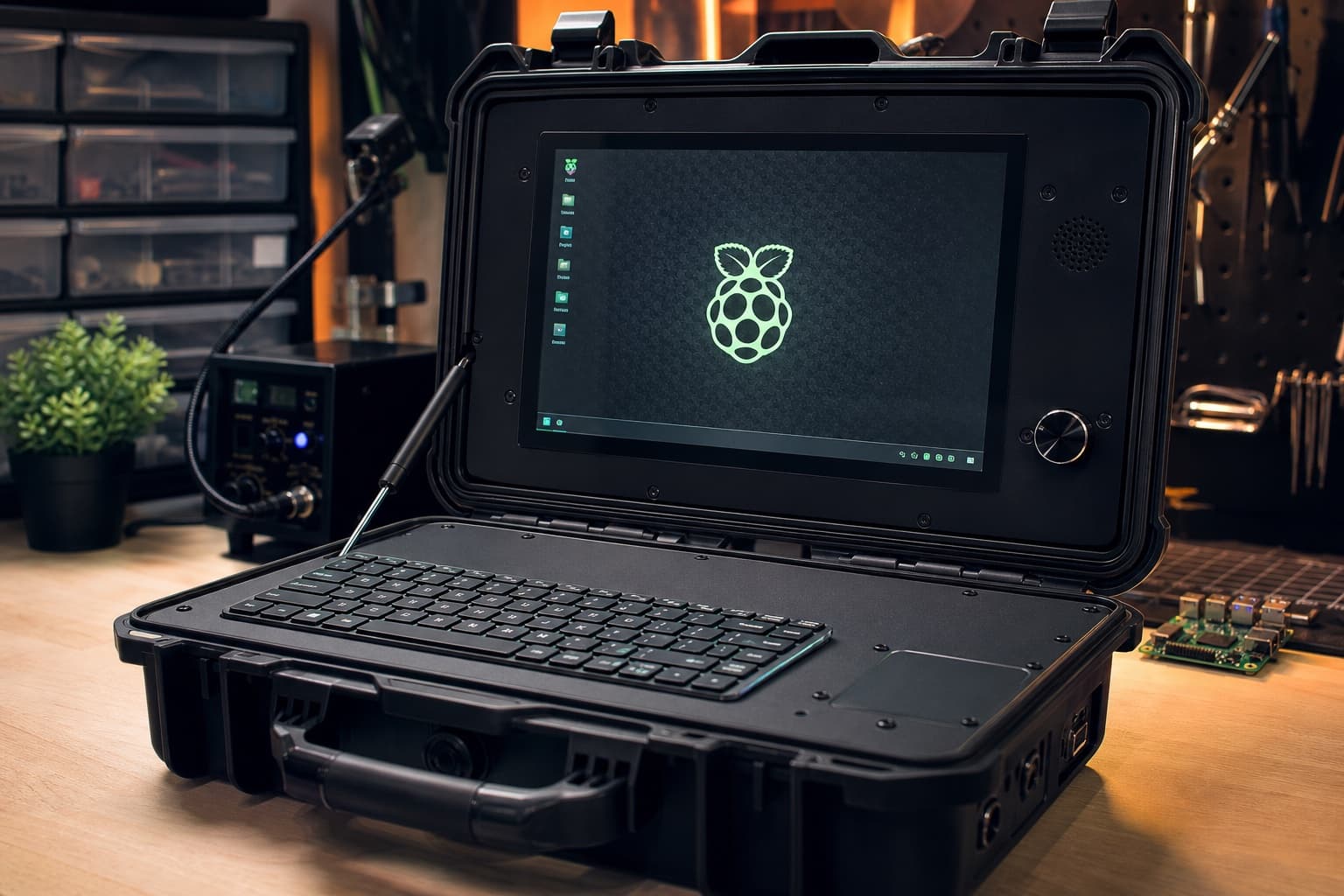
Start with an ESP32 for most first builds: it's cheap, boots instantly, has Wi-Fi and Bluetooth, and AI tools write reliable code for it. Choose a Raspberry Pi when the project needs a full Linux computer, such as a camera with vision, a desktop screen, a media server or a cyberdeck. The Pico is a microcontroller, closer to the ESP32.
The short answer
They're different kinds of board. An ESP32 is a microcontroller: it runs one program, starts in a blink and sips power. A Raspberry Pi (Pi 4, Pi 5, Zero 2 W) is a small Linux computer: it runs an operating system, Python, a browser and a camera stack. AI coding tools are good with both, so pick by what the project needs.
When an ESP32 is the better pick
- Screens, sensors and buttons. Weather displays, desk clocks, plant sensors, macro pads.
- Battery or always-on builds. Deep sleep lets an ESP32 run for a long time on a small battery.
- Wi-Fi gadgets. Calling an API, showing a dashboard, controlling smart devices.
- Small enclosures. Boards like the ESP32-S3 come with screens built in.
- Cost. Boards cost a few dollars to the low tens.
When a Raspberry Pi is the better pick
- Cameras and vision. Object detection, timelapses, video.
- A full desktop or terminal. Cyberdecks, kiosks, retro gaming.
- Servers. A NAS, a home dashboard, a media server.
- Heavy Python libraries that won't fit on a microcontroller.
- Bigger robots that need vision and planning.
And the Raspberry Pi Pico?
The Pico and Pico 2 W are Raspberry Pi's microcontrollers, much closer to an ESP32 than to a Pi 5. They're cheap, well documented, run MicroPython or C, and handle odd jobs like generating video signals. Choose one when you like the Raspberry Pi ecosystem or need its PIO hardware for precise timing.
How AI coding feels on each
- ESP32: the AI writes Arduino, ESP-IDF or MicroPython code, you flash it over USB and read errors in the serial monitor. A fast loop with small programs.
- Raspberry Pi: the AI writes Python or shell scripts, and coding agents like Claude Code can work on the Pi itself or over SSH, installing packages and testing as they go. Bigger programs, but more moving parts: OS updates, permissions and services.
A quick way to decide
- Does it need a camera, a desktop or a lot of storage? Pi.
- Does it run on a battery or need to start instantly? ESP32 or Pico.
- Is it a screen showing data from the internet? ESP32.
- Not sure? Start with an ESP32 board that has a screen; it's the cheapest way to learn.
Related
- Best first ESP32 projects
- Can ChatGPT or Claude program an ESP32?
- Cheap Yellow Display projects
- What do I need to start vibe coding hardware?
- How AI-buildability is scored and what vibe hardware is
Raspberry Pi and Pico builds on Afterware are listed below.