Mostly, if you use a well-tested tool on an Android TV or Google TV and follow its backup steps. Apps are disabled rather than deleted, so changes can usually be undone. The real risks are boot loops on some models, broken features like voice search, lost firmware updates and leaving network debugging switched on. If that sounds like too much, a Play Store launcher and turning off ACR get you most of the way.
Last updated October 23, 2026.
Why people are asking
After AI coding agents like Claude Code started stripping ads off smart TVs in mid-October 2026, a second wave of coverage pushed back. PCWorld ran "Please don't use AI hacks to debloat your TV" on October 22, arguing the hacks are complicated, limited to Android-based TVs and risky. Both sides have a point. Here's what actually goes wrong, how to lower the risk, and the safer routes if you'd rather skip it.
What can actually go wrong
- Boot loops. The cleanyourtv and TV Detox projects both warn that some TVs have gotten stuck restarting after the wrong system app was disabled, most often the Google TV home app. Good tools now leave it alone by default.
- Broken features. Disabling the wrong package can break the Home button, HDMI input switching, voice search or casting, for everyone in the house.
- No more firmware updates. Turning off the manufacturer's update service also turns off security fixes.
- An open door on your Wi-Fi. Network debugging (ADB over Wi-Fi) is unencrypted. If you leave it on, other devices on your network may be able to control the TV.
- Block lists from strangers. Which apps get disabled on your model often comes from lists other users contributed. They're usually right, but nobody vets them for every firmware version.
- Updates undo the work. A firmware update can switch disabled apps back on, and projects can go quiet.
- It doesn't block in-app ads. Ads inside Netflix, YouTube or Prime Video, and those services' own tracking, are untouched.
- It costs something. Most of these projects expect a paid AI coding agent. Some agents have free tiers with tight limits.
How to lower the risk
- Check your TV is supported. Android TV and Google TV work best. See which smart TVs can AI debloat.
- Use a tool with a restore script, like cleanyourtv or TV Detox, rather than a one-off prompt.
- Back up the package list first and keep the restore command handy.
- Disable, never uninstall, and tell the agent to ask before touching anything system-level.
- Leave the Google TV home app and the update service on.
- Turn off network debugging as soon as you're done.
- Know your way back: re-enable apps from the backup, and as a last resort, factory reset.
Safer options that skip the hack
- Turn off ACR. Automatic content recognition is how most TVs track what you watch. Every major brand has a setting to switch it off (Samsung calls it Viewing Information Services).
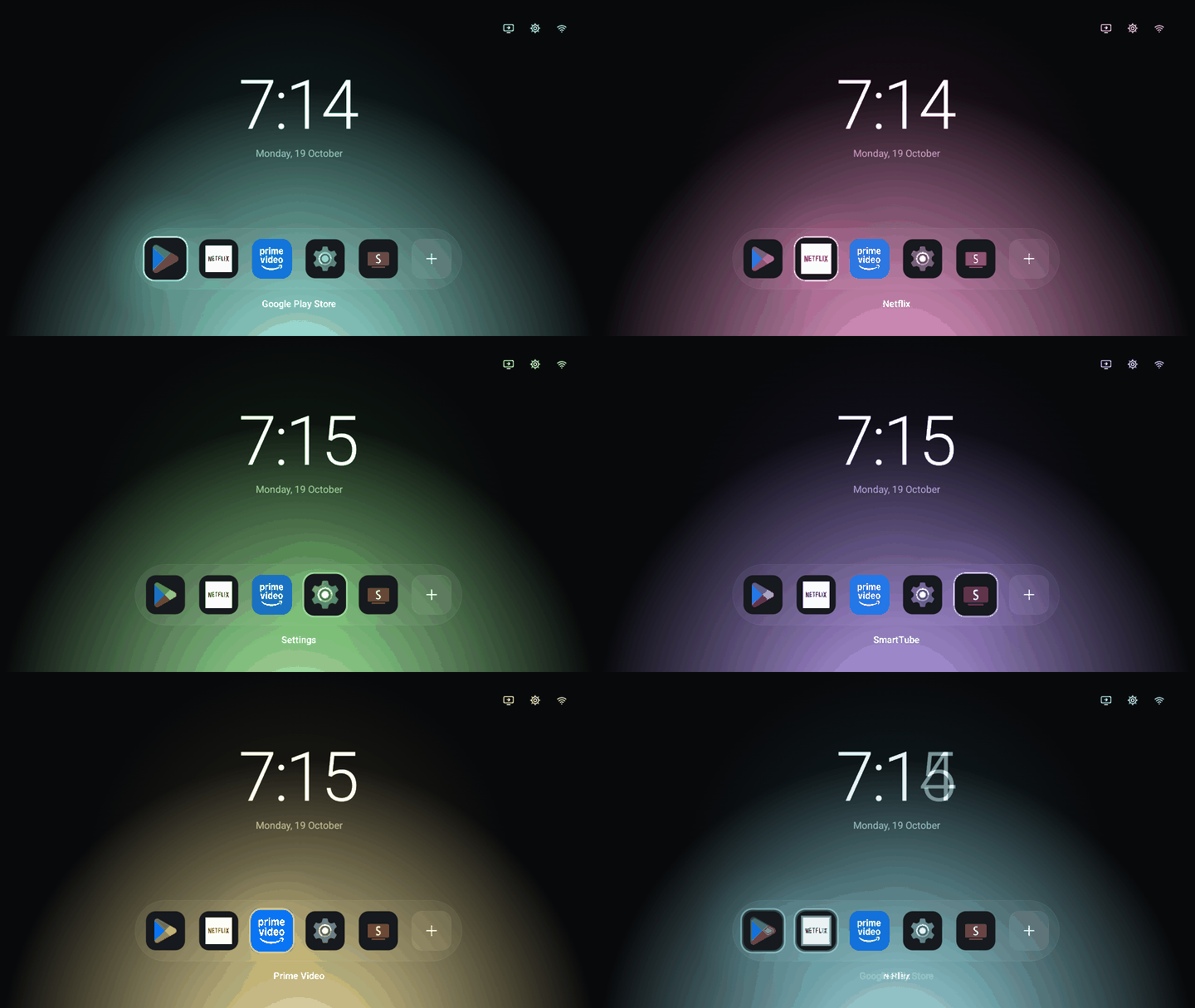
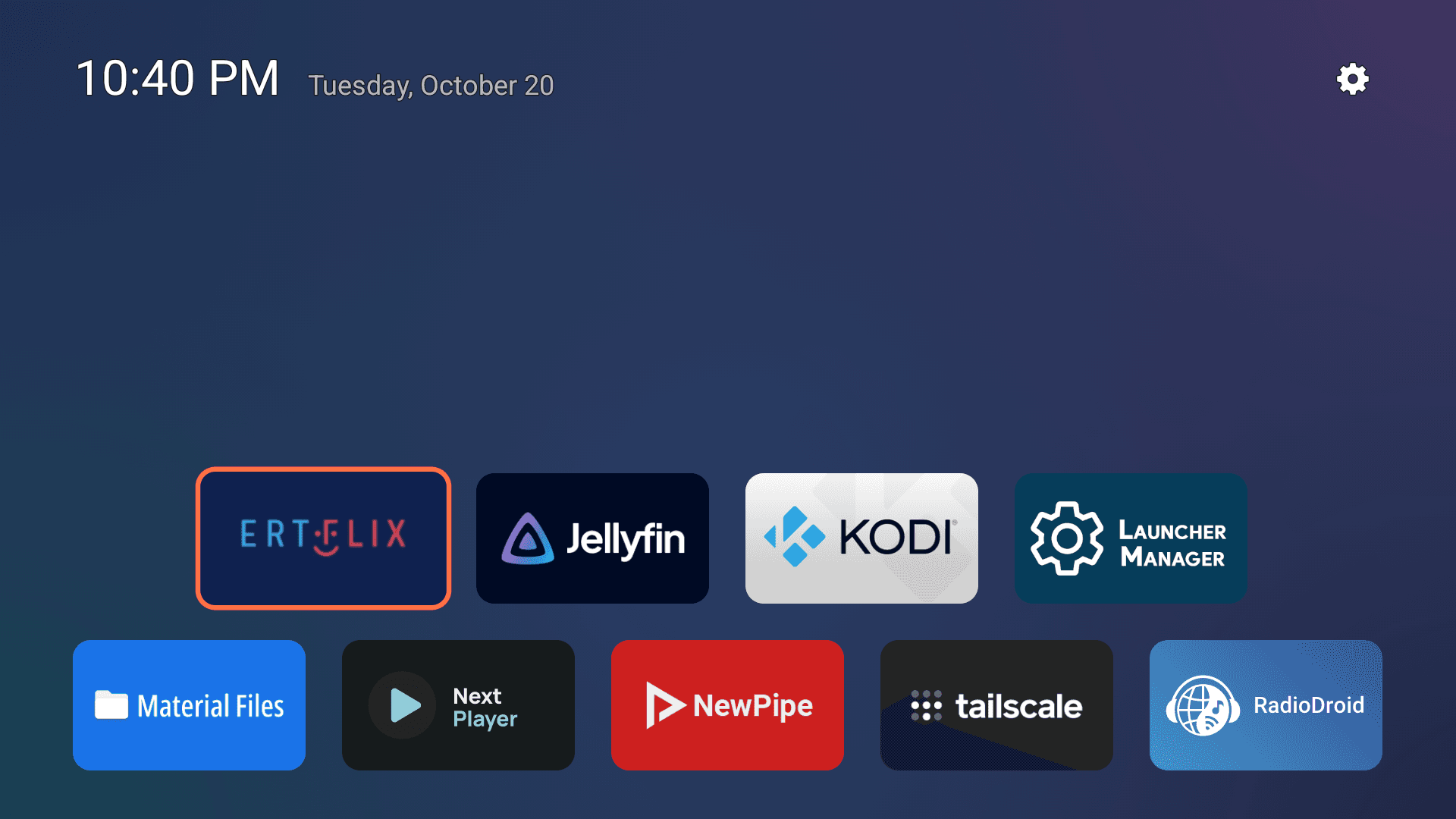
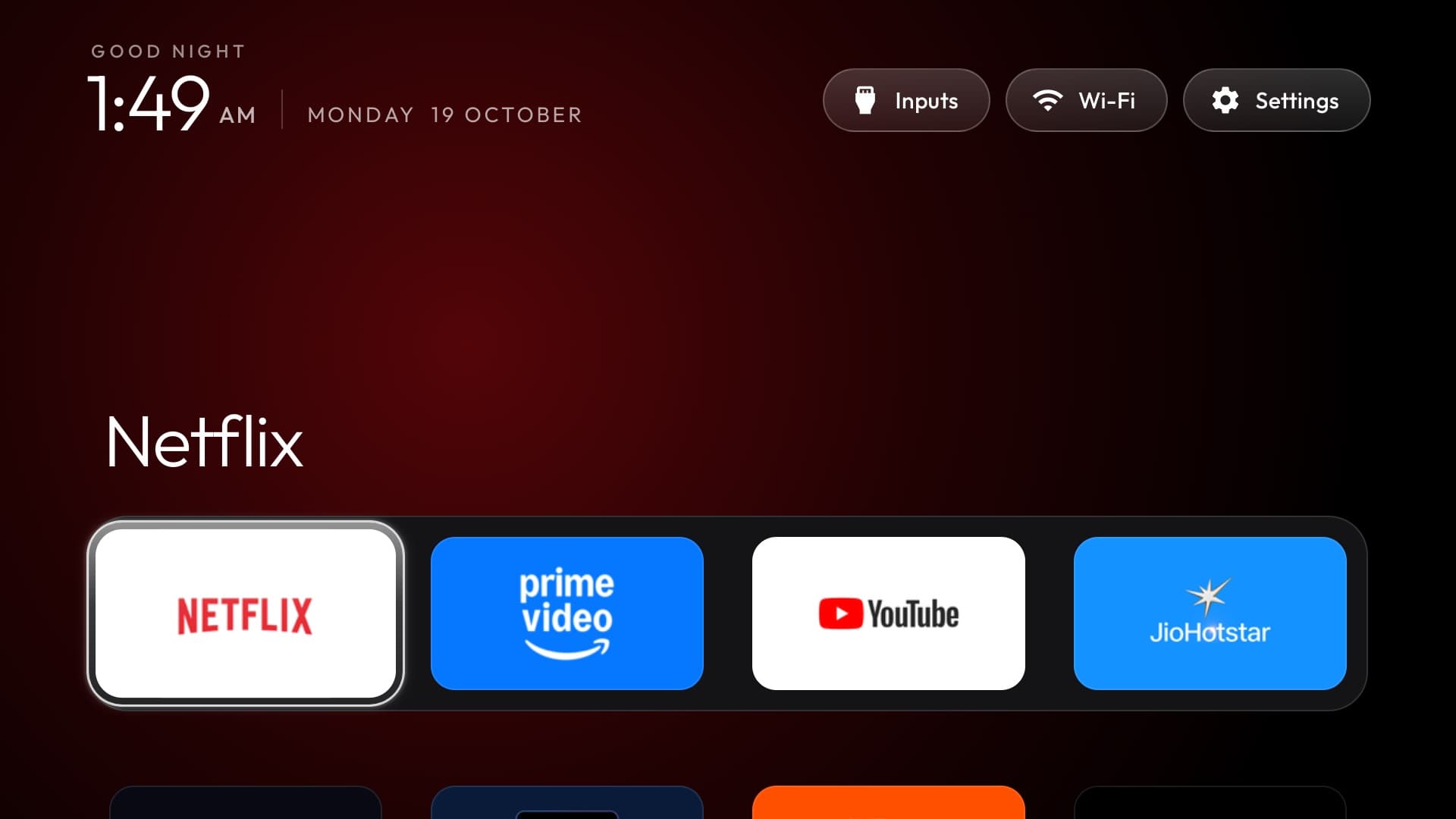
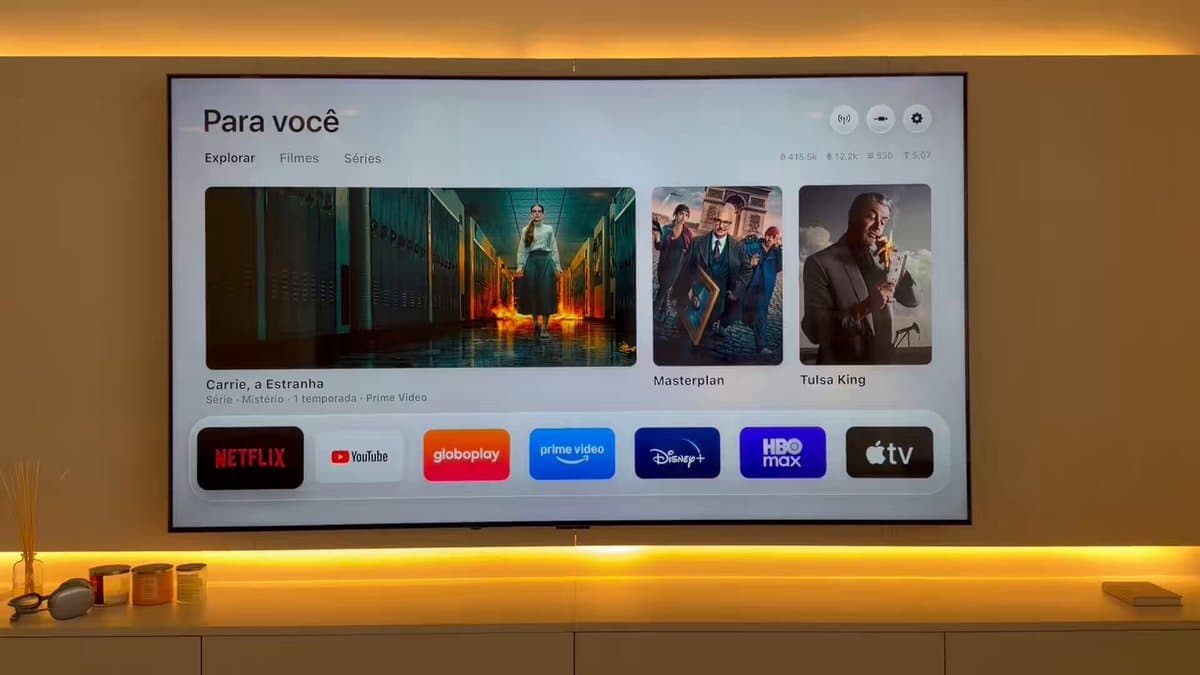
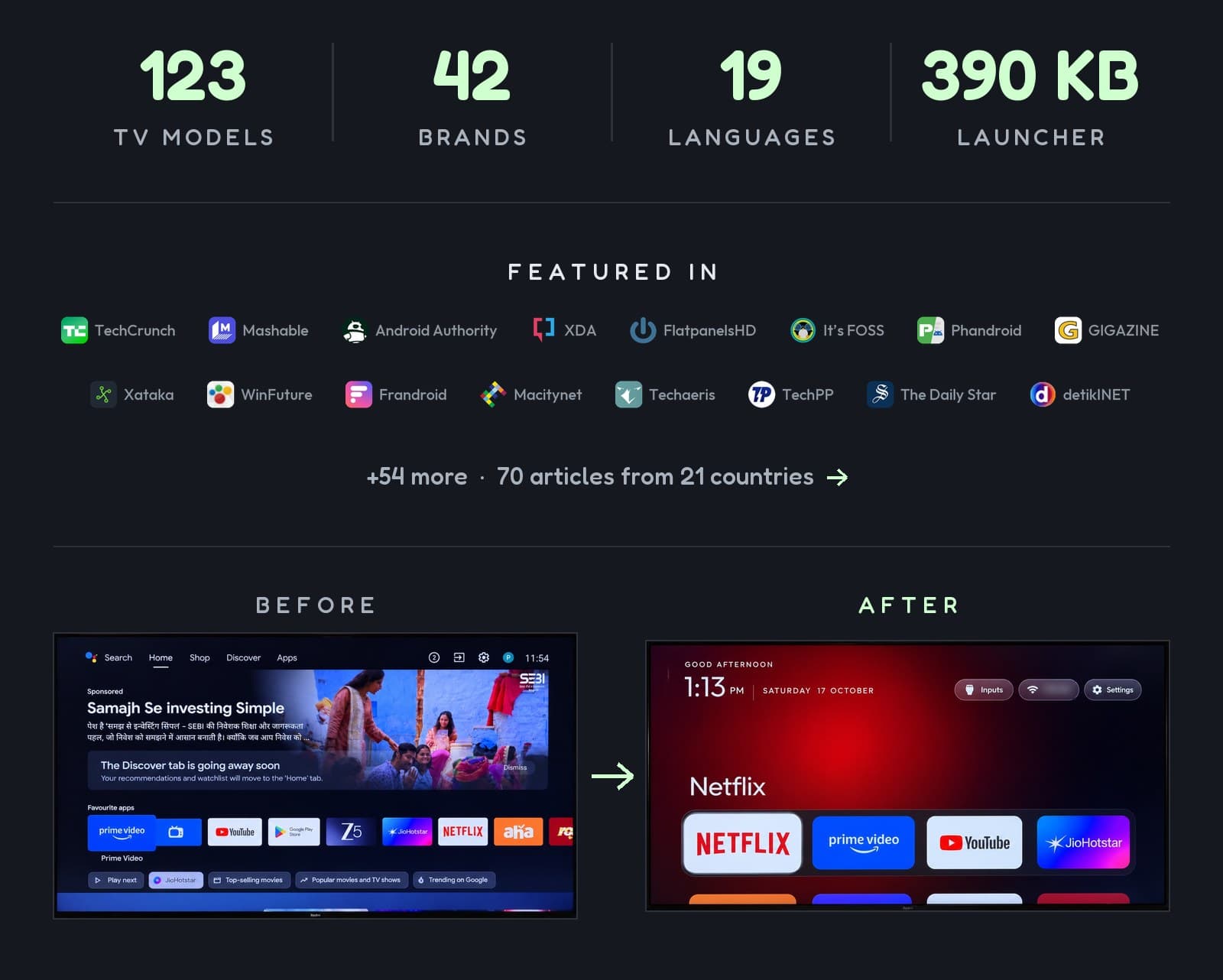
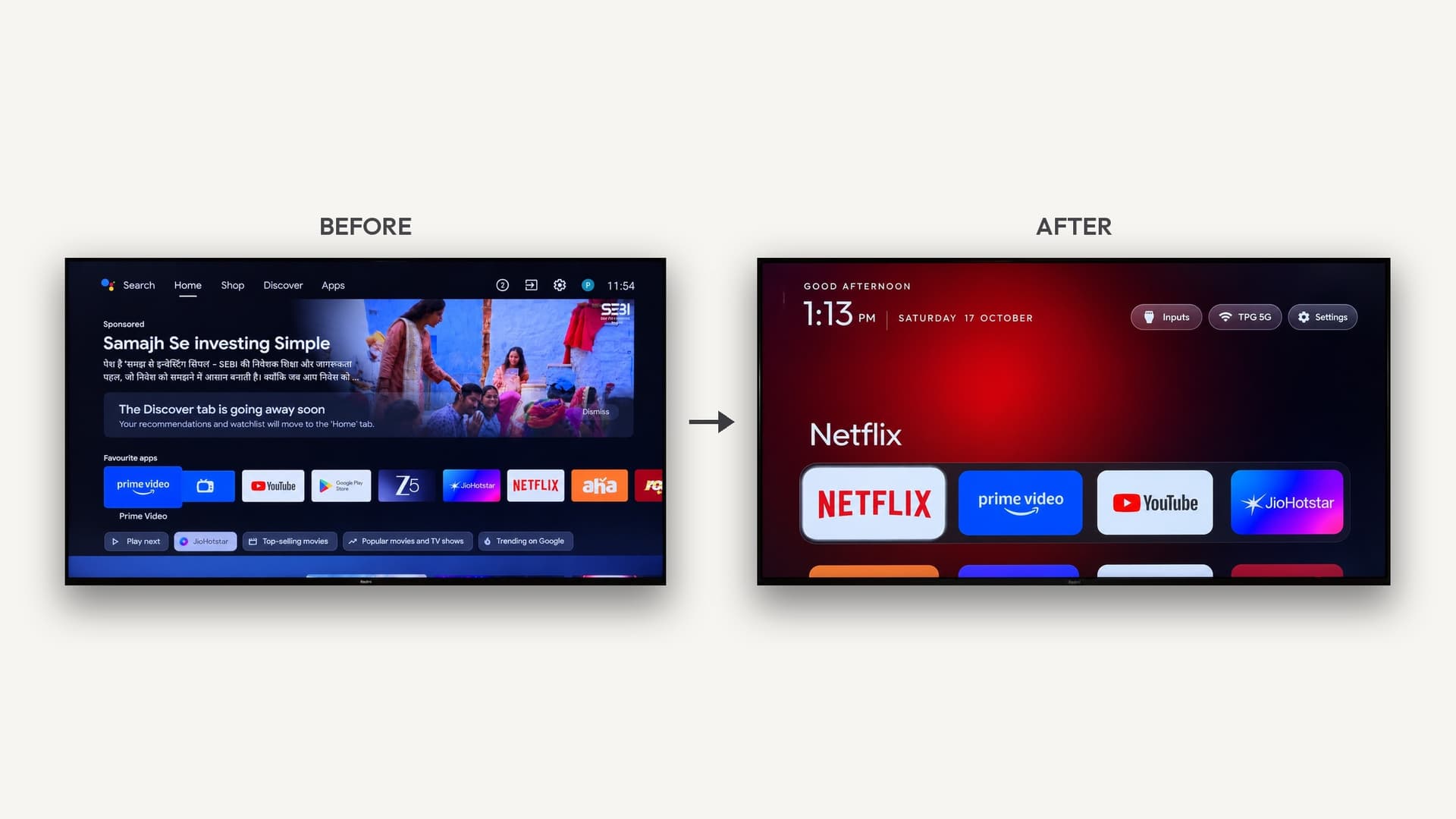
- Install a launcher from the Play Store. Launchers such as Projectivy, AT4K, Monet and Kyu replace the cluttered home screen and have been through Google's review, with user ratings to check.
- Block ad and tracking domains on your network with a DNS filter like Pi-hole. It takes more setup but covers every device.
- Use a streaming box instead of the TV's built-in software, and keep the TV itself offline.
The bottom line
On a supported Android TV or Google TV, with a tool that backs up first, disables instead of deleting, and gives you a one-line restore, the risk is low and the payoff (no home-screen ads, a faster TV) is real. On Samsung, Roku or any TV you can't afford to lose, take the safer routes above. The full how-to is vibe coding your TV: how to remove smart TV ads with Claude Code.
Related
- Vibe coding your TV: how to remove smart TV ads with Claude Code
- Which smart TVs can AI debloat?
- How to vibe code your home over Wi-Fi with Claude Code
- What is vibe hardware?
Further reading
- Please don't use AI hacks to debloat your TV (PCWorld)
- People are using AI to make their smart TVs dumb again (TechCrunch)
- cleanyourtv on GitHub
- TV Detox on GitHub
Smart TV builds on Afterware are listed below.