 Hardwareby Vikash Singh Thakur · Hackster
Hardware · build
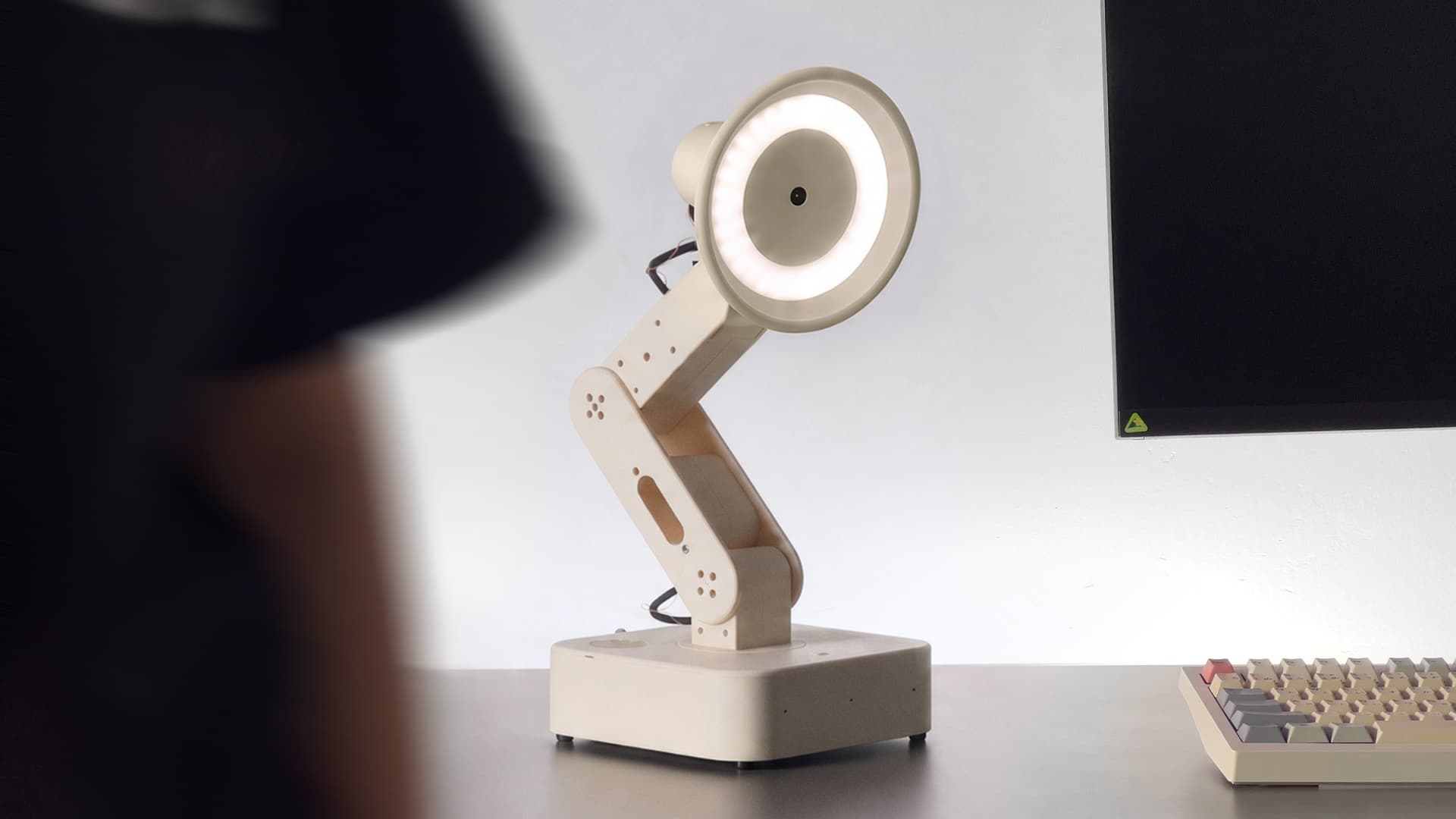
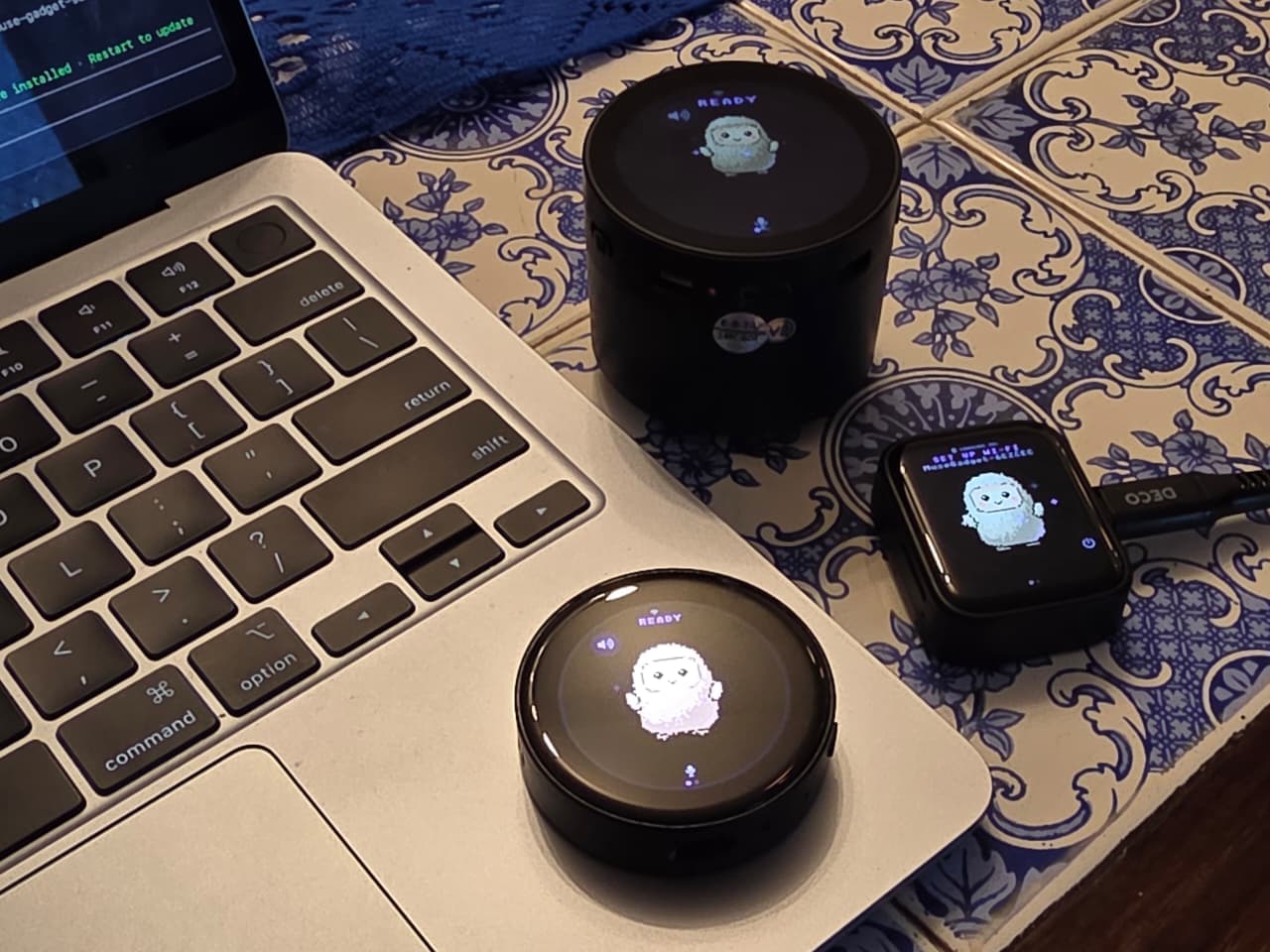
A desk robot with 56 expressions and Gemini Live voice
A round-screen desktop companion that blinks, emotes and talks back through Gemini Live. There's also a browser emulator, so you can poke at the eyes without any hardware.
Can I build this?Intermediate · AI 4/5 · $30–60
- Difficulty
- Intermediate
- AI-buildability
- 4/5
- Time
- A weekend
- Cost
- $30–60
Most of the work is software (eye animations, Gemini Live voice, a browser emulator) on an off-the-shelf ESP32 round display, with only light soldering and a printed case.
Tools
soldering iron3D printer
Starter prompt
Based on "A desk robot with 56 expressions and Gemini Live voice" on Afterware: https://afterware.xyz/p/a-desk-robot-with-56-expressions-and-gemini-live-voice
Write an animated robot-eye face for a round 240x240 TFT on an ESP32-S3 board. Include blink, look-around, happy, sad and surprised states, with a state machine that switches between them. Add a browser emulator using the same expression code so the animations can be tested without hardware. Later, hook up a microphone and a speaker for Gemini Live voice.
Estimates based on the original write-up. How AI-buildability is scored. Building with an AI assistant? Connect it to Afterware (free MCP server).
Story
The face is the hook. This round-screen desk robot runs 56 expressions and 47 animations, all driven by Gemini Live voice, so the eyes react while it talks back.
The source is a short project blurb with no build details, so the board, display and wiring aren't documented here. What it does say is that a browser emulator is included, which lets you run the eye animations on a computer before you commit to hardware.
If you want a cheap desk companion, the emulator-first approach is the useful part to steal: build and tune the expression set in a browser, then port it to a round display once the animations look right.
Featured in
Can you vibe code a robot?More like this



More like this
Hardwareby Vikash Singh Thakur · Hackster Videoby Oh Well Why Not · Hackaday